Simplifying Model and Reducing Filesize
-
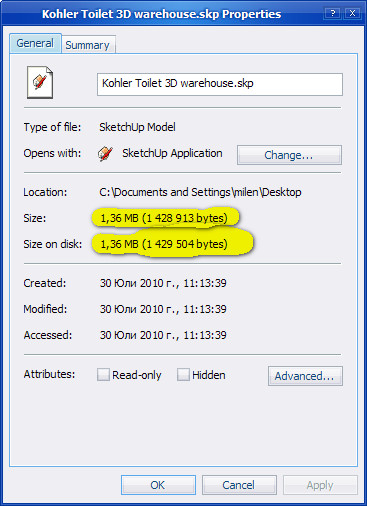
I recently found the Kohler bathroom models on the 3D warehouse and the actual toilet we are putting into the bathroom. After downloading it, however, I discovered it is 2.4 mg! I would like to know if there is a way to simplify the geometry without losing too much of the detail. I know now, for example, that when modeling, I can reduce the number of segments in the arc tool and save myself some space, but I really don't want to remodel the whole thing. That's why I went to the warehouse.
Any suggestions?
-
-
There are tools to 'clean-up' - remove coplanar edges etc BUT you'll see that it is VERY detailed. You really don't want every twist, turn and molding [are you ever going to take a view from under the cistern so you can see the drain!] - so I suggest you 'trace over' it to make your own version with much simpler shapes - there are several 'lofting' tools available or you can even even manually stitch things together. Even if you made it very 'blocky' and then used SubDivideAndSmooth on it, it would give a much simpler mesh and reduce the size etc...
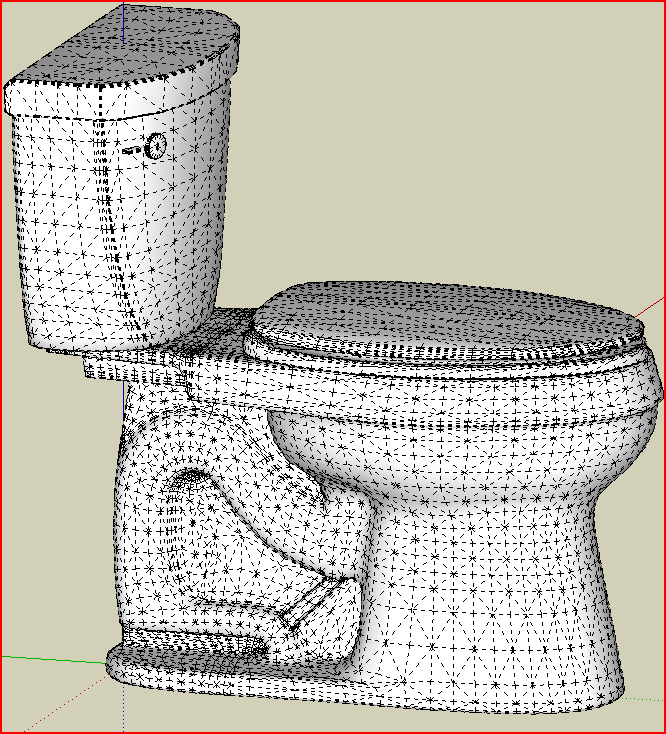
-
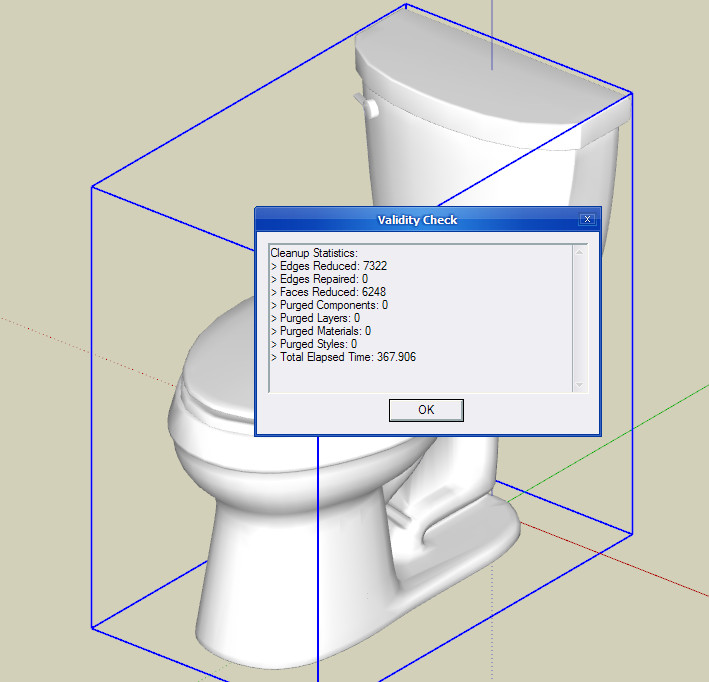
The coplanar face removal is a cool trick. However, is it possible to (automatically) remove faces that are not visible? (Such as the interior of the tank.)

Hello! It looks like you're interested in this conversation, but you don't have an account yet.
Getting fed up of having to scroll through the same posts each visit? When you register for an account, you'll always come back to exactly where you were before, and choose to be notified of new replies (either via email, or push notification). You'll also be able to save bookmarks and upvote posts to show your appreciation to other community members.
With your input, this post could be even better 💗
Register Login


Advertisement