OMG! fur plugin is AMAZING!
-
thanks! what about ghostcomp. have you tried that?
-
yes i have but not on this model. you have to unhide the ghosts before rendering which i didnt want to do. great plugin though!
-
makes me wish SU had display states. we could display comps as wireframe. i guess this is what ghostcomp gives us (display states) but isn't quite the same as they are in other progs.

-
I seem to have dropped my bread.
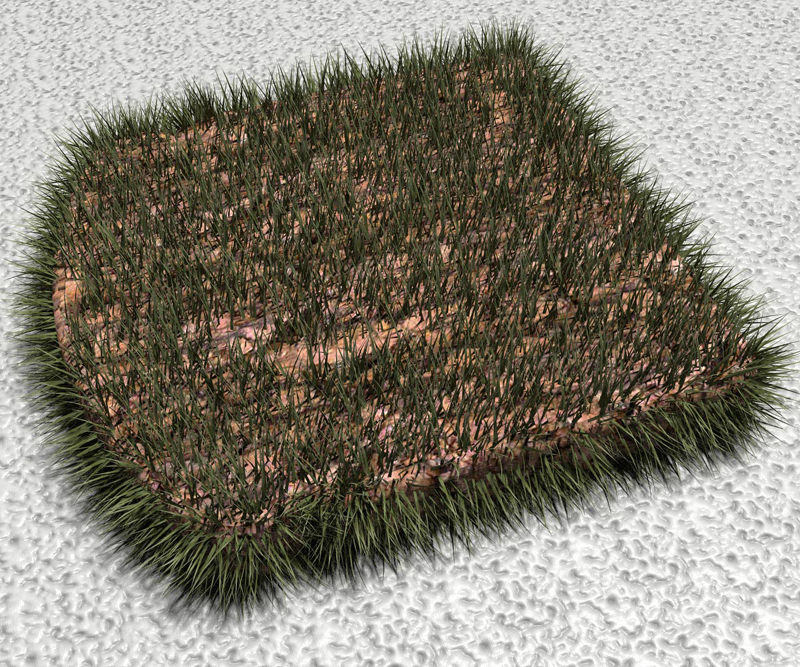
-
haha sweet. i think there will be some tasty fur images today!
-
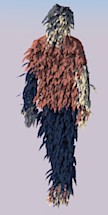
A new hit


-
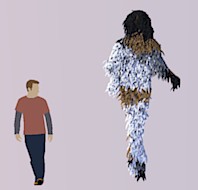
Funny indeed!

-
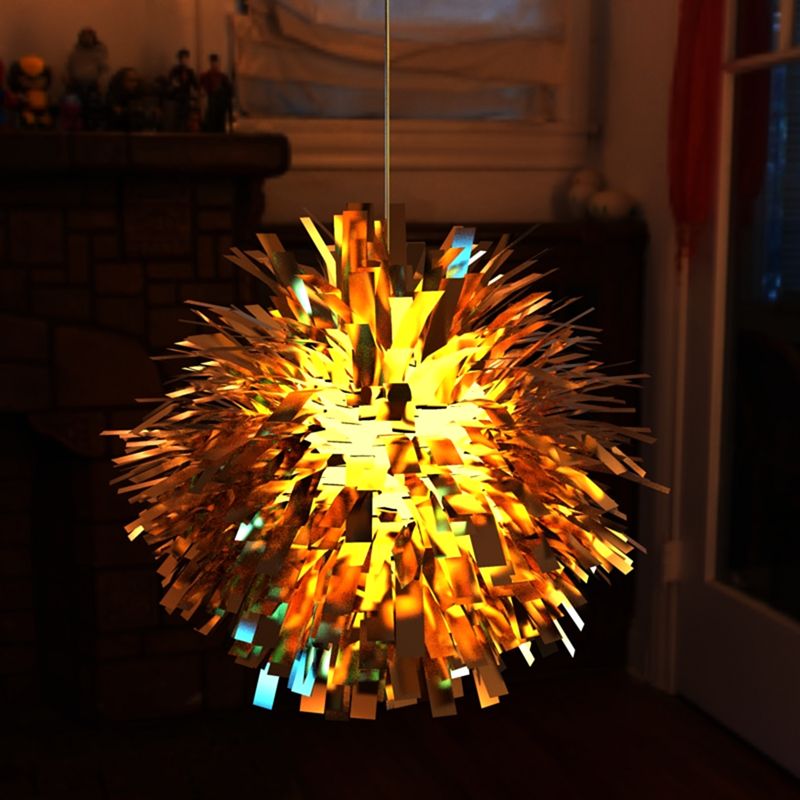
What about a vintage-looking lamp?

-
wow!!!!!!
so many possibilities for this plugin!
keep posting more furry pictures!! we really needed this for sketchup!
i cant play cos im working but will post more grassy scenes soon!
-
Wow, Very nice lamp...
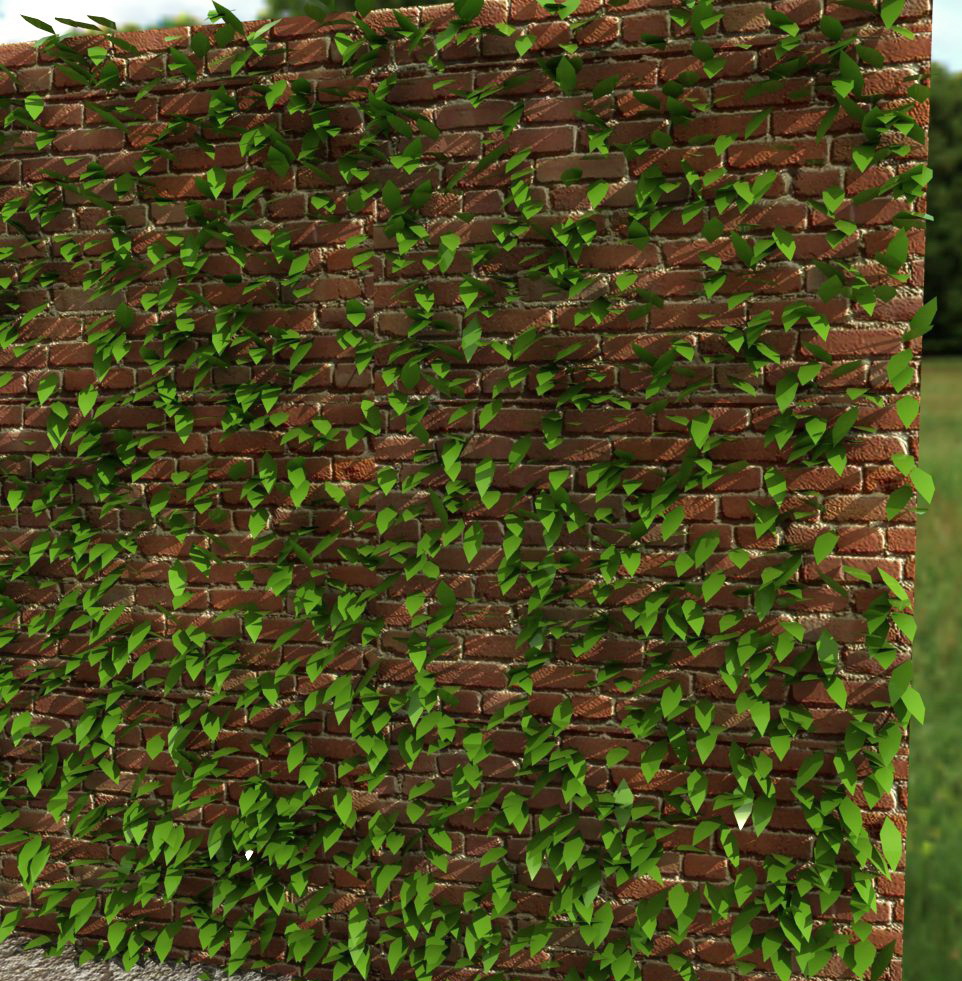
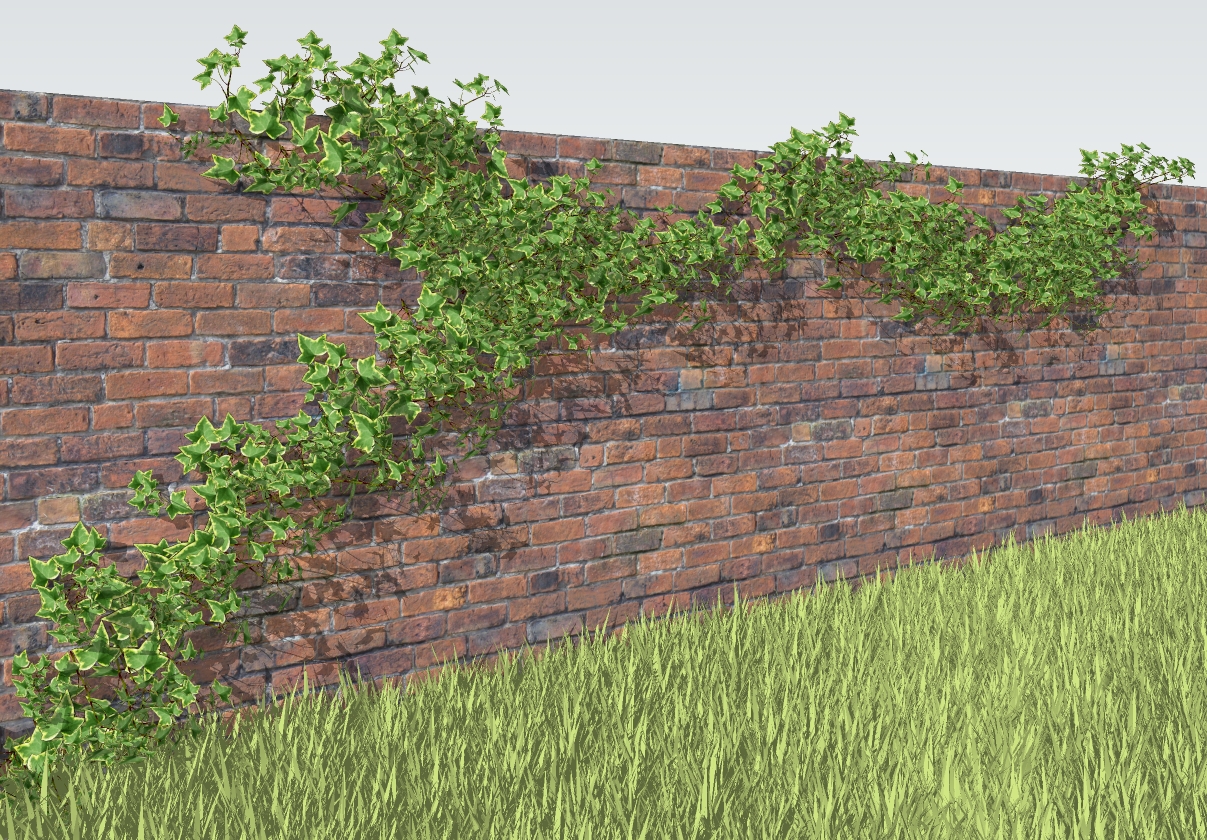
I agree with Oli, "keep posting more furry pictures!!"Here is a fake ivy...From far in a exterior scene It should work not ? And setup in 2 minutes...
-
Looks good Fred.

-
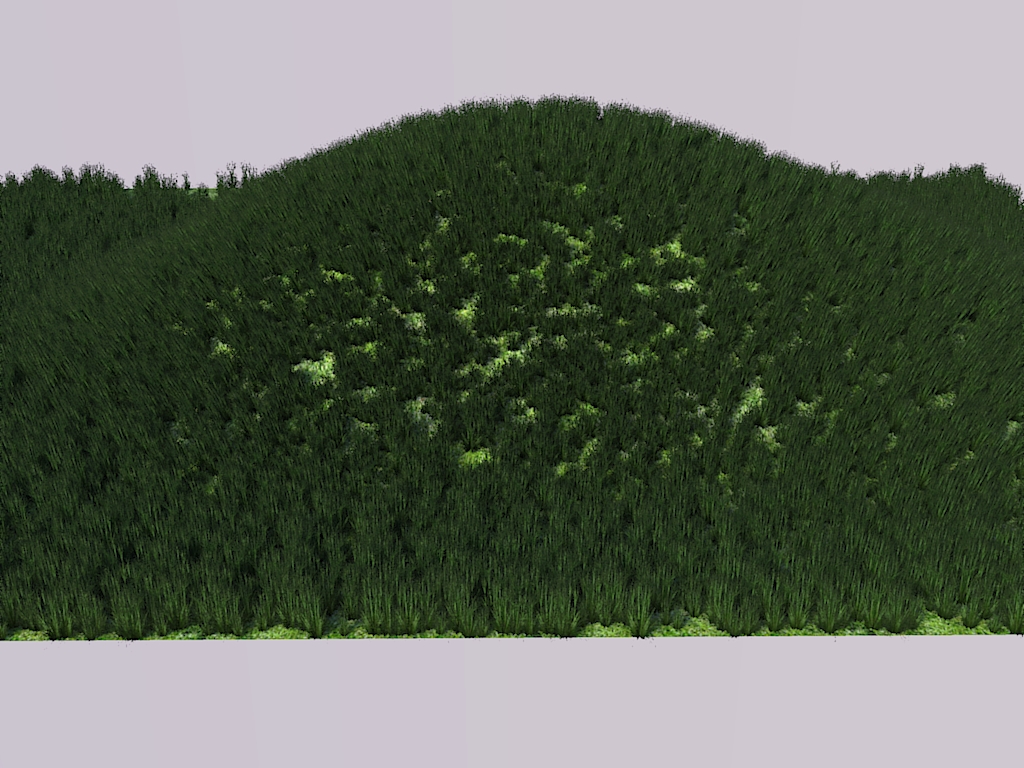
Some Furry Grass
-
@fymoro said:
Here is a fake ivy...From far in a exterior scene It should work not ? And setup in 2 minutes...
You just gave me an idea, Fred...
(which I find to be an excellent idea, actually...)
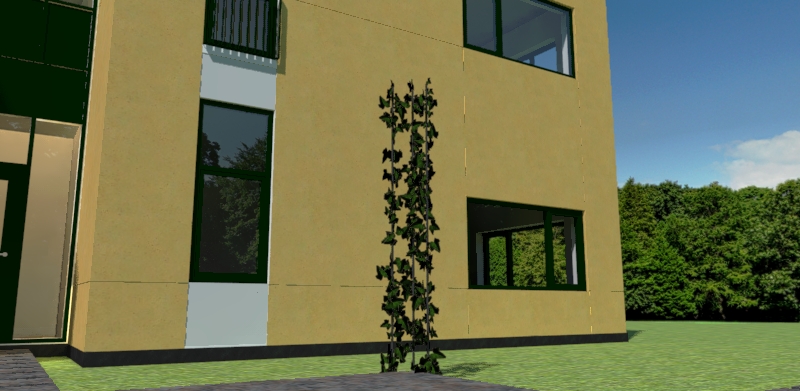
Since you can use Components from the scene together with this plug-in, you can take the texture of an Ivy leaf, create a component and "spray" that on the surface...I have a model, where I need to make a pavilion (or whatever it's called in English) made of metal tubes and where Ivy covers it...
I've been struggling with Ivy Creator, but this can actually do the job...
-
Yes Kim, It's great idea. This Plugin is awesome...
-
@fymoro said:
Here is a fake ivy...From far in a exterior scene It should work not ? And setup in 2 minutes...
Yep that will do the job and very well!!!
-
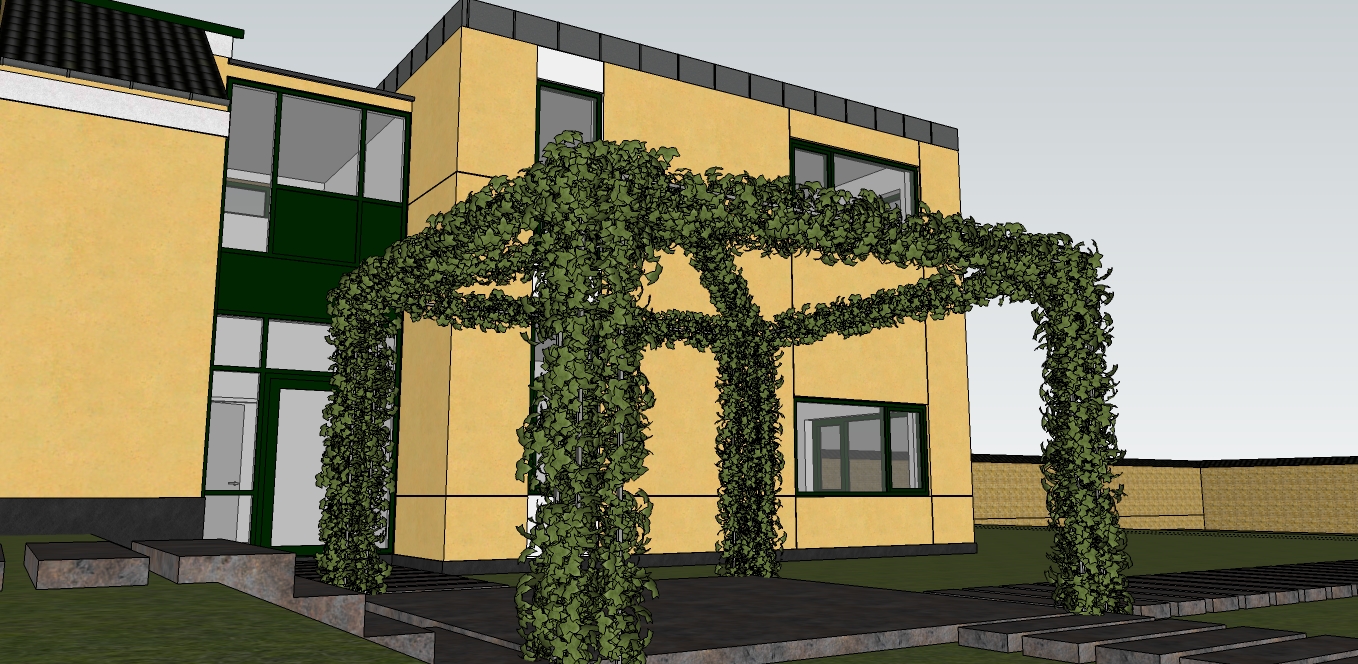
With this plug-in, I finally succeeded making my ivy pergola...
I had never dreamed that I would be able to do it inside SU...I used two ivy leaves from the "English Ivy" in Solo's Garden pack 1, made it a component and used the fur plug-in to "distribute" it onto a frame...
-
Well done, thanks for the tips Kim...
Please can you make a small tuto ?
-
5 min of work...and raw SU output. Really an amazing plugin
-
@fymoro said:
Please can you make a small tuto ?
It's really easy, Fred...
Like I wrote earlier... In my example, I used the English Ivy from Solo's Garden pack...
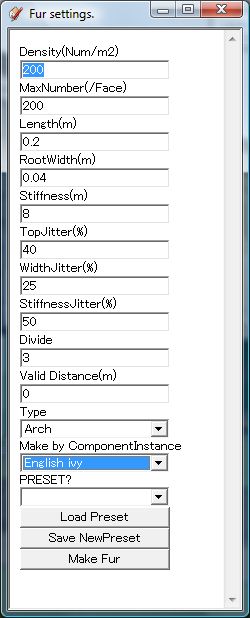
1.) I exploded the model and deleted everything except 2 ivy leaves.
2.) Make these two leaves into a component.
3.) Open the Fur setting dialog
4.) You'll need to play around with the settings. My input in the "Density" box was 1000
5.) In the "Make by ComponentInstance" you select the Ivy leaves from the list
6.) Select the surface where you want the leaves to be
7.) Click "Make Fur" button.Voila...!
-
Wow!! Massimo, very cool !!!
Thanks for the totu Fredy...







Hello! It looks like you're interested in this conversation, but you don't have an account yet.
Getting fed up of having to scroll through the same posts each visit? When you register for an account, you'll always come back to exactly where you were before, and choose to be notified of new replies (either via email, or push notification). You'll also be able to save bookmarks and upvote posts to show your appreciation to other community members.
With your input, this post could be even better 💗
Register Login


Advertisement