Sandbox from Scratch question
-
Hi!
I'm trying to create terrain using sandbox tools
I have to create terrain on poly-figure
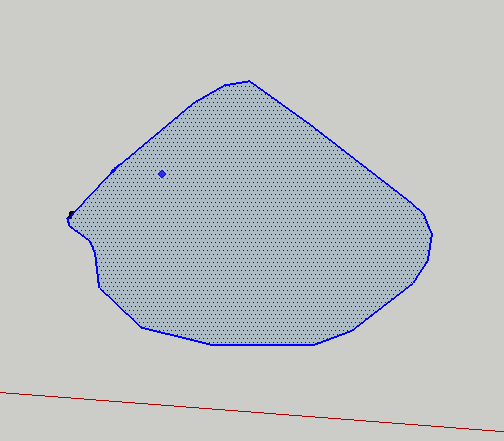
When I use Scratch tool, I get terrain plane as a square
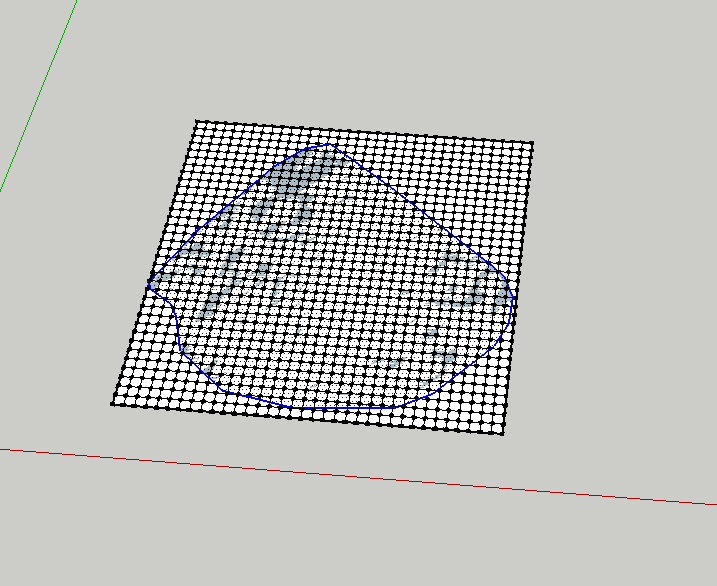
Is it possible to get smthg like this (I edit pic @ Photoshop)
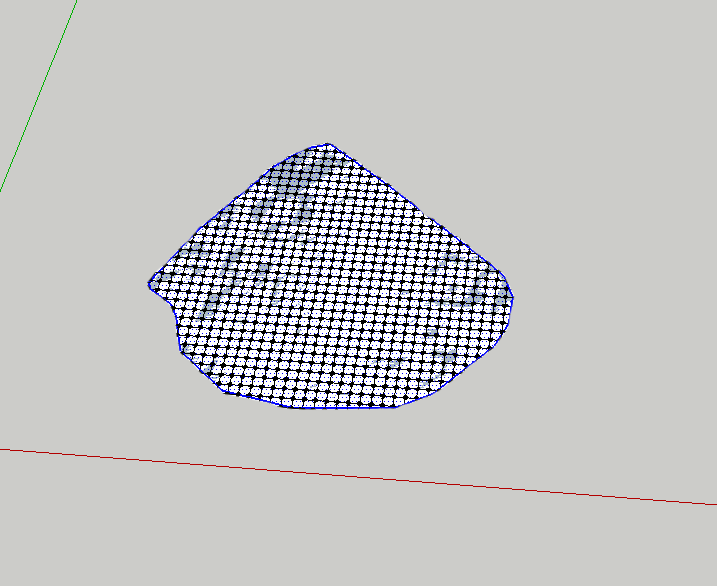
Thanks for suggestions!
-
The 'site' shape and the sandbox mesh surface are separated as the mesh is grouped.
Selected the 'site' and Edit>Cut it.
Double click the mesh-group to edit it, then Edit>PasteInPlace the site.
The site now merges with the mesh.
Erase the parts of the mesh you don't want.
Now you have a mesh the shape of the site - manipulate its levels etc as desired.......... -
Thanks!
but I have to ask: How can I improve and speed up erasing parts of mesh, that I don't need?
maybee, there is draping with erasing parts of mesh to fit object.... -
@starlex said:
Thanks!
but I have to ask: How can I improve and speed up erasing parts of mesh, that I don't need?
maybee, there is draping with erasing parts of mesh to fit object....how are you erasing now? eraser tool or select/delete?
-
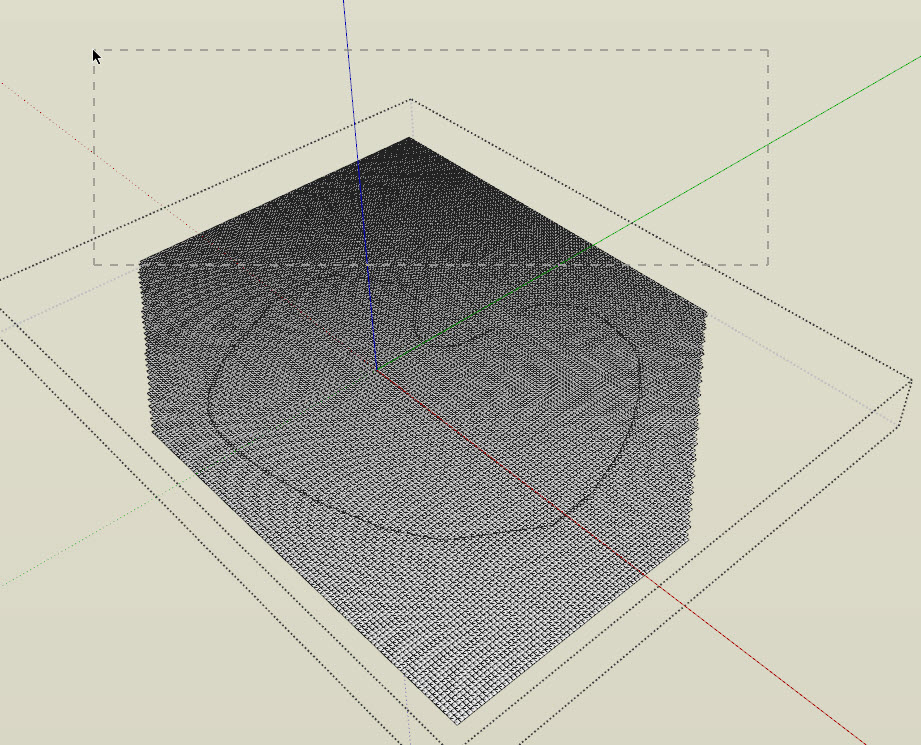
this is how i would do it. drag select then delete as much as possible, then use the eraser tool for the finer deleting along the edges.
-
- You can also smooth the mesh surface first
- then drape the terrain shape on it
- triple click anywhere with the select tool
- double click in the middle with the Shift key pressed (to deselect the middle part)
- and hit the Delete button
You can unsoften you mesh later - or leave it like that (you would probably soften it eventually anyway) as the other sandbox tools work on smooth surfaces, too - or you can display hidden geometry any time from the View menu.


Hello! It looks like you're interested in this conversation, but you don't have an account yet.
Getting fed up of having to scroll through the same posts each visit? When you register for an account, you'll always come back to exactly where you were before, and choose to be notified of new replies (either via email, or push notification). You'll also be able to save bookmarks and upvote posts to show your appreciation to other community members.
With your input, this post could be even better 💗
Register Login


Advertisement