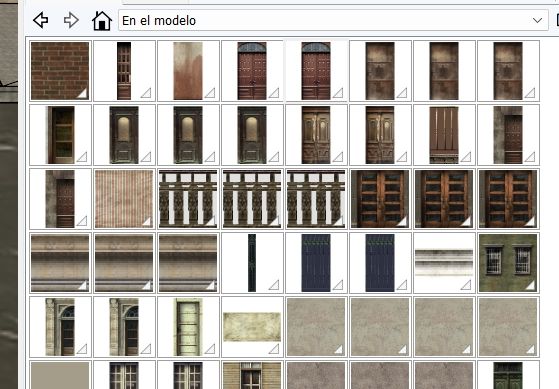
Hello, I thought I finally found a solution but I am confused now. This apparently works for everyone except me.
I have a huge chunk of city for my game mod, that I have been modeling since COVID. It contains dozens of building models and hundreds of textures. Instances of the same texture in different models get unique names (%nyrims.bmp, %nyrims1.bmp, %nyrims2.bmp and so on. Yes, names use otherwise invalid characters like @&% etc. and yes, the only supported format is bmp) The game is from 2002, but the engine is still powerful, some guy called Robsville made an entire model of Titanic in it, interiors and all, based on blueprints from White star company itself, so I wouldn!t completely write it off yet. It already has car and character models from the era I need).
This plugin will only consolidate same textures with SAME name, but the problem is that textures loaded in Materials CAN'T have same name and when I try to "unify" the names, it gets renamed back to xxx1. No exceptions. Therefore, I hate to say, this plugin will be absolutely useless for me. Is there some workaround? I tried to use some simpler texture replacer, replace xxx1 with xxx and then remove the xxx1 as unused, but it seems impossible/arduous to find all the surfaces where these altered textures are used and on top of that, it messes the scale and position, rendering it useless, too. Please, help, or I will have to shelve my project. Entire map has to enter the engine as one file in proprietary .4ds format and Blender is one of the few programs that fan-made .4ds plugin is available for. I know other modders use 3DS Max for the conversion, but I'm not paying two grand for a glorified format converter.
Thanks for any hint as to what I'm doing wrong.