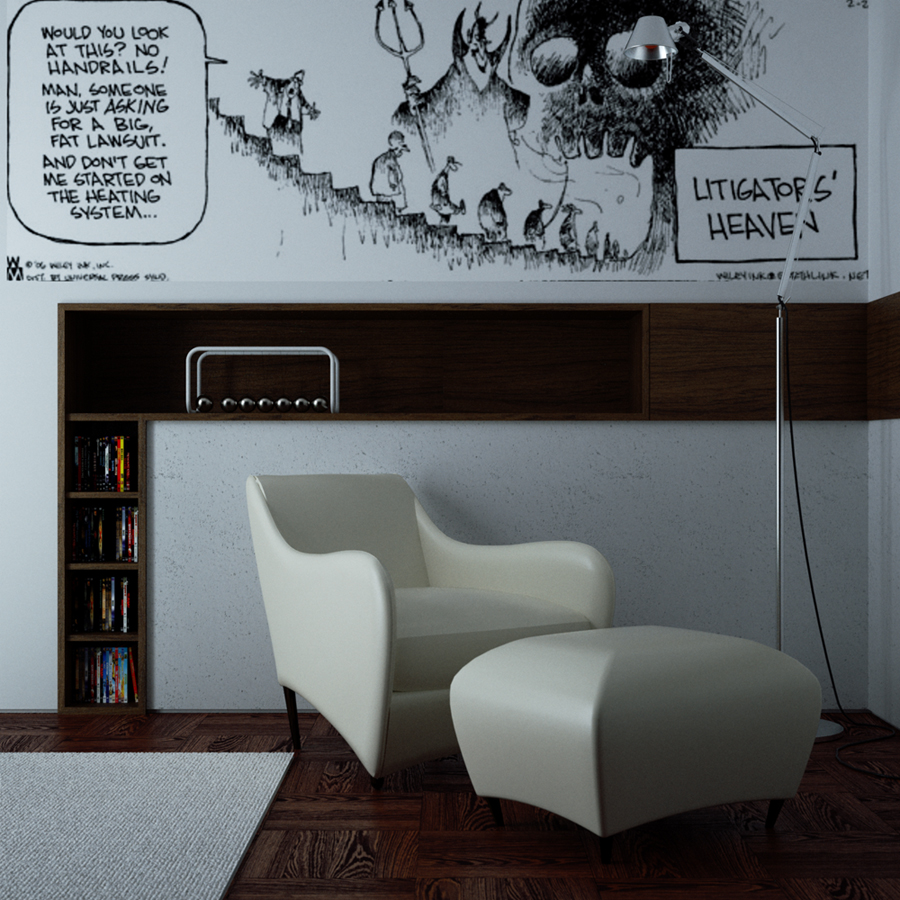
Yes it does (and it works really fine, to tell the truth), but sometimes I think it's useful to have control of the thing during the postrpro phase, when maybe we want a detail to stand out and the rest of the scene to fade away a little. Instead of re-launching the render, I think one should be aware that there is this additional postpro technique.
Posts
-
RE: [req] Z-depth image exporter
-
RE: [req] Z-depth image exporter
Thank you a lot Xrok!
I didn't know there was such a clear tutorial about this!
I use a slight different workflow in PS, and obviously didn't know about the Z-depth image exporting technique
I think I'm gonna put a tutorial together anyway, and include some cases of blending between Sketchy images and actual renderings. I think it's always a good thing to have some portable PDF documents one can carry everywherem even with no internet connection...Oh, I intended to aim the tutorial to Indigo/SkIndigo users, btw.
What do you think? Could it still be a nice idea?
-
[req] Z-depth image exporter
Hi all!
I'd very like to write a tutorial on how to achieve DOF with the simple use of a plain image and a Z-depth output from the same POV, through Photoshop obviously.
It may come in handy for simulating some lens effects we often see nowadays, and to give much more sense-of-the-scale of our models.Can anyone of you coders make a simple exporter?
I know there was a displaytemplate.rb which made this and others cool actions, but it doesn't work with my SketchUp6 pro version, sadly..
Moreover, the only feature I used for my renderings was just the Z-depth output
Oh, and if it could be possible to add sort of a MASK-like output (black sky white objects), that would be heaven! ...may sound as a silly request.... uhm....
BTW, here's my question! Can anyone do something in his spare time? No hurry obviously! -
RE: Show Reel
Impressive works, my friend!
I still have to trespass the "video" threshold
But whenever I will, you'll be the first I'll bother
Great work!
-
RE: [Plugin] Greeble 2 released! (Updated August 31st, 2009)
...I owed it to you

Thank you Chris!
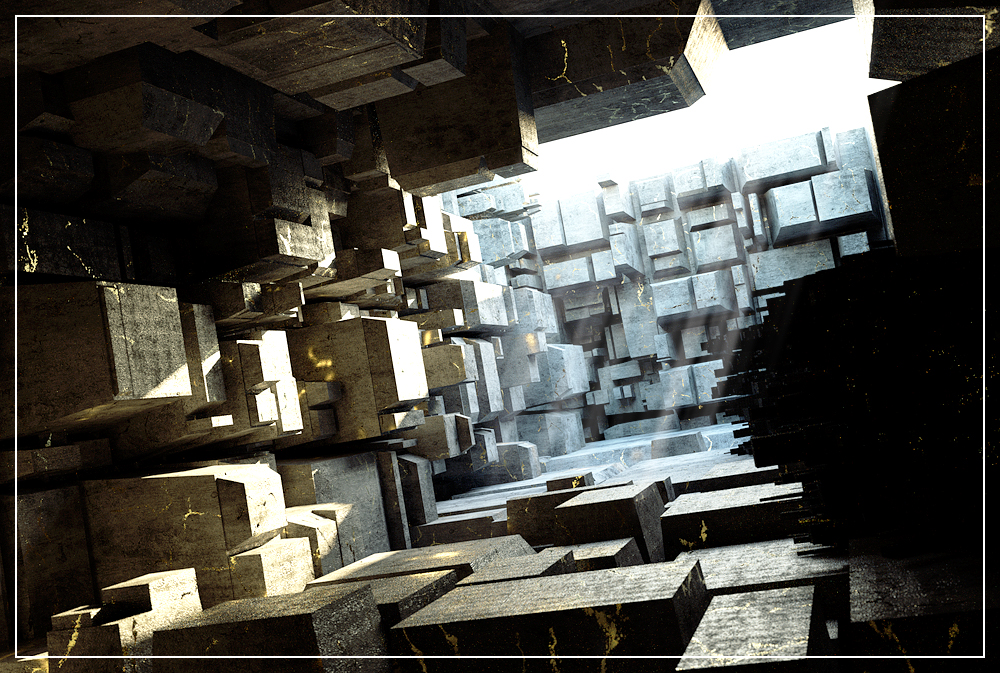
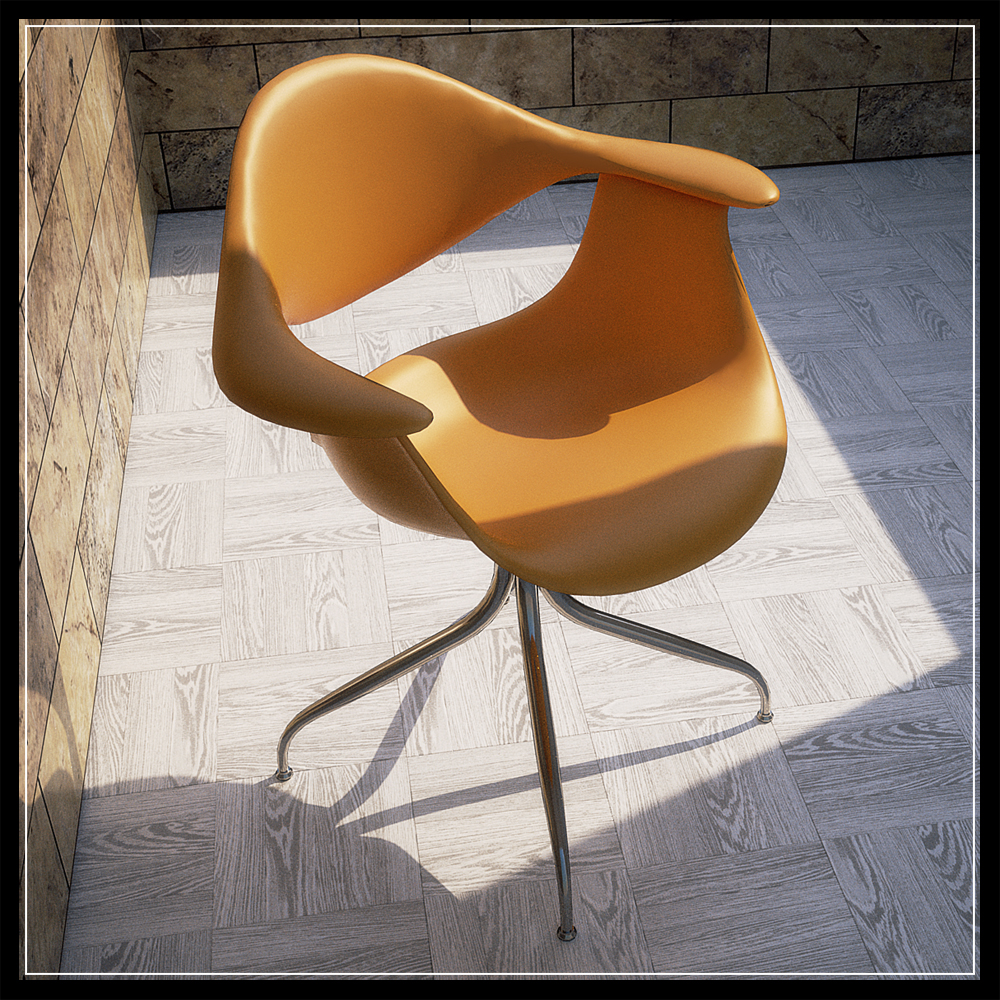
PS. Rendered in Indigo. I'm trying a blend map between pure gold shader (metal nk) and stone (diffuse bumpy shader). One night of calculations. I was looking for an high-contrasted image, to give the all scene a dark overall feeling. What do you think? Volume light in postpro.

-
RE: [Plugin] Greeble 2 released! (Updated August 31st, 2009)
Yey! everything works allright now!!! Thank you so much!
Sorry to have been such a pain in the ***, chris...Thank you again!
-
RE: [Plugin] Greeble 2 released! (Updated August 31st, 2009)
...Oh, BTW: I tried to use protrude.rb by Jim Foltz, and it appears to have the same problem.
I'm starting to feel like I've sort of a plugin conflict...
-
RE: [Plugin] Greeble 2 released! (Updated August 31st, 2009)
Hi Chris!
I made a rar file containing all that you requested.
-skp file
-greeble.rb
-progressbar.rb
-offset.rb
-screenshots of the problemThank you so much. You're so kind...
-
RE: [Plugin] Greeble 2 released! (Updated August 31st, 2009)
..I had NO generation at all, Pilou...

-
RE: [Plugin] Greeble 2 released! (Updated August 31st, 2009)
Oh, I use Windows Xp service pack2 or 3, don't remember..
Sketchy6pro.
..I'm gonna pm you the ".rb"s later, cos now I'm at home and I tried the plugin at work. But I can tell you I'm quite sure that all of them are the latest plugins available.
Moreover, my not-so-well-working-scene is really simple: a square 1m x 1m subdivided into smaller squares 10cm x 10cm. No groups no components nothing at all: just the square. If I select all and start the plugin I get the message i pasted previously..I'm so embarassed to bother this much, Chris. But now it's become sort of a personal matter.

-
RE: [Plugin] Greeble 2 released! (Updated August 31st, 2009)
Hey!
..I'm sorry to report that I downloaded and installed the Smustard version of the plugin.
And that I tried to greeble a manually-subdivided plane which was not a group.. -
RE: [Plugin] Greeble 2 released! (Updated August 31st, 2009)
Hi Chris! Thank you for your answer!
I had already downloaded and installed correctly "progressbar.rb" cos it's a basic plugin for other applications too
. BTW I re-downloaded and re-installed it, but unfortunately still nothing changes.. 
I didn't know anything about erasing the ' to get the current system unit settings: thank you. I asked since I'm not too familiar with anglo-saxon's units' system..BTW, I followed your directions and this is what the ruby console tells me. I copy-paste it here:
Error: #<ArgumentError: comparison of Float with nil failed>
(eval):44:in>' (eval):44:inupdate'
C:/Programmi/Google/Google SketchUp 6/Plugins/clf_greeble_2.rb:173:ingreeble' C:/Programmi/Google/Google SketchUp 6/Plugins/clf_greeble_2.rb:171:ineach'
C:/Programmi/Google/Google SketchUp 6/Plugins/clf_greeble_2.rb:171:ingreeble' C:/Programmi/Google/Google SketchUp 6/Plugins/clf_greeble_2.rb:259 C:/Programmi/Google/Google SketchUp 6/Plugins/clf_greeble_2.rb:259:incall'Thank you so much, chris.
-
RE: [Plugin] Greeble 2 released! (Updated August 31st, 2009)
Hi Chris!
Thank you so much for this plugin!I have some problems, though, unfortunately.. I installed everything (I hope) crrectly, your plugin DOES start but after the setting of the parameters, it just doesn't do anything. SIGH...
Oh, and another thing: the units in the parameters window are in inches, and don't match my file's unit system (which works in meters at the moment). Maybe this can give you some clues.
Sorry to bother you Chris...
-
RE: RELAX
Hi guys, thanks for your replies and for watching!!!
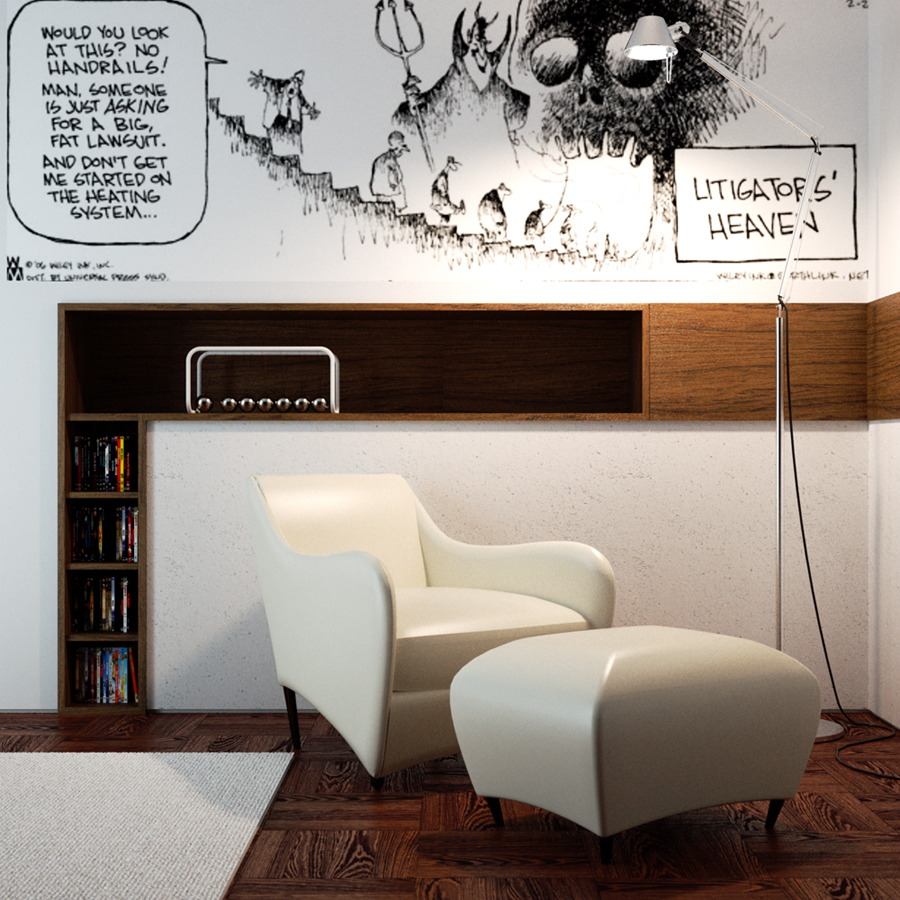
steelers: no warehouse for the chair and ottoman. I downloaded a 3ds model from http://www.e-interiors.net
They often have great models, though rarely (...or never) textured...
Frederik: thanks mate. Your comments are always appreciated.
Dzine: thank you for the kind words!
-
RELAX
Hi folks!
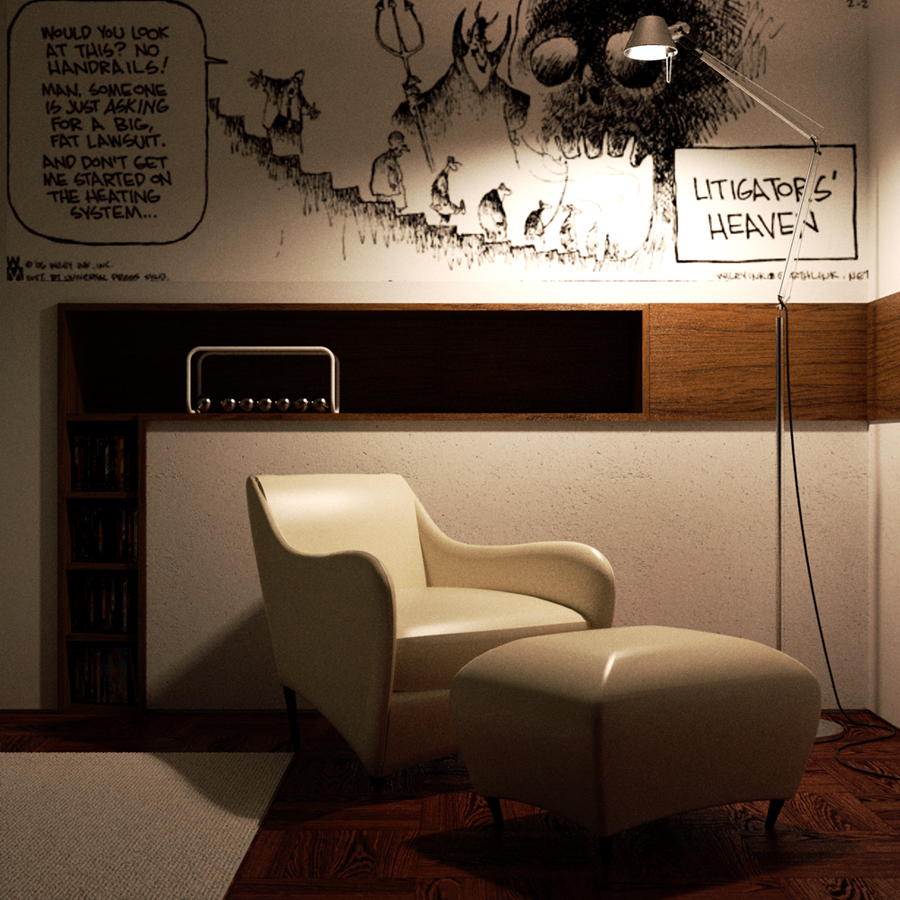
Here is my current SkIndigo WIP (I posted it in the indigo forum too)..
Nothing special to say here: simple scene, simpler lighting
, simplEST materials...
I'm just testing the layerblending feature right now (I find a few problems when dealing with emitter colours, perhaps it's just all about getting used to values and sliders
), and the displacement (applied to the carpet mesh). I'm not so fond of the leather mat, but for such a complex mesh it's ridiculously hard to get a texture mapped correctly, so for now it's basically a colour and a shader preset... Tips are VERY welcome!
The comic in the background is a picture I found in the internet: I owe the author the credits (man: it really lightens up my days when I have a look at it
), but the picture was a little blurred, so I don't know his name.. If in any way I overcome some Copyright laws, please tell me and I'll remove the picture immediately.So, that's basically all. Now, GO WITH C&C!! always welcome


-
RE: Testing the new SkIndigo 1.1.16
Hi all!
Thank you Whaat, your opinions mean a lot to me
Sadly, i no longer have the file accessible (damn server....
), but in this weekend I'm gonna test some other things with the latest SkIndigo, so i can post something better for sure!
I don't remember the MNCR value, but i know i didn't adjust the default setting.
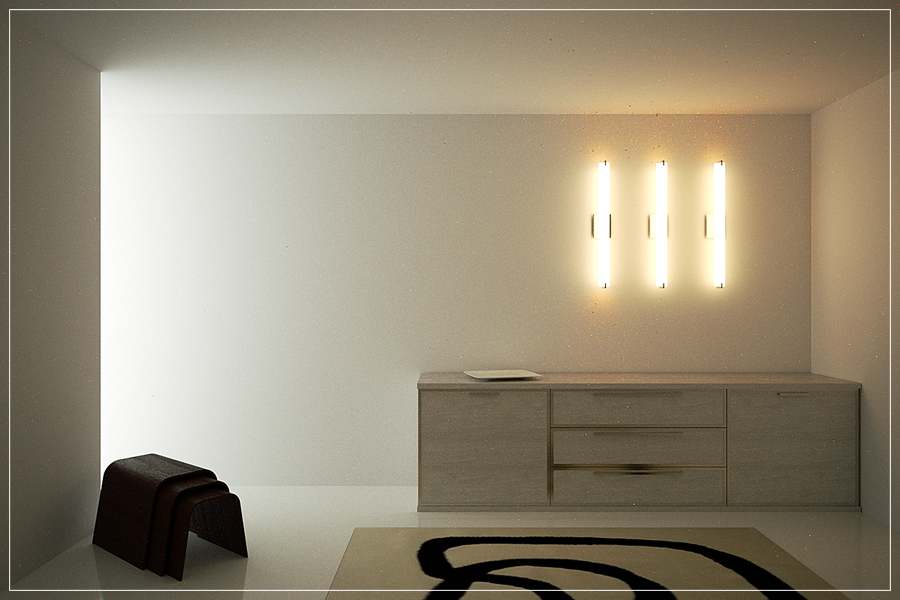
There are neither frosted glass nor diffuse transmitter shaders! Only phong for the floor and the woods, metals (nk) for the details of the drawer and some parts of the light fixtures, and transmitters (by temperature) for the panel and the cylindrical lights. -
RE: Testing the new SkIndigo 1.1.16
It cooked about 8 hours (last night).
I know it's a shame about the fireflies issue
...
But, you guys: it's just a test!
Really, i think that a fast test like this can simplify the individuation of problems, like the one of the little red spots you all noticed. So my test can be of help to Whaat solving little issues. I think it's a good thing after all.
BTW thank you all guys for your feedback! Sooooo appreciated! -
Testing the new SkIndigo 1.1.16
First of all, thanks to Whaat for the improvements.
Ehi guys: nothing special! Only a simple scene to test multilight, displacement and other minor things.
Here is the result! Enjoy!

-
RE: Interior concept
WOW

Dirk! Fantastic! I'm really shocked by your image! Stunning!
But what really hits me is the quality of your models and foliage! Where do they come from? -
RE: Indigo for dummies
Please solo: TEXTURE IT!
It would be a masterpiece, i'm sure..