following.
Oops, your profile's looking a bit empty! To help us tailor your experience, please fill in key details like your SketchUp version, skill level, operating system, and more. Update and save your info on your profile page today!
🚨 Skimp | 25% Off until March 30 Buy Now
 Offline
Posts
-
RE: Graphic Performance
That's a good idea trying other models.
Now what you can do is remove all your plugins or disable them and see if the problem persists, then add them back until you find the culprit.
If you look in the Sketchucation Plugin Store it will show plugins by update. try the last ones first.
-
RE: Project Video Scanner
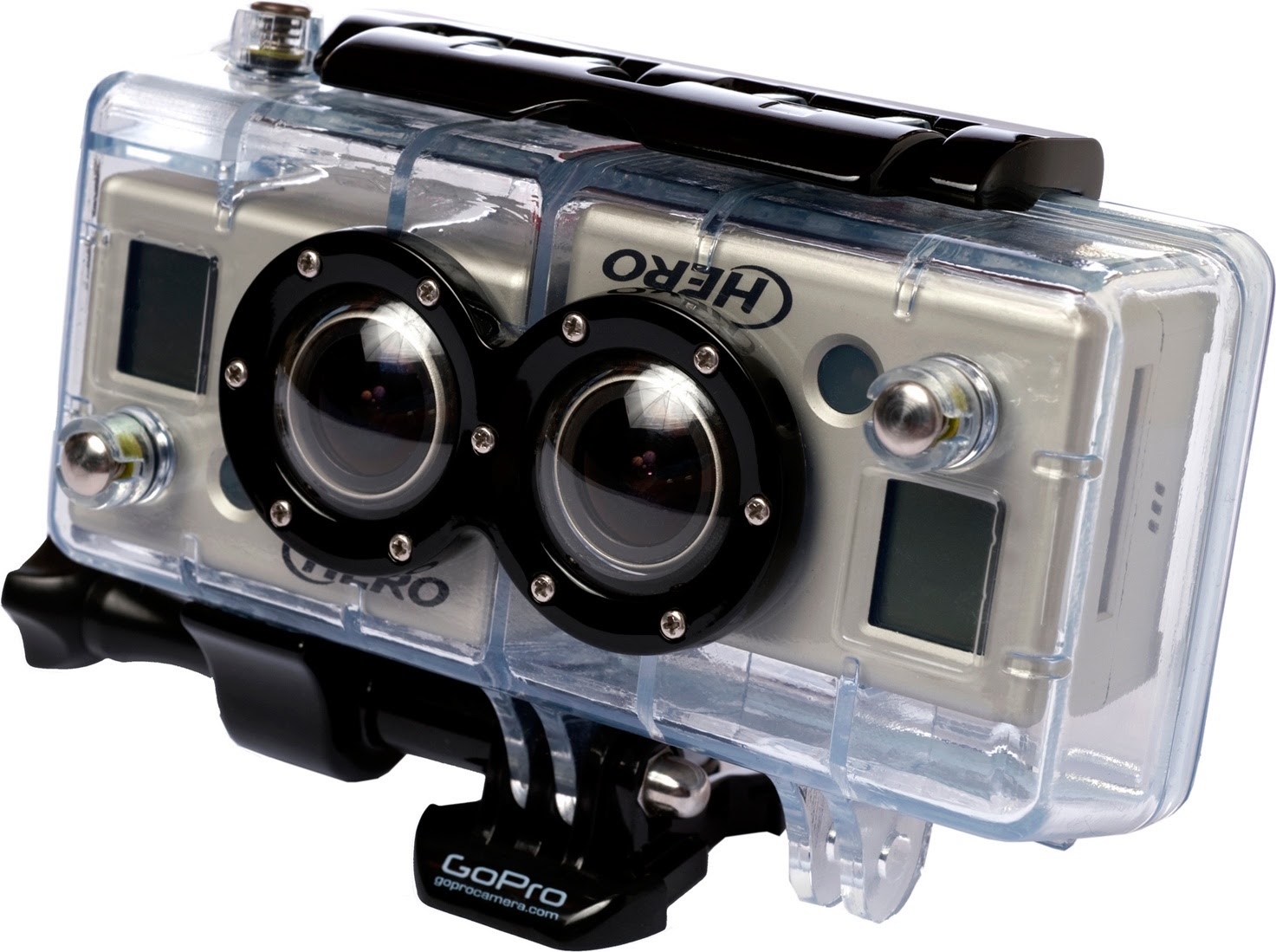
Ahhb you meant the Go Pro... Pretty sure you would only need the one Hero unit to use this program.
-
RE: Project Video Scanner
Are you talking about 123D?
If so, you just take photos around the object at intervals and then when you upload them to the software you go through each photo picking the same point on each photo. you do this with 3-4 points and it starts to learn the shape.
-
RE: Project Video Scanner
Don't forget 123D from Autodesk...
-
Ambiguous Email From Name
Anytime I get a notice from Sketchucation about a forum response or an update it says the email is from "noreply". If someone could change the from addy that is used it would be helpful in sorting emails.

-
RE: Project Video Scanner
The last time I checked this one was 10k for the base model and like 40k for the top model.
http://www.creaform3d.com/en/metrology-solutions/portable-3d-scanners
Does 3d scans of objects and adds textures.
I thought about using this free system to make an object scanner
-
RE: Graphic Performance
Did you purge afterwards? When optimizing a model, use Goldilocks and then purge, then run goldilocks again to make sure the stuff is gone.
-
RE: Graphic Performance
Go to your material browser and click the home/house icon, then change it to list or thumbnail, whichever is easier to find the texture with. then you should be able to find it, right click on it and delete.
But if you have done no work on the model since that time... I doubt it is a SU issue. I thought you had been doing work on it over the days.
Also... open task manager, look at your processes and see what processes are taking up the most memory. then try to use your model and watch the processes and see which increases in memory use. you can sort them by memory.
-
RE: Graphic Performance
those little screws are going to be the big issue. kill them or simplify them.
-
RE: Graphic Performance
there's your issue. that top texture is 2 megs and there are screws at the bottom that are massive. get rid of the top texture or resize it, but I have a feeling you have a bunch of those high poly screws. No. 10 screwhead pan. and you have a duplicate of it as well.
-
RE: Graphic Performance
Have you taken my suggestion and ran the goldilocks examiner? What were the results?
-
RE: Graphic Performance
The wire framing of models during rotation foes back pretty far in Sketchup and is a direct indication of the system not being able to handle the load and making a compensation to help you work more efficiently. There could be several reasons.
- too much geometry for the system.
- large textures, too large, too many, etc...
- system inadequacies.
- background programs or processes taking up too much resources.
-
RE: Project Video Scanner
I would bet you could get pretty damn good accuracy with stationary cameras.
-
RE: Graphic Performance
So the only thing you've done to this model is add one texture in weeks?
-
RE: Graphic Performance
Thanks for the link Juju... Goldilocks checks your model for textures and components... Then ranks them in order of size. It would make sense that it worked yesterday if you inserted something too large. Like say a 10mb texture. or an 8 million poly bird bath.
-
RE: Graphic Performance
I would run goldilocks geometry and goldilocks texture on it and look for massive geometry or texture sizes.
-
Project Video Scanner
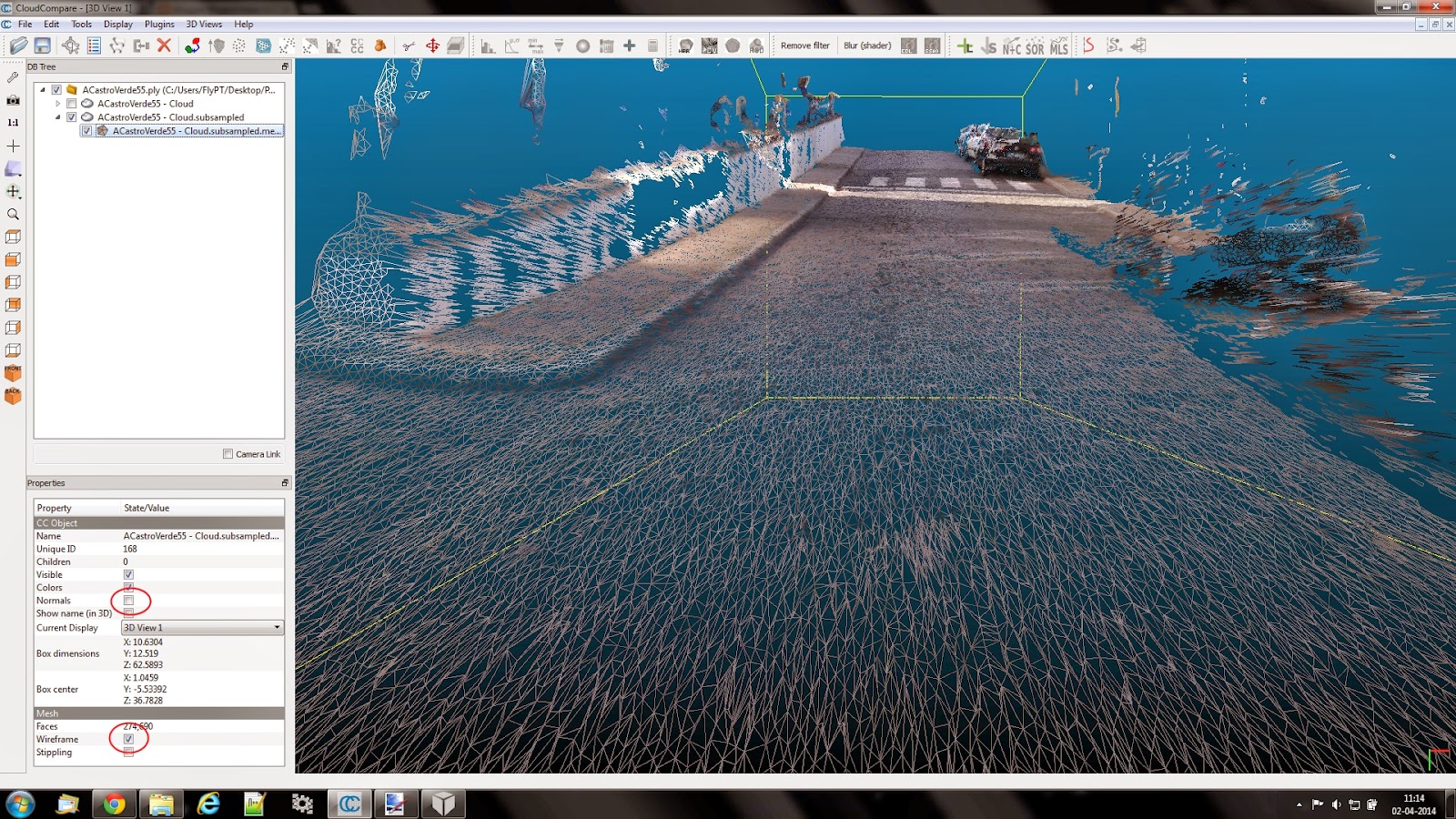
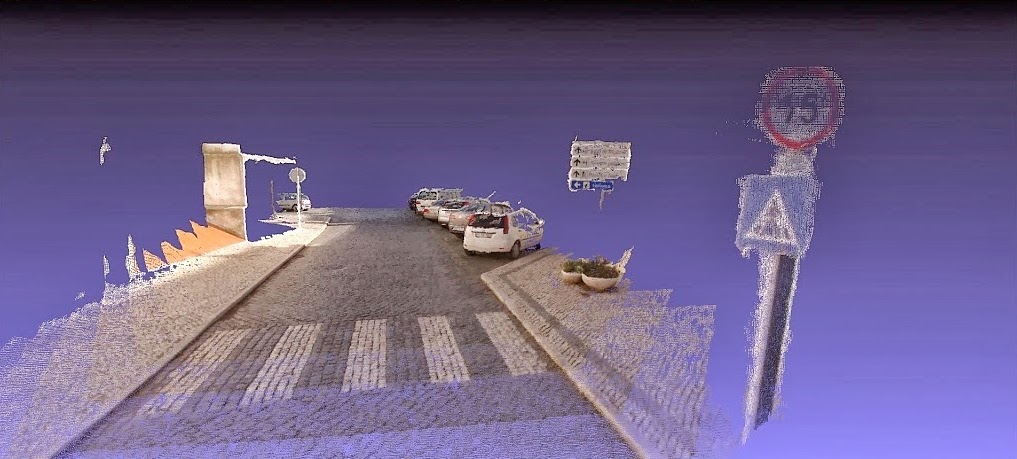
A program that allows you to convert captured videos into 3 point maps to then convert those into textured mesh. Designed with road/track mapping in mind... What could you do with it?
http://projectvideoscanner.blogspot.pt/
Building your dual camera rig.