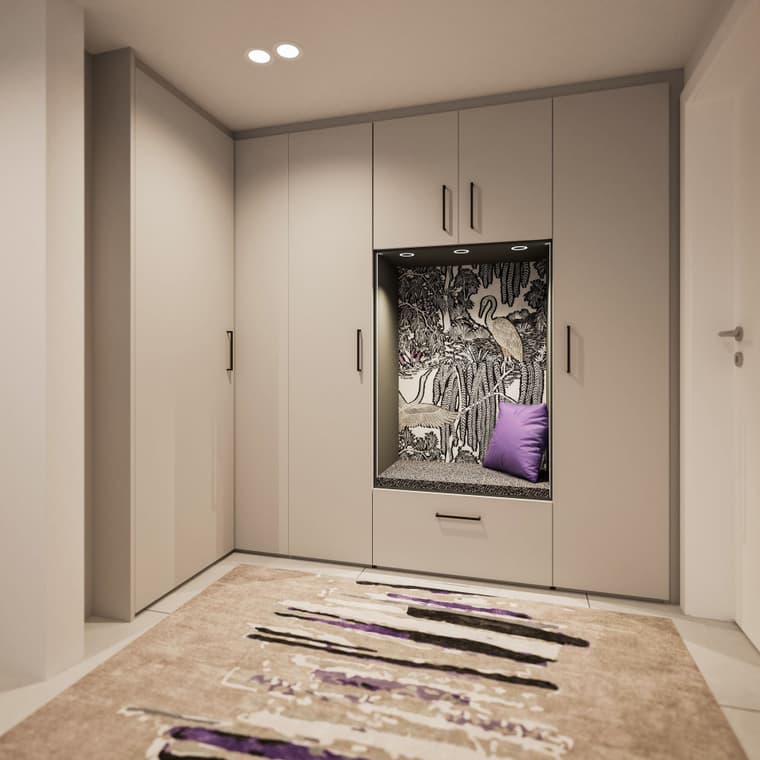
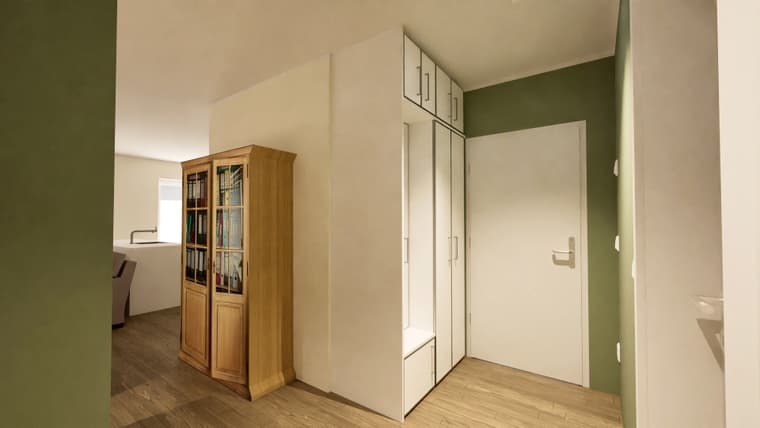
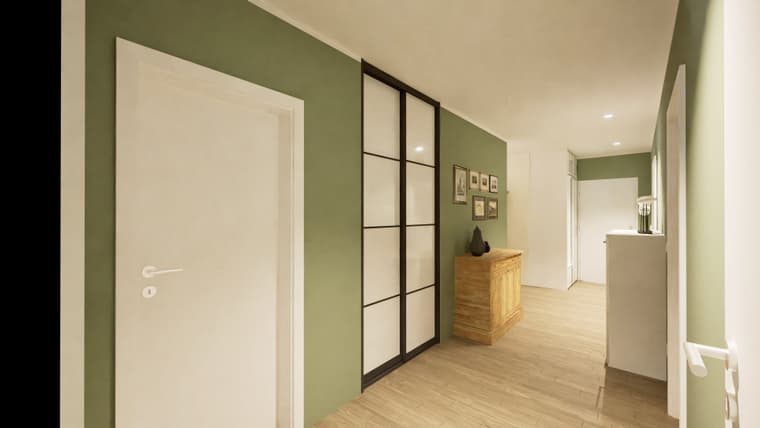
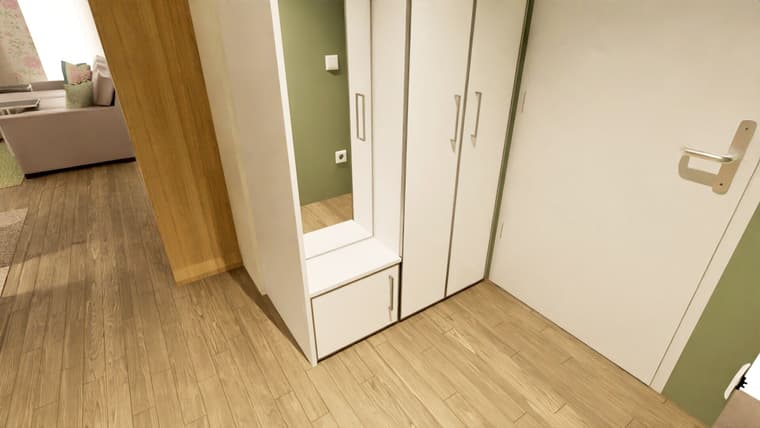
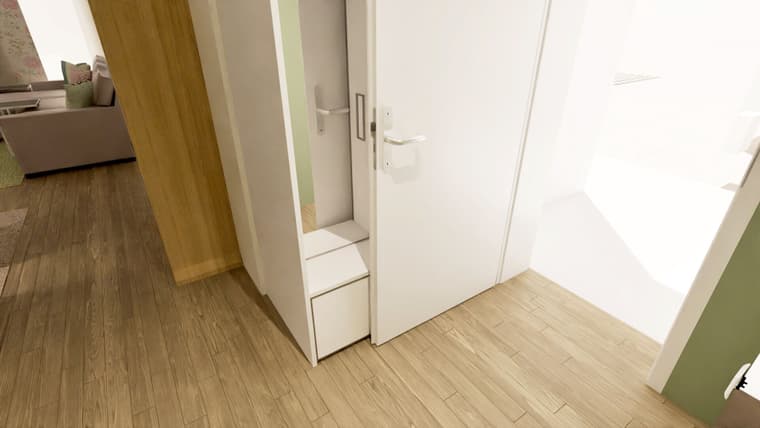
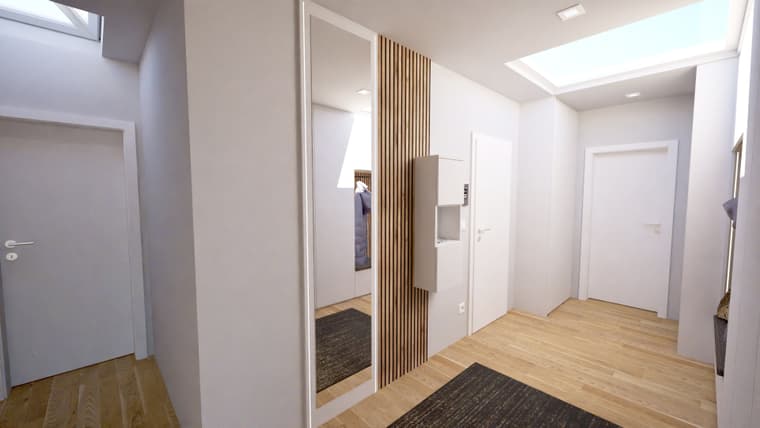
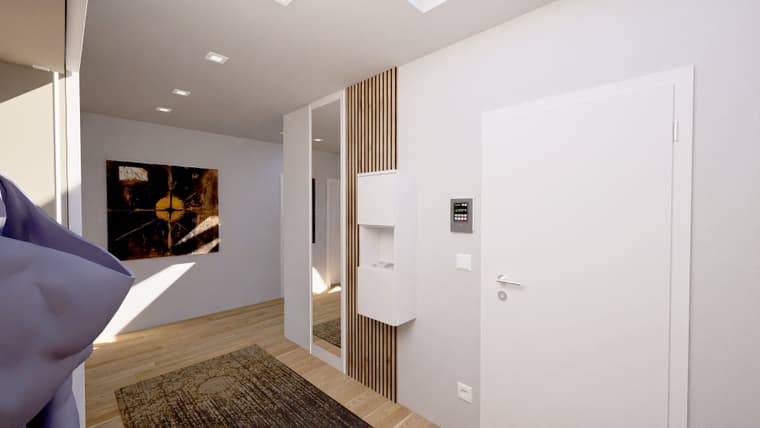
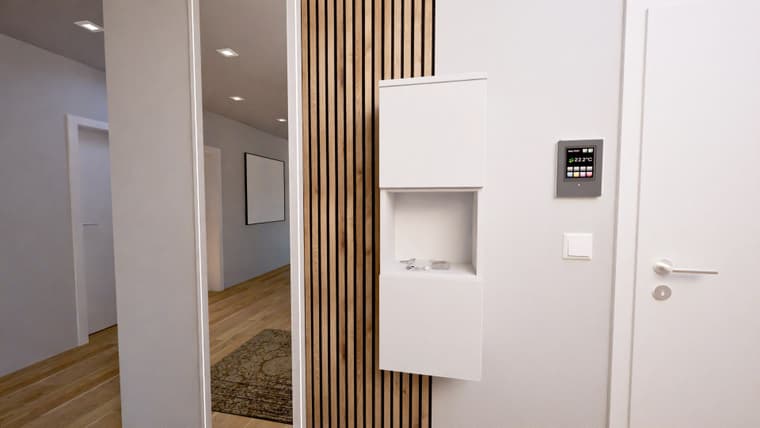
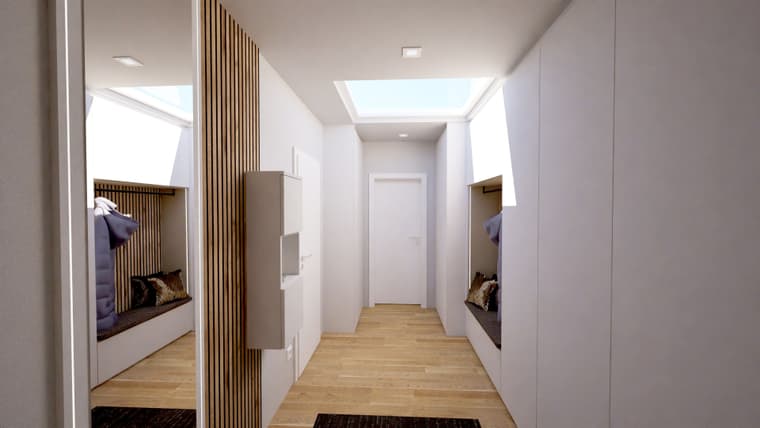
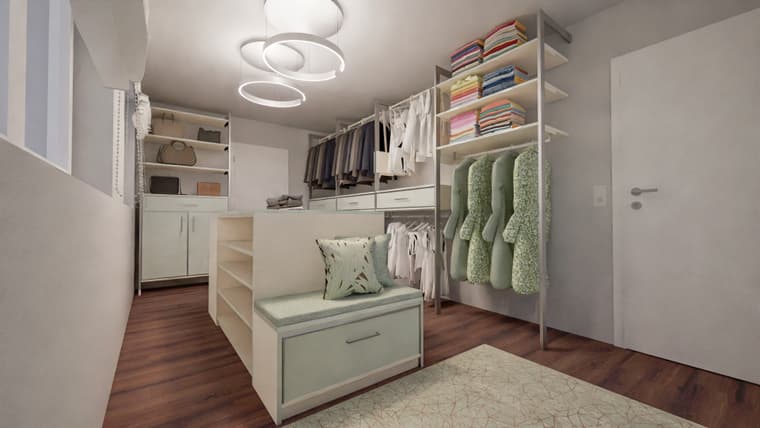
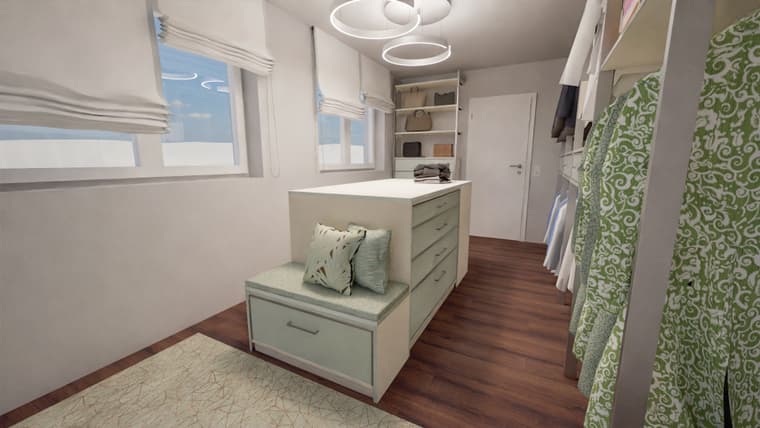
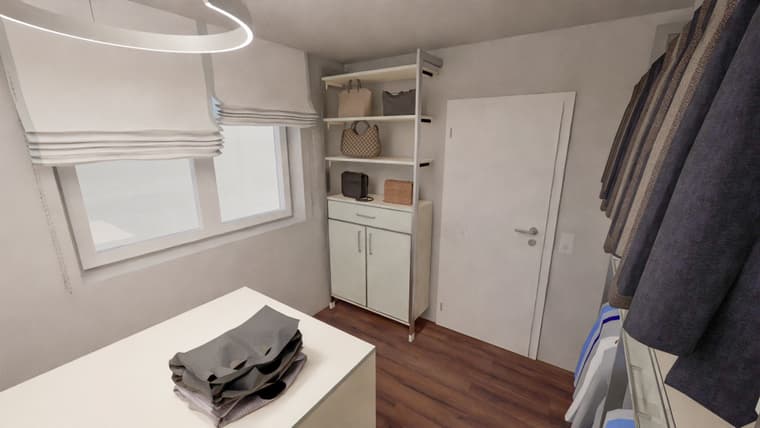
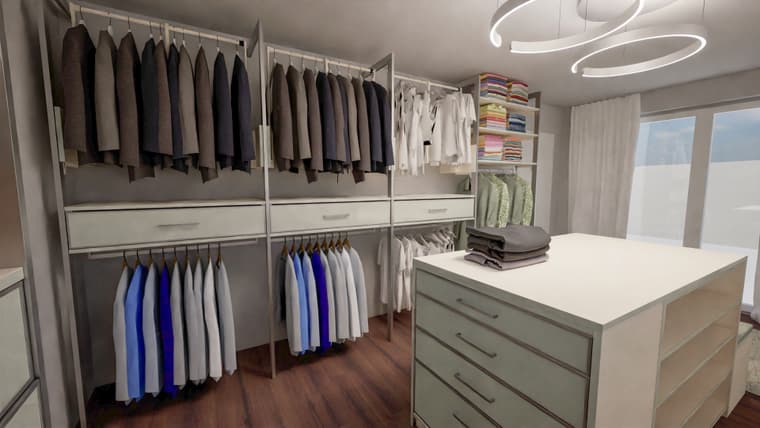
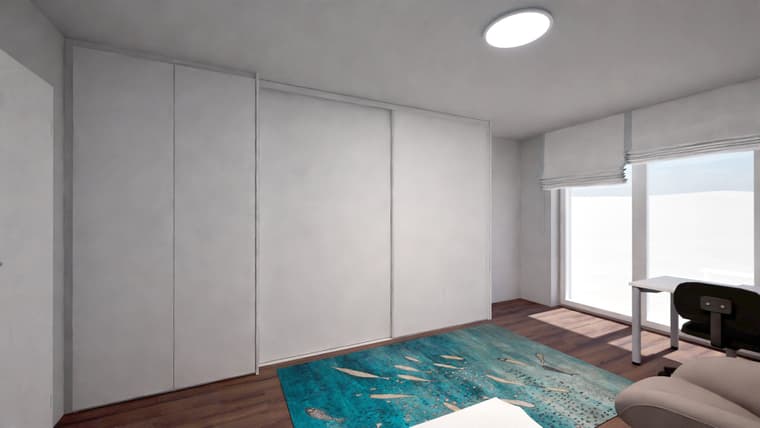
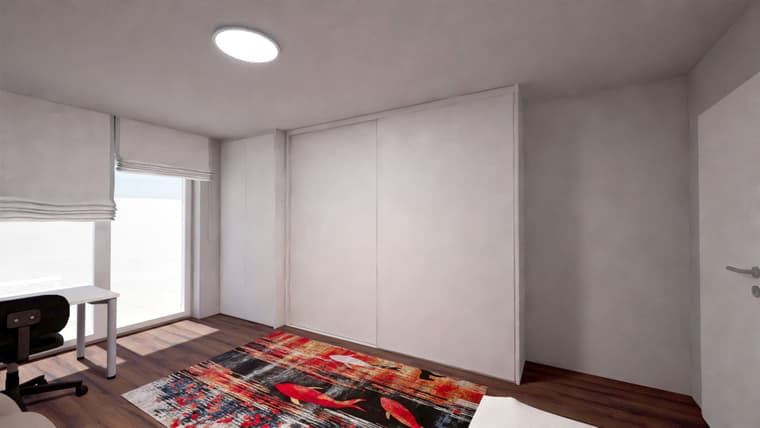
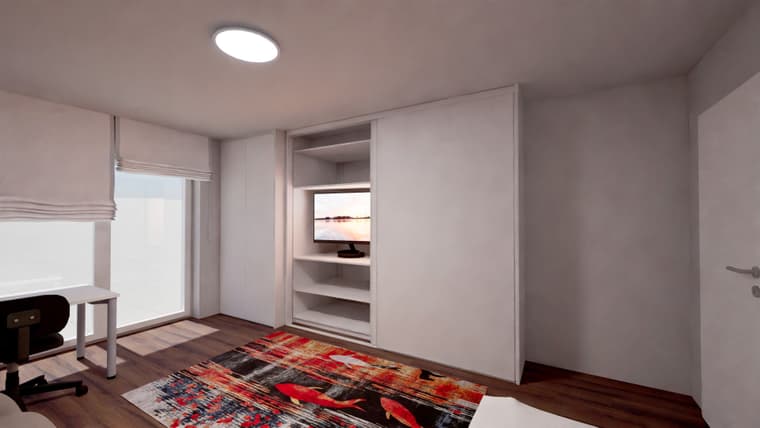
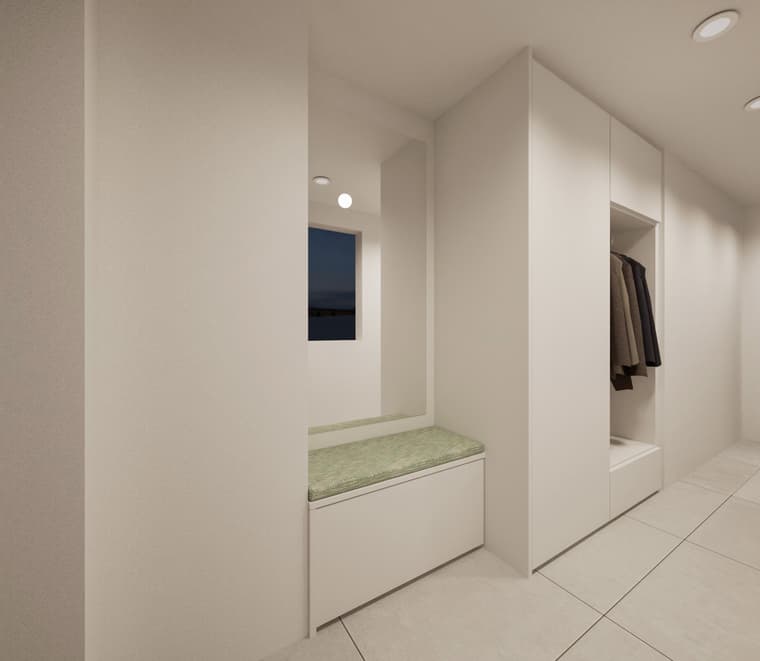
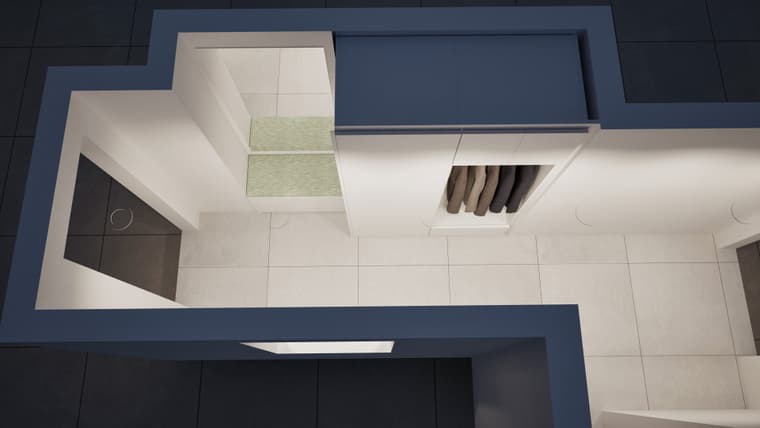
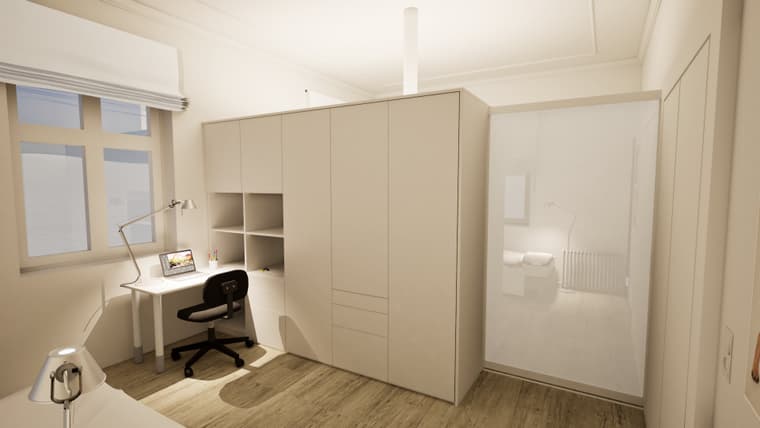
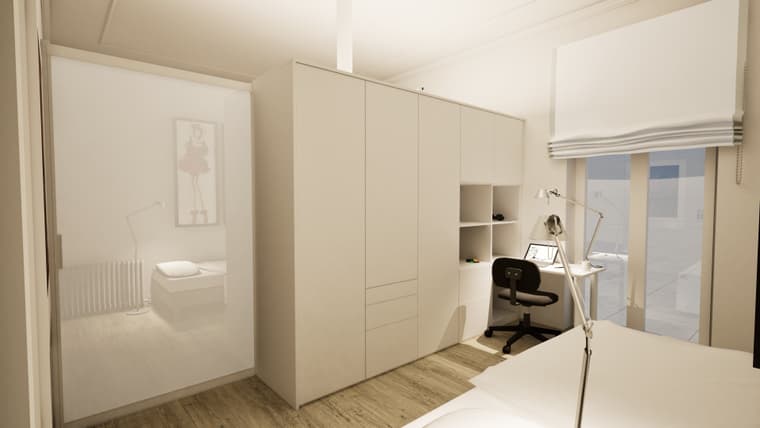
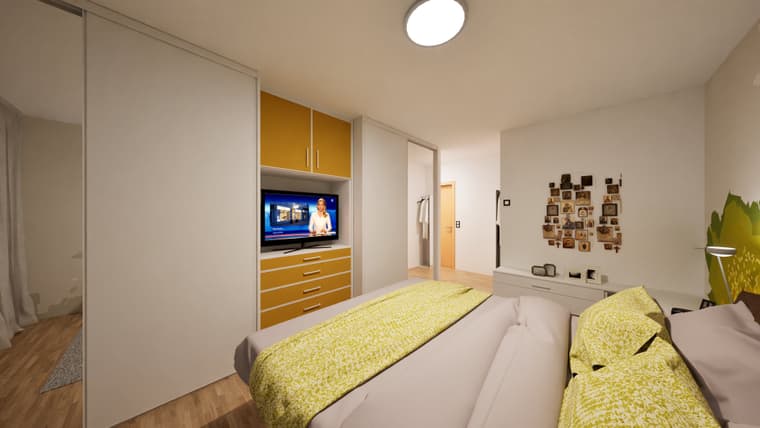
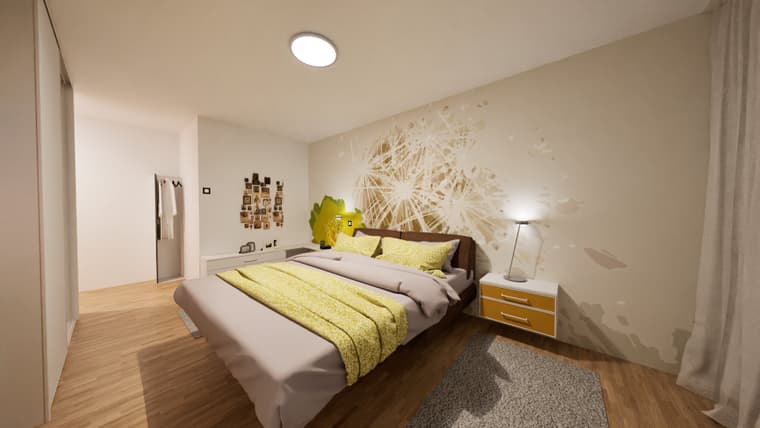
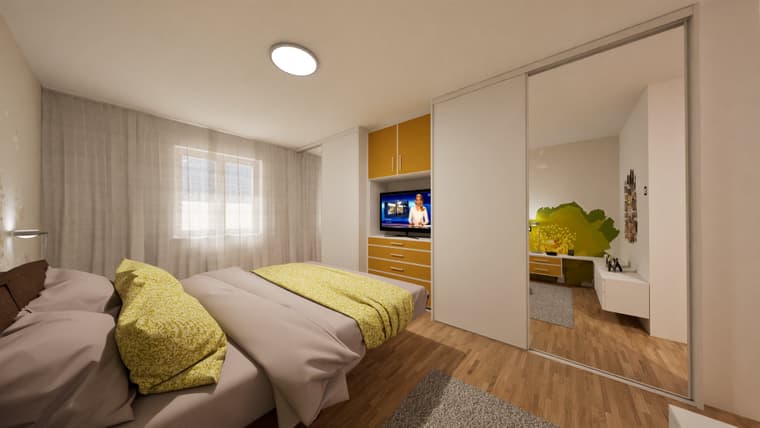
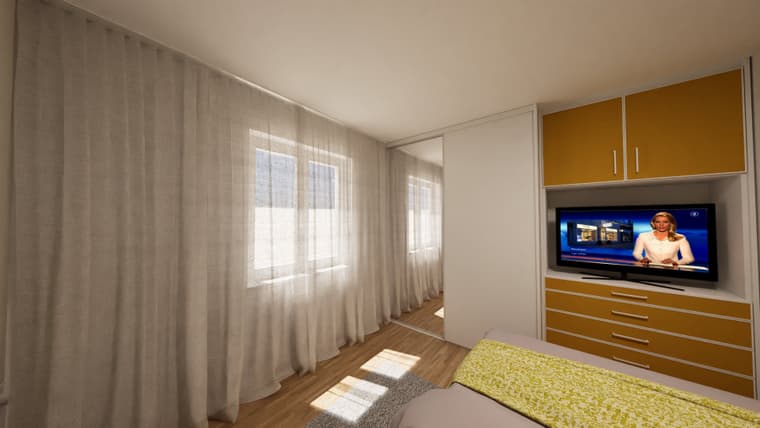
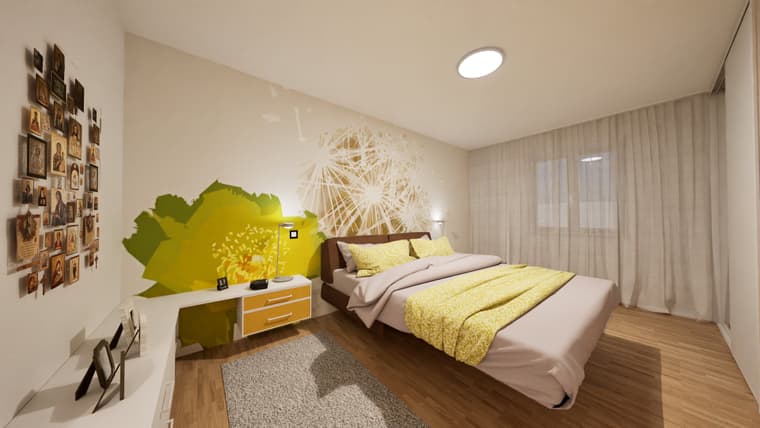
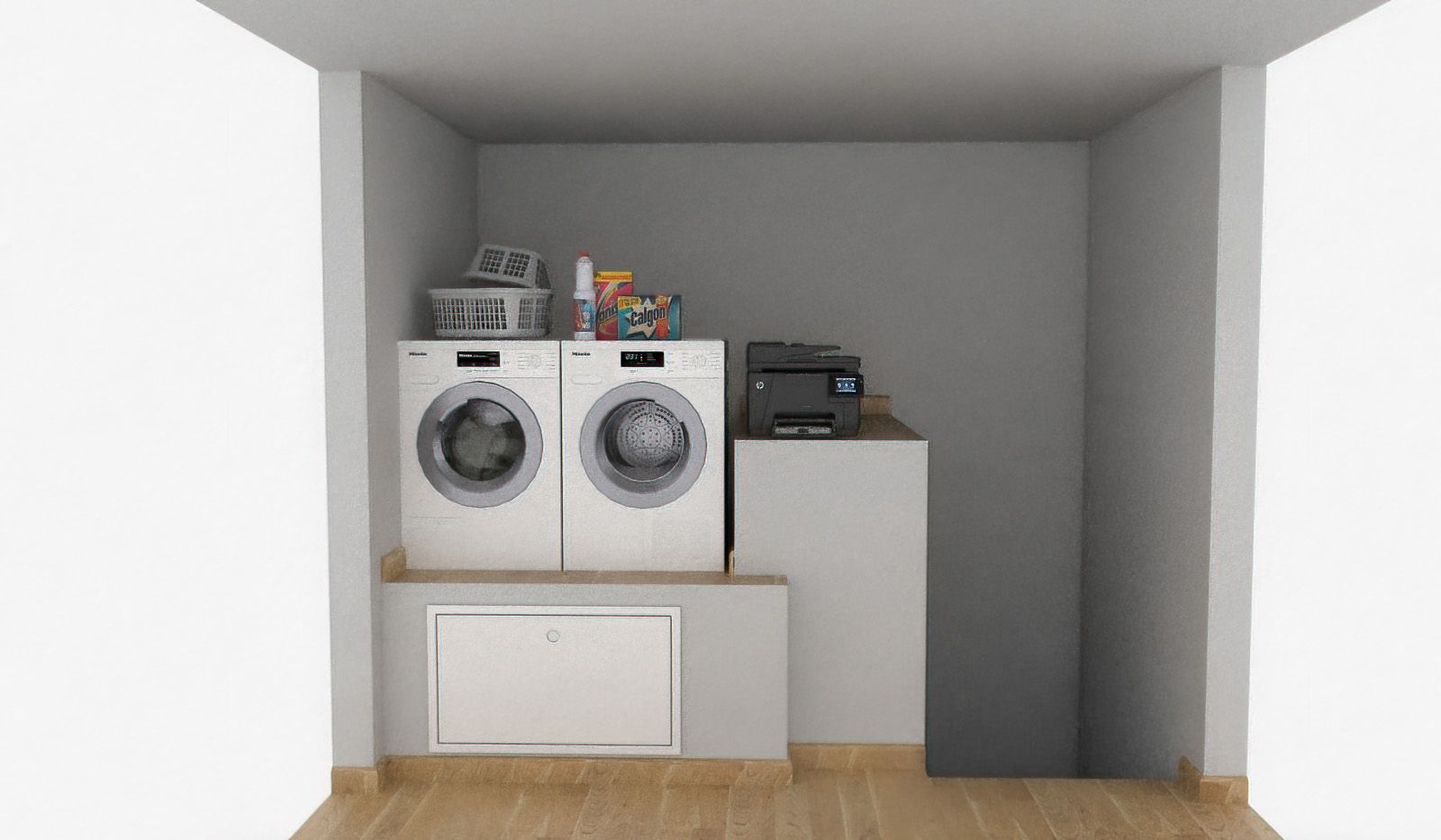
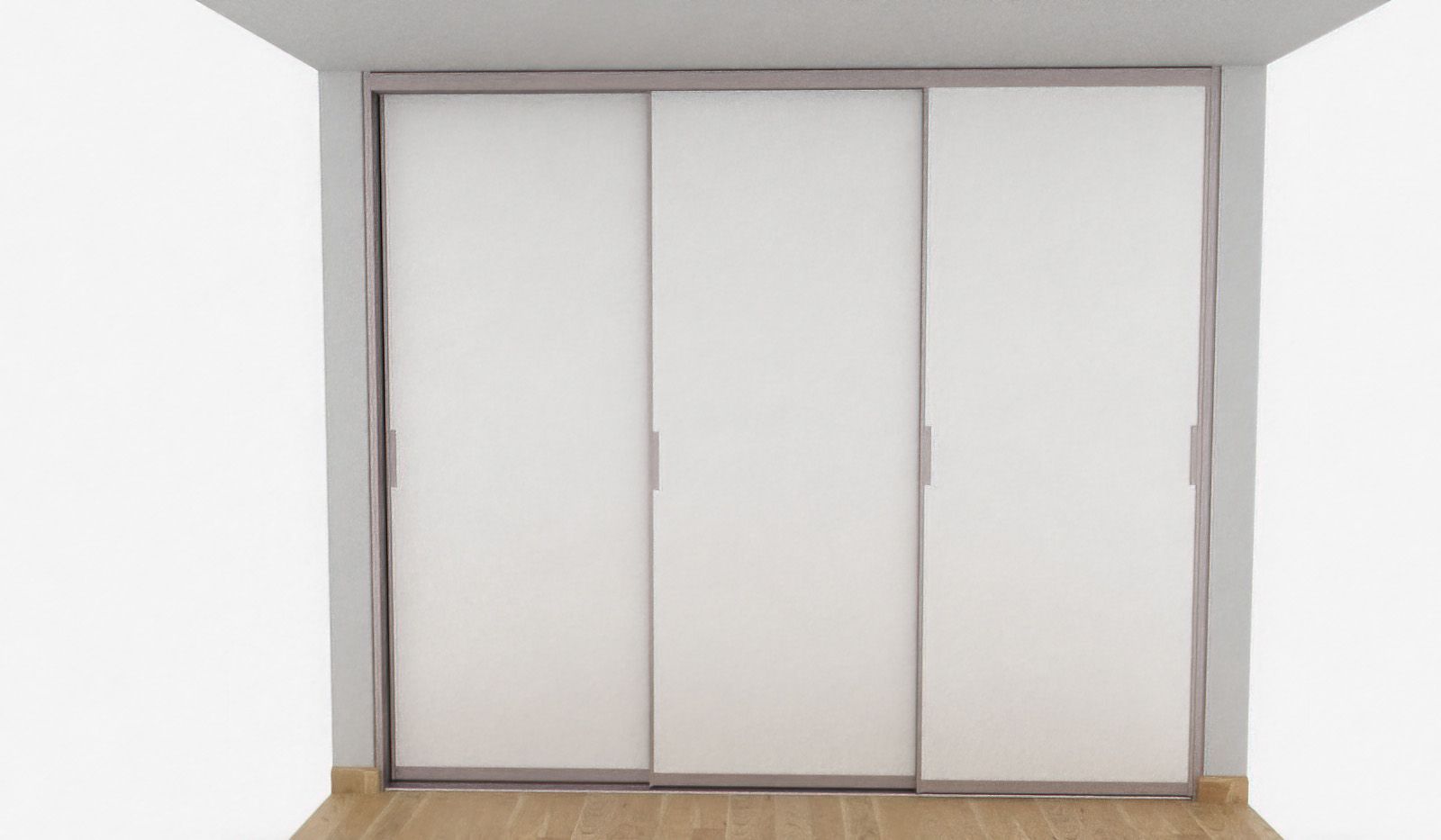
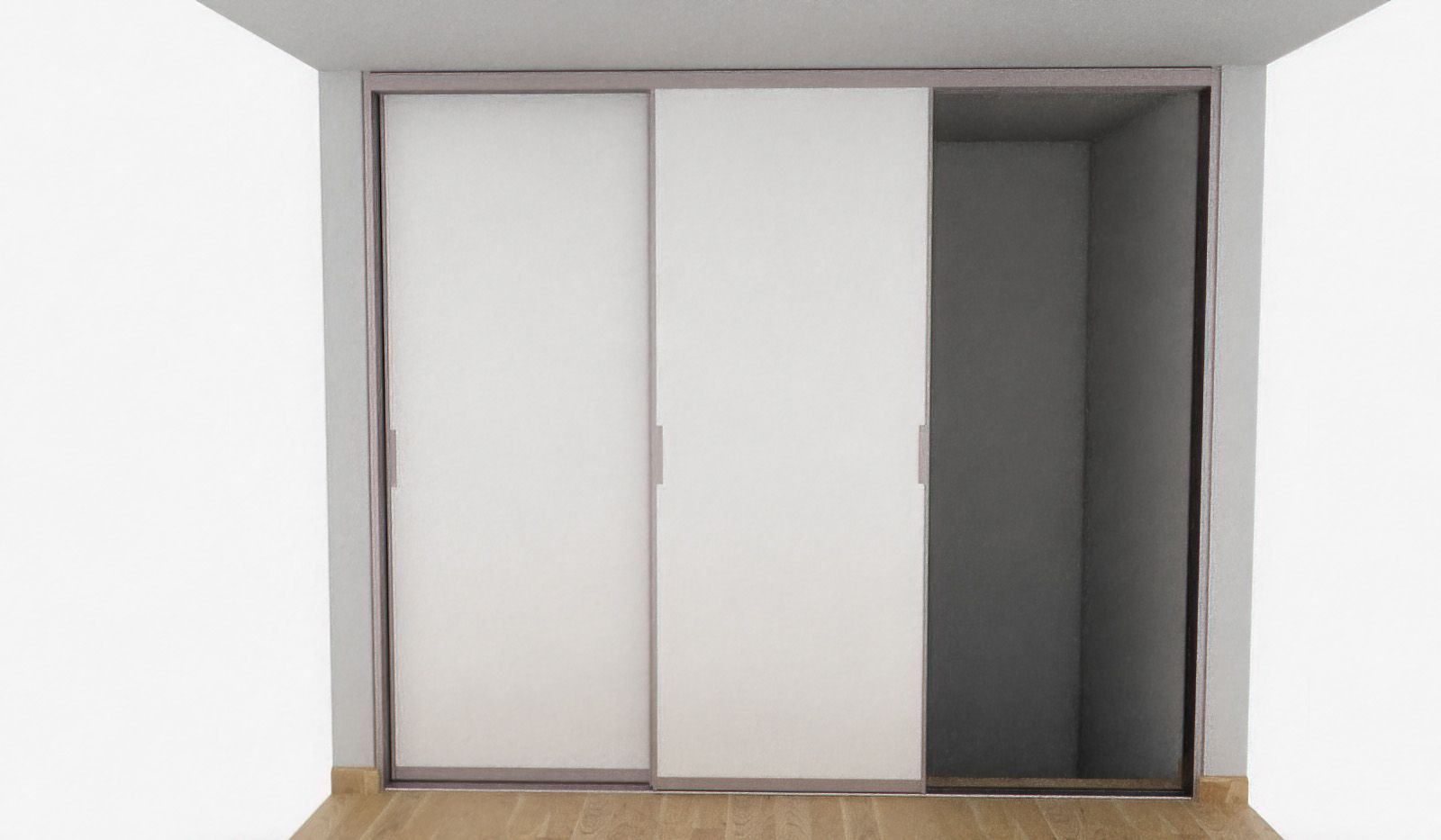
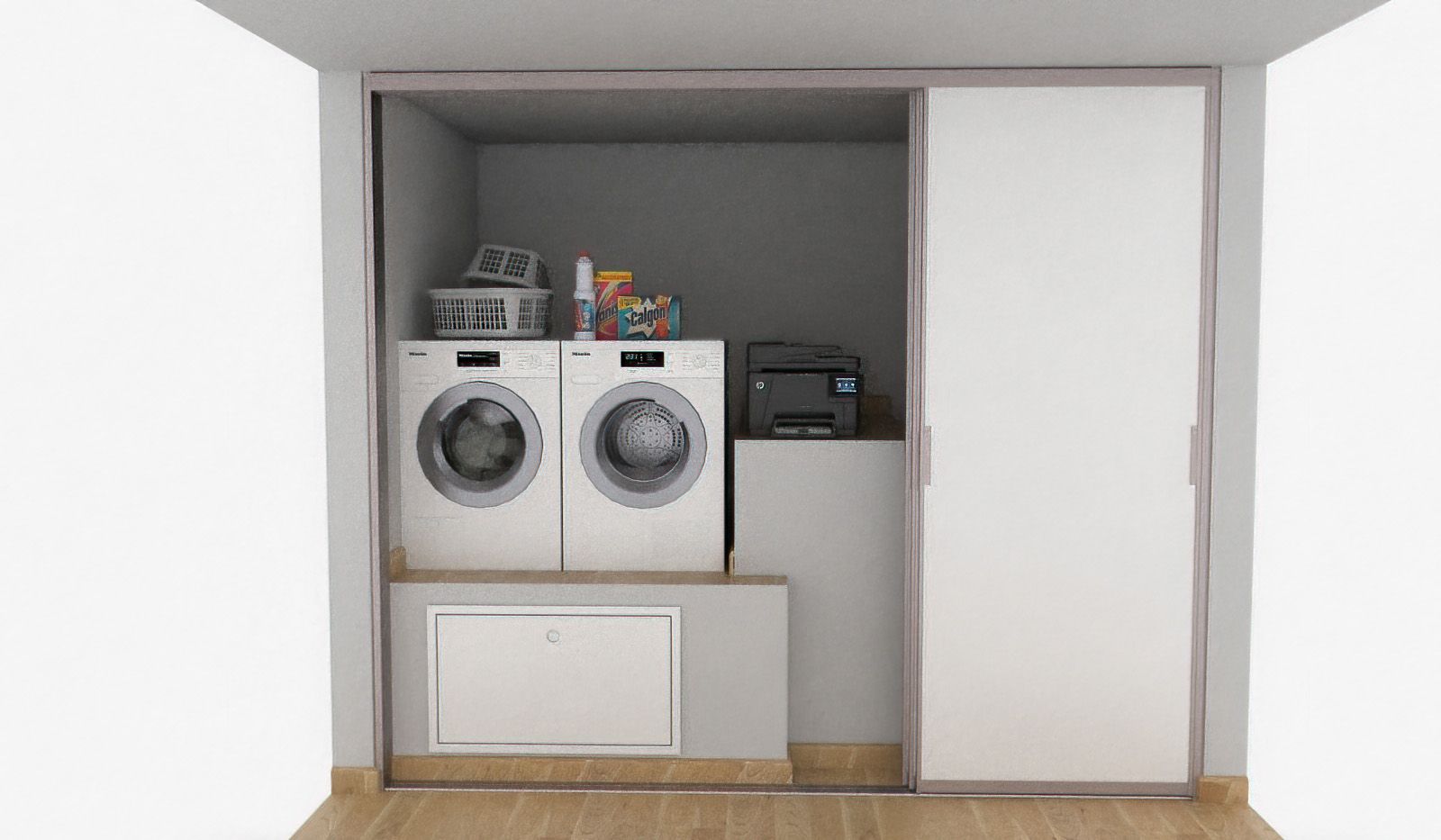
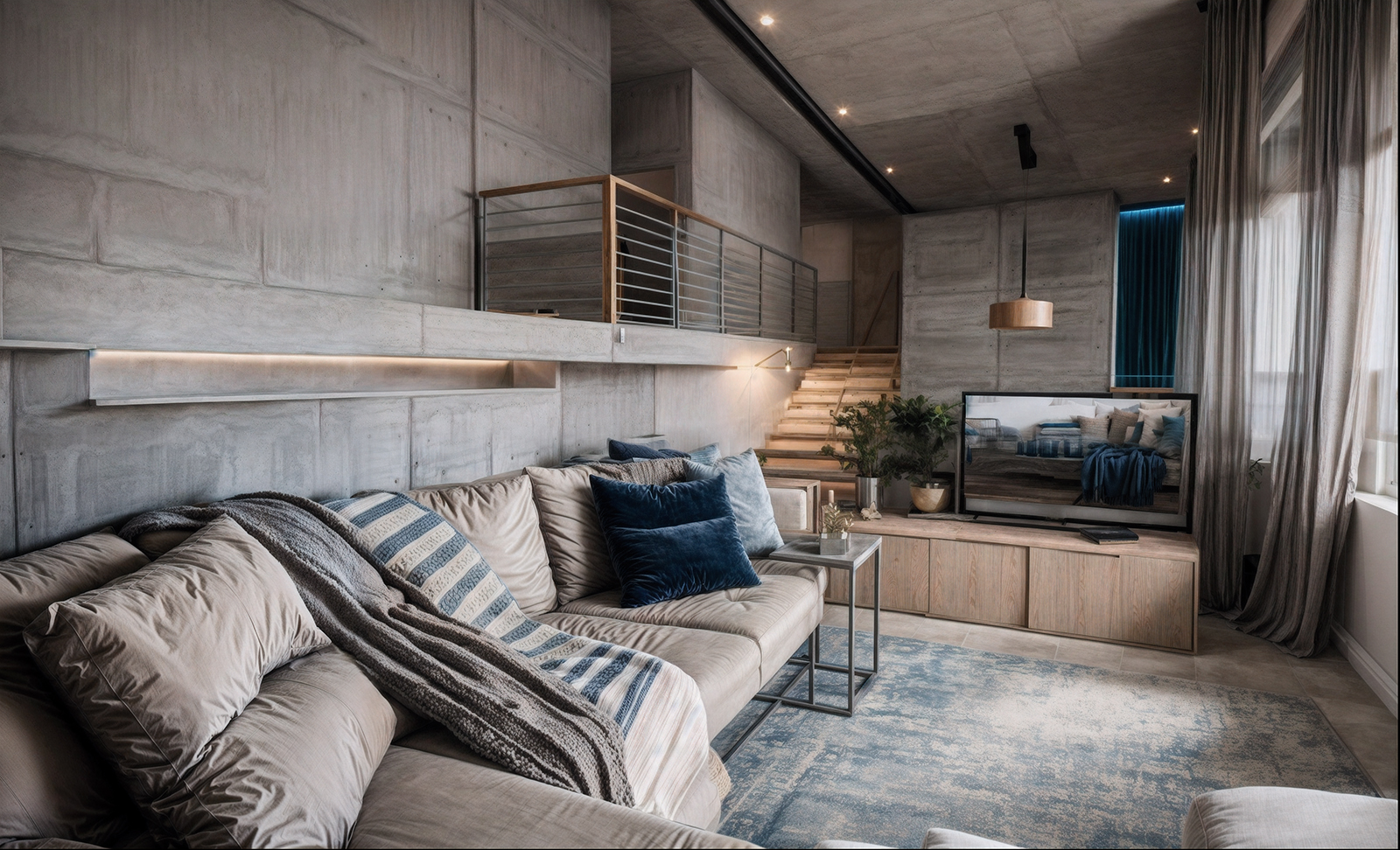
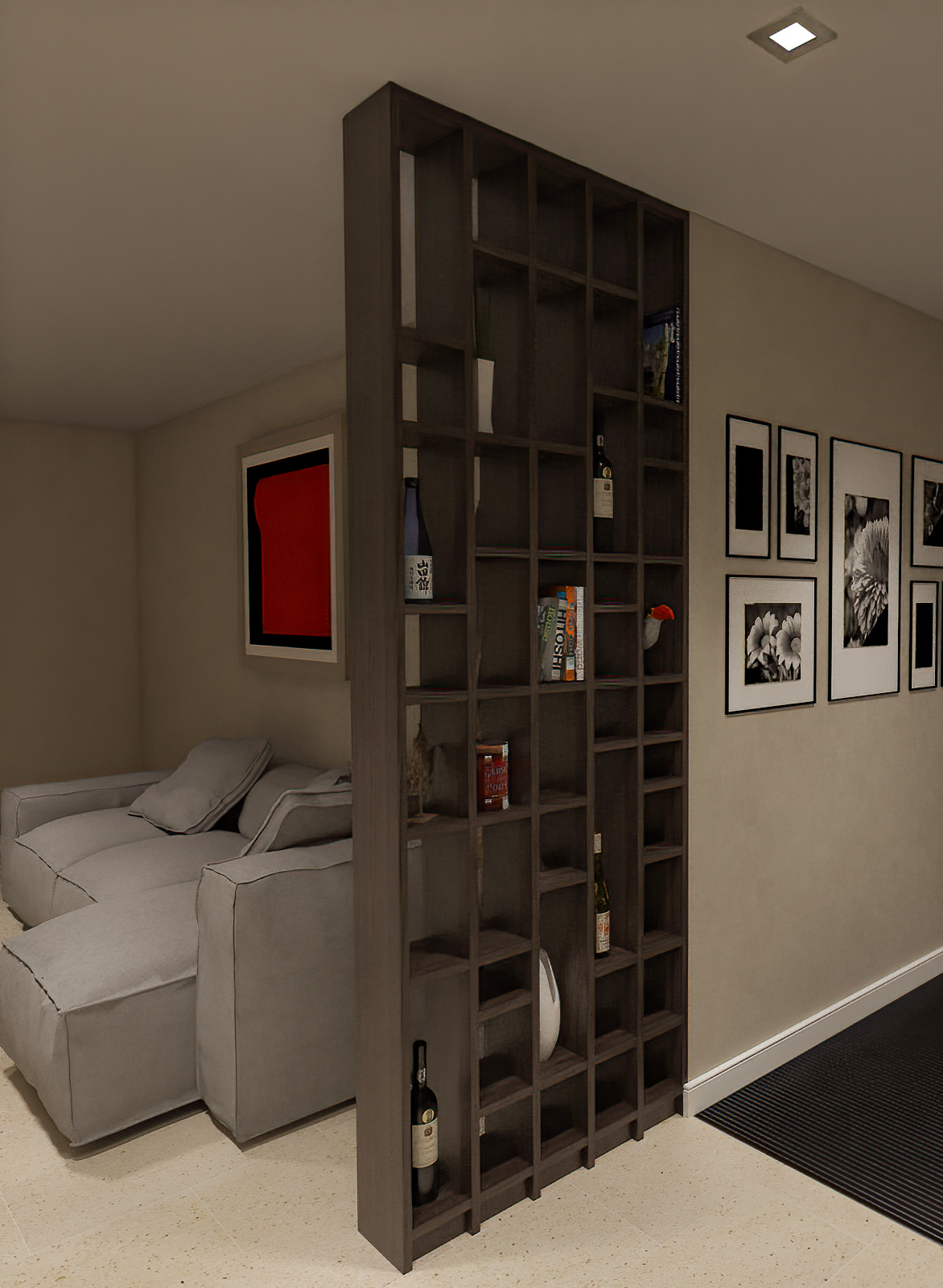
here a test with interior design:
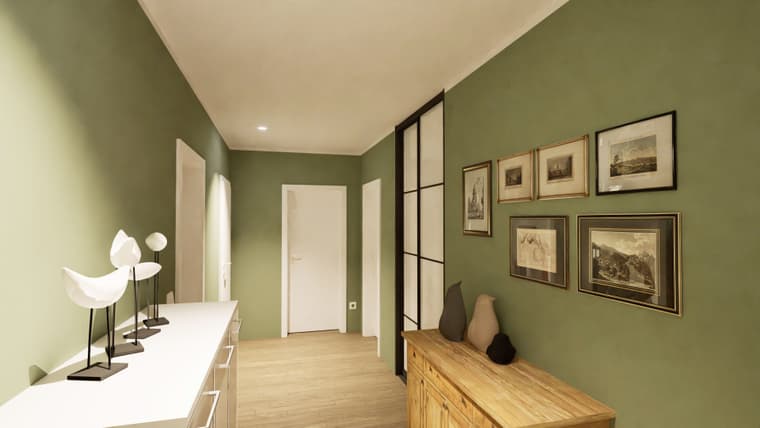
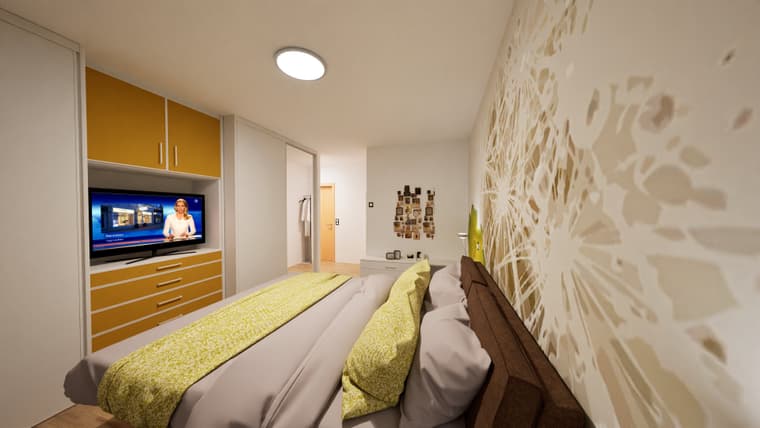
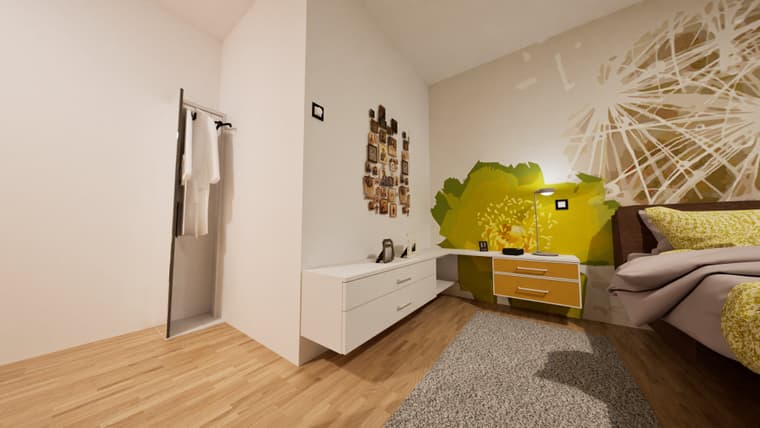
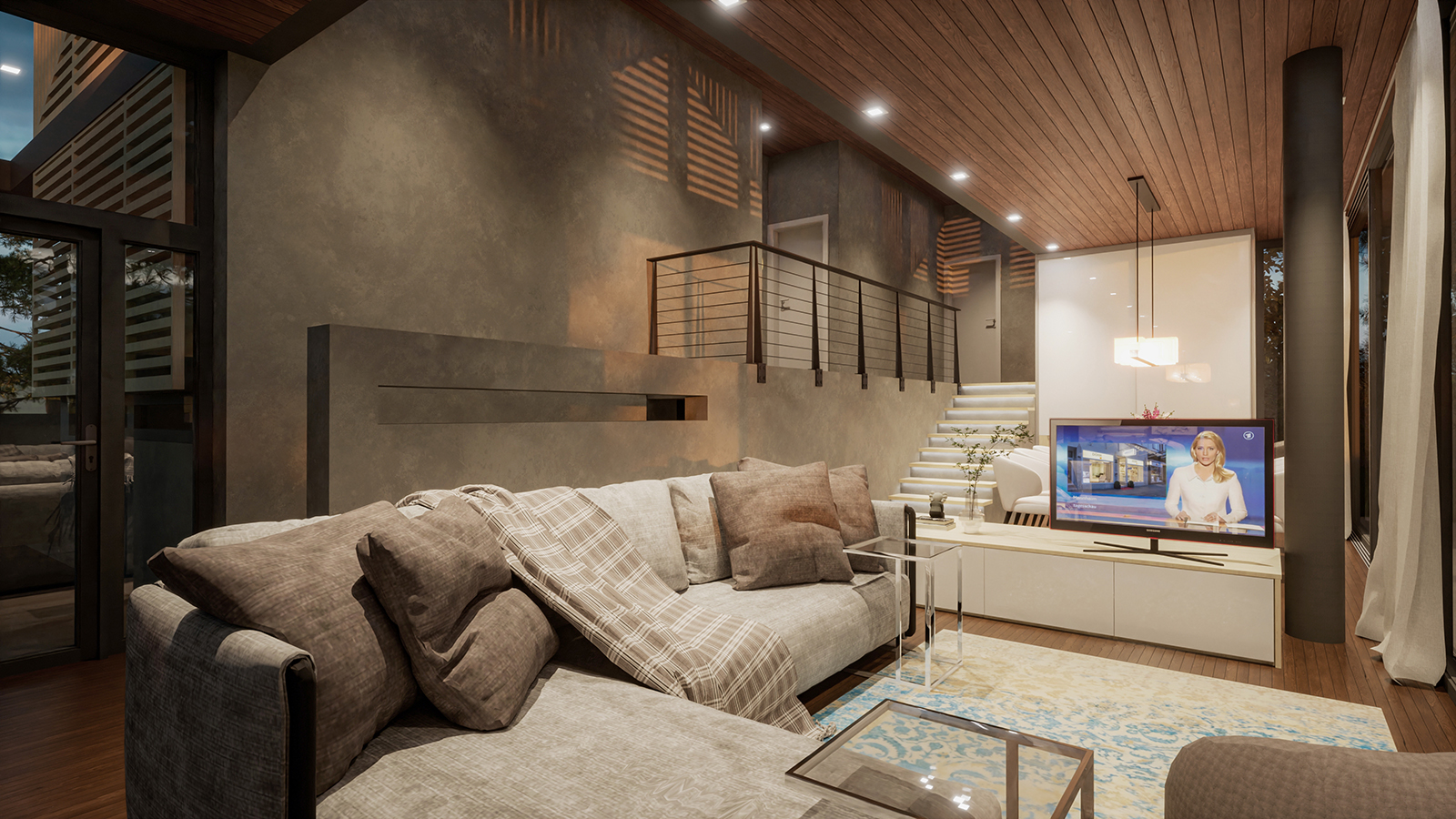
and an additional pic with twinmotion

 J
Offline
J
Offline
here a test with interior design:
and an additional pic with twinmotion
still testing the options....
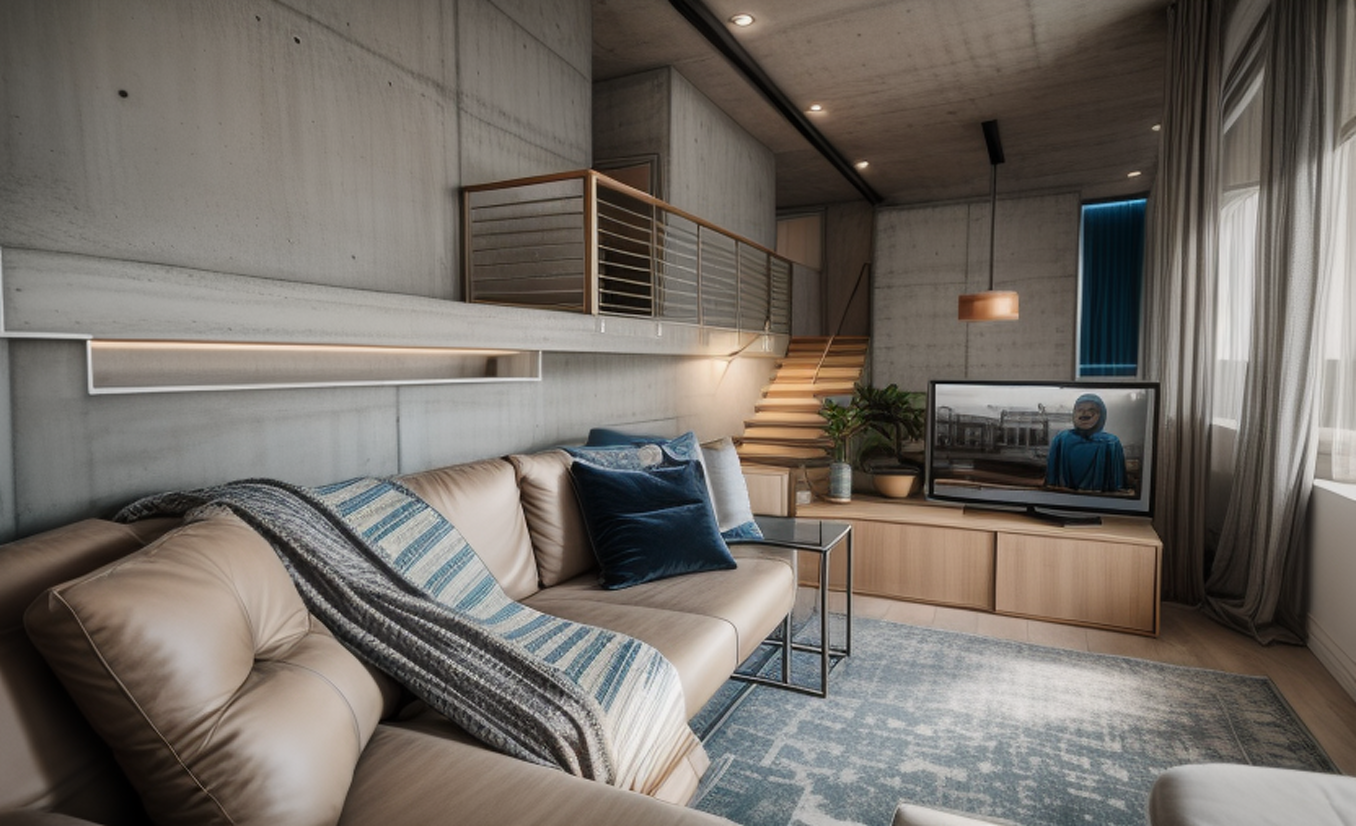
I just started to combine render and AI.
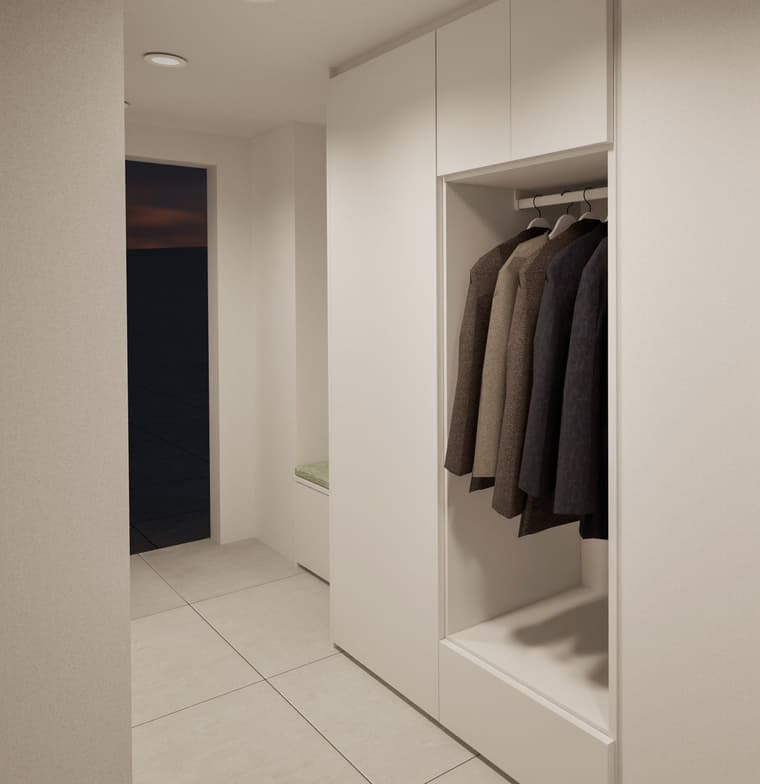
rendering cloth in wardrobes has really bad results, because of low resolution models. If I would take better models for cloth the filesize would rise enormously.
AI does really a goof job in makeing realisic cloth and a bad job in doing the rest in desired materials and colors.
so I took my render with the right setting for my wardrobe and took the cloth of the stablediffusion output and merge them in Photoshop:
unfortunately I can't export my POV Camera to twinmotion. this would be helpfull for later work in photoshop
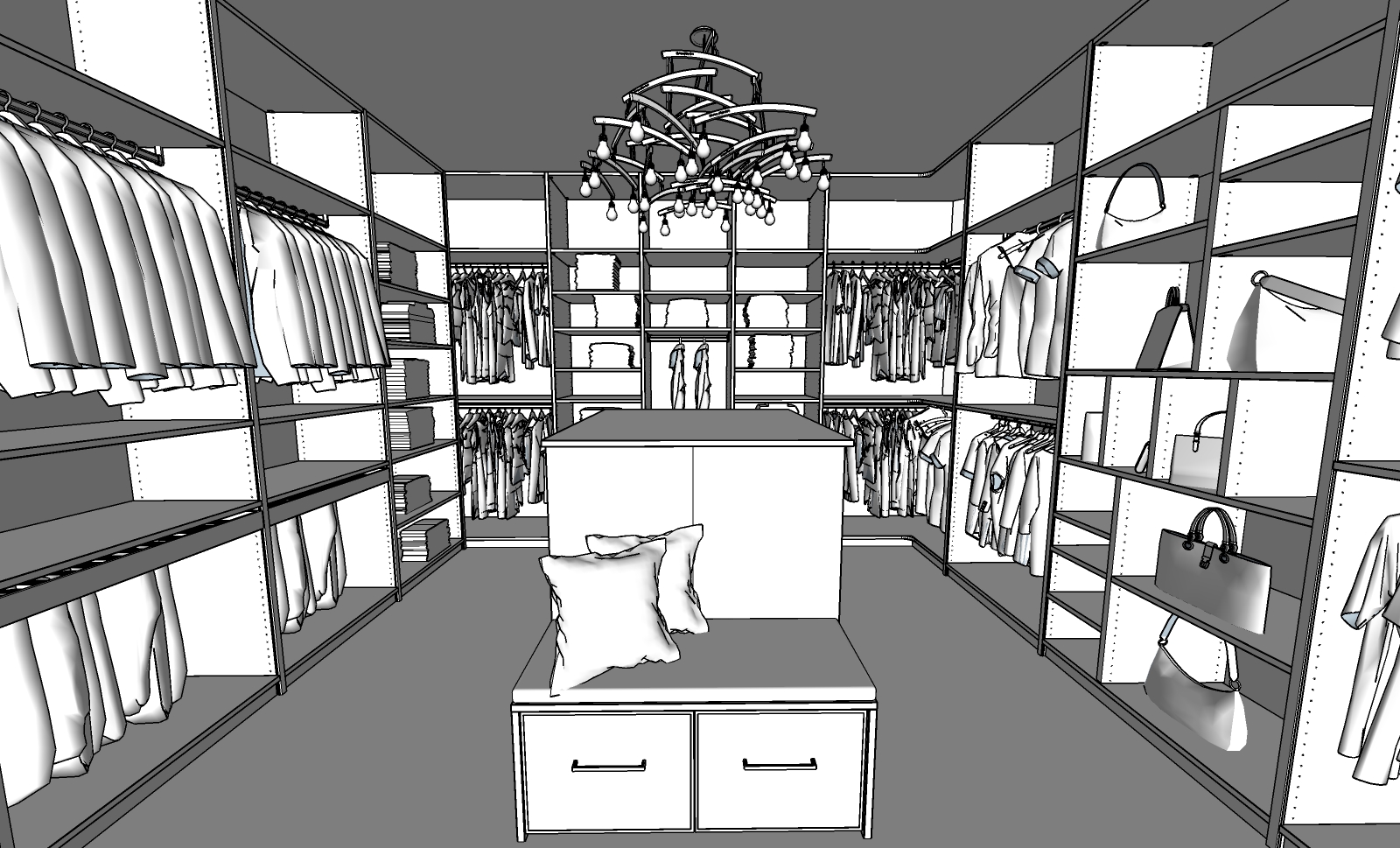
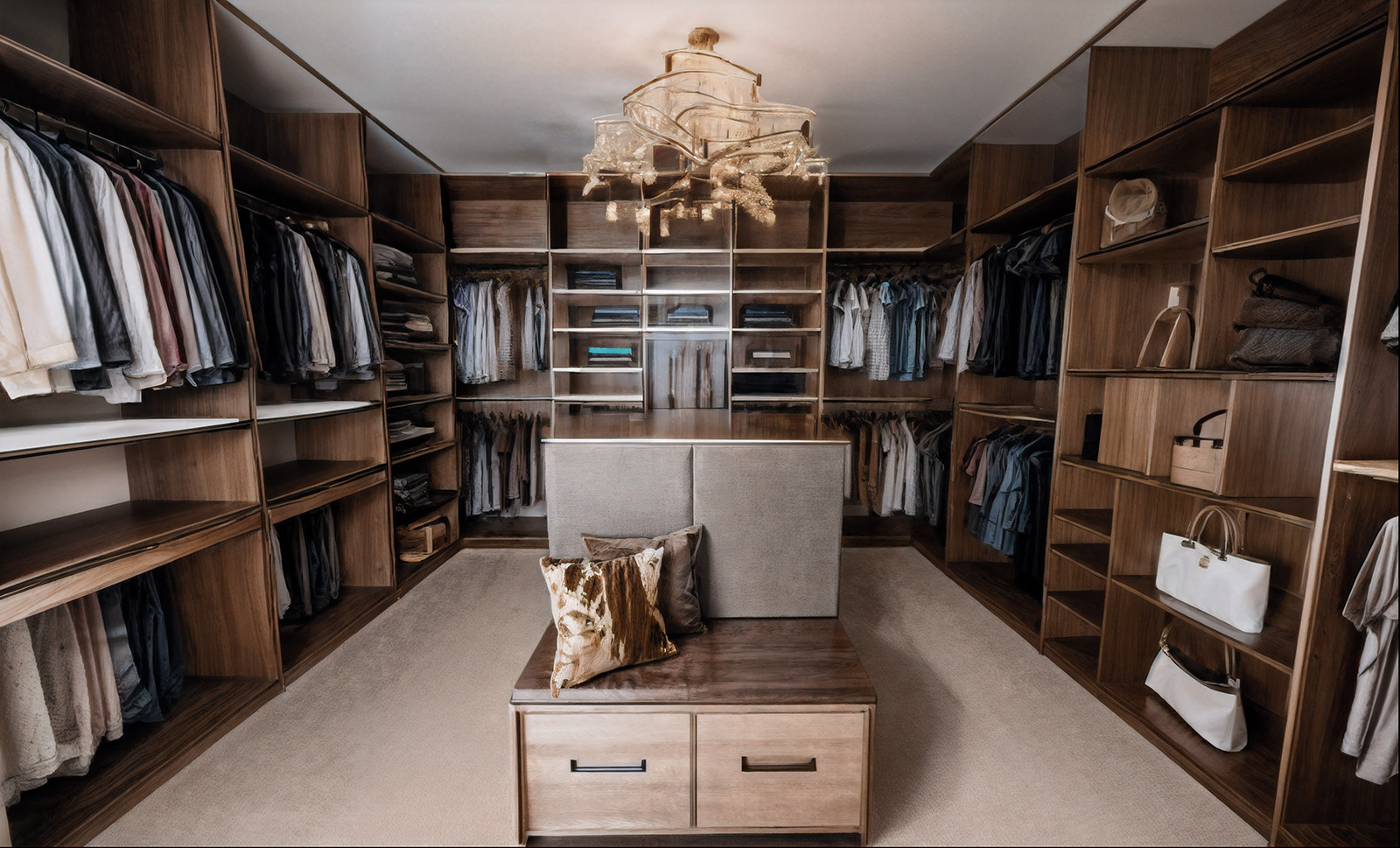
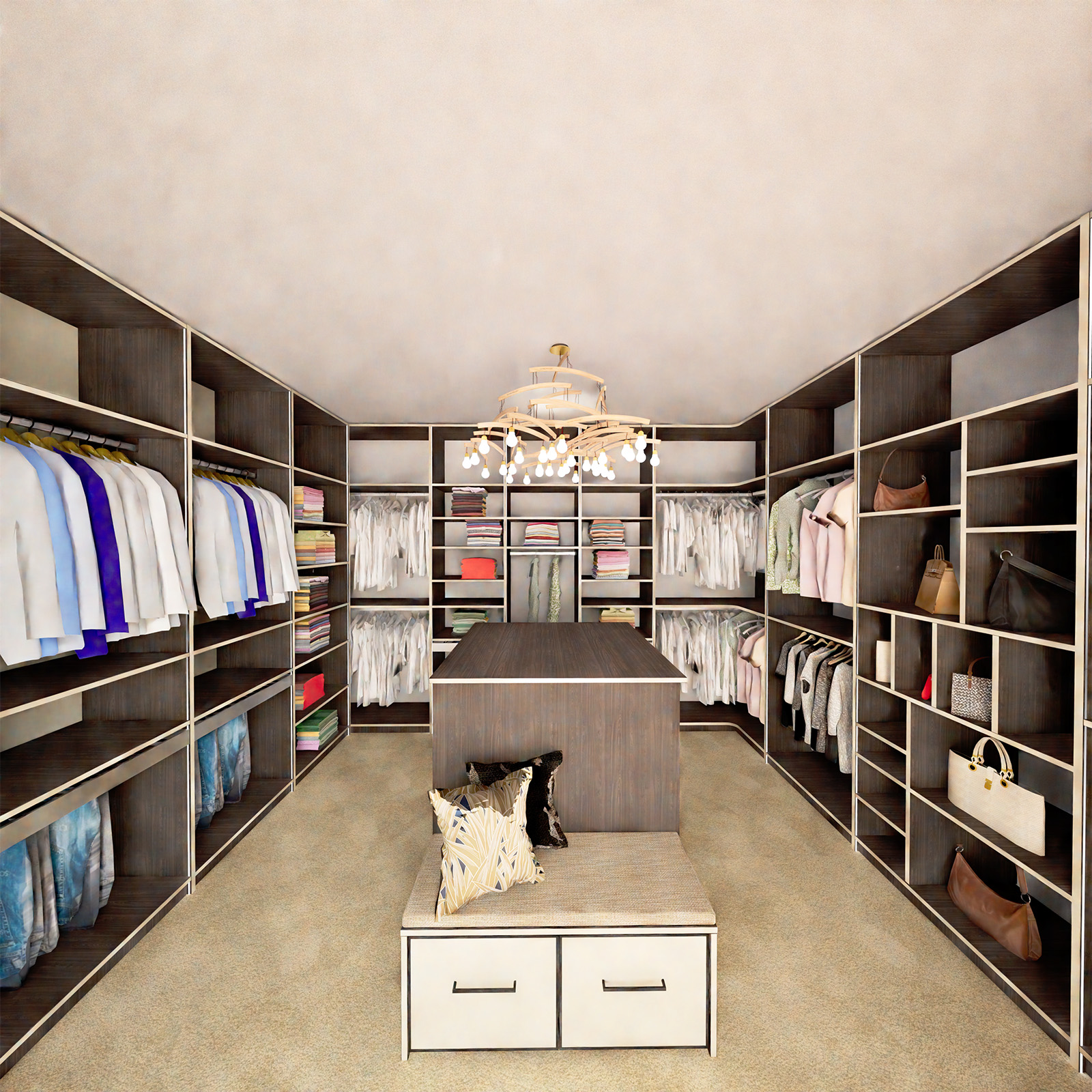
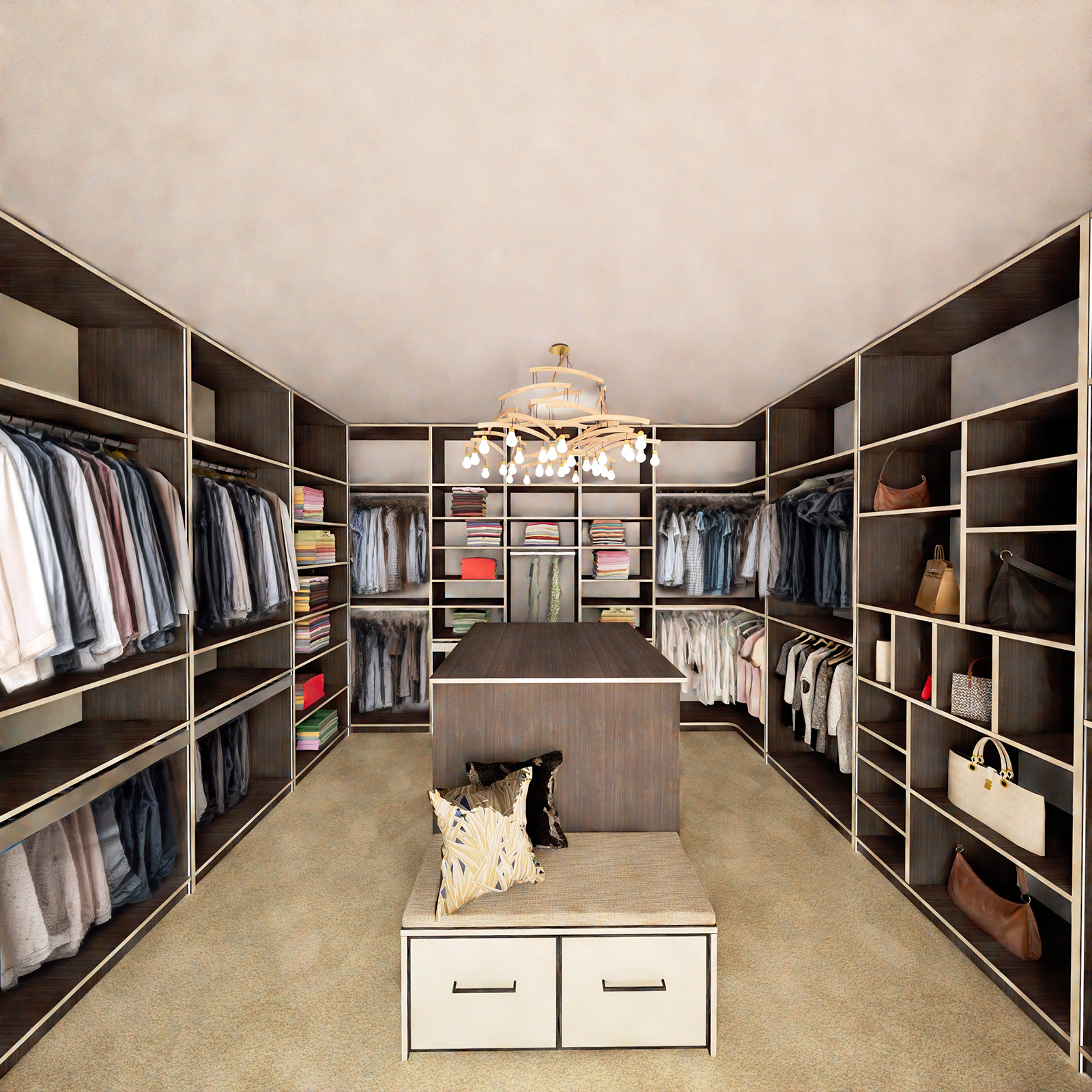
another one. diffusion is the loser in this case.
this time twinmotion wins.
all renders optimised in photoshop
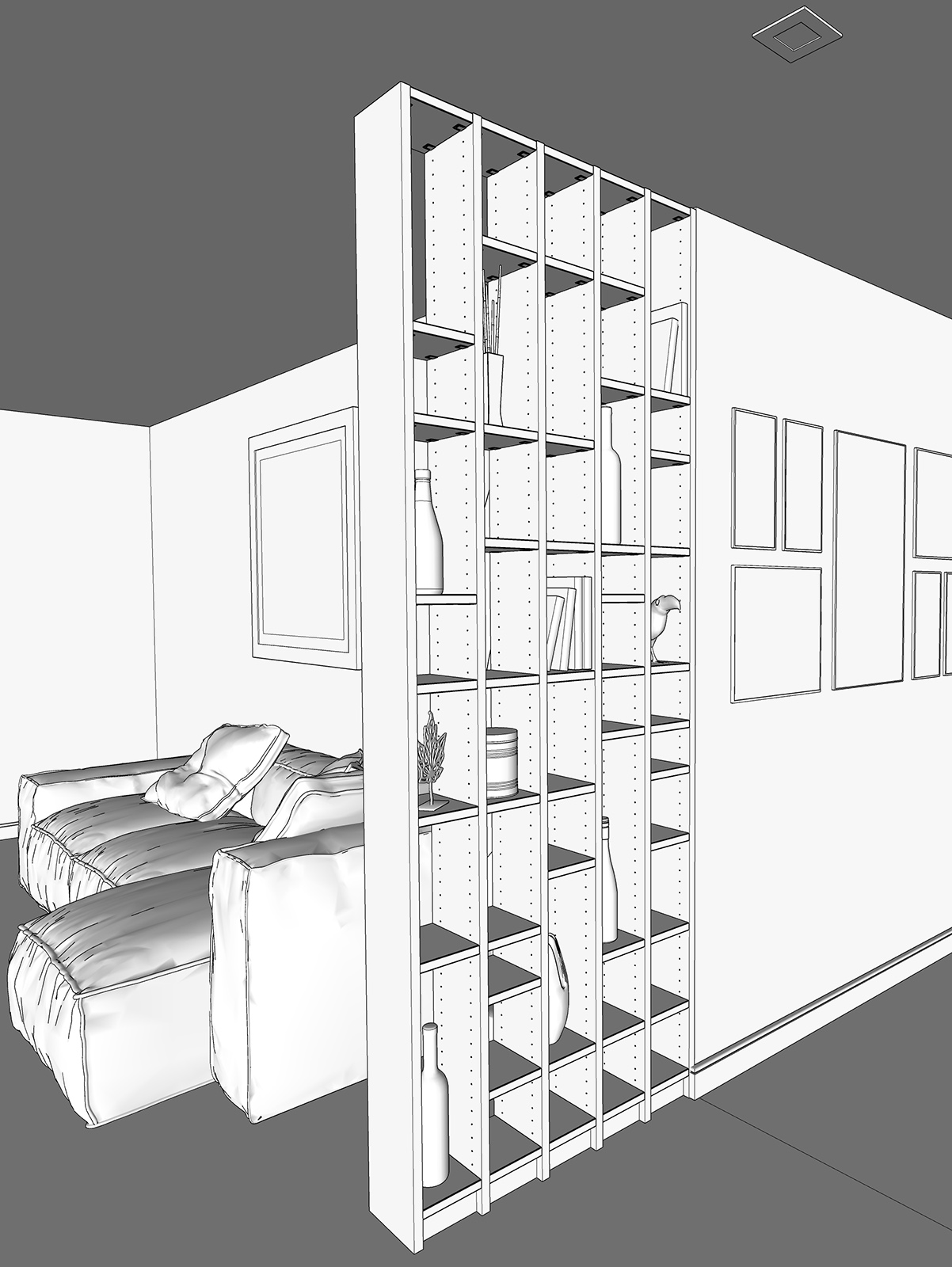
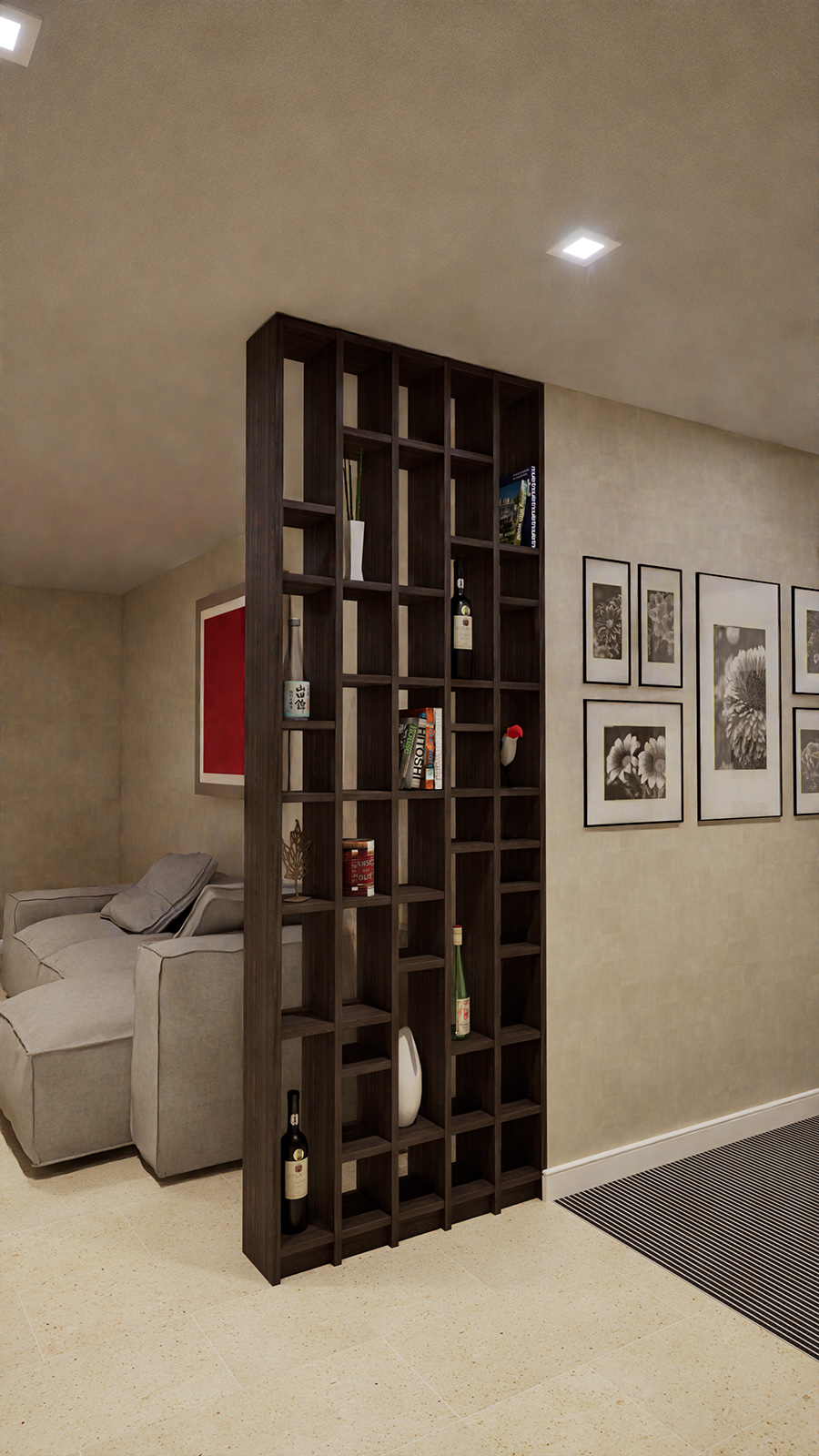

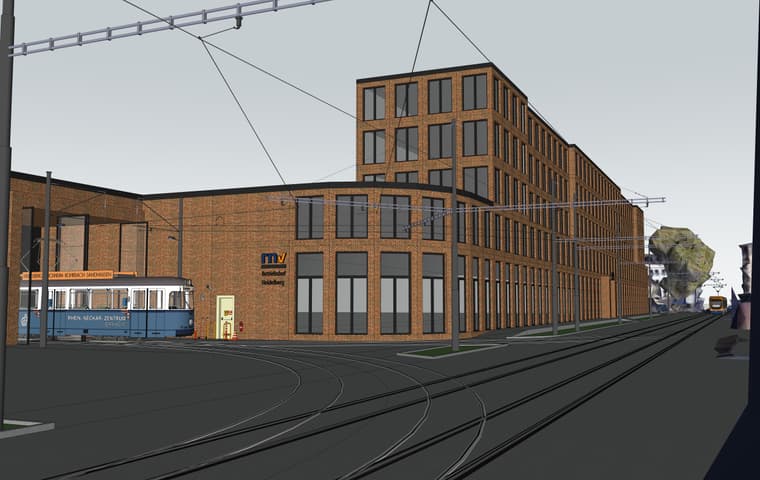
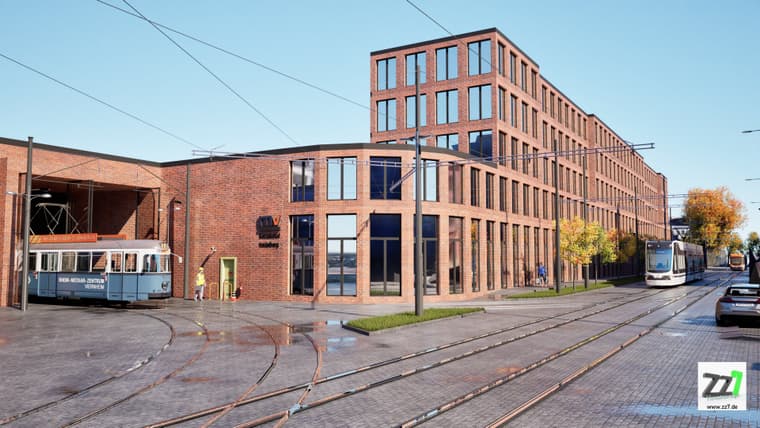
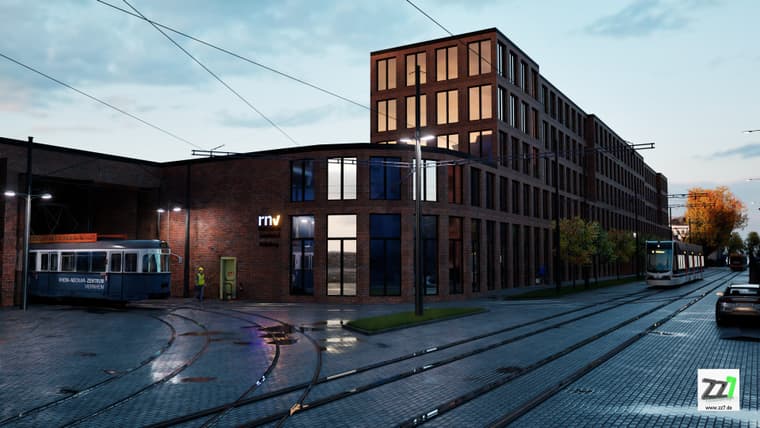
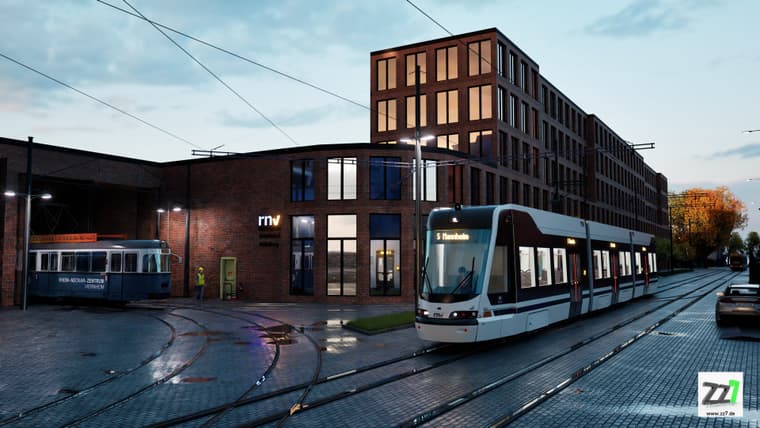
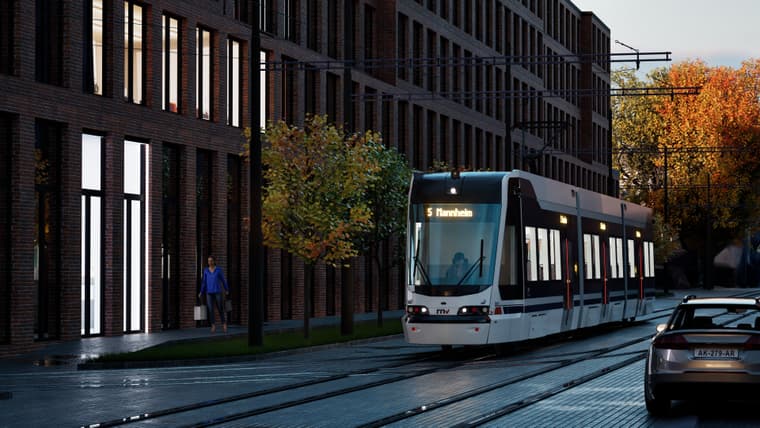
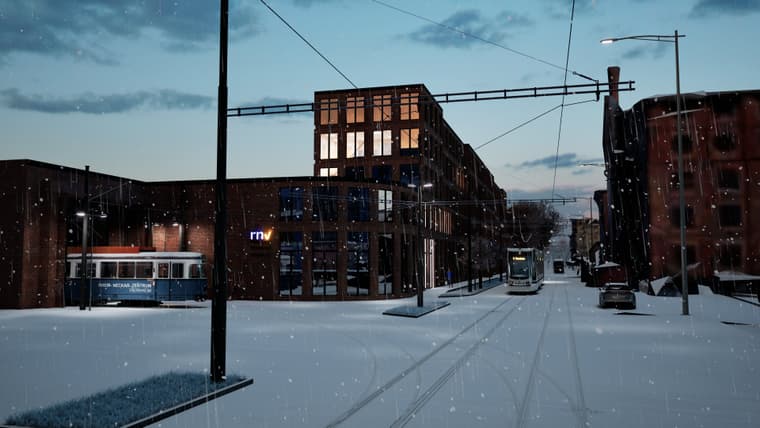
this place in Heidelberg is going to be reconstructed:
Find local businesses, view maps and get driving directions in Google Maps.

Street View · Google Maps (www.google.com)
Nice. I love the cussions.
I have the fabric in my shop.
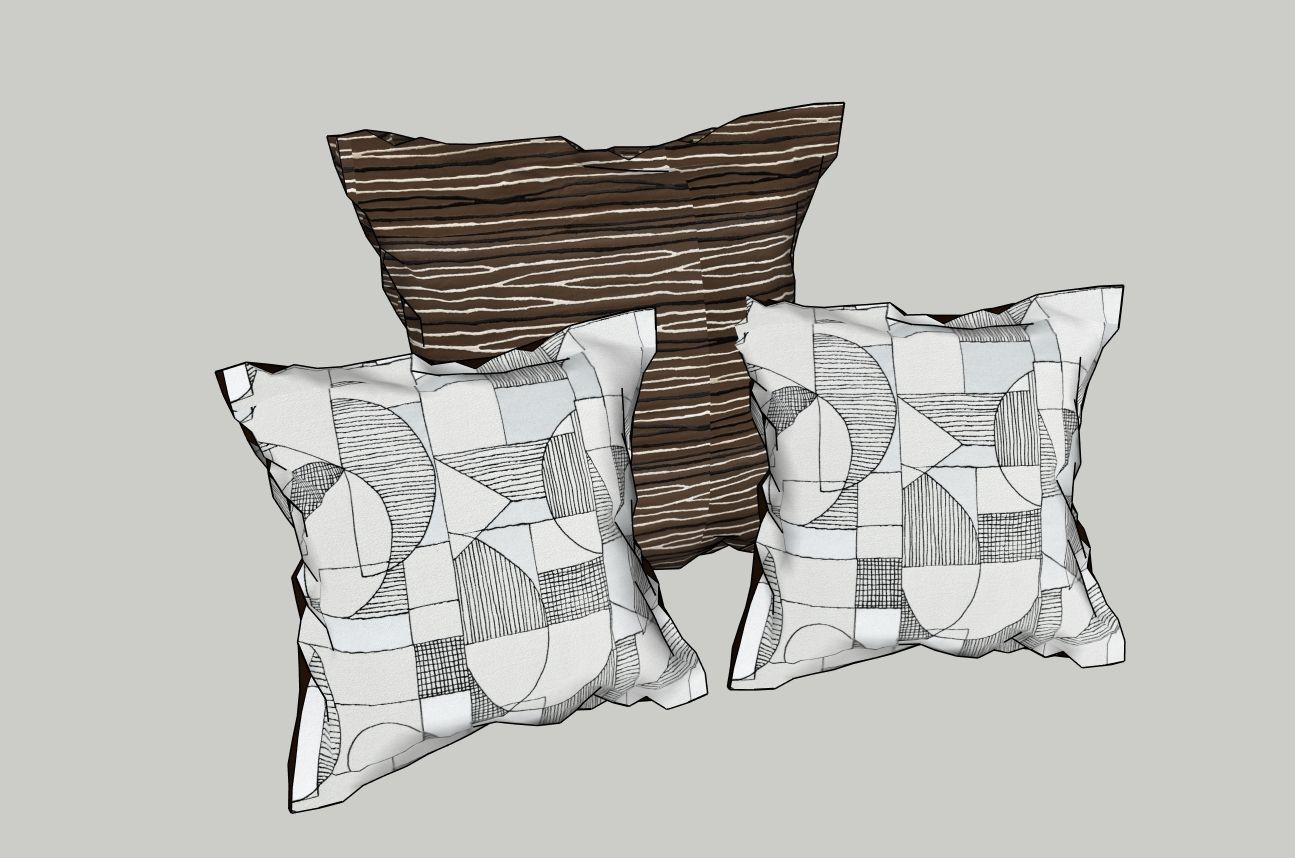
these are the ones, I used in my model
created with cloth works, they have some more wrinkles.
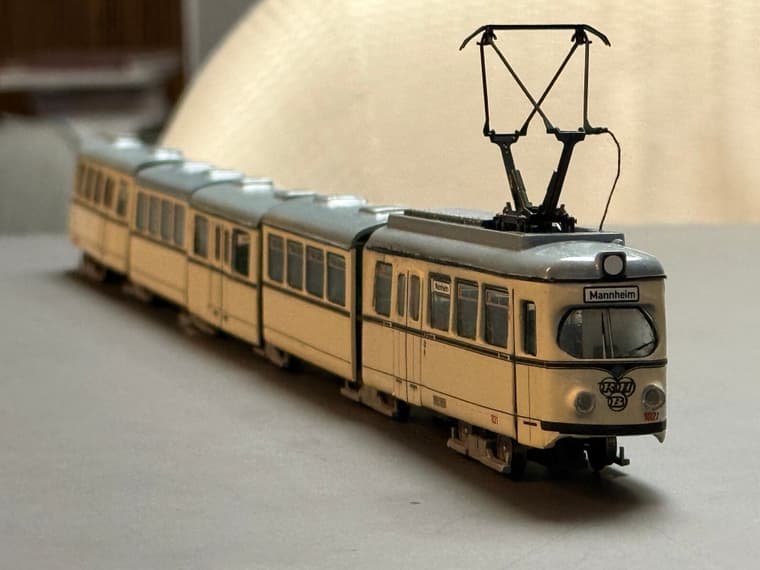
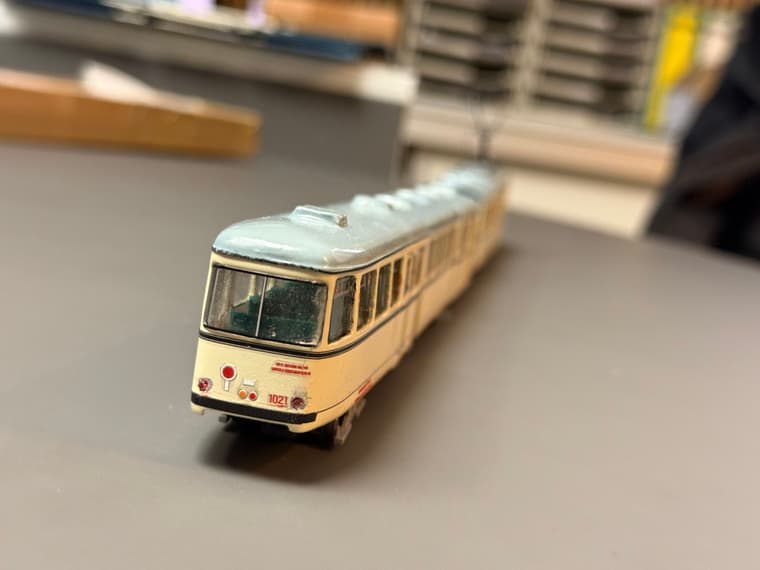
at the moment I am remodelling an old model to prepare for 3D print
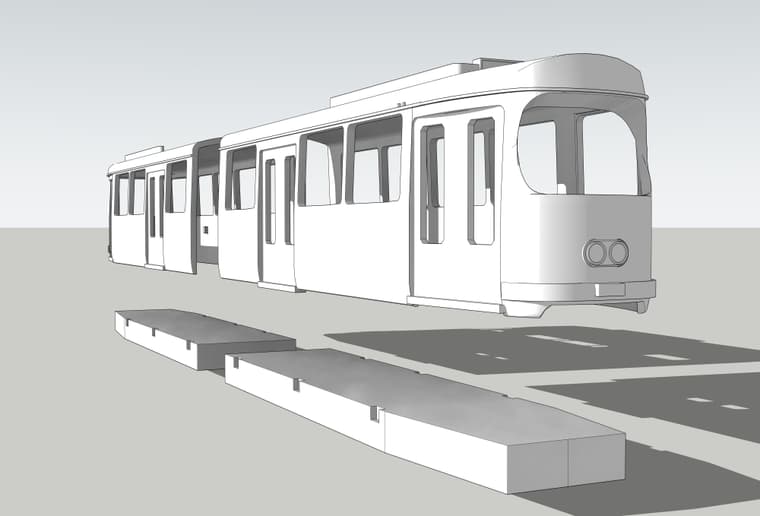
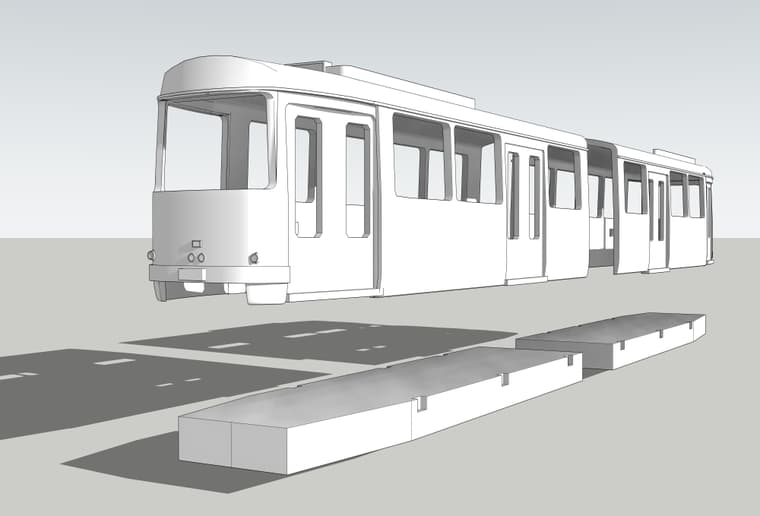
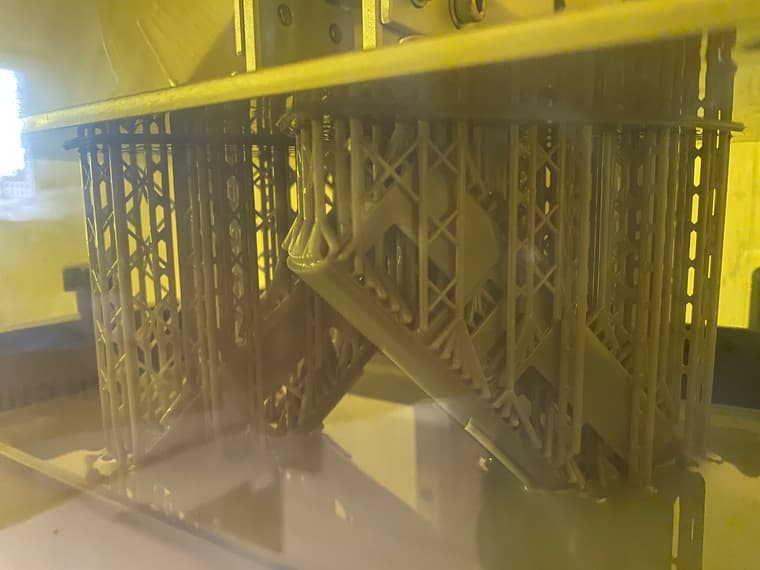
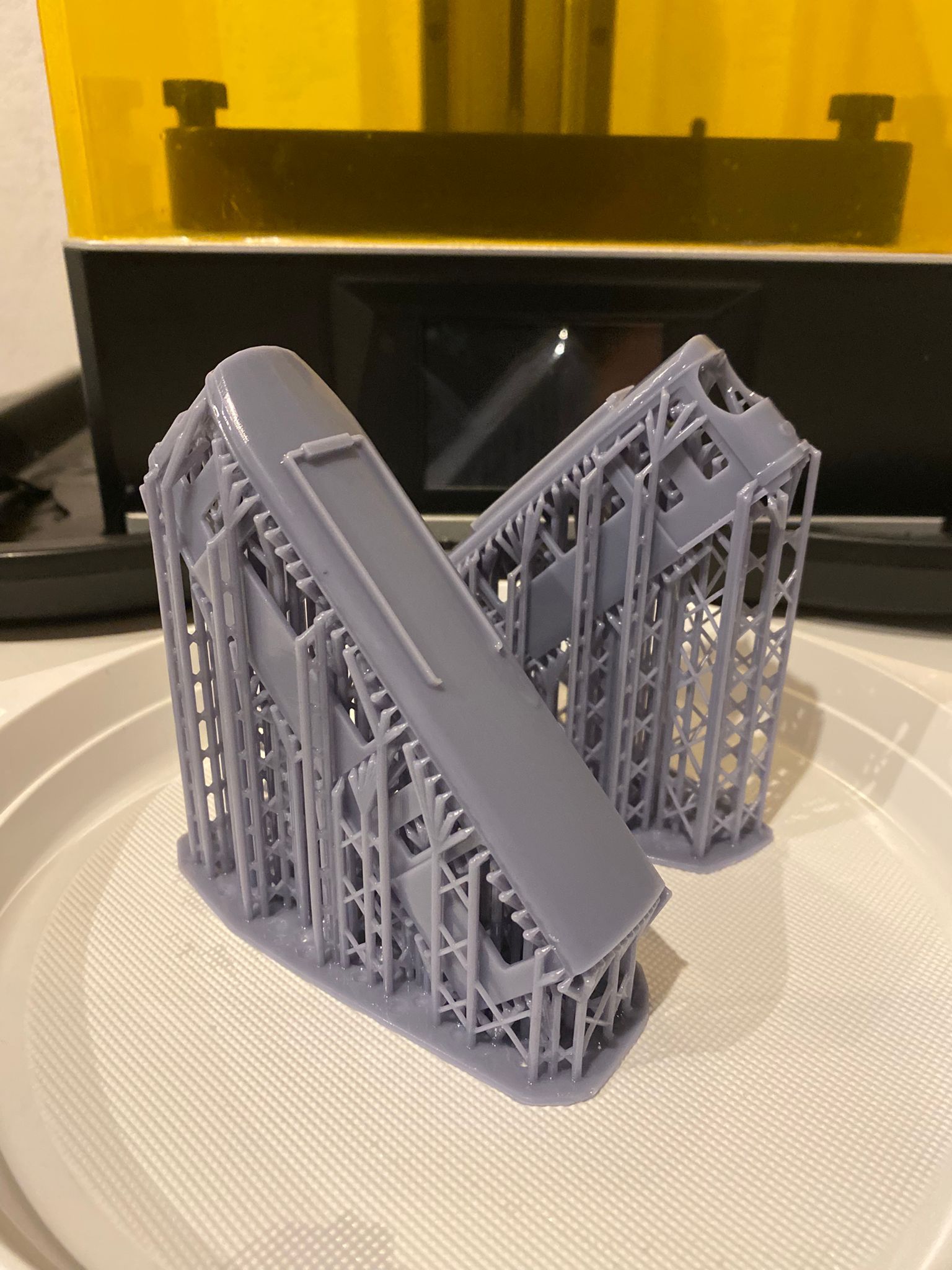
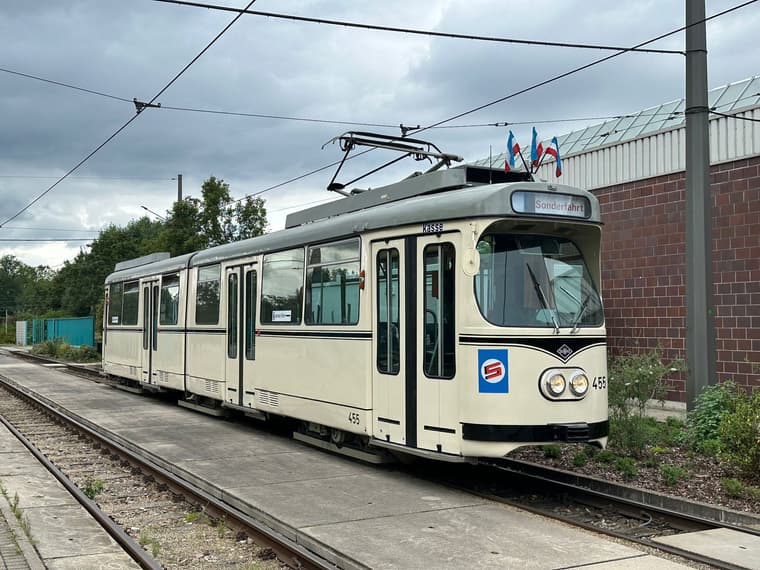
huge project, that I am working on...
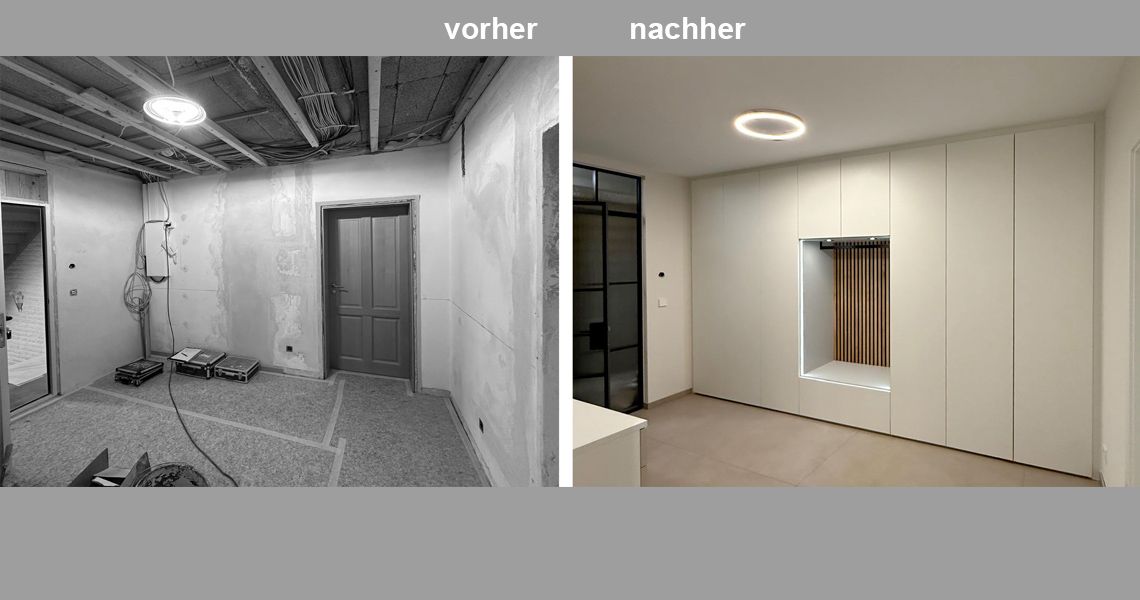
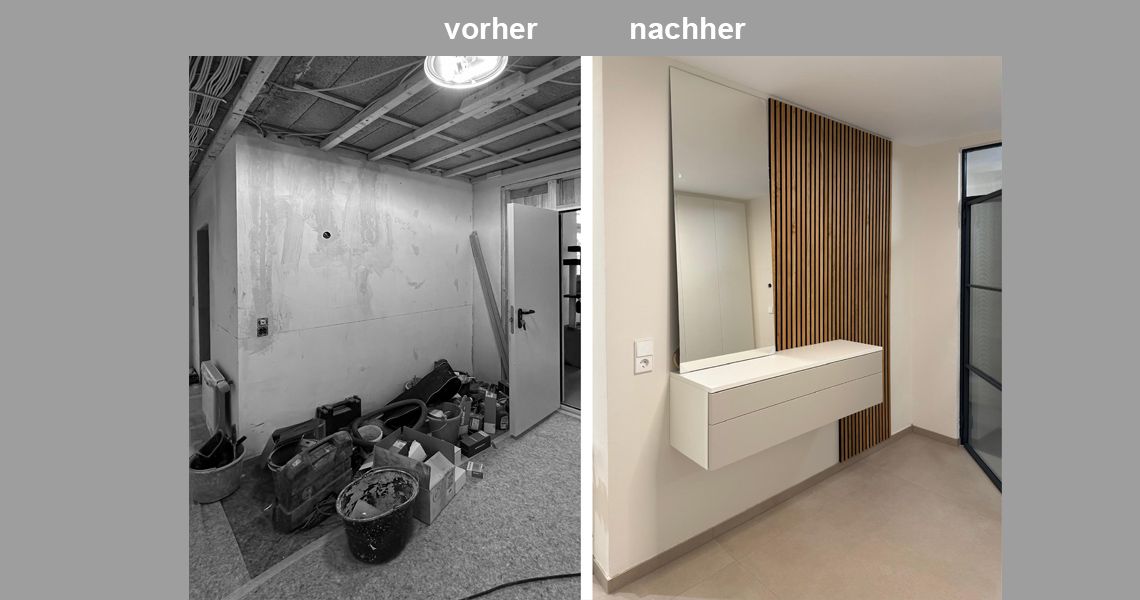
"vorher" is picture
"Entwurf" is render
@majid Ah, OK I see.
luckily this is a 3D Scan of an existing one, so it is porperly textured
Thank you for the kind words
here's the place in googlemaps:(same view)
Find local businesses, view maps and get driving directions in Google Maps.
Google Maps (www.google.com)