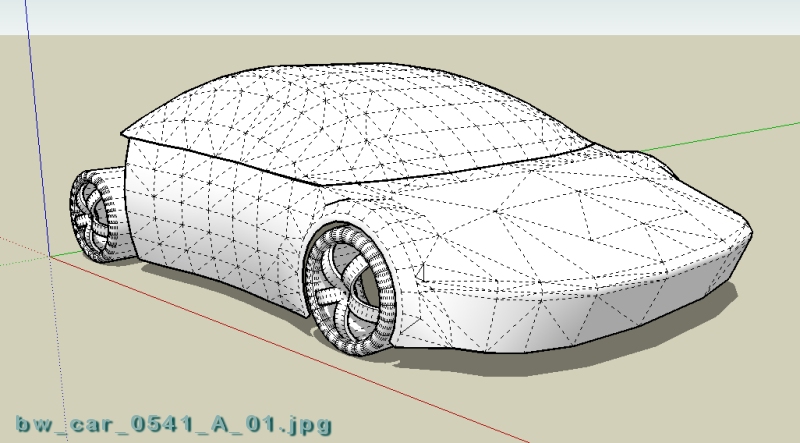
@unknownuser said:
Why dont you make the bumpers lower or bigger and make the roof a teeny bit smaller?
I'm struggling with many things, including proportions: what's realistic vs. what looks good vs. how to define the geometry.
@unknownuser said:
Why dont you make the bumpers lower or bigger and make the roof a teeny bit smaller?
I'm struggling with many things, including proportions: what's realistic vs. what looks good vs. how to define the geometry.
@unknownuser said:
I'm sure it is testosterone related, but the fact is, that . . .
LOL!
Here's another ultra-quick model . . . yeah, I know, more of the same, nothing new . . . I'm just trying to stay in touch w/the s/w . . . a pillars are way too thick . . . blah, blah, blah . . .


. . . more playin' around w/shapes . . . I think this one could be salvaged but it'd take lots of time to make nice transitions & clean it up . . . I was using an older version of the Ruby script SketchyFFD . . . just more food for thought . . .  . . .
. . .
Happy Sketching,
Brad


Gimmie ten minutes, I'll give you a car . . . note the "blocky" shapes with a minimum of surfaces to get the point across - rough, but very fast . . . I was eating Fruit Loops while I did this car . . .
Happy Sketching,
Brad

Okay - just one more simple quick shape . . . done while watching a movie w/my daughter . . .

This will have to wrap it up for now - I've been putting off some stuff while I've been having fun . . . er, I mean. while I've been learning how to teach my students how to use SketchUp . . . I'll post some more stuff in a week, or so . . .
Happy Sketching,
Brad

I dunno - patience is relative, I guess - really depends on goals and perception. I'm not really interested in publishing a finished work. I have so much to learn about body shapes - plus, this is especially intriguing to me, thus, I enjoy it very much. I look back at the beginning of the thread - I have such a long way to go, but I have achieved a few tools which help me represent with geometry what's going on in my head . . . my "end product", the models I'm posting, are usually just a vague, distorted remnant of the fleeting thoughts spinning around in my head. Still, as I press on, I can see some progress (hoping not to sound as though I am confident or prideful).
Obviously, modeling time varies with each different body shape along with skills necessary to define the shapes. Adding specific details, creating "good" transitions, ripping stuff out and doing it again - it's frustrating, at times because often the difference between disaster and something very nice isn't a large difference in geometry - or the time it takes to create & edit the stuff.
Here's one I began working on today because I liked it - it's based on one of the Mitsubishi concept cars, though, difficult to see that when looking at my version (ha).
Happy Sketching,
Brad

This turned out to be the most hideous thing I think I've ever done with CAD. The shaping of the body was a really great learning experience - but I feel like I just baked a cake and mixed in sand instead of using sugar . . . yechhh . . .  . . . this is dead dog ugly . . . oh well, on to the next one, eh . . .
Happy Sketching,
Brad

. . . did this one while on the phone w/relative that has no life . . . TMI, TMI, TMI . . .

. . . more fiddling . . . S/U is sort of like a surfacing spreadsheet - very easy to do lots of what if's . . .

@unknownuser said:
But still no finished cars......
. . . yes . . . here's another form study . . . I already ripped out the area under the windshield on either side of the nose hump . . . again, just something quick . . . I might finish this one . . . nahhhhh . . .

@unknownuser said:
-Added an option to create a NxN 2d patch. A grid with a control point at each intersection.
BEAUTIFUL!!! THANK YOU!!!
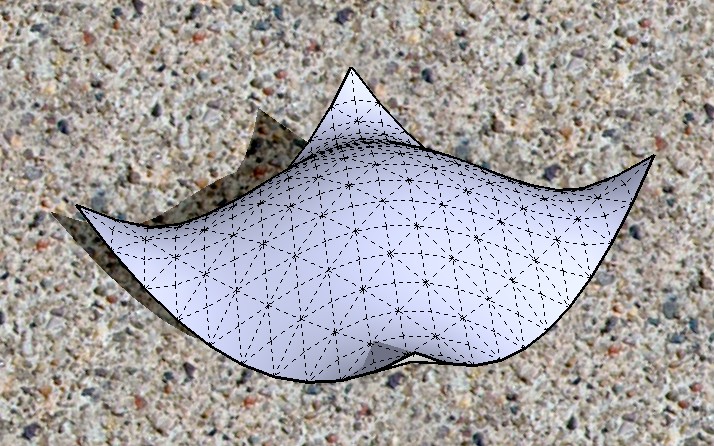
. . . this doesn't really look new, but I was trying a new technique to get a smooth transition between concave & convex surfaces so, I built this quick front end and this technique is a bit quicker than what I usually do . . . and I'm satisfied with the results - it should look great if I poured more time into it . . . I call this "surface modeling snack for thought" . . .

If you use your own r/c 4 channel transmitter that uses a USB adapter, you can download this flight simulator and use it for free:
http://www.flying-model-simulator.com/
No, it's not going to have the same awesome graphics and the physics accuracy may be a little less realistic, but for building your r/c hand-eye coordination it's really an awesome program. It took me a little while to figure out how to configure the sticks to work properly with the heli program - if anyone needs pointers, let me know.
Maybe this post could be cross-linked with the free s/w forum?
Happy Sketching,
Brad
Thanks for the nice comments.
I'm at a point where I should really begin to "show" some of the things I've learned by making some tutorials. The one you mentioned can get someone started with shaping but there is much more to it than that tutorial shows, of course.
Honestly, every time I make a body for a car I learn something new - I'm always trying something different - it's very satisfying when something actually works. One key to mastering amorphic shapes is the transition between two areas. This can really make or break an otherwise good looking design. I know this because I'm struggling with it but I'm getting better with it and have learned some helpful tips.
I've been writing tutorials and teaching mostly adults how to use CAD since 1988. I am looking forward to sharing what little I know about this stuff with some through tutorials.
I'm not sure if "stiching" is the right word, but I use this word to describe the "manually defined surface geometry" which seems necessary when defining the transition between two shapes - among many other uses. Imagine two spheres on a table - a grapefruit touching a golf ball. How would you create a nice looking surface that joined the two shapes together? That's one of the tutorials I'm doing.
Happy Sketching,
Brad
Words of wisdom - thanks TIG. One of my college photography instructors said that if you're really trying and you know what you're doing, out of 100 photographs, maybe you can expect one or two to be really good. I tell my students that once you really know how to use the s/w it becomes like a language - when you express your thoughts, you don't have to figure out what words to use - when you're great with CAD, you can model geometry to reflect the ideas that come into your head.
Having said this - I'm convinced nothing will replace the writing instrument and paper - hand-generated sketching is something I'll always enjoy.
I managed to get a wee bit more done with this one . . . I like a few of the lines, others are downright awful . . . I'm just now getting to the point where I'm able to tweak the shapes much easier and I'm actually starting to end up with the shapes that pop into in my head . . . I don't mind ripping stuff out and replacing with something different . . . I feel like I'm in the process of turning a corner with a gigantic radius . . . still having more fun than frustration . . . that's the goal, right?
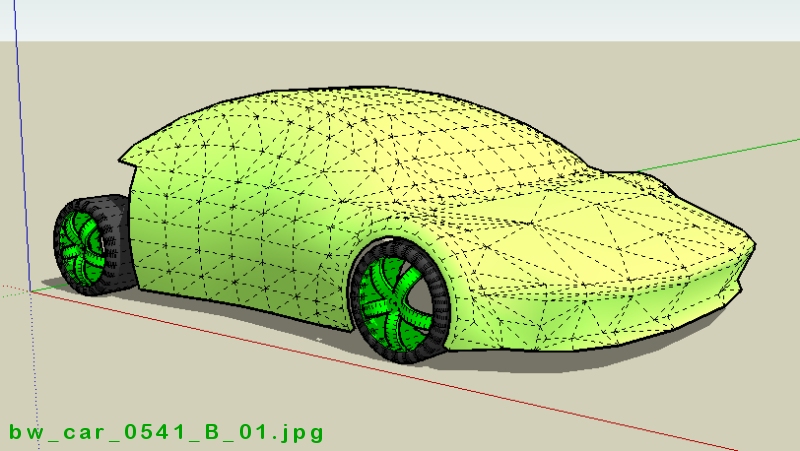
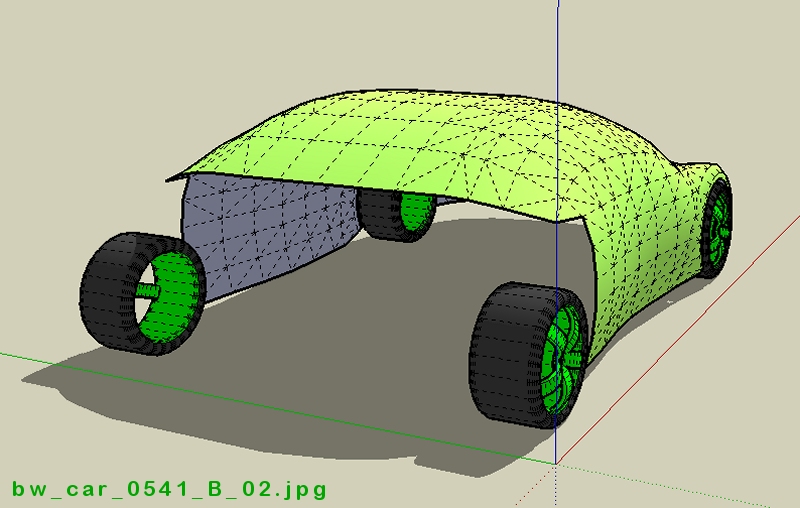
It's Saturday and this is the only thing I could get done so far today . . . a 10 minute unfinished quicky . . . . . . anybody wanna come over & cut my grass & change my oil . . . ?