Modlumi - Easy 3D modelling

-
@pixelcruncher
Many thanks for the precisions! -
Modlumi 0.31: feet and inches, center snaps and better SketchUp imports
Modlumi now speaks feet and inches. The new Architectural length format shows lengths the way install drawings and floor plans are read:
12' 8 1/2", to a precision from 1" down to 1/64".Dimensions, the measurement box, Properties and every length field use it, and you can type lengths the same way, such as
12'8or12' 8 1/2. Choose it under Format in Window > Model Settings, or pick Feet and inches on the welcome screen. A SketchUp file set to Architectural units opens in this format, where it used to show decimal inches.Snap to the center of a circle, an arc or a polygon. Pass the pointer over the edge of the shape, then move to its middle: the tooltip says Center. The center stays available while you draw, so a line can start or end on it. No more drawing a diameter to find it. Thanks to @pilou for asking for this one.
SketchUp files come in much closer to how you saved them. Thanks to @ntxdave for sending me his SketchUp files to test with; these fixes all come from one of his SketchUp 2018 drawings:
- Files open on the view they were saved on, and SketchUp 2018 files keep their scenes.
- Guide lines and guide points import, on their layers.
- Text labels land at their points, with their leaders, instead of piling up near the origin.
- Labels and dimensions keep their colors, and the style's background color comes along.
- Guides and axes start hidden when the file's style hides them.
Also in 0.31:
- A model can have a background color of its own, set in Window > Model Settings and saved with the project.
- The user guide now has screenshots and short animations throughout: https://modlumi.com/docs/user-guide/
Download it for Windows from https://modlumi.com/download/latest/windows or for Mac from https://modlumi.com/download/latest/macos, or open the browser version at https://modlumi.com/app/. If you already run Modlumi on Windows, Help > Check for Updates offers 0.31.
Full release notes: https://modlumi.com/docs/release-notes/
-
Thanks,
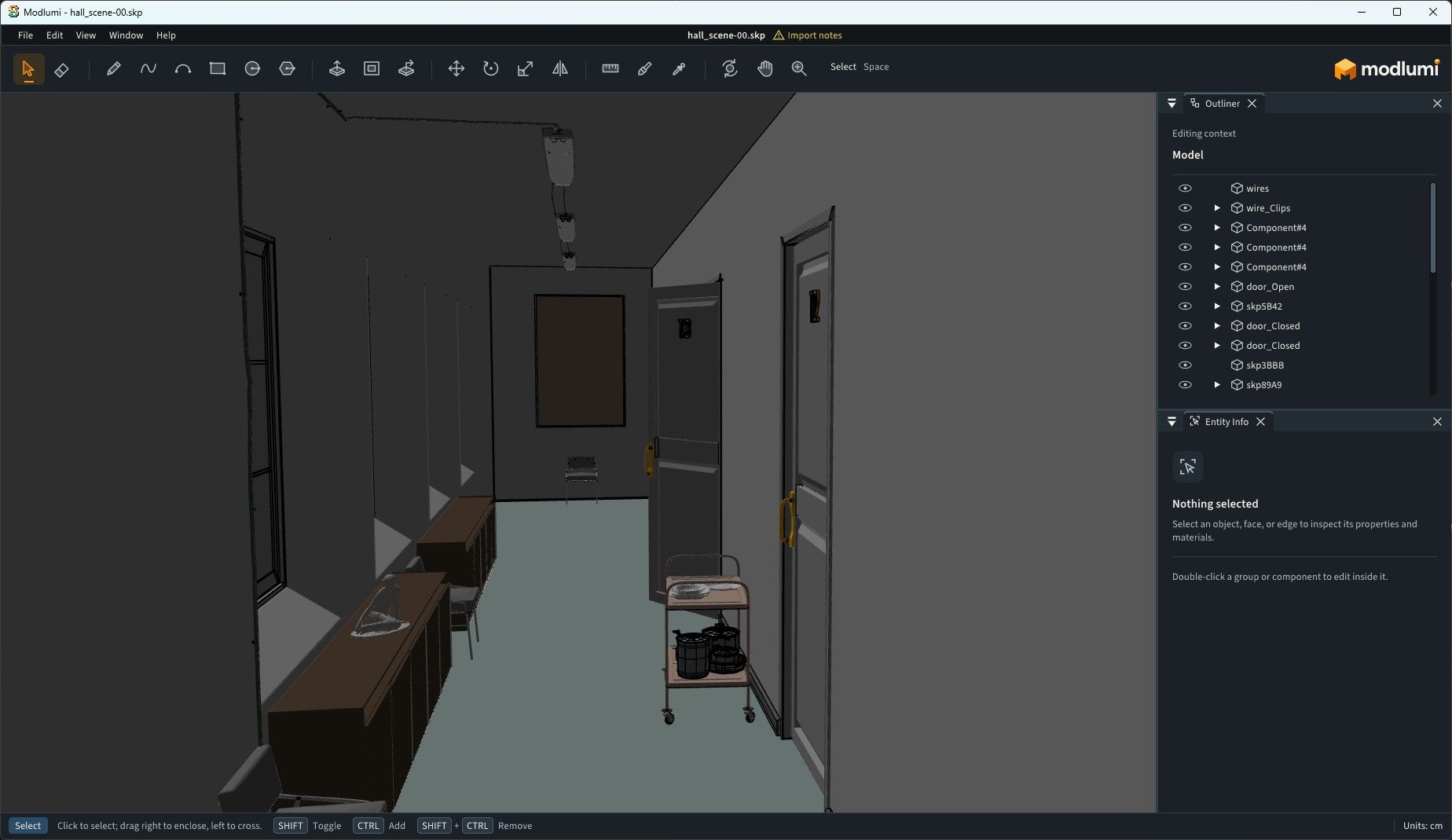
but I get very different display -
@pixelcruncher
Seems we can't copy the pinky text error inside the Script Editor ( v 0.30 ) not yet tested v 0.31...)
(or i don't know how to make it !
Very more practical with ai dialog against an image of text!



Hello! It looks like you're interested in this conversation, but you don't have an account yet.
Getting fed up of having to scroll through the same posts each visit? When you register for an account, you'll always come back to exactly where you were before, and choose to be notified of new replies (either via email, or push notification). You'll also be able to save bookmarks and upvote posts to show your appreciation to other community members.
With your input, this post could be even better 💗
Register Login


Advertisement