Modlumi - Easy 3D modelling
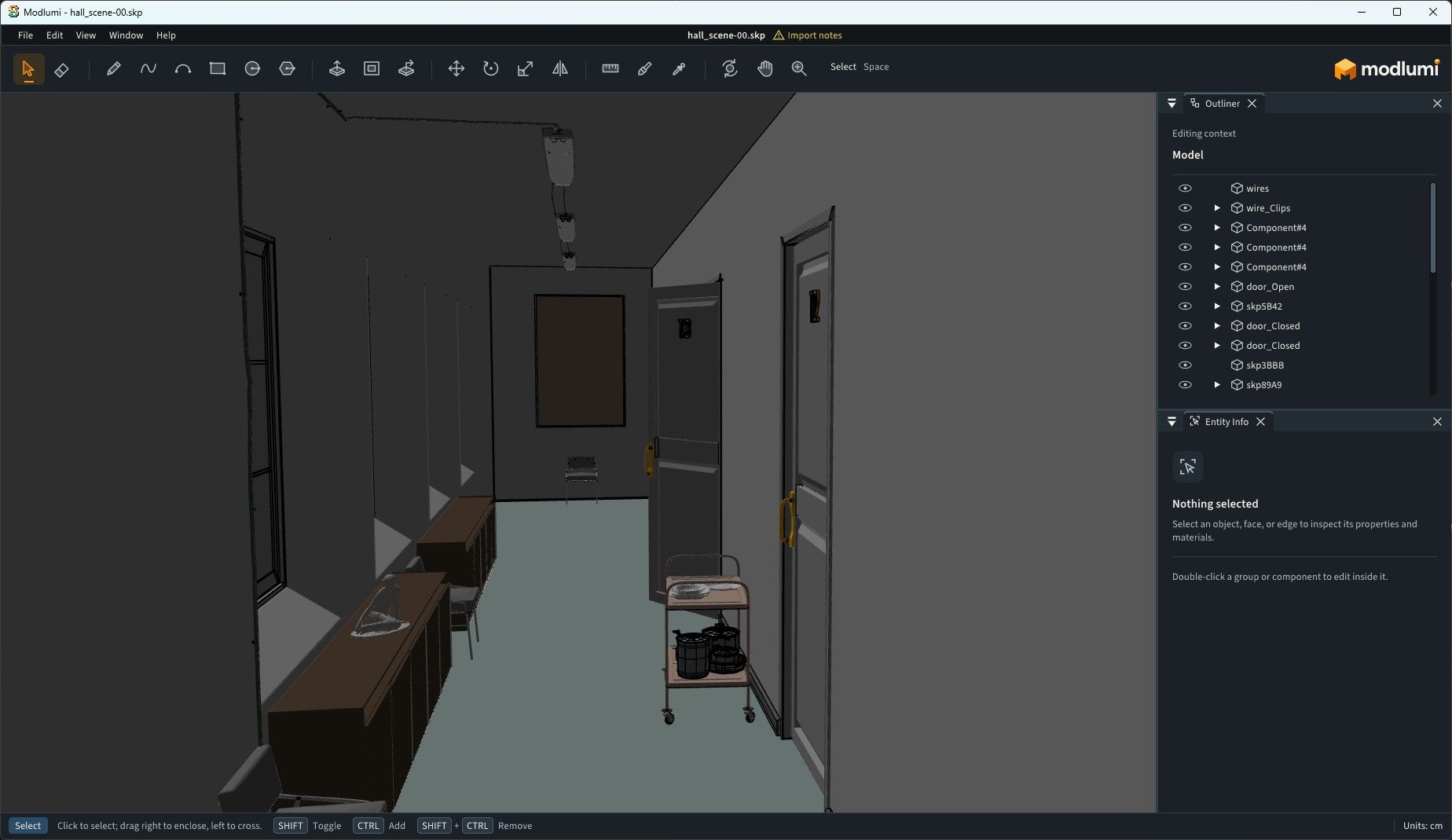

-
so...10 seconds!


-
Request : option for keep or not the previous one extrude drawing : so if extrude a box's face you will have 2 boxes! (Generally with Ctrl)
(if you Extrude the Blue section following you will have a box rectangle drawnBug File linked : impossible to Extrude this face! (v 0.25)
I can Push it!
other faces are well puspulled!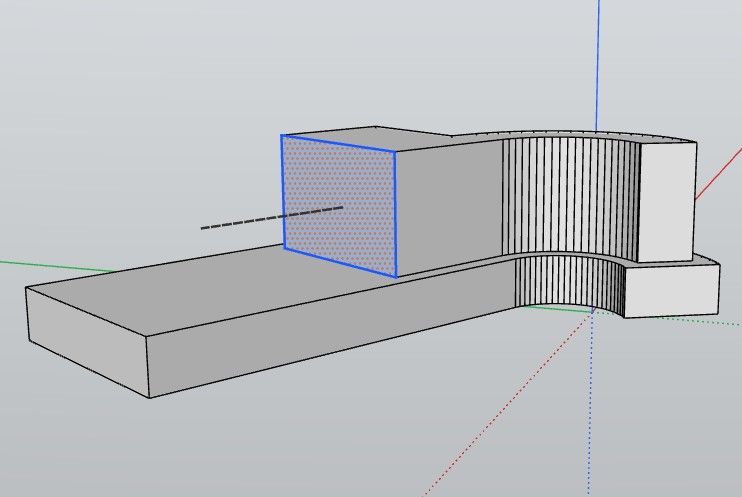
-
@pixelcruncher
On the Net it's the 0.26
On your direct link here and in your site it's the 0.25 ?Frenchy Pilou
Is beautiful that please without concept!
My Little site :) -
@pilou Oops, thanks for the heads up. Will fix it.
-
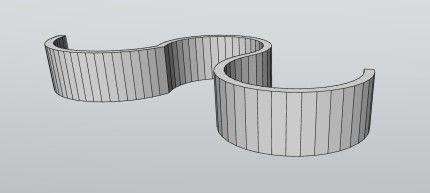
@pilou Yes, and it works on a 'softened" curved surface at once as well. So maybe a joint-push-pull over a curved surface would be nice as well, sort of "Solidify" as in Blender, maybe.
-
@majid
Yep but curious i don't find the same for the "no jointed" extruded mode! -
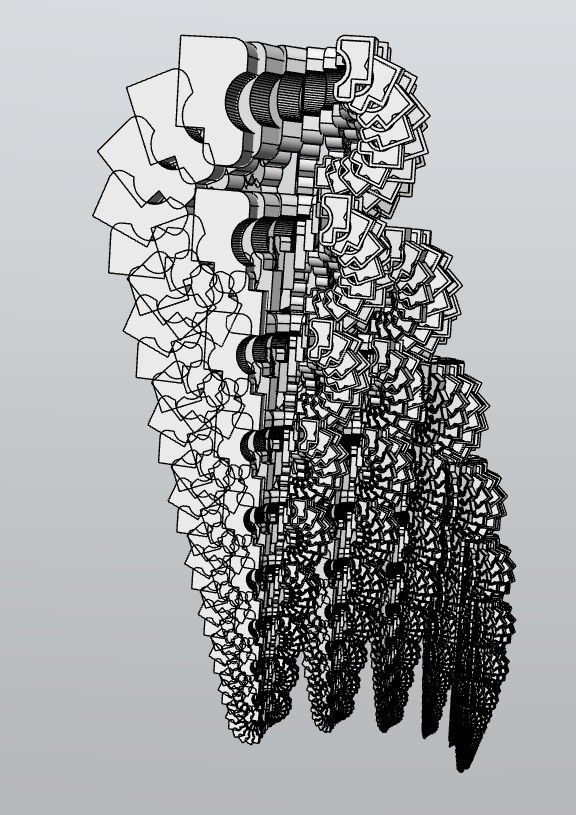
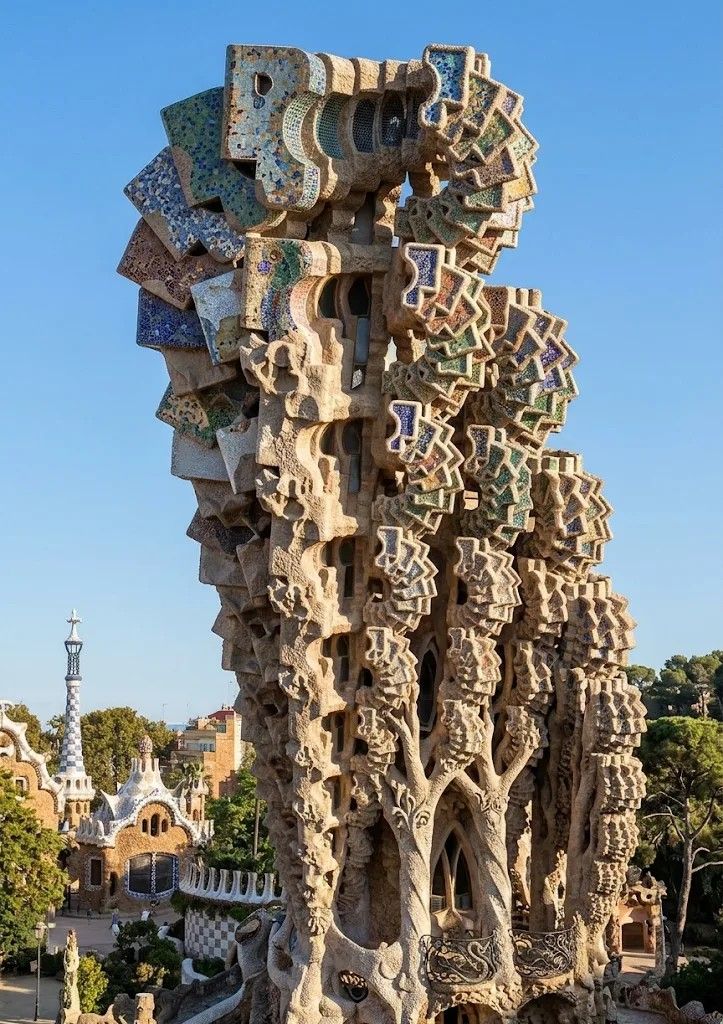
-
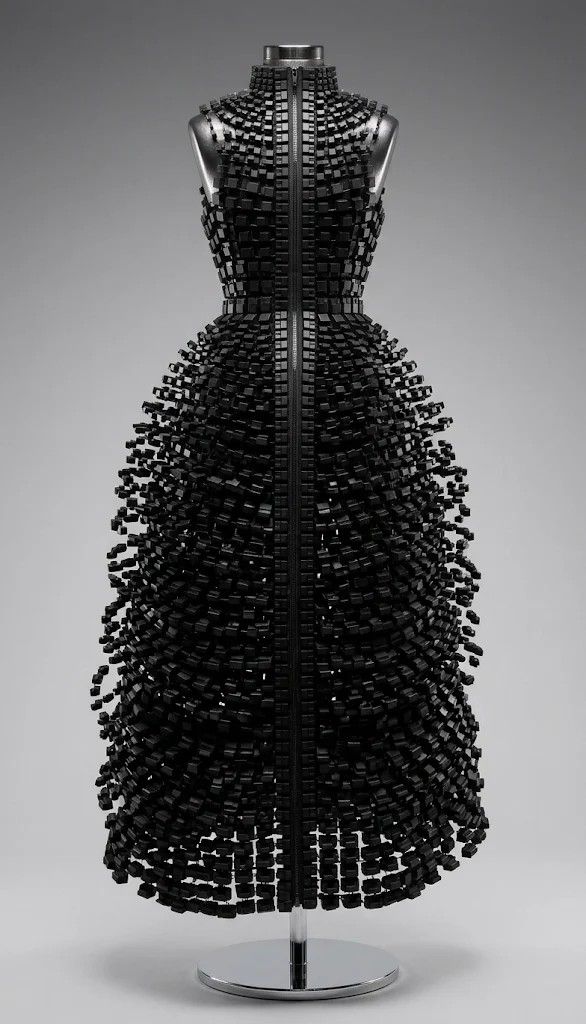
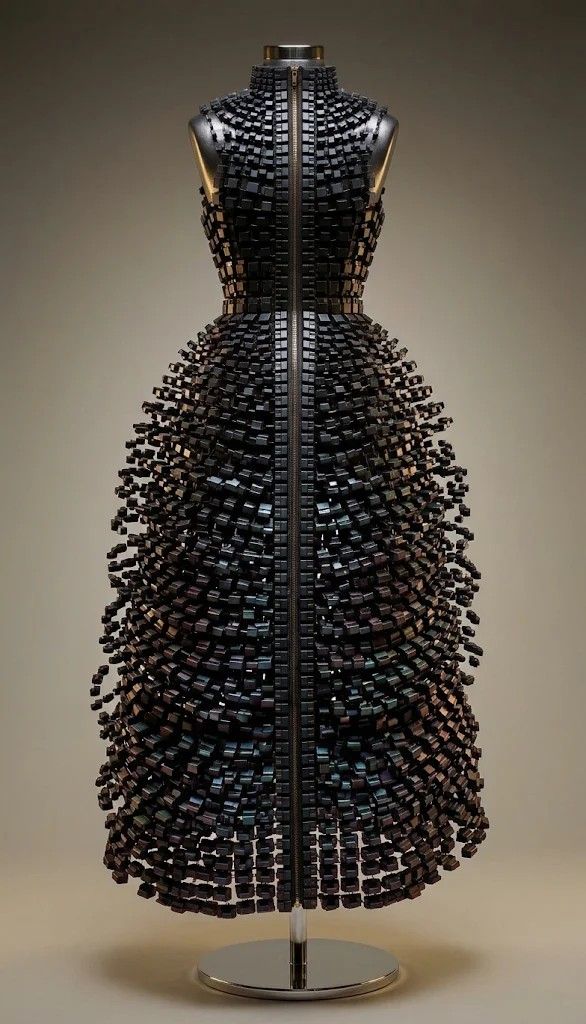
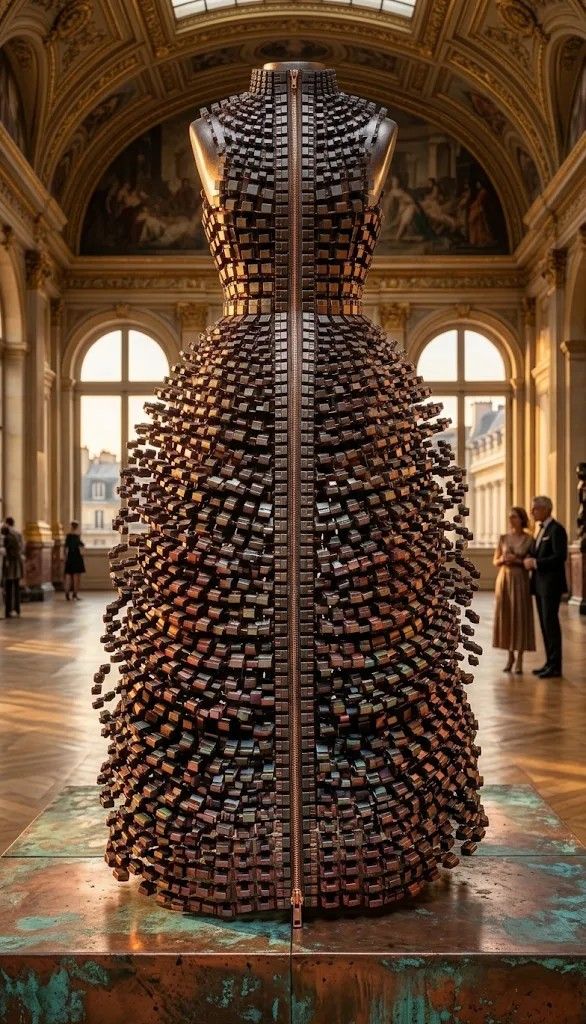
alors ça ! Qui eut cru que l'Ia aurait généré du Gaudi depuis ta 3D ...
-
Bé si, rien ne les arrête!
Il suffit de leur demander!
-
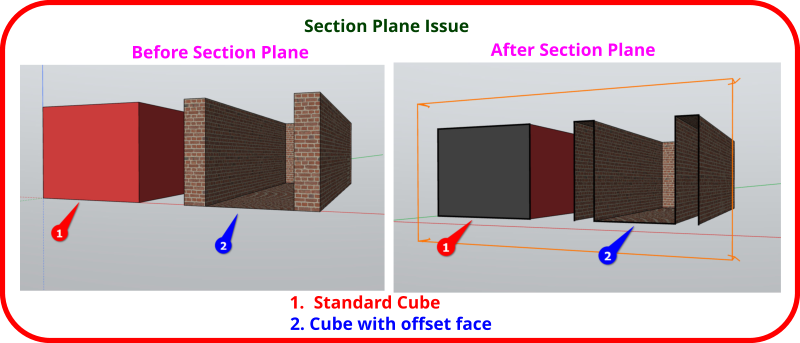
Now I have another issue I want to share with everyone. I may be doing something wrong, but I think there is a problem with the section plane function. If you look at the image below, I think you will see the issue. If I create just a standard cube (or some type of model that does not have thickness to the faces). I do not think it is always creating the section cut correctly. Again, just IMO.
-
This post is deleted! -
In the meantime, you need to group your vertical walls, and that works.
modlumi_hPCYqoZKu8.mp4 -
In the meantime, you need to group your vertical walls, and that works.
modlumi_hPCYqoZKu8.mp4Yes, I messed up on the example 2. Actually, 1 is the real problem to me. I think you should be able to see inside the cube.
-
-
-
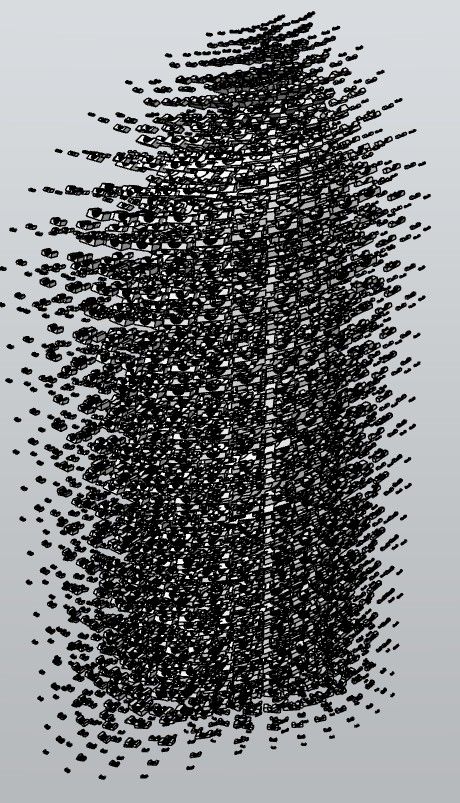
Hello Thomas,
if I try to import this skp model I get this error message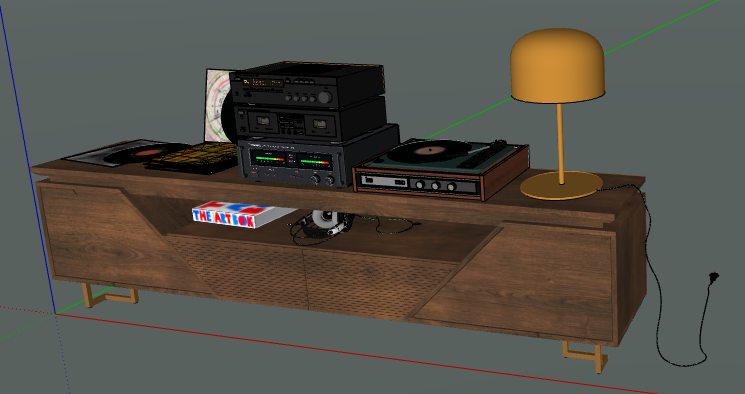
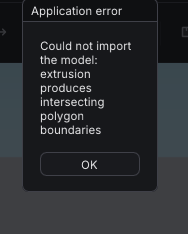
Here is th model: https://www.swisstransfer.com/dl/01a1c470-3f4d-73e6-90e9-0c7fc5fdc0f1 -
Can someone tell me what the purpose of the Text Label in Modlumi is. I was kind of thinking (yes, that is a problem) that maybe the purpose was to be able to add something like a product name/info that could then be tied to an object/component/group. I created a cube, made it a group and then added a text label. I then tried to draw a line that would tie the text label to the cube. The text label would not allow me to connect the line to it. Thus, it made me wonder what the real purpose of the text label is. As I have reported tomorrow, you also cannot control the real location of the text label. If you create one and then rotate the model its location is not in sync with the rest of the model.





Hello! It looks like you're interested in this conversation, but you don't have an account yet.
Getting fed up of having to scroll through the same posts each visit? When you register for an account, you'll always come back to exactly where you were before, and choose to be notified of new replies (either via email, or push notification). You'll also be able to save bookmarks and upvote posts to show your appreciation to other community members.
With your input, this post could be even better 💗
Register Login


Advertisement