AI Enhance 1.1 is live — a better AI rendering experience inside SketchUp
-
Hi everyone,
I wanted to share a quick update. Last week, I presented AI Enhance 1.1 at the SketchUp 3D Summit in Denver, where I talked about making AI rendering more practical inside SketchUp workflows.
The goal with AI Enhance is to create a better AI rendering tool and experience while staying inside SketchUp.
A lot of AI rendering workflows still involve exporting screenshots, jumping between tools, rewriting prompts, and trying to keep the result close to the original model. AI Enhance is focused on reducing that friction by letting users generate and refine AI visuals directly from their SketchUp views.
Version 1.1 is now live and includes:
- Prompt Builder
- Look Builder
- Markup and editing tools
- Shared team credits
- General workflow improvements
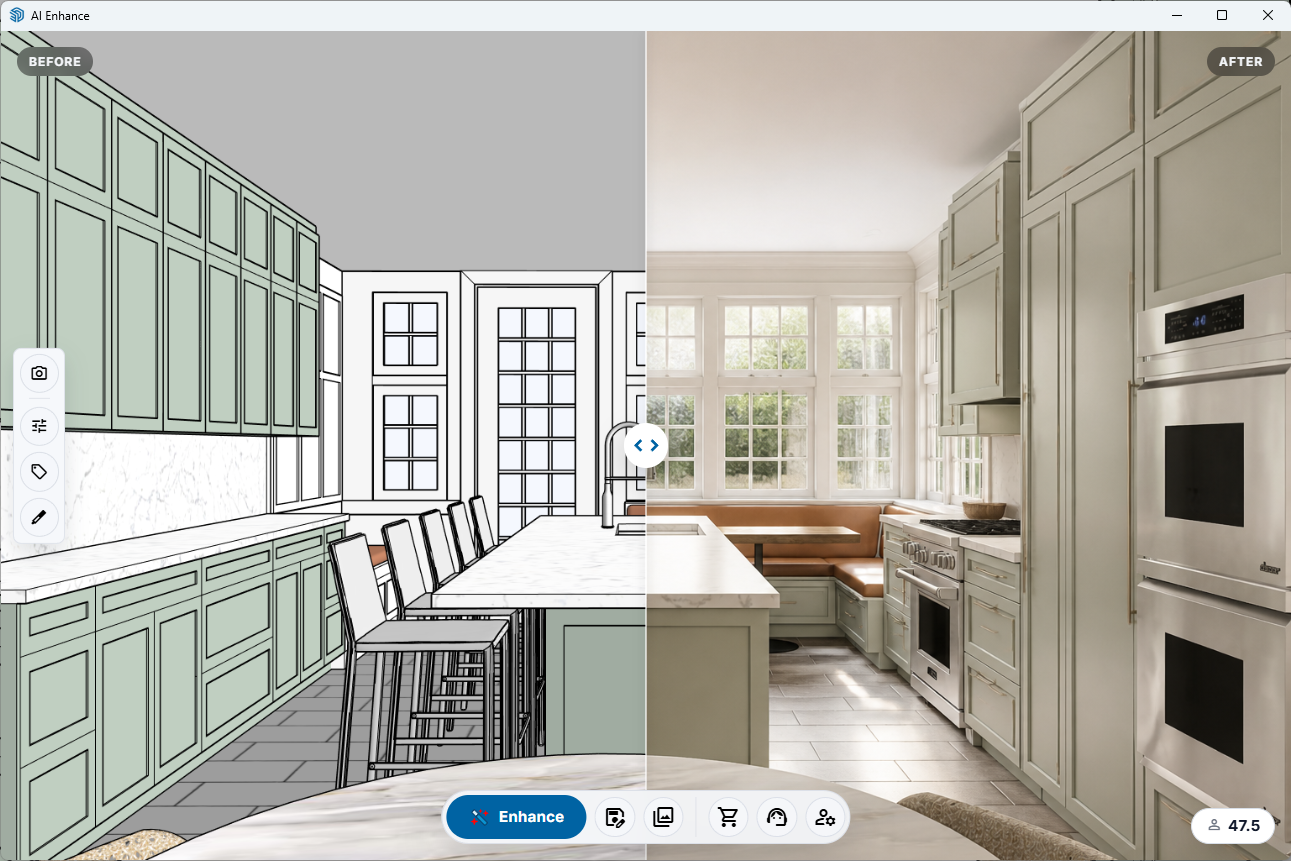
The main focus is control: keeping the image closer to the model, the camera view, and the design intent while making the workflow faster and easier to use.
I’d love feedback from SketchUp users on where AI rendering fits into your workflow and what would make this type of tool more useful inside SketchUp.
More info:
https://www.ai-enhance.org
Thanks,
Daniel Brown -
Just tried. Easy to use. I like the Styles.
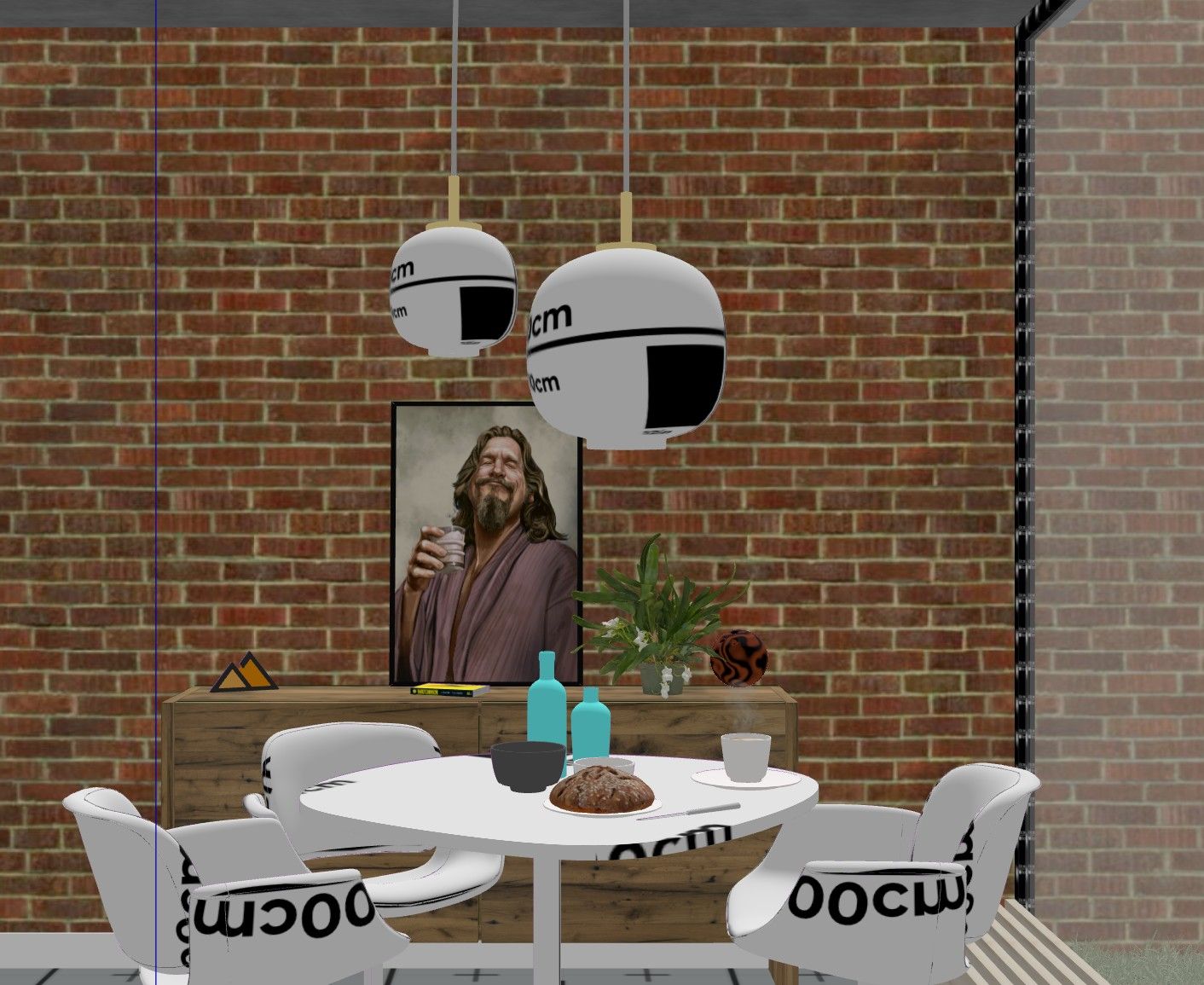
Input:
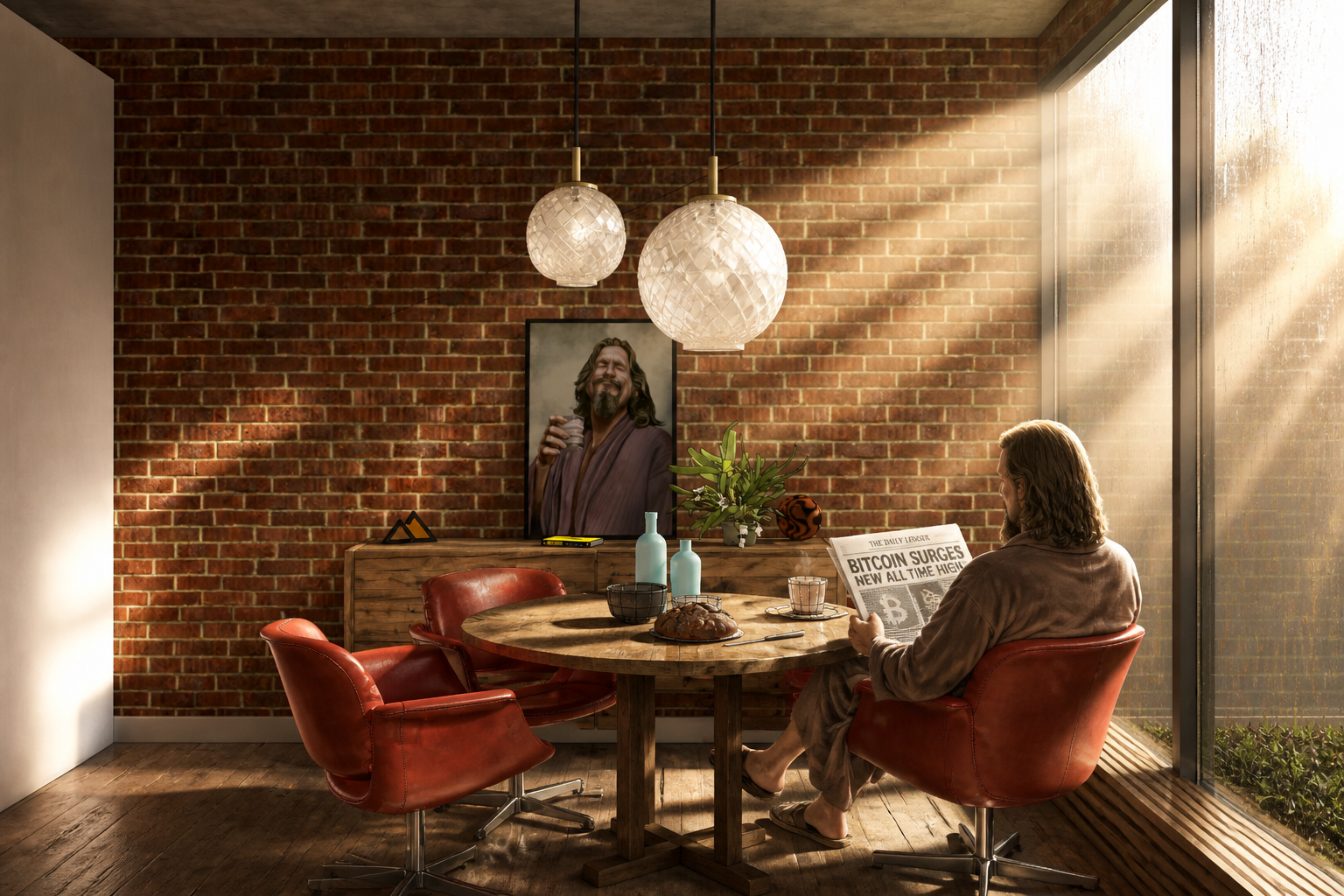
Output:
Clever tool. Definitely has a SketchUp vibe to it. Much better than the vanilla AI render in SketchUp.
-
Looks very sharp. Still not my cup of Darjeeling though.
-
Thanks @Rich-O-Brien....I'm now curious what your prompt was

-Daniel Brown: SketchUp & Google Earth Trainer
http://db-3d.com: design|modeling|training|consulting -
My ten penceworth is that small businesses will love this sort of thing, small outlay stretched over use makes a LOT of sense imho. As long as you can get through the language required to get good results which Rich has proven, is possible.
Luckily we hobby/old phart users have Rayscaper so with a bit of luck we can all get what we need/want. Like I said ^, it looks sharp and I hope you get a LOT of traction going forwards. Just clarifying on my short response above. -
I'm now curious what your prompt was
- God rays from right to left. Chairs are red leather. Flooring is aged and stained pine floorboards. The dining table is rustic oak and slight worn with water stains on the top surface from mugs.
- The is a man sitting in the chair on the right reading a newspaper about Bitcoin.
- The light shades transparent glass and are embossed with a diamond pattern.
- The glass in the windows has water staining and mildly grimy.
-
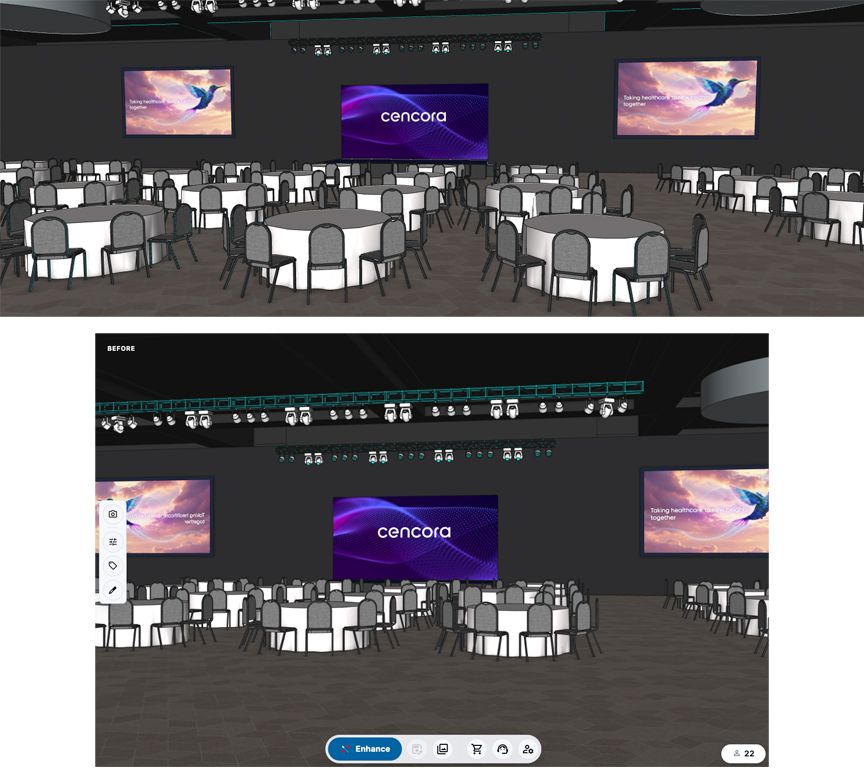
@db-3d I have been having a problem with the view that AI Enhance grabs. I have attached the example. The top image is the view I want to render. Below is what happens when I open AI Enhance. Its not copying the viewport and view / scene I am working with. I can resize that window but it doesn't change the image it shows. I guess it's a setting somewhere - most of my work is widescreen landscape. Thanks
-
@SteveDennis Hi there, not sure if this's what you're looking for or not. I tried your 3D widescreen with spacely.ai, using Realistic Render then Enhance to 4K. Hope this helps
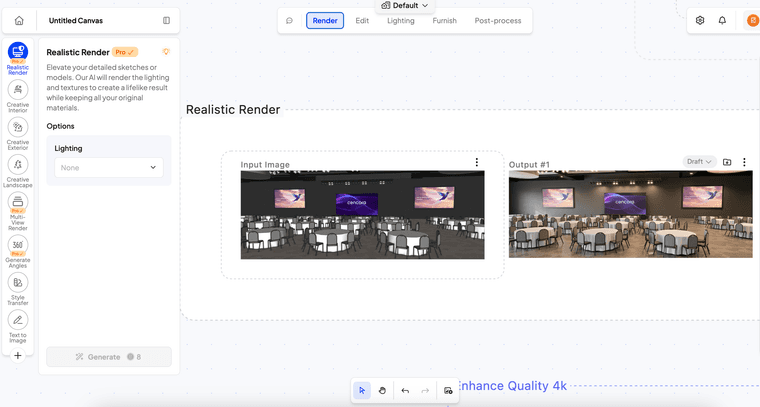 ![alt text]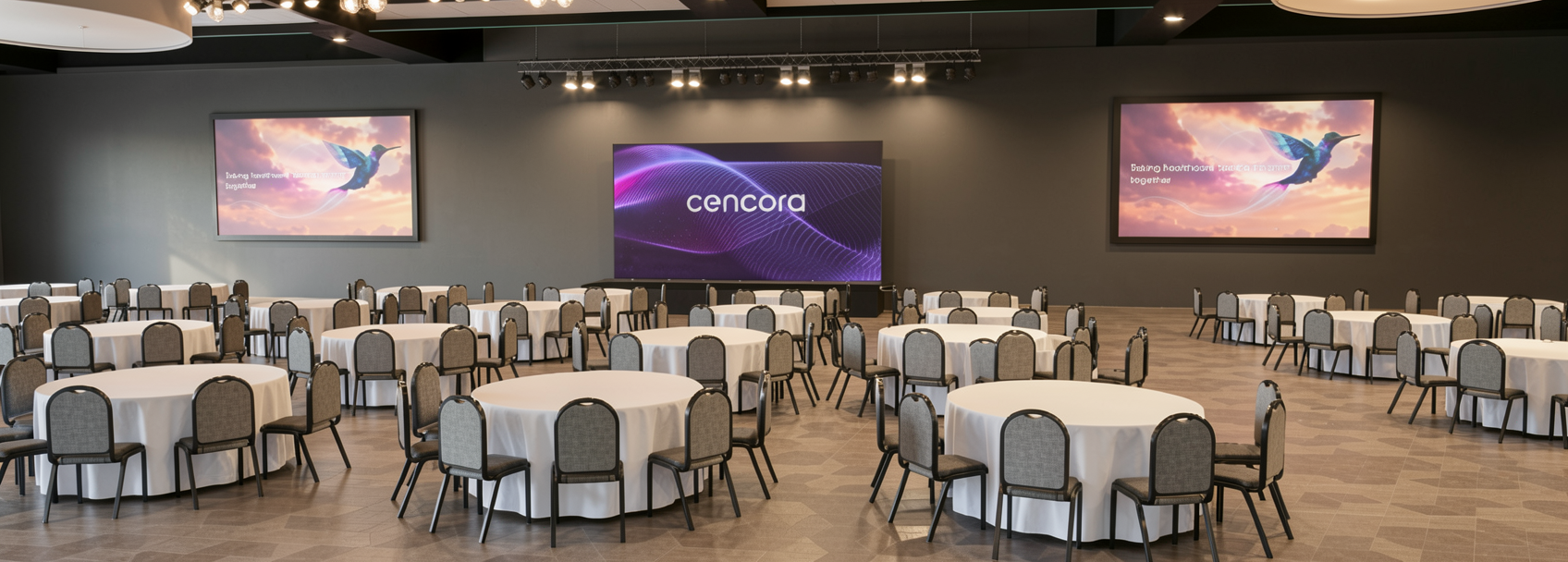


Hello! It looks like you're interested in this conversation, but you don't have an account yet.
Getting fed up of having to scroll through the same posts each visit? When you register for an account, you'll always come back to exactly where you were before, and choose to be notified of new replies (either via email, or push notification). You'll also be able to save bookmarks and upvote posts to show your appreciation to other community members.
With your input, this post could be even better 💗
Register Login


Advertisement