Rayscaper New Releases
-
@Krass Can you send me the scene?
-
Sorry for the delay. I sent you the project via the Rayscaper site's messaging system.
-
I'm sending you the two projects, including the one where the trees are offset.
-
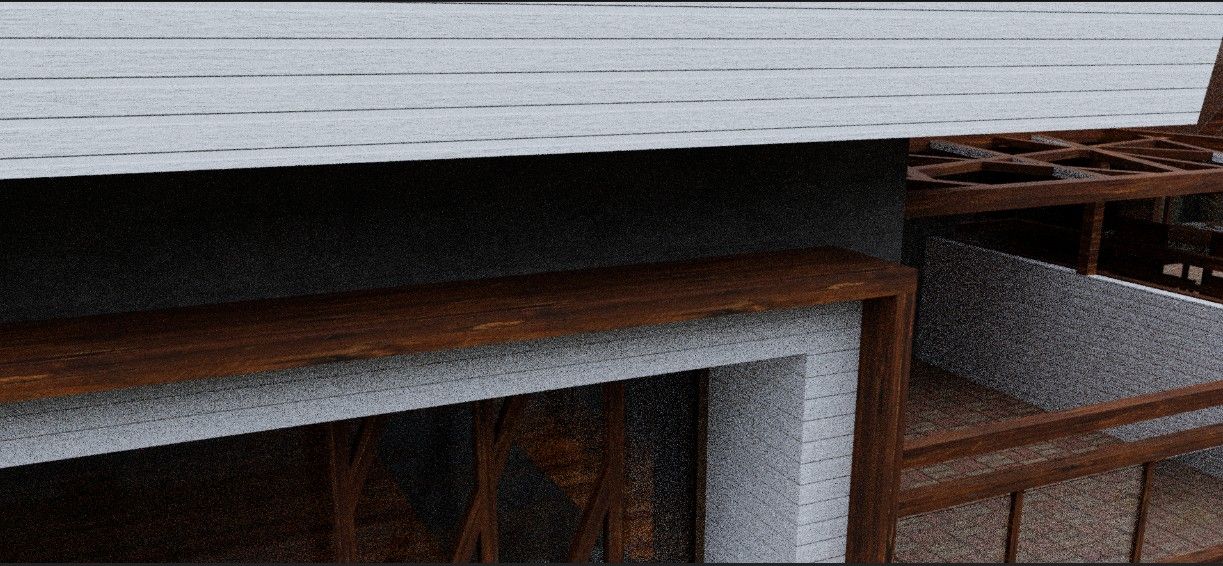
I really need some help understanding the "mix material" feature; I'm completely lost. I've been reading the manual, but I've messed up my original texture... and I don't know how to undo it.
-
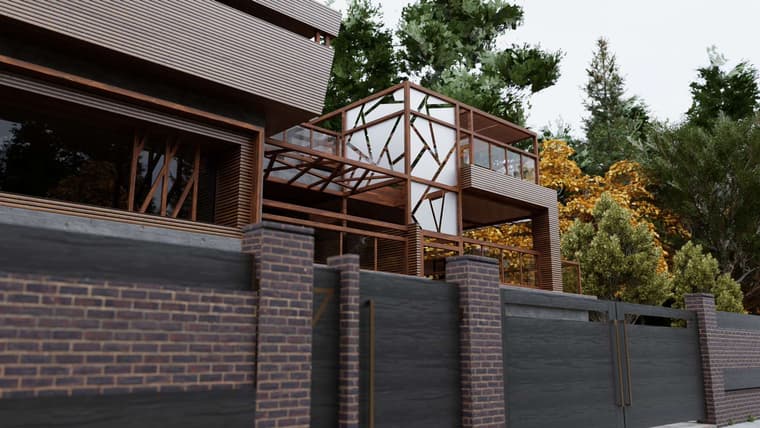
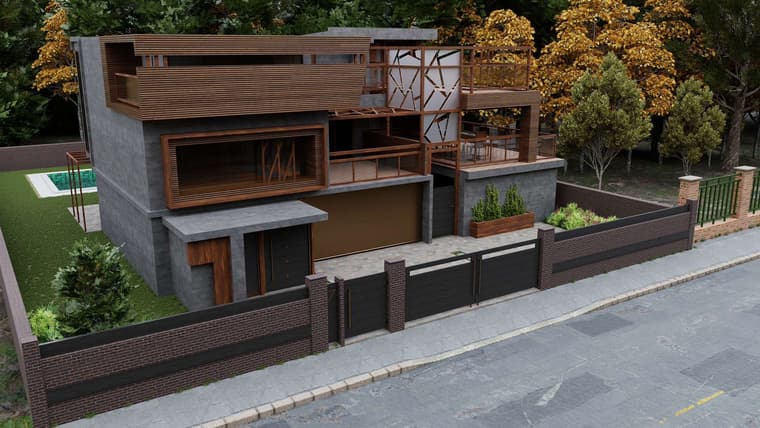
other Rayscaper render Tone mapping ACES Filmic
-
Thomas,
"xport your model as glTF and open it in Blender. File > Export glTF saves a .glb or .gltf file that Blender, Unreal, Unity, Godot and three.js open. Groups and components, materials, textures and smooth edges come along, at the model’s real size. The user guide shows how to open your model in Blender. Open your model in Blender"This is new 0.16 realease. Great!
For faster importing GLB into Sketchuup and keep Hierarchy, groups you will install this sketchup extension and directly import the Modlumi GLB.SketchUp Extension Warehouse
Your library of custom third-party extensions created to optimize your SketchUp workflow.
(extensions.sketchup.com)
then we can convert several group identical copies to components with Component Replacer from Thom THOM
https://extensions.sketchup.com/extension/fcd94c85-28b6-4b50-a4ef-fc83630349ff/component-replacer -
Hey, Rayscaper users!
Rayscaper 0.9.100 Beta is available. You can get it via:
- The SketchUcation store.
- Direct download: Rayscaper_Win_0.9.100_Beta.rbz.
I recommend upgrading to the latest version.

What Changed?
- Support SketchUp 2027.
- Add a Car Paint material type: a colored or metallic base coat with sparkling flakes under a clear coat.
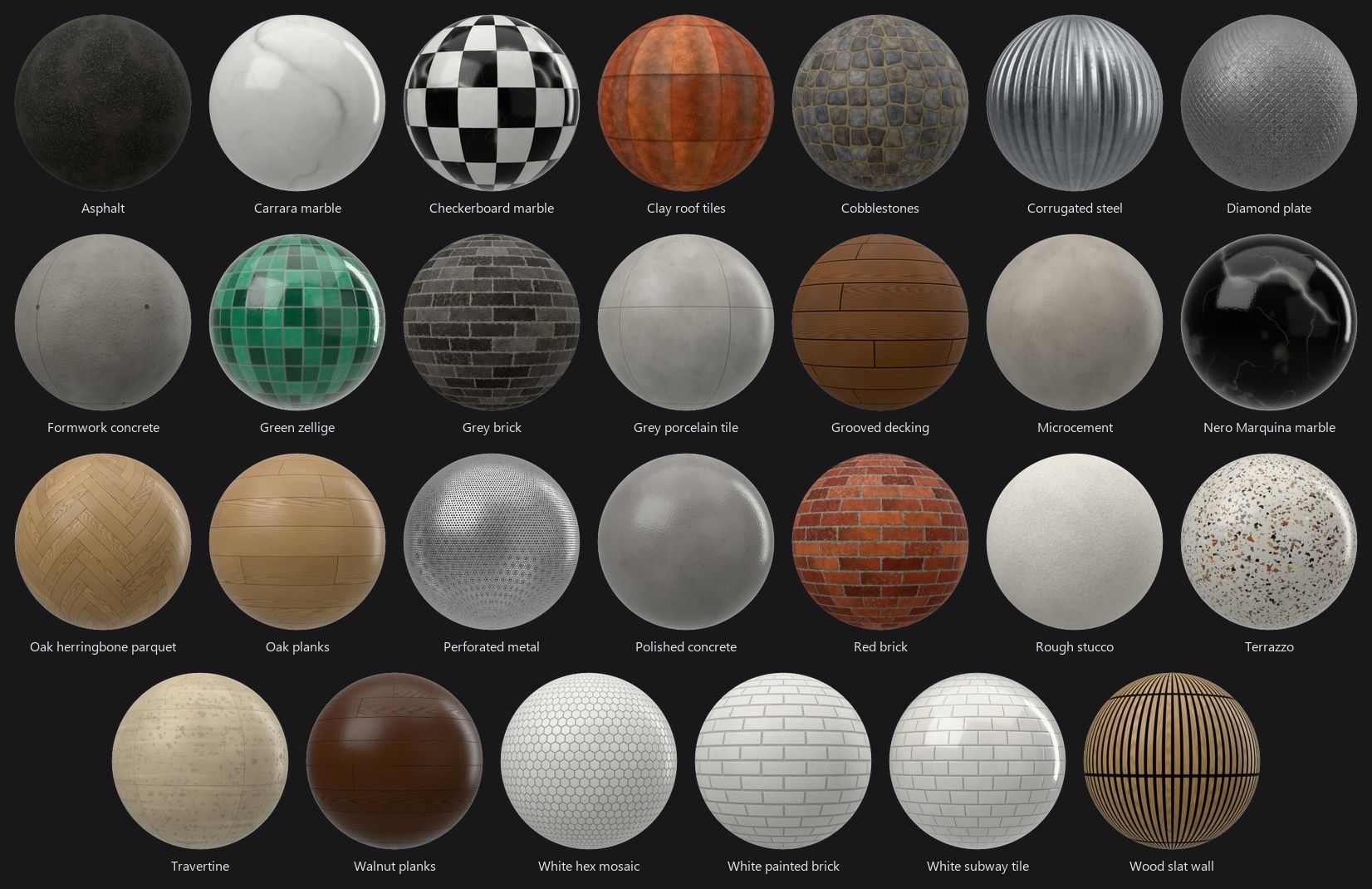
- Add 27 textured architecture materials to the Rayscaper library: tiles, wood, concrete, plaster, brick, stone, patterned metal, paving and roofing.
- Add a Reset to Defaults button to the Camera, Environment and Render sections of the scene editor.
- Bring back the material settings the simplification hid, in a collapsed Advanced section per material type, such as Transmission, Coating, Sheen, Specular Tint, IOR and Anisotropy for Standard and IOR, Transparent Shadows and Opacity for Glass.
- Raise the render resolution limit from 4000 to 16384 pixels, enough for a 16384 x 8192 panorama. Above 8K the editor shows how much graphics memory the image needs.
- Type an exact texture rotation in the material editor, with step buttons of 1° (10° with Shift).
- Show an icon for each material type in the material list and the Material Type combo, and show the type in the asset manager's tooltips.
- Add icons to the camera Projection and Environment Type buttons.
- Keep Rayscaper responsive while it renders and while you edit large scenes: moving a component no longer rebuilds the whole scene, a material change only rebuilds the shaders that changed, texture thumbnails no longer freeze the UI after an import, and the denoiser no longer keeps every core busy during a render.
- A model made on another computer no longer reports the image files of its SketchUp textures as missing: Rayscaper takes those textures from the model, as SketchUp does. This was the case for the Quick Start scene.
- The Panoramic camera no longer switches back to Perspective when you orbit, pan or click a scene tab in SketchUp, so you can move between the positions of a virtual tour without choosing Panoramic again. See 360° Panoramas.
- Switching a transparent material to Glass, Metal or Water makes it opaque, so the glass no longer renders faint without a setting to fix it.
Full release notes: rayscaper.com/manual/release-notes
Help Me Build the Community

If you like Rayscaper, please share your renders (final or work-in-progress, it doesn't matter)! This is motivating
and helps me showcase its capabilities to new users.Follow me on X.
Happy Rendering!
Thomas -
Tahnks!=
-
thank you very much! One bug I noticed for a while already, that when I open rayscaper, it shows all tags, even the ones that are hidden, and I have to show and rehide the tag, and only then it does not show up in the render window. Can this be fixed, so that automatically rayscaper reads which tags are hidden, and does not show them?
-
@sashapepperspray I think I found the bug with the visibility tags. Should be fixed in the next release.


Hello! It looks like you're interested in this conversation, but you don't have an account yet.
Getting fed up of having to scroll through the same posts each visit? When you register for an account, you'll always come back to exactly where you were before, and choose to be notified of new replies (either via email, or push notification). You'll also be able to save bookmarks and upvote posts to show your appreciation to other community members.
With your input, this post could be even better 💗
Register Login


Advertisement