Save SKP in the same version as it was opened
-
Does anyone knwow a way to automatically save a SKP file in the same version as the original file?
I work with SU 2020 but most of my other CAD sotware accept only (for now) 2019 or less. When i open a 2019 SKP file i woud like to save it in 2019, not 2020.
regards and stay safe
Xtov -
Obviously the built-in "Save_As" option lets you save your model to an older version.
Eneroth at the Extension-Warehouse has an extension that allows you to save the model as an earlier version...
https://extensions.sketchup.com/extension/32472fc9-06d1-49de-aa56-52570114c2c7/eneroth-legacy-save -
Thank tou TIG for this quick answer.
I know i can "save as" to an older version but if i forget to do so or only CTRL+S, i end up with a 2020 version.I know and have the wonderful Eneroth plugin to open a newer version in an older SU software (invaluable plugin!) but i will check the one you mention.
regards,
Xtov -
Damned !
Exactly what I need.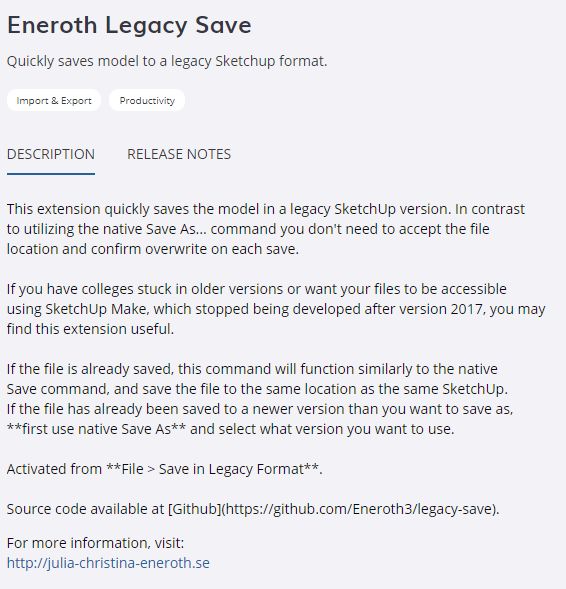


Hello! It looks like you're interested in this conversation, but you don't have an account yet.
Getting fed up of having to scroll through the same posts each visit? When you register for an account, you'll always come back to exactly where you were before, and choose to be notified of new replies (either via email, or push notification). You'll also be able to save bookmarks and upvote posts to show your appreciation to other community members.
With your input, this post could be even better 💗
Register Login


Advertisement