Dispalcement problem - need help
-
Hello good people,
I need your help because I don't know how to solve my problem.
I'm working on SketchUp 14.1.1282 and Vray 2.00.26579.
Yesterday I did a test render on carpet I made with displacement tutorial I found on Youtube.
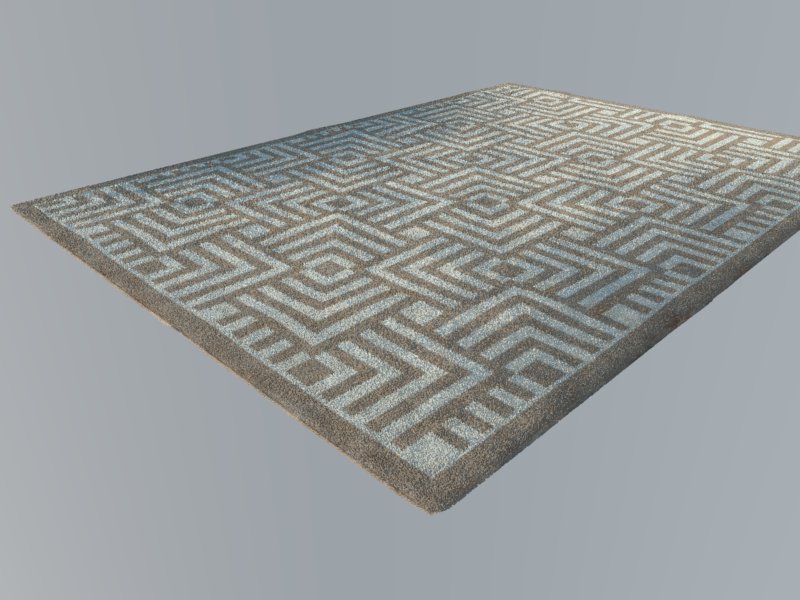
Form me it was enough so I placed it in the scene I prefer.
And now it looks awful because of that black triangles and some weird kind of distortion on the carpet. I like the scene and the light in in but I am certain that some of the settings in the Vray vropt is causing the trouble.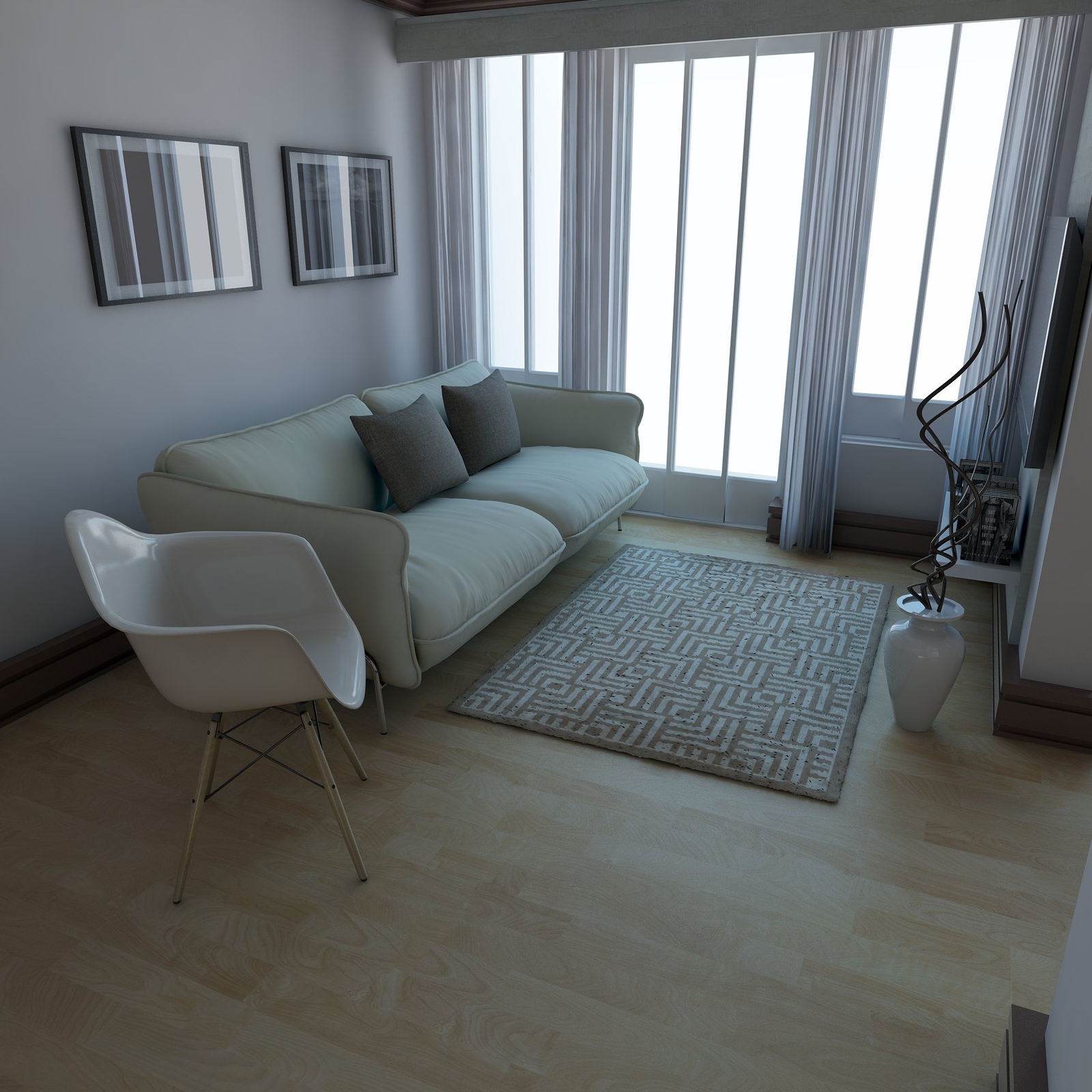
I did another test render in the same scene but I loaded the defaults vropt settings and the carpet looks good again (but everything else looks not to good imho).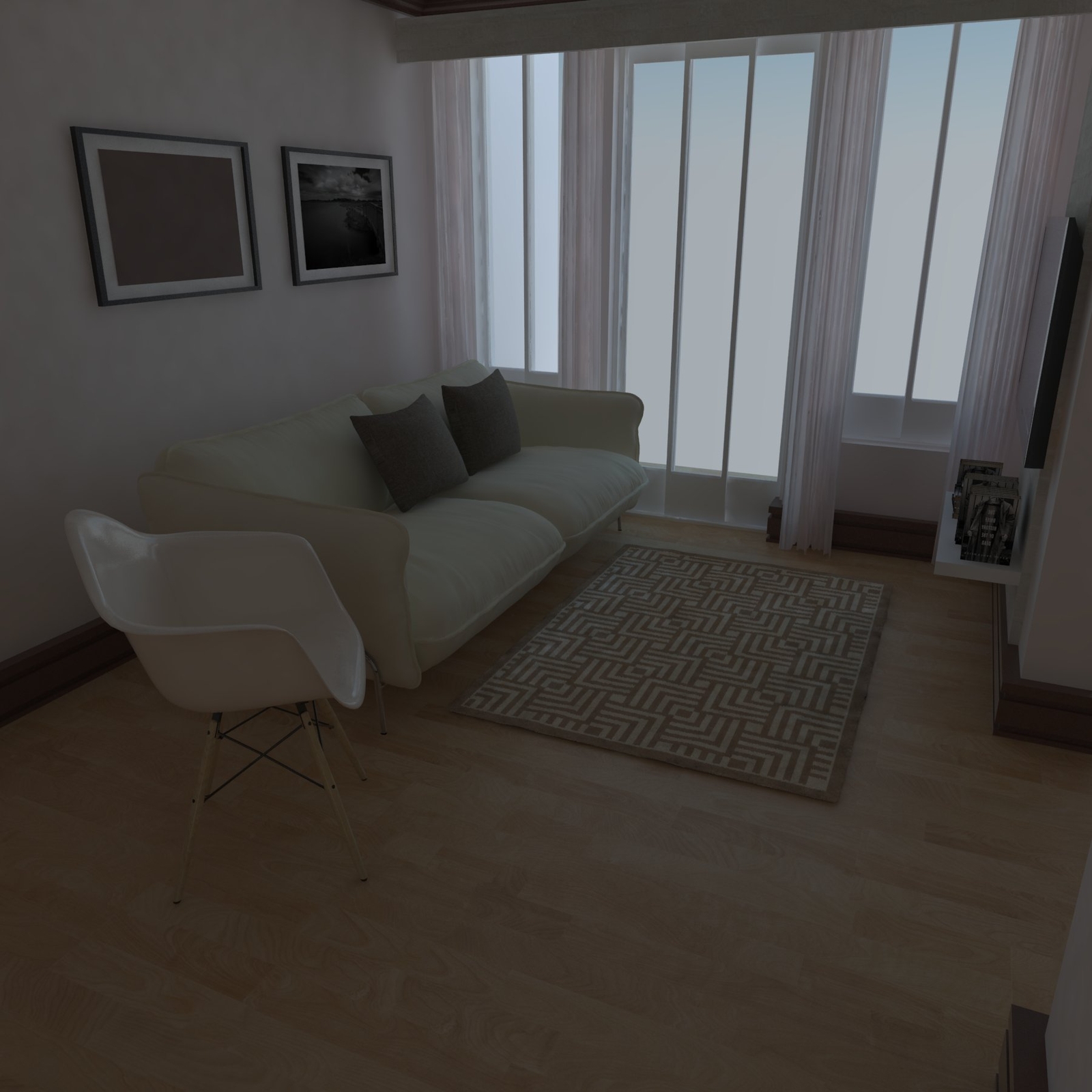
Can You help me locate the problem so I can use my favourite settings? -
Try to subdivise the geometry of the carpet.
-
@jiminy-billy-bob said:
Try to subdivise the geometry of the carpet.
Hello, It is already very subdivided - i used artisan tool - subdivide and subdivide and smooth.
Maybe it is a problem with light cache, i really don't know.

Hello! It looks like you're interested in this conversation, but you don't have an account yet.
Getting fed up of having to scroll through the same posts each visit? When you register for an account, you'll always come back to exactly where you were before, and choose to be notified of new replies (either via email, or push notification). You'll also be able to save bookmarks and upvote posts to show your appreciation to other community members.
With your input, this post could be even better 💗
Register Login


Advertisement