Posting Renderings
-
Hi everybody : Hopefully, this is the right place to post this question. When I "attach" a rendering (for posting), I noticed the "Place in line" button. What is that option ? Thanks............garystan
-
It's for put images loaded inside the text of the message in the order that you want!
(here with smileys)
Line and rectangle or rectangle and line for exampleSo you can load some images in any order then put them inside the text in any order wished!

Press the little "+" for add images
Then Press "Add Image" for upload all images
Then "Place inline" in the text! (except the cube that I repeat above!
here images are at the end of the text!

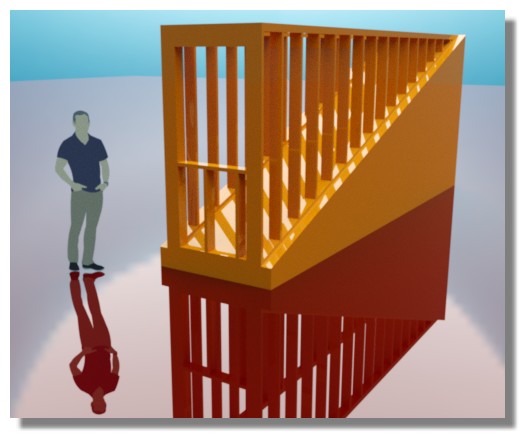
-
@garystan said:
I noticed the "Place in line" button. What is that option ? Thanks............garystan
It uses the phpBB BBcode to embed images into your posts like this...

You can see when your are drafting your posts it wraps the image in BBcode...
[attachment=0]loop-example-tig.gif[/attachment]Make reading your posts that bit more cleaner.


Hello! It looks like you're interested in this conversation, but you don't have an account yet.
Getting fed up of having to scroll through the same posts each visit? When you register for an account, you'll always come back to exactly where you were before, and choose to be notified of new replies (either via email, or push notification). You'll also be able to save bookmarks and upvote posts to show your appreciation to other community members.
With your input, this post could be even better 💗
Register Login


Advertisement