Making Of Vray Realistic Carpet
-
I have prepared a tutorial about making a realistic carpet after my tests.. I hope you like it..
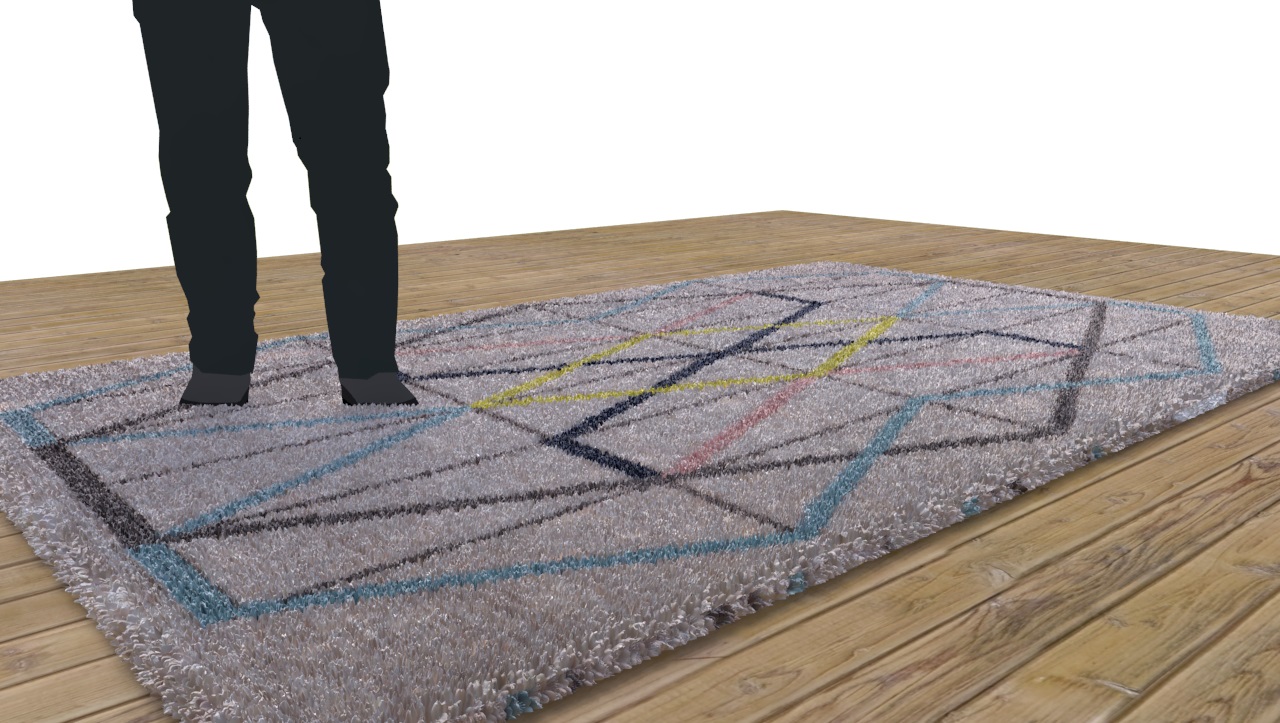
-
Seems very comfortable!

-
-
I tried this, my computer was stuck on the building light cache step.
I've got a potent pc, so i dont know what's causing it... -
@koenvdw said:
I tried this, my computer was stuck on the building light cache step.
I've got a potent pc, so i dont know what's causing it...If you are using vray 2.0, dividing your geometry with 20 cm cells or less it should work..
Vray 3.4 doesn't need cells, it makes vray slow because of extra geometry..
If you share your model i will have a look..
-
Today you just use Fur, forget about displacement maps.
-
I did my carpet with the same technique and in my first render it looked fine.
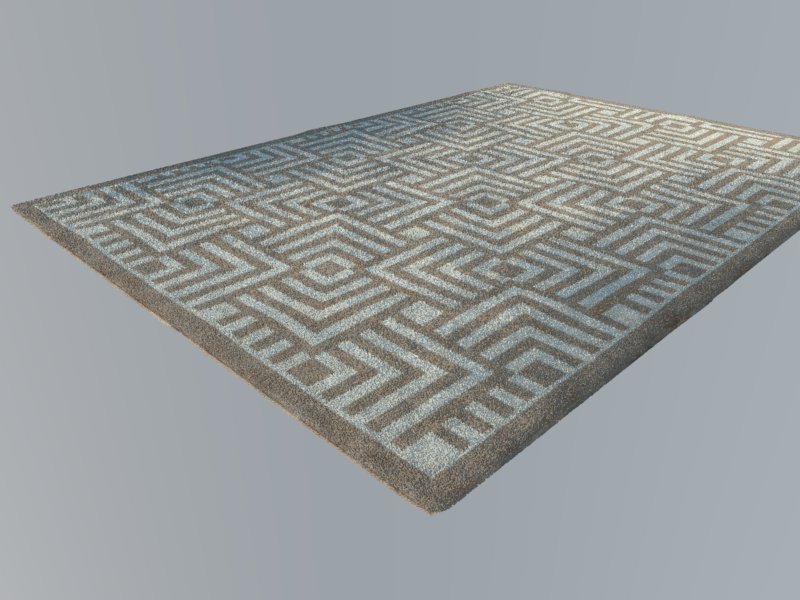
Then I opened test scene and i got some kind of black triangles on my carpet (like a hole in geometry). It is because of vropt settings but I can't figure out what is it.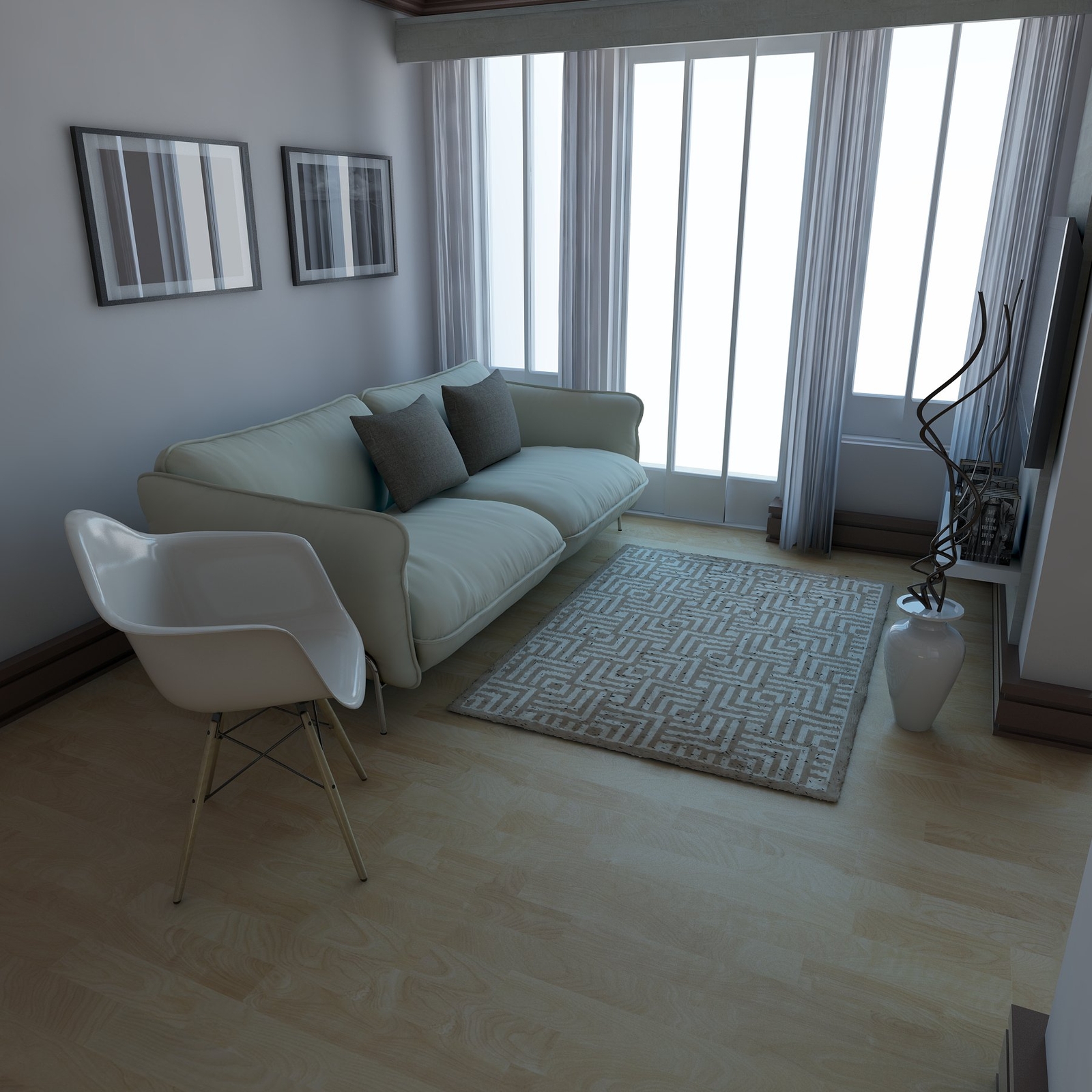 Can You help me resolve my problem. I also did one render with default settings and the carpet is nice again.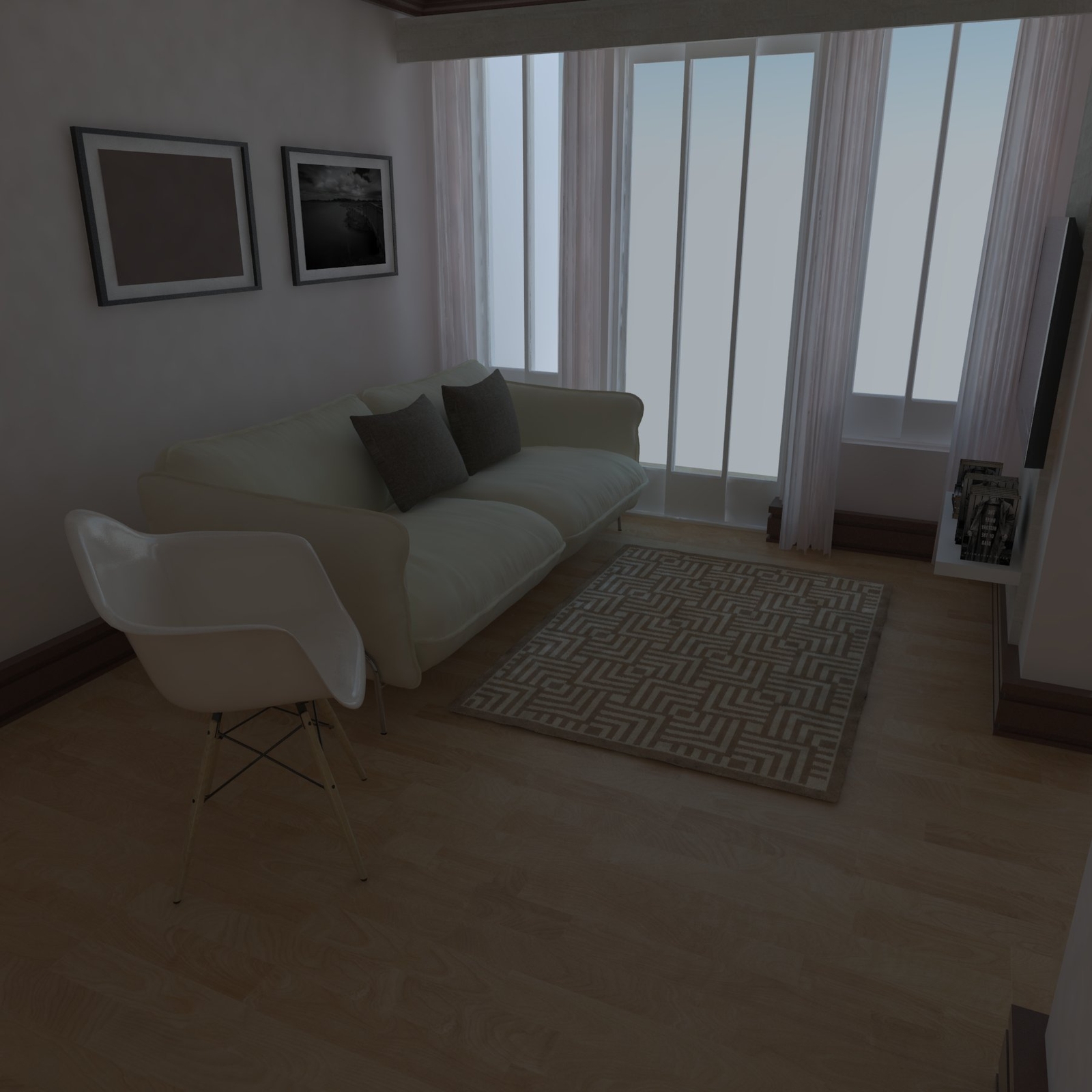
-
I think high settings needs more memory, that is why carpet has black holes and incorrect fur..
Somethimes, closing and reopening the file solves the problem.. I Don't have any further information sorry..


Hello! It looks like you're interested in this conversation, but you don't have an account yet.
Getting fed up of having to scroll through the same posts each visit? When you register for an account, you'll always come back to exactly where you were before, and choose to be notified of new replies (either via email, or push notification). You'll also be able to save bookmarks and upvote posts to show your appreciation to other community members.
With your input, this post could be even better 💗
Register Login


Advertisement