Explode and regroup script?
-
@pilou said:
I believe that the problem comes from the export DXF from external program!

(double vertices ?...)No the problem is that the transformation.origin is not over the "surface"
` name = Group#445
origin = (-420.075838m, -663.573913m, 8.06m)
x axis = [1.0,0.0,0.0]
y axis = [0.0,1.0,0.0]
z axis = [0.0,0.0,1.0]
x,y,z = [-16538.41882347539,-26124.9572089176,317.32283464566945]name = Group#468
origin = (-420.075838m, -663.573913m, 8.06m)
x axis = [1.0,0.0,0.0]
y axis = [0.0,1.0,0.0]
z axis = [0.0,0.0,1.0]
x,y,z = [-16538.41882347539,-26124.9572089176,317.32283464566945]` which is why the "Drop" fails. By exploding and regrouping the group, the transformation.orig is reset to bounds.min which is over the "surface". -
@sdmitch said:
@pilou said:
I believe that the problem comes from the export DXF from external program!
(double vertices ?...)No the problem is that the transformation.origin is not over the "surface"
` name = Group#445
origin = (-420.075838m, -663.573913m, 8.06m)
x axis = [1.0,0.0,0.0]
y axis = [0.0,1.0,0.0]
z axis = [0.0,0.0,1.0]
x,y,z = [-16538.41882347539,-26124.9572089176,317.32283464566945]name = Group#468
origin = (-420.075838m, -663.573913m, 8.06m)
x axis = [1.0,0.0,0.0]
y axis = [0.0,1.0,0.0]
z axis = [0.0,0.0,1.0]
x,y,z = [-16538.41882347539,-26124.9572089176,317.32283464566945]` which is why the "Drop" fails. By exploding and regrouping the group, the transformation.orig is reset to bounds.min which is over the "surface".-So that means I need to explode and regroup to reset them? Or there is another way to change their transformation.orig to bounds? Sorry, I didnt understand very well..
-I'm using your script to drop the groups down to terrain, but I'm having some problem... Many groups arent dropping well, they fly.
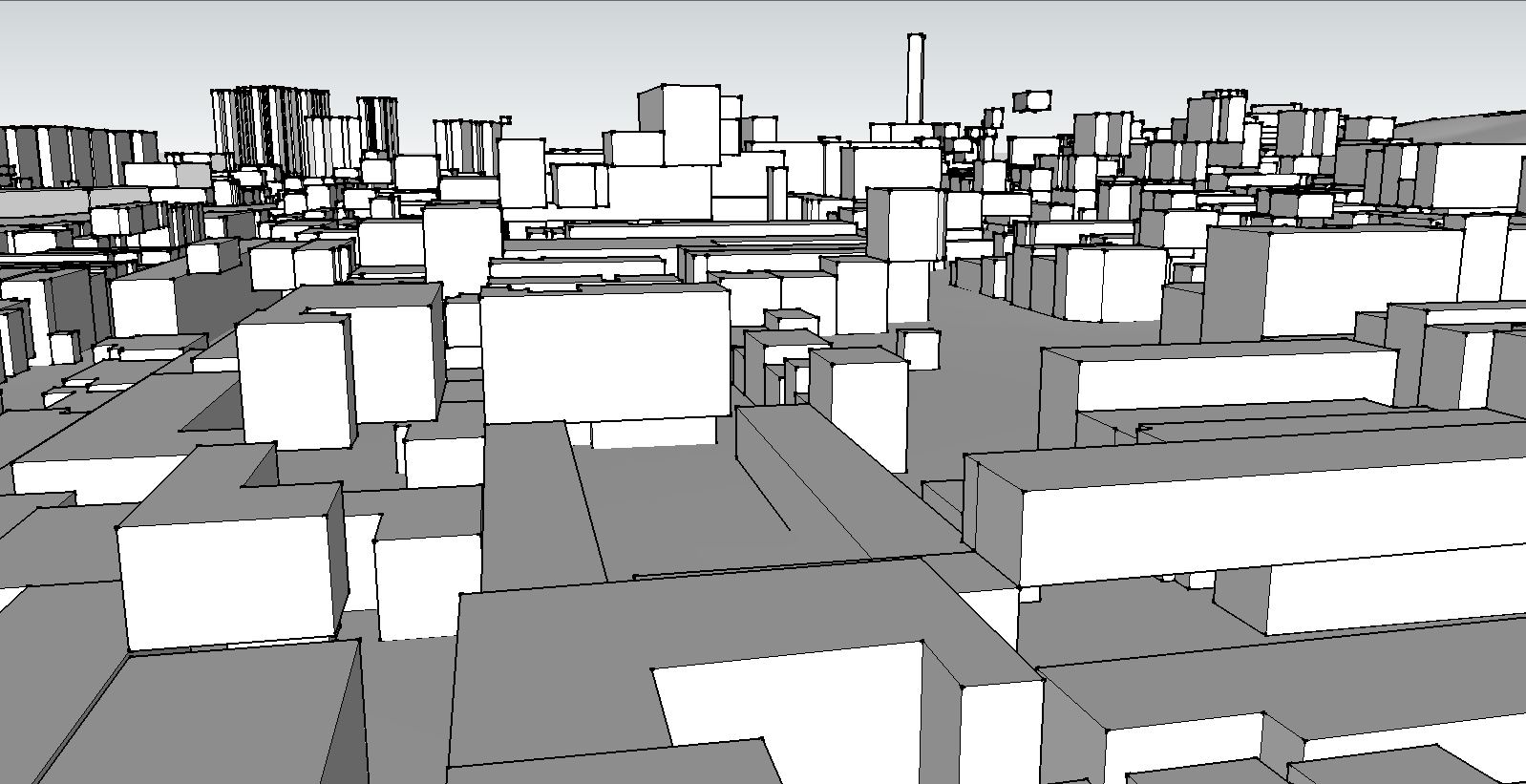
-
@gregswk said:
-I'm using your script to drop the groups down to terrain, but I'm having some problem... Many groups arent dropping well, they fly.
[attachment=0:373faxky]<!-- ia0 -->flying.JPG<!-- ia0 -->[/attachment:373faxky]Could you post a sample of the one's that "fly".
-
-
The problem is some groups being dropped on "top" of others already moved to the surface.
So to avoid that conflict, I have modified the previous code I posted.
mod = Sketchup.active_model
sel = mod.selection
gat = []
sel.grep(Sketchup;;Group){|g|
 o = [g.bounds.center.x,g.bounds.center.y,g.bounds.min.z]
 p = mod.raytest([o,[0,0,-1]])[0];
 gat<<[g,Geom;;Transformation.new(p-g.bounds.min)] if p
}
gat.each{|g| g[0].transform!(g[1])}
-
@sdmitch said:
The problem is some groups being dropped on "top" of others already moved to the surface.
So to avoid that conflict, I have modified the previous code I posted.
mod = Sketchup.active_model
> sel = mod.selection
> gat = []
> sel.grep(Sketchup;;Group){|g|
>  o = [g.bounds.center.x,g.bounds.center.y,g.bounds.min.z]
>  p = mod.raytest([o,[0,0,-1]])[0];
>  gat<<[g,Geom;;Transformation.new(p-g.bounds.min)] if p
> }
> gat.each{|g| g[0].transform!(g[1])}
>
Oh my God, thank you so much, sdmitch!!
It is working perfectly!! 

-
Always amazazed that few line can make! Bravo!

-
@sdmitch said:
The problem is some groups being dropped on "top" of others already moved to the surface.
So to avoid that conflict, I have modified the previous code I posted.
mod = Sketchup.active_model
> sel = mod.selection
> gat = []
> sel.grep(Sketchup;;Group){|g|
>  o = [g.bounds.center.x,g.bounds.center.y,g.bounds.min.z]
>  p = mod.raytest([o,[0,0,-1]])[0];
>  gat<<[g,Geom;;Transformation.new(p-g.bounds.min)] if p
> }
> gat.each{|g| g[0].transform!(g[1])}
>
I'm sorry, Sdmitch... There is still one problem..
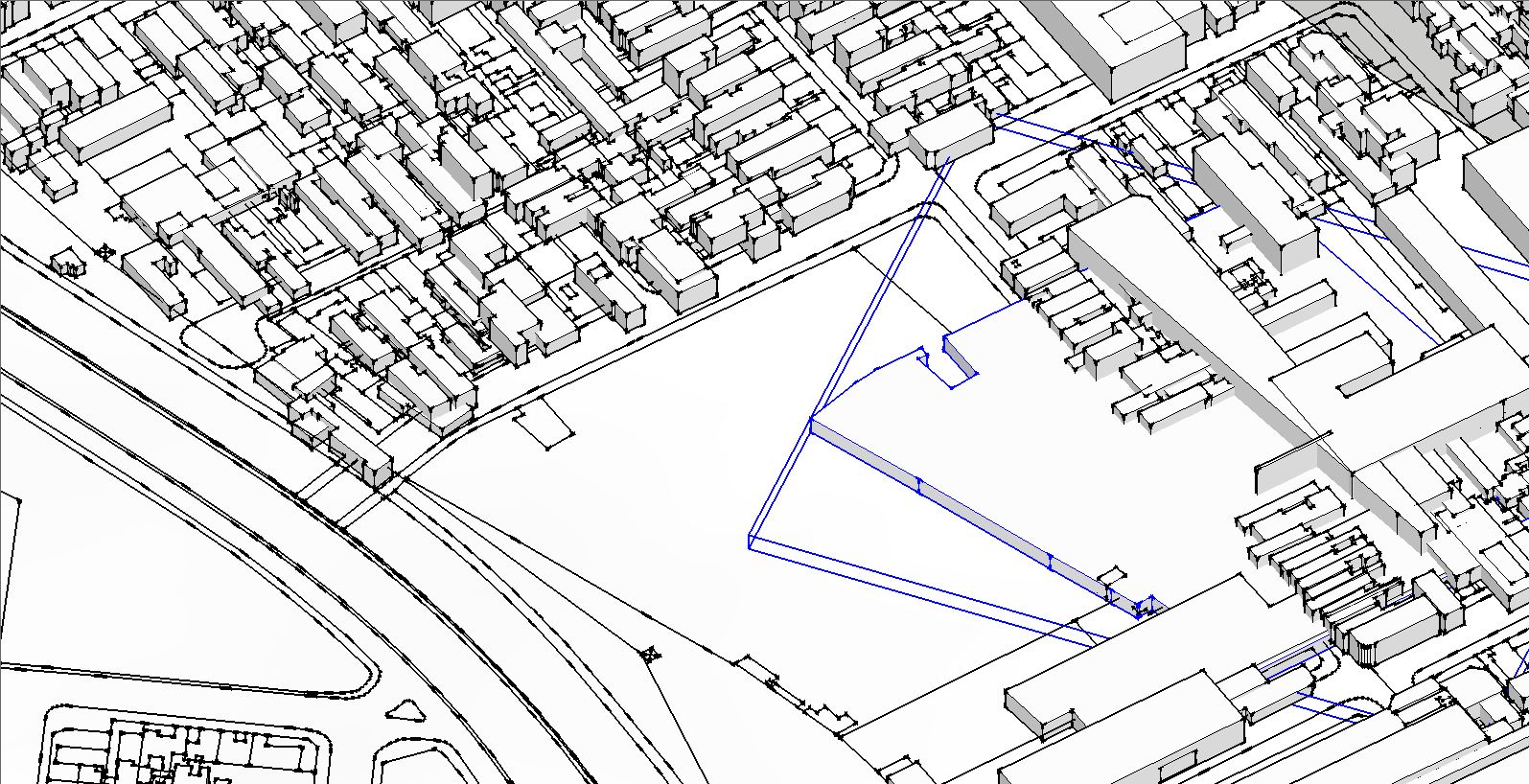
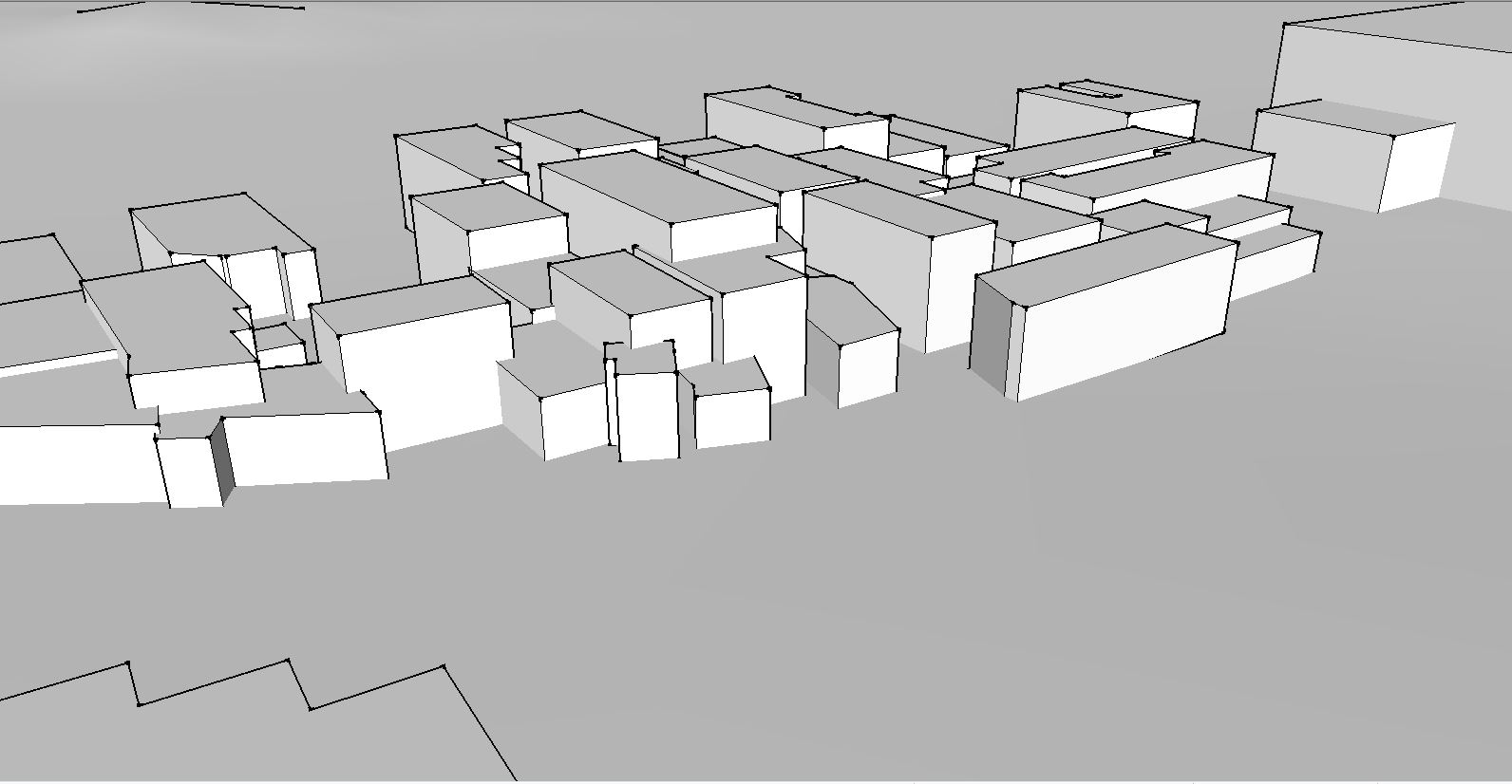
The groups are moving by Z axis perfectly, but when it goes down to terrain, they are changing their X and Y positions. They are messing with each other..
Why is it happening? -
@gregswk said:
@sdmitch said:
The problem is some groups being dropped on "top" of others already moved to the surface.
So to avoid that conflict, I have modified the previous code I posted.
mod = Sketchup.active_model
> > sel = mod.selection
> > gat = []
> > sel.grep(Sketchup;;Group){|g|
> >  o = [g.bounds.center.x,g.bounds.center.y,g.bounds.min.z]
> >  p = mod.raytest([o,[0,0,-1]])[0];
> >  gat<<[g,Geom;;Transformation.new(p-o)] if p
> > }
> > gat.each{|g| g[0].transform!(g[1])}
> >
I'm sorry, Sdmitch... There is still one problem..
[attachment=2:kcc5danh]<!-- ia2 -->Capture2.JPG<!-- ia2 -->[/attachment:kcc5danh]
[attachment=1:kcc5danh]<!-- ia1 -->Capture3.JPG<!-- ia1 -->[/attachment:kcc5danh]
The groups are moving by Z axis perfectly, but when it goes down to terrain, they are changing their X and Y positions. They are messing with each other..
Why is it happening?Oops. My bad. I forgot to change the "origin" in the transformation. Code has been fixed.
-
@sdmitch said:
Oops. My bad. I forgot to change the "origin" in the transformation. Code has been fixed.
Wonderful, Sdmitch!
Now it is perfect!!!
Thank you so much!!!



Advertisement