Help with window hole in wall script
-
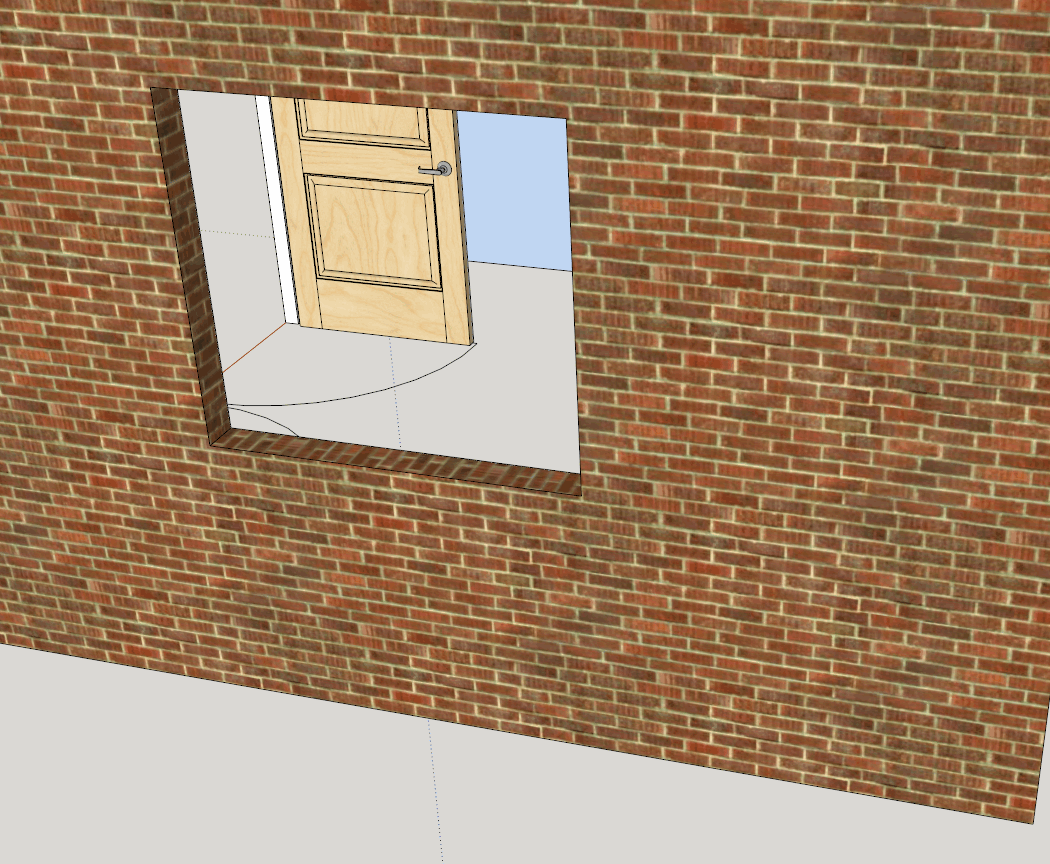
Here is an image of my test wall opening!

After the pushpull operation, I've tested the face entities to see if they connect with 2 vertices i've offset into the middle of the reveals (diagonally opposite corners of opening). These faces then reside in rev_faces. I'm trying to create a reveal group within the wall group.
-
You can't use
entities.add_group(somethings)UNLESS theentities==model.active_entities!!!So you need to create an empty group, then add new 'cloned' entities into that...
rev_grp = fog.entities.add_group() rev_faces.each{|face| rev_grp.entities.add_face(face.outer_loop.vertices) }This is totally untested !
But you get the idea...
Make an empty group and add faces into it by 'cloning'.
Also remember to erase any redundant faces in the original context.It might be best to do this operation inside a group, initially clone face, material etc, then do the pushpull ? ... ?
-
@deanby7 said:
Trying to group the reveal entities to make it easy to move a window and it opening if I need to.
Here comes the outsider (growing an interest in your plugin)... That's a nice idea!
-
It's the faces produced by the pushpull operations (the reveal faces "rev_faces") that I want to group together. Can this be done?
-
I would probably not use pushpull in that case. First Make the cutouts in the opposing wall faces. Then create the frame group and create the rest of the geometry inside the new group.
-
By using the pushpull, the reveals inherit the materials of the main wall faces. In the case of the outer face the reveal brickwork pattern is maintained round the corner, which is good! However, it appears that moving geometry with Ruby is a no-no. Therefore if I want to group the reveal geometry for later ease of movement of window etc then I will have to create it as you say within a group. But I will have to add the material and probably align the texture to suit. It's a trade off I think! Unless anyone has a solution!! Here's hoping

-
pushpull doesn't align the texture completely. The sides are close. But the top and bottom are not.
Notice the panel raised door through the window opening. It was created with a ruby script with 1 texture.
Parts were created vertically and then moved and rotated into position.
-
I take your point. The sides of the reveal are good enough. The bottom is usually covered by a window cill, and the top reveal could be adjusted if needed but could be adjusted but is not as visible as the sides in views of a building. Your door looks good. Was it created with your own plugin? I'd like to play with that! I have a quick and dirty window builder which I created as my first Ruby project. The code is nor pretty, but it works!!
-
All my plugins have a 7 or 14 day free trial.
I have 2 versions of door maker - same code base. Pro makes doors for cabinets and furniture. Gold adds more features including Passage Doors, Bifolds and Entry doors. There are built in features such as pivot hinges for large heavy doors.
http://sketchucation.com/pluginstore?pln=gkware_doormakerI have been asked to build a window maker along the same lines as door maker.
I also have stair maker for curved stairs and spirals.
http://sketchucation.com/pluginstore?pln=gkware_stairmakerAnd I've put quite a bit of work into CabMaker which creates kitchen cabinets, vanities and various types of furniture.
http://sketchucation.com/pluginstore?pln=gkware_cabmakerI am also currently working on a Wall Maker that works a bit like Chief Architect
-
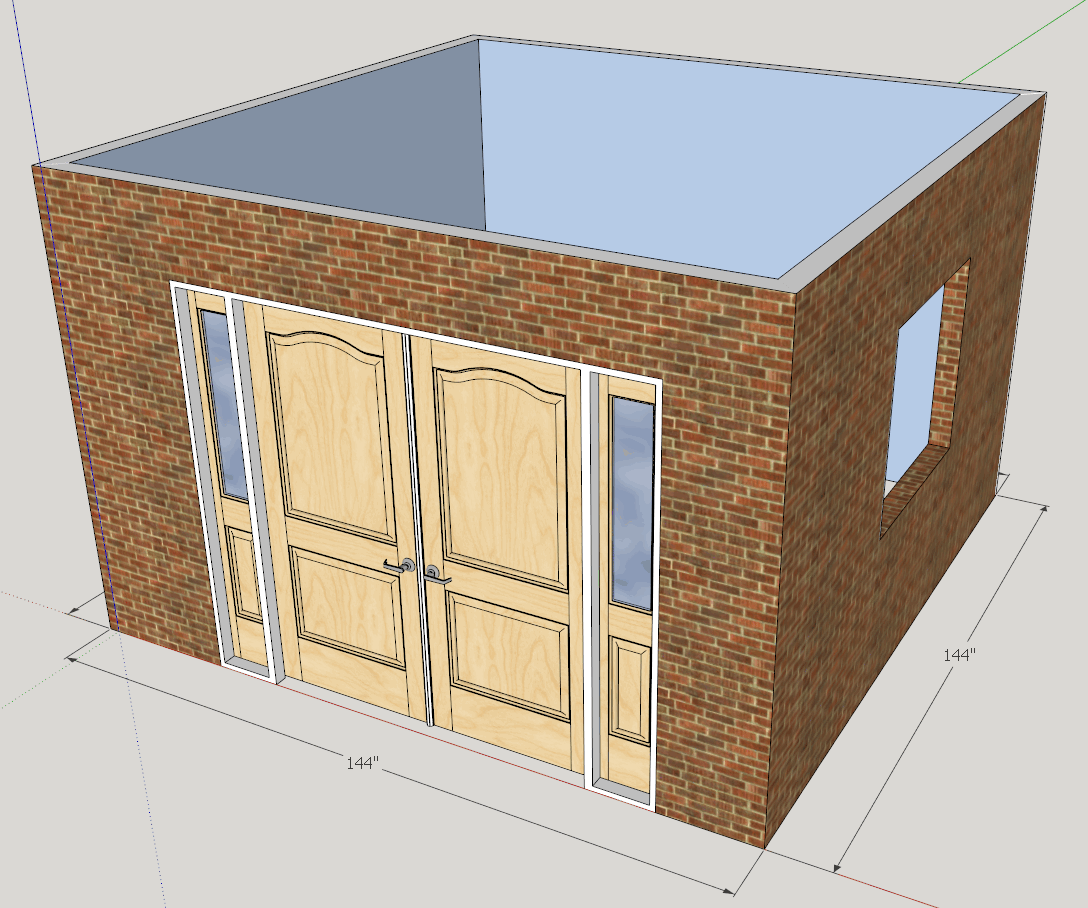
Here's the entry door with side lites and astragal.
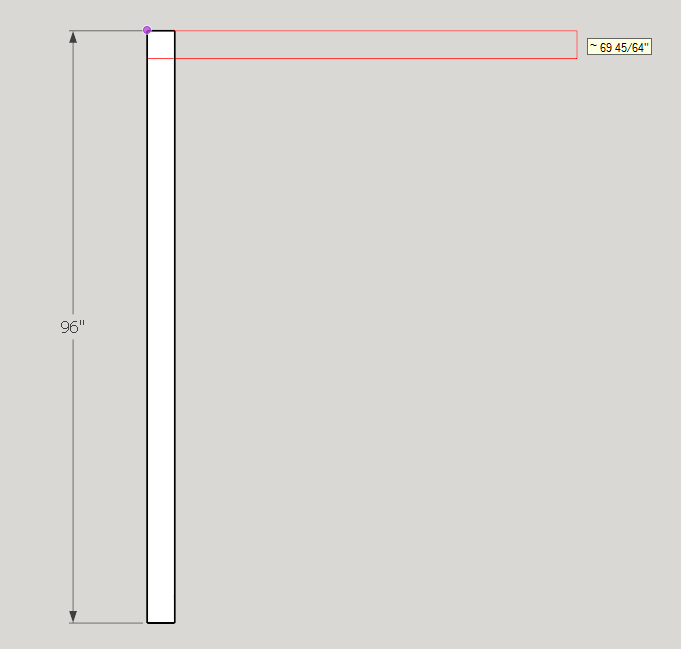
Here's a bit of the wall maker. You can turn on / off the dimension layer. You can edit the length of the wall by double clicking on the dimension text. Change it and the wall changes length. The tool tip shows the length of the wall. You can straight type and let the VCB make the change to length, or provide length and height with a comma between the values (semi colon for users that have their decimal indicator as a comma). There is a button to toggle between top view orthographic and perspective. The wall being created is in ortho.
Walls have a category and a name which corresponds to a file with inside material, outside material, height and wall width. Users can create their own wall specifications.
I just started this plugin a week ago.
-
Gary K - They look interesting, I will check these out!
With TIG and sdmitch's very informative help I have succeeded with my little script!
Posted here for information. Cheers guys.
Now to look at automating the move of window component with its associated reveals! Hmmm observers?




Advertisement