sketchucation logo sketchucation
    • Login
    Oops, your profile's looking a bit empty! To help us tailor your experience, please fill in key details like your SketchUp version, skill level, operating system, and more. Update and save your info on your profile page today!
    Check out Febhouse | New extensions for Shadow Analysis in SketchUp Download

    Modelling a tramway

    Scheduled Pinned Locked Moved Gallery
    579 Posts 43 Posters 376.8k Views 41 Watching
    Loading More Posts
    • Oldest to Newest
    • Newest to Oldest
    • Most Votes
    Reply
    • Reply as topic
    Log in to reply
    This topic has been deleted. Only users with topic management privileges can see it.
    • Rich O BrienR Offline
      Rich O Brien Moderator
      last edited by

      ProfileBuilder won't one-shot that network because there are so many branches.

      Here is what PB4 will produce if you try to loft the profile across that network or splines.

      duew-depot1-1_PB.skp

      Download the free D'oh Book for SketchUp 📖

      1 Reply Last reply Reply Quote 0
      • jo-keJ Offline
        jo-ke
        last edited by

        Wow this one looks great.

        You used profile builder 4 and what did you do then?

        you took each part and do it one after one?

        http://www.zz7.de

        Rich O BrienR 1 Reply Last reply Reply Quote 0
        • Rich O BrienR Offline
          Rich O Brien Moderator @jo-ke
          last edited by

          @jo-ke said:

          what did you do then?

          I rotated your profile to lie on XY plane so I could assign it as a Profile.

          Then selected all the network of splines and used Build Along Path to create what you see in the file I shared.

          Download the free D'oh Book for SketchUp 📖

          1 Reply Last reply Reply Quote 0
          • jo-keJ Offline
            jo-ke
            last edited by

            OK, I think I have to buy profilebuilder
            Thank you

            http://www.zz7.de

            1 Reply Last reply Reply Quote 0
            • jo-keJ Offline
              jo-ke
              last edited by

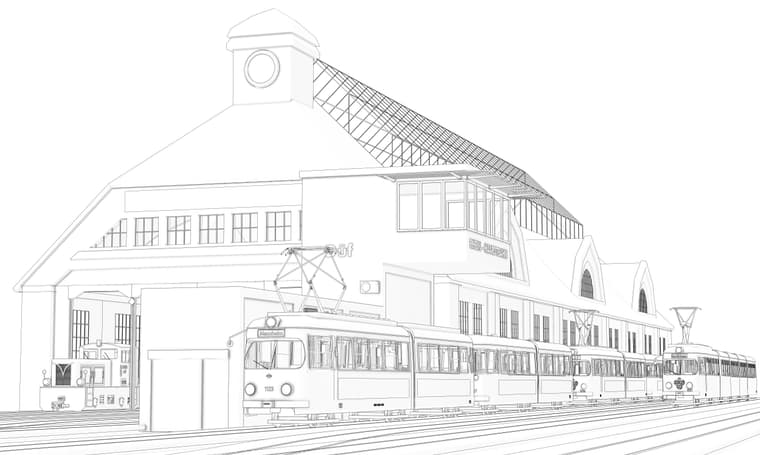
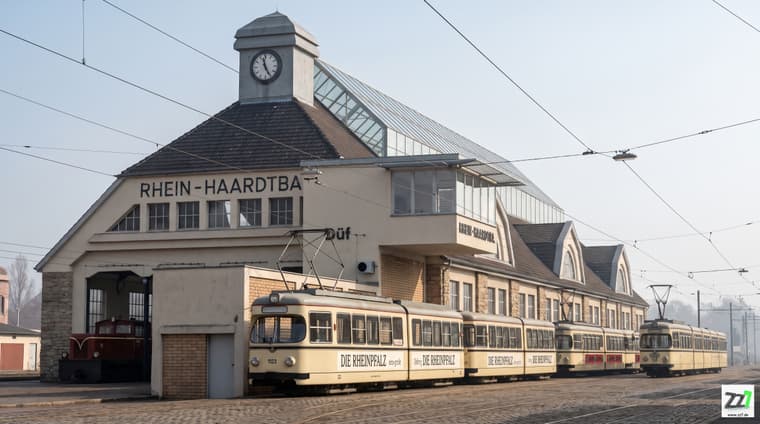
              depot-düw-su.jpg_2K_202608202237pp.jpg

              http://www.zz7.de

              1 Reply Last reply Reply Quote 0
              • jo-keJ Offline
                jo-ke
                last edited by

                depot-düw-su4sw.jpg

                depot-düw-su5pp.jpg

                http://www.zz7.de

                1 Reply Last reply Reply Quote 0
                • jo-keJ Offline
                  jo-ke
                  last edited by

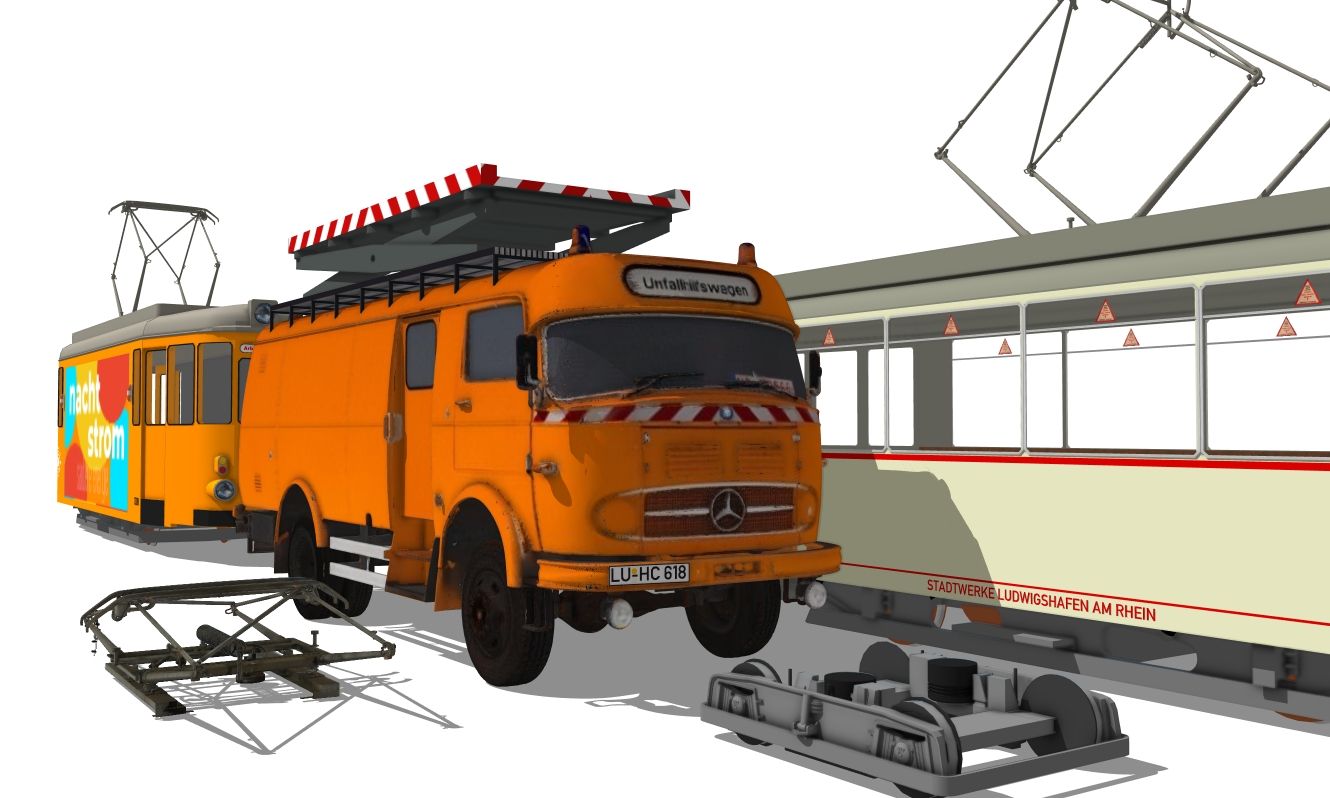
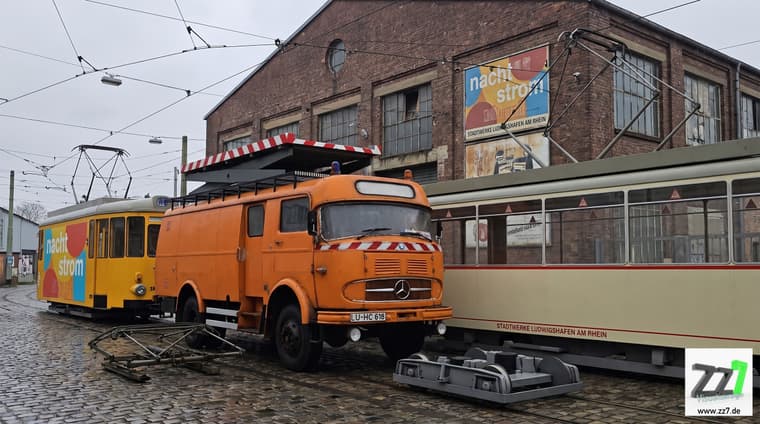
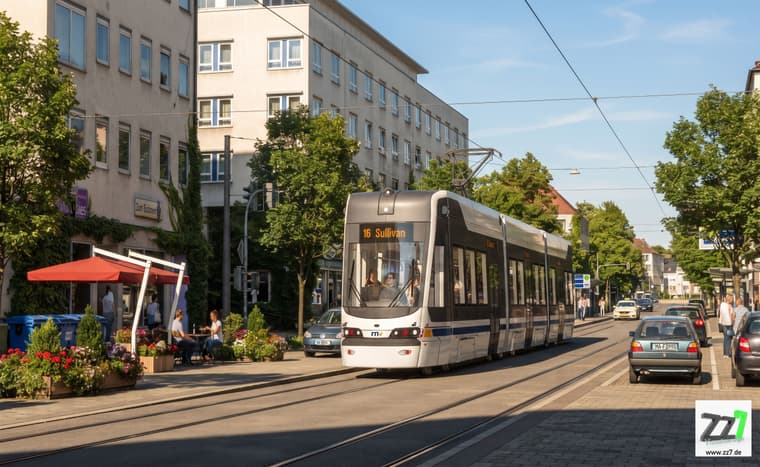
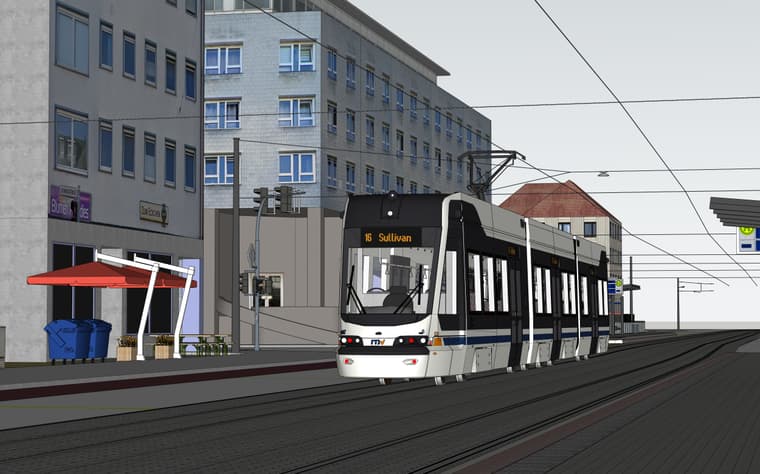
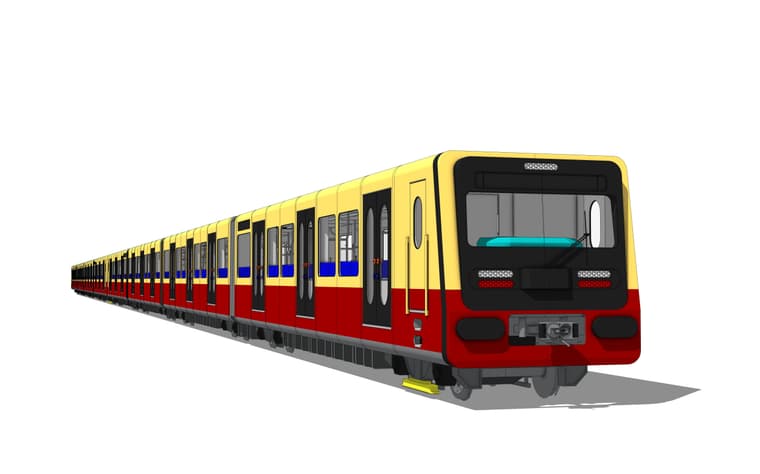
                  new vehicle created with meshyAI

                  turmwagen001.jpg

                  turmwagen001pp.jpg

                  http://www.zz7.de

                  1 Reply Last reply Reply Quote 2
                  • KrassK Offline
                    Krass
                    last edited by

                    great ! The model and render are excellent!
                    But I don't understant why you use meshy ai ? It's a 3d model from photos service.? What ai model did you use for the render?

                    Krass

                    jo-keJ 1 Reply Last reply Reply Quote 0
                    • jo-keJ Offline
                      jo-ke @Krass
                      last edited by jo-ke

                      @Krass

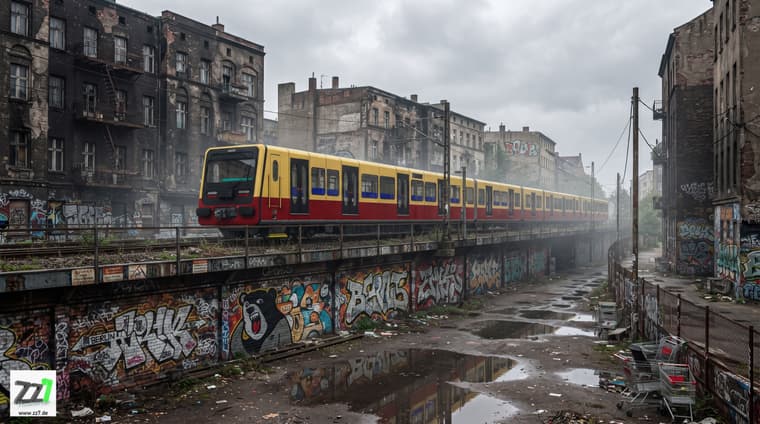
                      The model of the car was made with meshyAI. I took some views, meshyAI created the base model and I made some modifications.

                      The render was done with nano banana pro
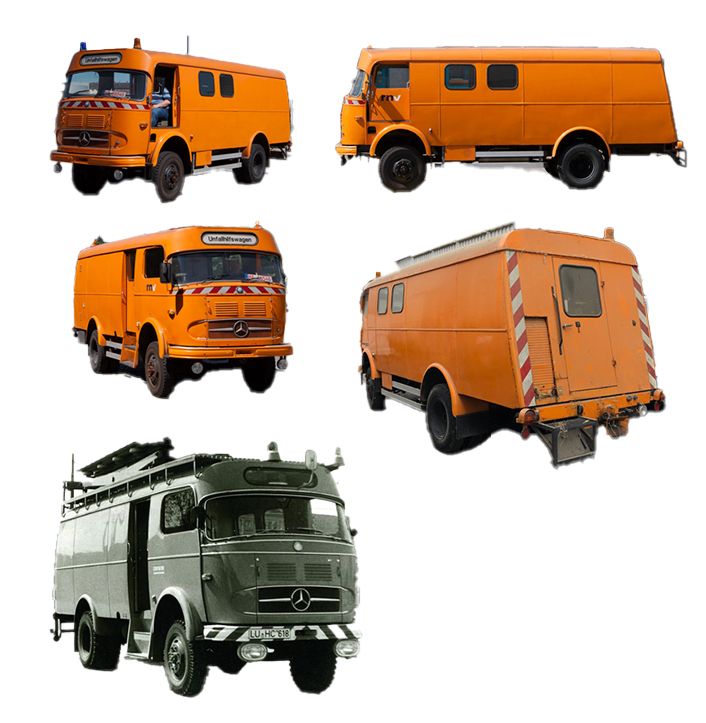
                      overview.jpg

                      http://www.zz7.de

                      1 Reply Last reply Reply Quote 0
                      • KrassK Offline
                        Krass
                        last edited by

                        Impressive. I always prefered tencent Hunyuan for modeling from photos, (20 free models per day!) but it seems you did well with meshy.
                        https://3d.hunyuanglobal.com/
                        Do you use Universal Importer (by Samuel Tallet) to Import the GLB files?

                        Krass

                        jo-keJ 1 Reply Last reply Reply Quote 0
                        • jo-keJ Offline
                          jo-ke @Krass
                          last edited by

                          @Krass I import it to blender as glb and export it as dae to sketchup. It gave me the best results. sometimes glb are to heavy for SU to handle.

                          http://www.zz7.de

                          1 Reply Last reply Reply Quote 0

                          Hello! It looks like you're interested in this conversation, but you don't have an account yet.

                          Getting fed up of having to scroll through the same posts each visit? When you register for an account, you'll always come back to exactly where you were before, and choose to be notified of new replies (either via email, or push notification). You'll also be able to save bookmarks and upvote posts to show your appreciation to other community members.

                          With your input, this post could be even better 💗

                          Register Login
                          • 1
                          • 2
                          • 12
                          • 13
                          • 14
                          • 15
                          • 16
                          • 28
                          • 29
                          • 14 / 29
                          • First post
                            Last post
                          Buy SketchPlus
                          Buy SUbD
                          Buy WrapR
                          Buy eBook
                          Buy Modelur
                          Buy Vertex Tools
                          Buy SketchCuisine
                          Buy FormFonts

                          Advertisement