Save scene - object highlighted with background.
-
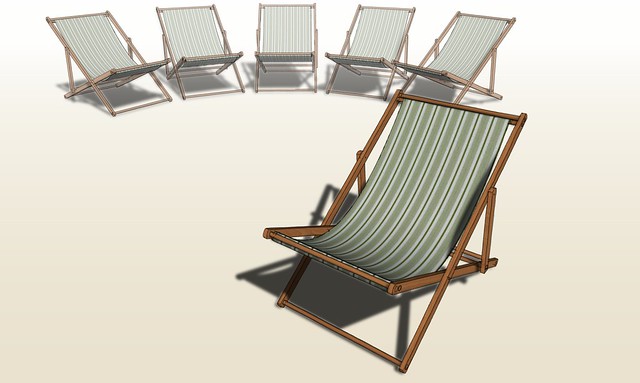
Short of changing the materials on those elements you want to fade out or using Fog, no. You can't save that faded look as a style. The easiest way to do it for an image would be to make several image exports and combine them in an external image editor.
This one was done with fog.
-
That is a very classy look Dave
-
Thank you, Barry. I was going for sort of a hot environment without putting in things like palm trees and sand.
-
Dave,
Appreciate the chair example, and I have used fog in that way couple of times but was looking to call attention to individual items from a saved or same scene. Was hoping it would not be style specific solution.
-
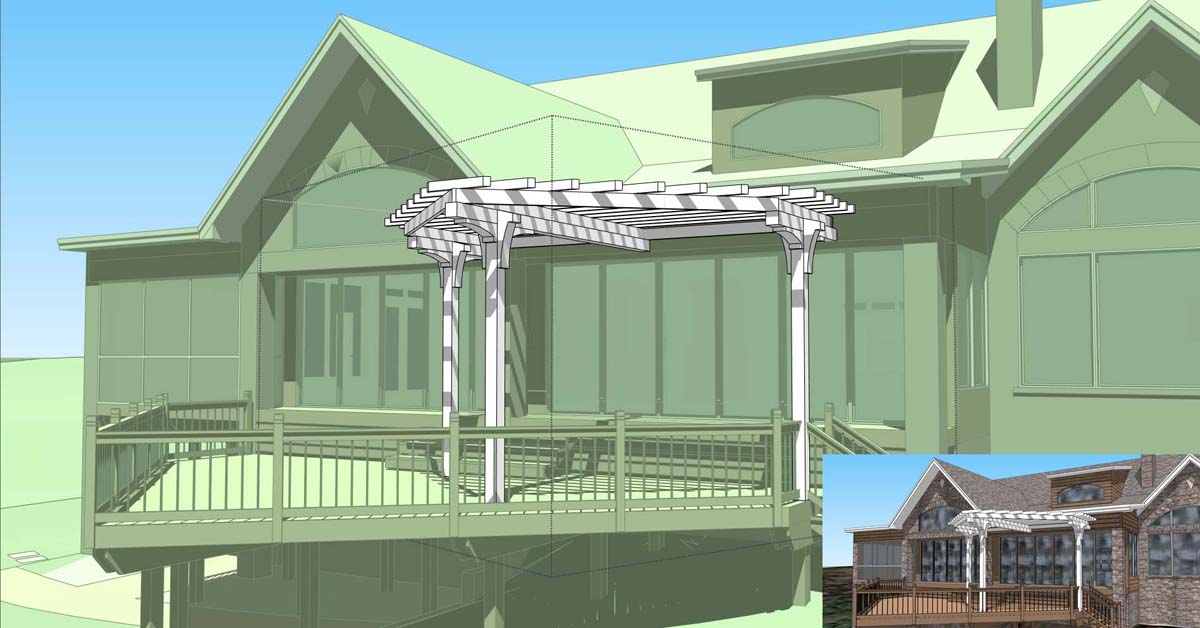
I understood what you were asking for. The example I posted was the only image I had available that comes close to showing what I was talking about.
It would be a whole lot easier to make that sort of image from a couple of exported images than repainting the parts of the model you want faded out.
-
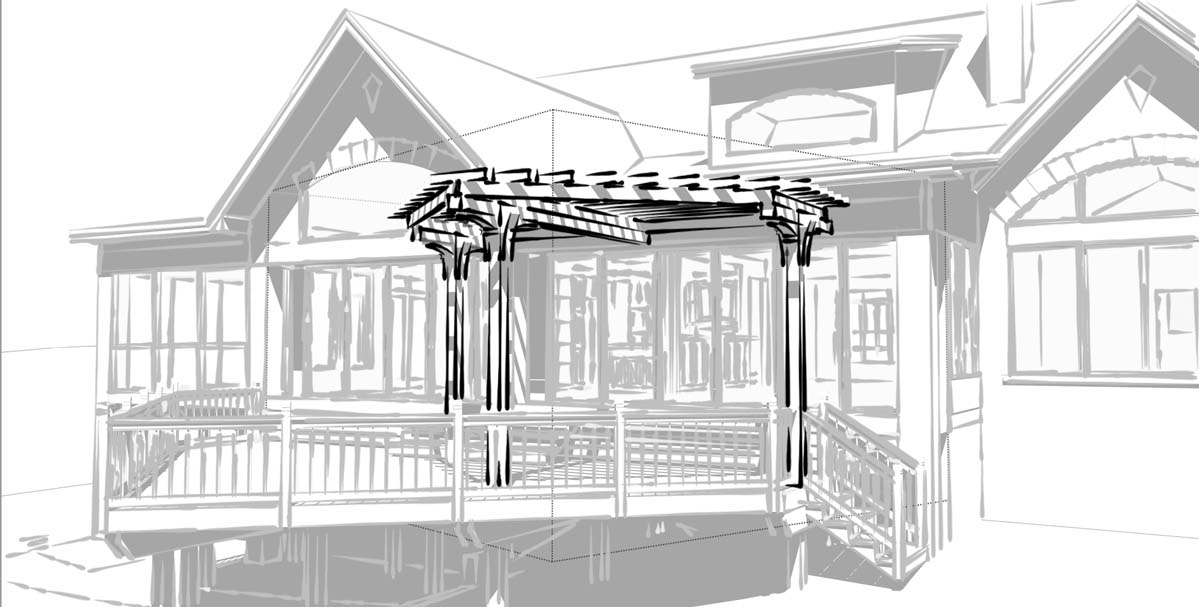
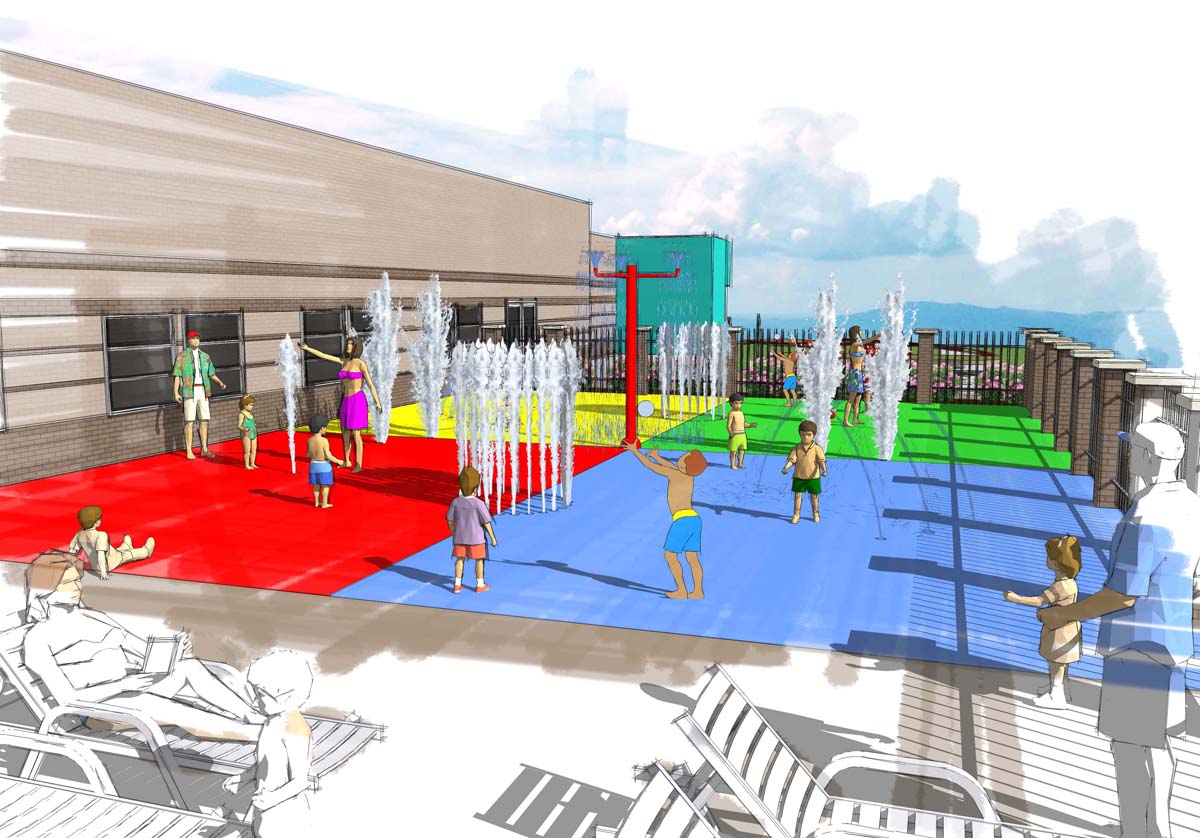
This is another example of what could be possible with the same image using a different style.
-
That would also be easy to accomplish with a couple of image exports and a minute or two in an image editor.
Here's another example.

Which was made by combining this image:

With this one:

Both images are from the same SKP file. combining them in the image editor took only a few seconds.
-
Dave,
Thanks for taking a look at this. Maybe someone who views this post may have an idea or know how to achieve this look without the use of the "PRINT SCREEN" button.
Thanks,
--Napoleon -
It can't be done in a single image export from SketchUp without modifying materials on part of your model but it is dead easy to do with multiple image exports from the same camera position.
-
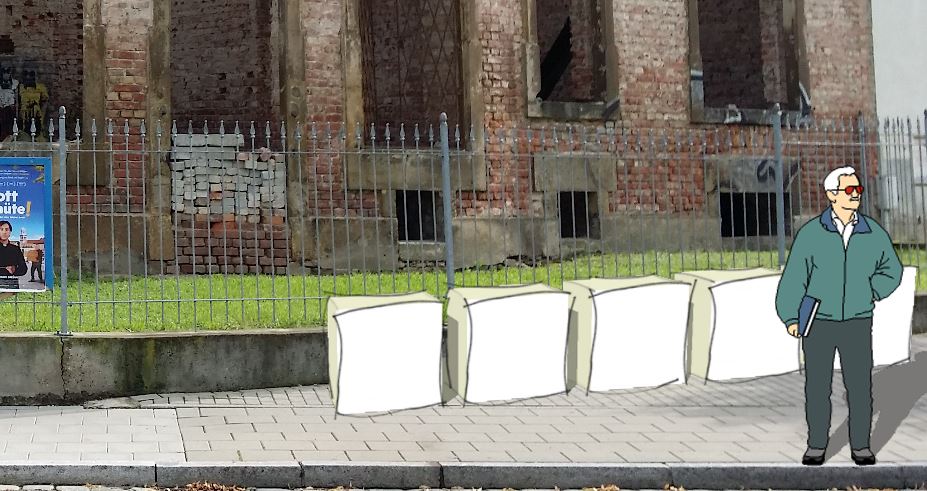
Also the ability to export images with transparent background makes layering simple.
This is the same scene twice with different layers turned on and off with a sketchy style applied to the blocks and a simple style applied to the figure. Then both just dumped on a photo.
It could be hidden line or any version of style, you just need to set the scenes you want and export the images.
No Print Screen button used.
-
Yes, I am familiar with these techniques and have used them in a different way.
I used The "Dennis Technique" when trying to create a watercolor looking type look. The Technique combines different exported styles (shadows, no shadows, color only, lines only, etc. Then using a photo editing software merging them and exposing underlying layers by erasing the center till the achieved look is gained.



Hello! It looks like you're interested in this conversation, but you don't have an account yet.
Getting fed up of having to scroll through the same posts each visit? When you register for an account, you'll always come back to exactly where you were before, and choose to be notified of new replies (either via email, or push notification). You'll also be able to save bookmarks and upvote posts to show your appreciation to other community members.
With your input, this post could be even better 💗
Register Login


Advertisement