Solid tool "Subtract" destroys model
-
Hi guys,
I have a fairly curvy model (bezier curves extruded and edges rounded with fredos "RoundCorner") – when I apply the solid tool "Subtract" on it the outcome is that the surface of the model rips open on some locations
Does anybody know why that happens and how I can solve this problem? I'd be happy for any help.
The file is in the attachment.
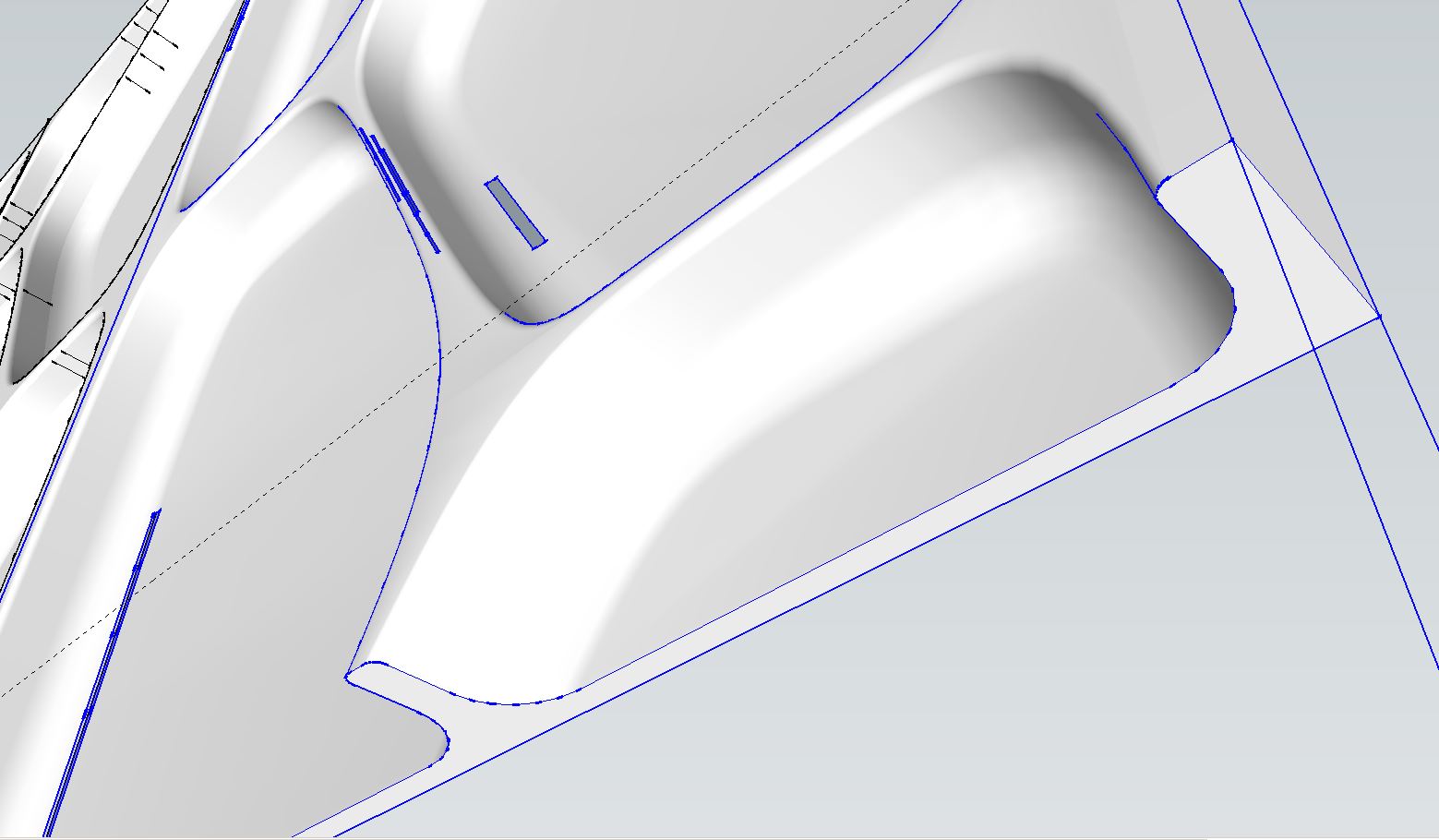
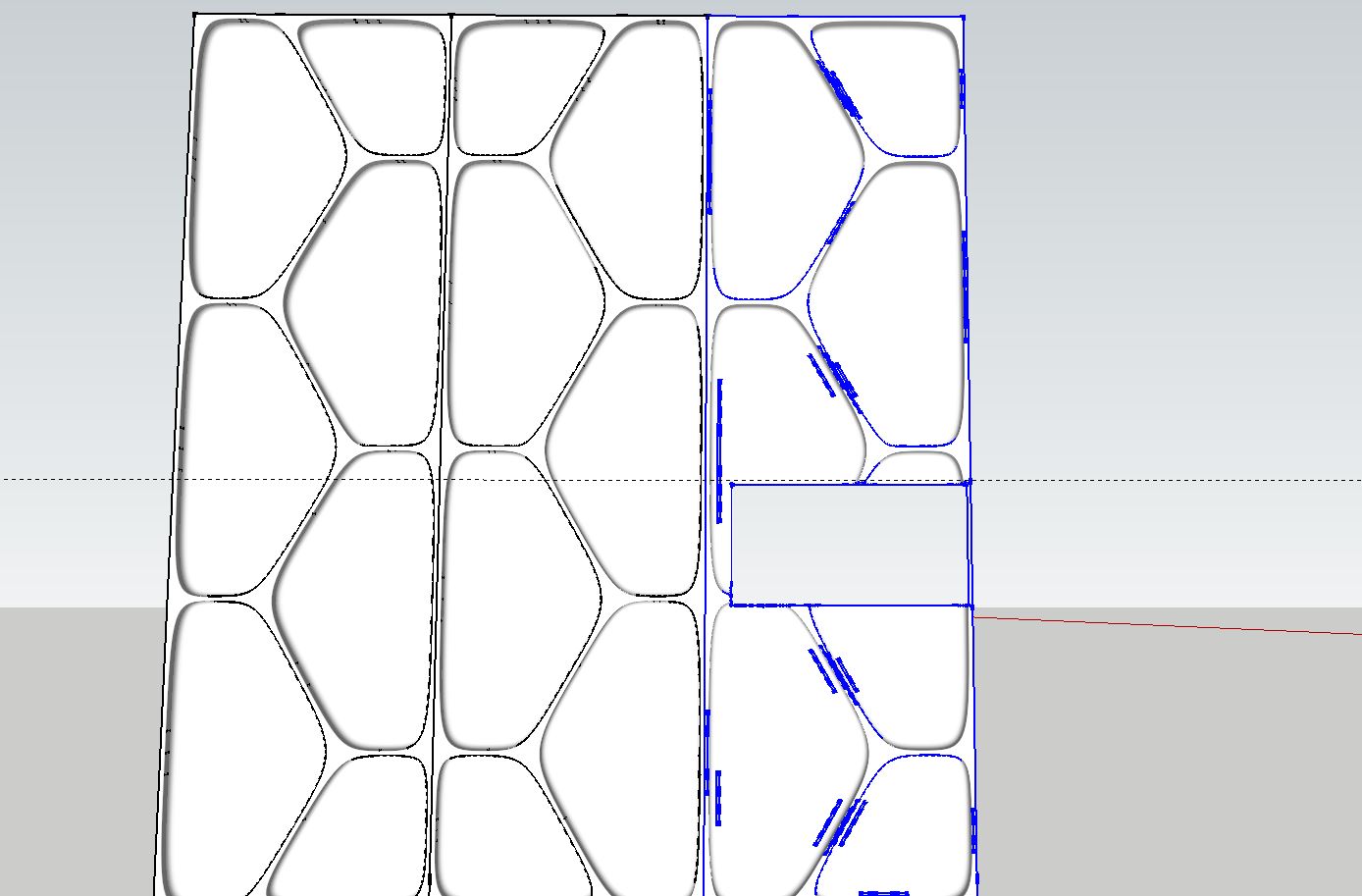
-
I bet you're creating tiny little faces. Try scaling up by a factor of 100 or even 1000.
-
THX for your help, it workes!
Can you eventually explain the magic behind this trick?
-
Not exactly. It has to do with built in tolerances and SketchUp not making very tiny faces.
-
Ok, THX anyway, I could solve the issue due to your help. I love this forum, I should get a pro member.

-
You're welcomes.
Yes, you should get a pro membership.
I keep wondering when you'll become "Oldnoob", too.
-
Not until I turn 30.
-
Oh. I guess we'll wait.



Hello! It looks like you're interested in this conversation, but you don't have an account yet.
Getting fed up of having to scroll through the same posts each visit? When you register for an account, you'll always come back to exactly where you were before, and choose to be notified of new replies (either via email, or push notification). You'll also be able to save bookmarks and upvote posts to show your appreciation to other community members.
With your input, this post could be even better 💗
Register Login


Advertisement