[Plugin] MoveAlong - v1.2b - 07 Jul 14
-
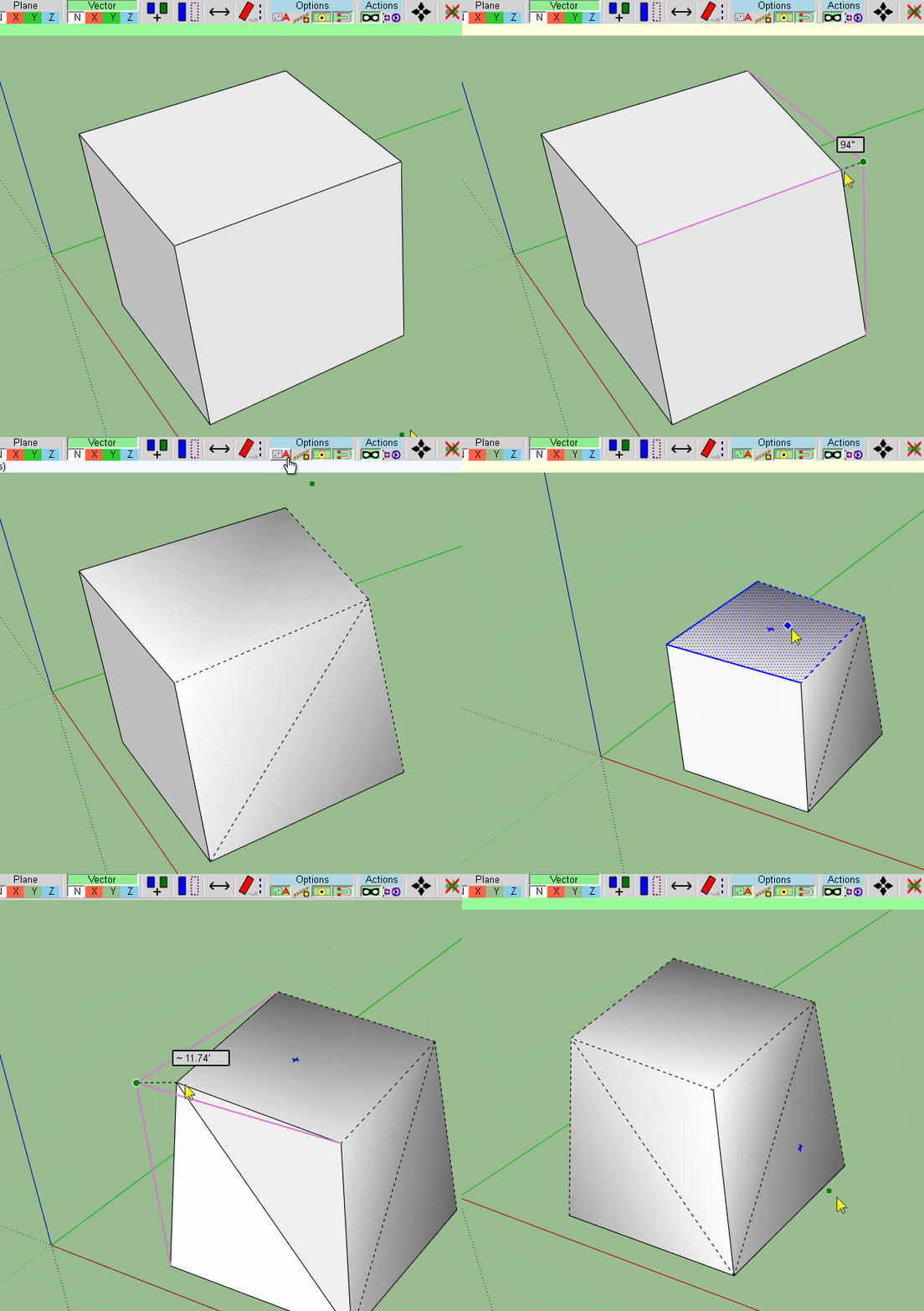
Smooth hard all connected edges in SketchUp 2017/18 Help!!!!
Thanks
-
It looks like Move Along is not suited for SU 17 and newer. Works fine with SU 16 but in SU 17 I cannot even pick any edge. I grab the tool, then hover over the edge and it just doesn't see it. Even if I preselect my edge, then run the tool, it neither snaps nor picks any direction.
-
@einstein said:
It looks like Move Along is not suited for SU 17 and newer. Works fine with SU 16 but in SU 17 I cannot even pick any edge. I grab the tool, then hover over the edge and it just doesn't see it. Even if I preselect my edge, then run the tool, it neither snaps nor picks any direction.
Strange...
Can you open the Ruby Console before you launch MoveAlong and see if there are some errors displayed.Thanks
Fredo
-
@fredo6 said:
@einstein said:
It looks like Move Along is not suited for SU 17 and newer. Works fine with SU 16 but in SU 17 I cannot even pick any edge. I grab the tool, then hover over the edge and it just doesn't see it. Even if I preselect my edge, then run the tool, it neither snaps nor picks any direction.
Strange...
Can you open the Ruby Console before you launch MoveAlong and see if there are some errors displayed.Thanks
Fredo
Further observations:
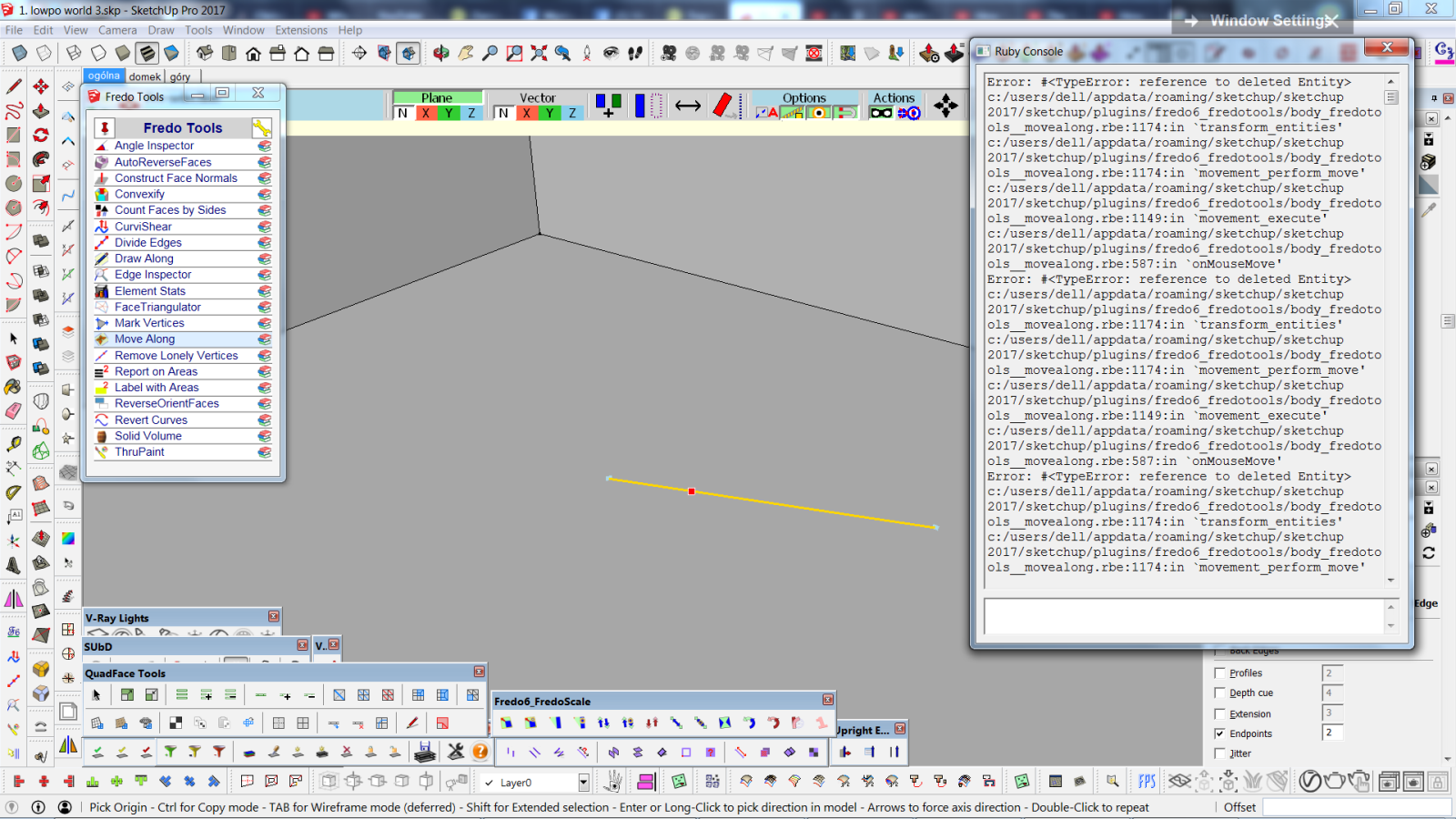
It started working. No errors at first. However, if I move an egde and try to do it again, Ruby Console shows this:
-
Thanks for the report.
I think this is related to this damned regression as of SU2017 (related to loss of references when exploding groups).
I'll have a closer look when I can.
Fredo
-
@ahmed0007 said:
Smooth hard all connected edges in SketchUp 2017/18/19 Help!!!!
Thanks -
Hi. Thank you for awesome plugin. Can I toggle smoothening of edges? Please.

-
I think move along with copy (via Ctrl key) is broken (at least in v21)
I move a copy in desired direction, enter some distance value, the tool places a copy in desired place, BUT when I exit the tool (or switch to Select tool) the copy is not saved. -
@rv1974 said:
I think move along with copy (via Ctrl key) is broken (at least in v21)
I move a copy in desired direction, enter some distance value, the tool places a copy in desired place, BUT when I exit the tool (or switch to Select tool) the copy is not saved.Thanks for signaling the issue.
It should be fixed with LibFredo6 v11.4f, just published. Thanks to confirm.
-
How do I disable the move and rotate tool from Fredo Tools? I love everything but just wanna disable these two bits.
-
The only thing that's missing from this tool is that it doesn't see the grip points from the middle of the edges of the bounding boxes of groups/components, not for the objects you move, and not for the objects you move to.
Maybe the API doesn't provide this information, but that would be absurd because those grip points are available in the SU native move tool, and you can cycle through all of them by repeatedly pressing the ALT key.



Advertisement