[PLUGIN]MITSUBA Render Exporter v1.5.0(20141109)
-
Hi,All.
I update this to v1.2.4. in 2014-03-21.
I finally understood this problem of running mtsimport.
I add code setting current directory in ruby.
So mtsimport will make "textures" in setter directory.
Thanks John.@mike amos said:
Thanks John, I feel like a right muppet not including specs, not as if I do not know, please put it down to a muppet day. I have tried the 64 bit program from that site/location.
Specs as in the attached image.
NVIDIA graphics card 1gb vram. This is updated as of about 1 week ago for drivers.
Hi,Mike.
There is "vcredist_2013_x64.exe" in folder unzipped mitsuba render package.
It is microsoft visual studio 2014 x64 redisributable package"
Please install it.
Mitsuba will work.Thanks!
-
thank you...
next thought is, can we 'tag the view' before export, and if it is the 'same tag' after a materials tweak, skip the geometry re-creation? maybe an update button on the materials dialog?
jonh -
Thanks very much, its appreciated.
-
sketchup model, materials, no lights
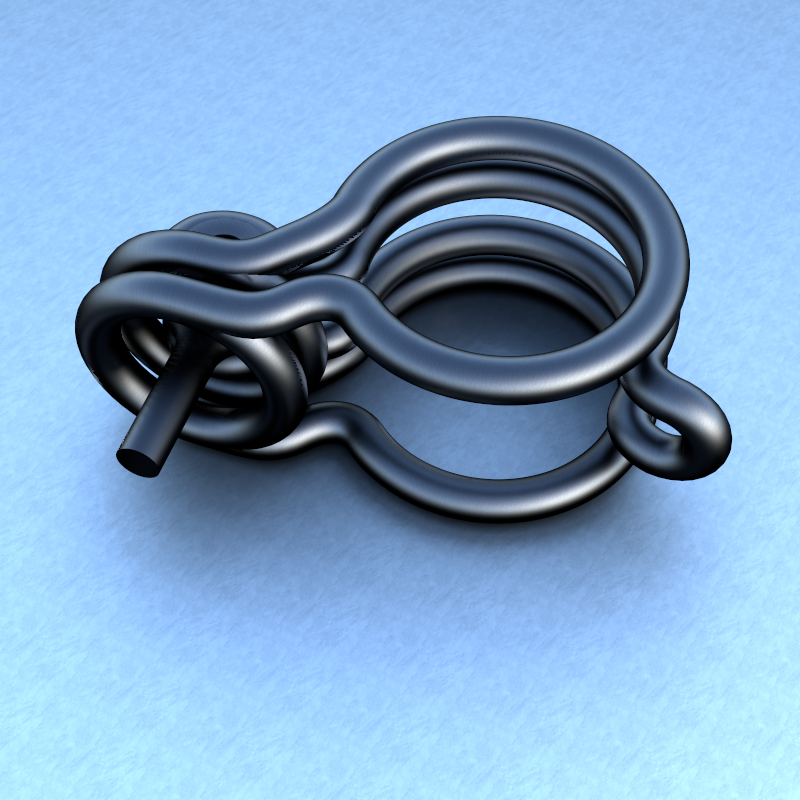
-
a bit to shinny, but getting there... I think
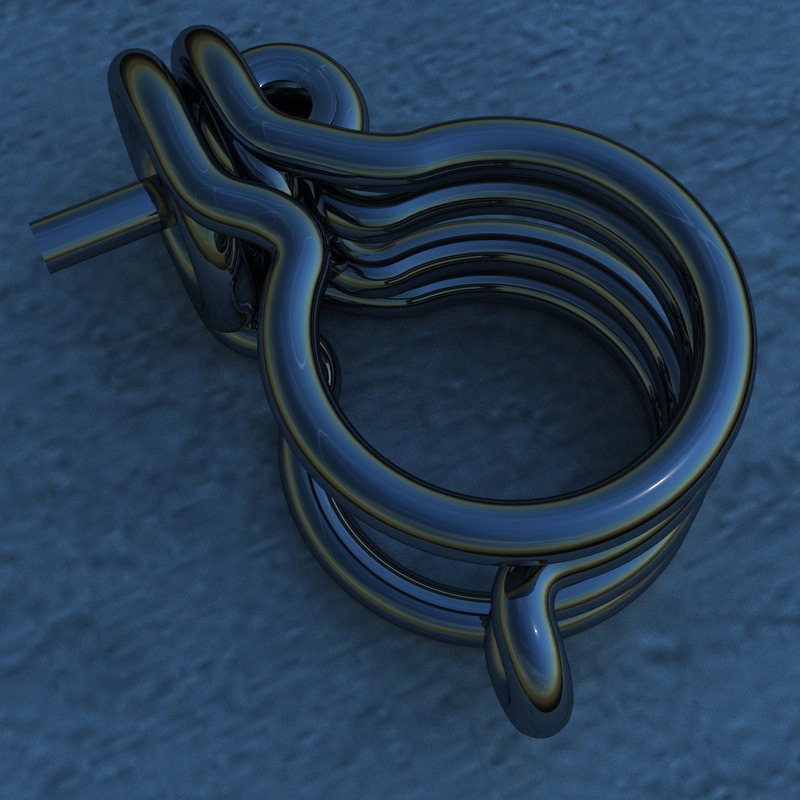
-
@driven said:
a bit to shinny, but getting there... I think
[attachment=0:7vyebg0v]<!-- ia0 -->bar_clamp_ext_vol.jpg<!-- ia0 -->[/attachment:7vyebg0v]Hi
Cool Rendering image.TAK2HATA
-
Very nice ones!

Any ideas of the rendering time for one image? -
this one is a 13.3 MB skp file, the others took less time each.
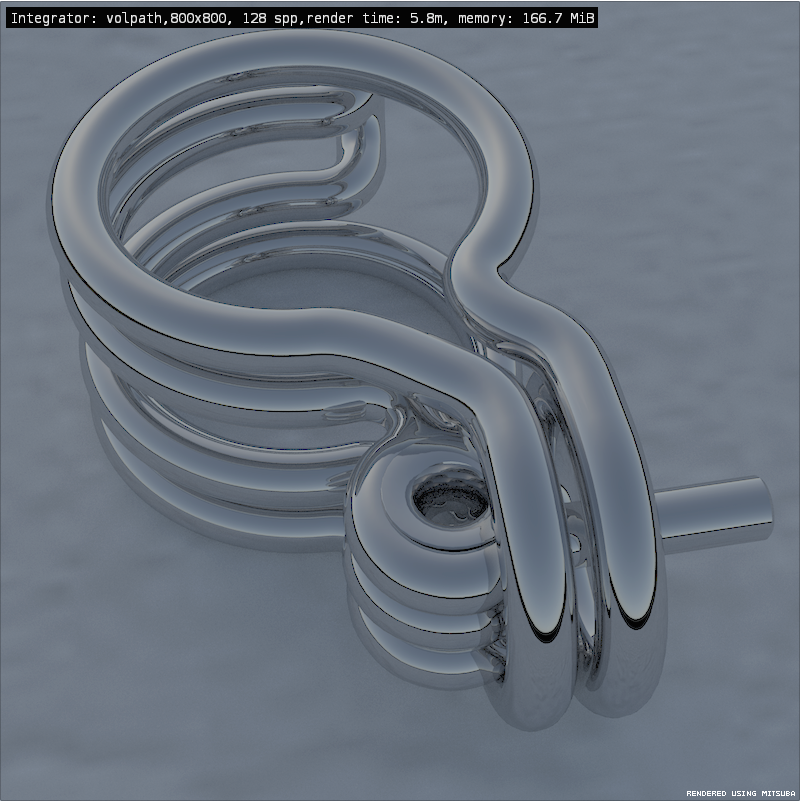
-
OK, got the plugin working, sort of . The ui I get when runinning mitsuba do0es not allow for changing mats/textures etc, is there a ui I am missing or is there a simple explanation I am missing? I get that I do not have the full picture and having found the readme file in the mitsuba directory am kicking myself for my earlier question ans the answer is there. What am I missing?
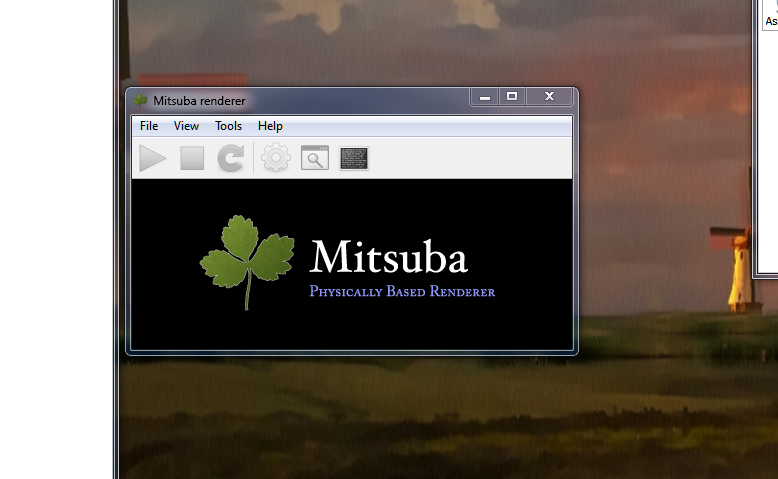
-
the materials editor is part of this plugin, load it through the SCF download tool and it open mitsuba after you use it.
john
-
Thanks, please excuse me again, I must be working on flat batteries and an old optic prescription. Slower, more notice............
-
Hi,All.
I update this to V1.2.9 in 20140330.
Improves and bugfixes.
Thanks. -
Thanks Tak2hata, it's dream come true
-
-
hi
can anyone else see if they can render one of Rich's models...
http://sketchucation.com/shop/models/furniture/303-marc-newson-wooden-chair
I'm getting this error message...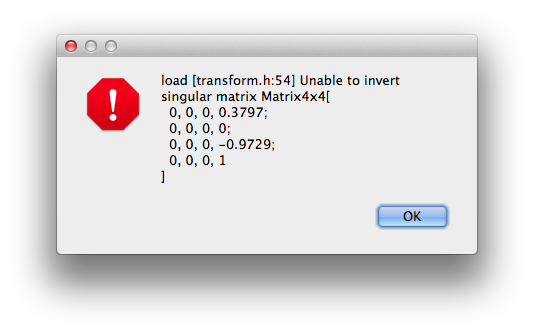
john
-
@driven said:
hi
can anyone else see if they can render one of Rich's models...
http://sketchucation.com./shop/models/furniture/303-marc-newson-wooden-chair
I'm getting this error message...[attachment=0:3lajmeue]<!-- ia0 -->2014-04-06 05.34.02 pm.png<!-- ia0 -->[/attachment:3lajmeue]john
Hi,john.
This script roundup the matrix values.
42 line of code in mitsuba_main.rb
Please Delete that line.
The error will not appear.
Now I still can not return to home.
So I can not edit this script for a month.
Please modify it yourself.
Thanks. -
I am not sure this is related to this exporter plugin but allow me to ask it:
I tried rendering an animation with mitsuba and all worked fine apart that I got the frames in .exr format that is not supported by virtualdub so I can't make a movie of it;
how to change the output format of animation frames?
Sorry for my noobness, best regards and thanks in advance. -
@sminky said:
I am not sure this is related to this exporter plugin but allow me to ask it:
I tried rendering an animation with mitsuba and all worked fine apart that I got the frames in .exr format that is not supported by virtualdub so I can't make a movie of it;
how to change the output format of animation frames?
Sorry for my noobness, best regards and thanks in advance.hi,sminky.
It will be added in one or two week.
Now I can not return to home.
sorry please wait.tak2hata
-
for exr's there a very good open source app http://www.darktable.org/about/features/
[web 100%,300:6ukk5fh5]http://www.darktable.org/about/features/[/web:6ukk5fh5] -
Sorry, I forgot to say I am on windows 8.1.
Also, I could use an app to concert single exr images to jpg but when I have hundreds of frames, it becomes impossible to do it manually.
Sorry if I miss something about that app or anything else, as I said before I am still a newbie.
ThanksP.S.:It would be great if you could make mitsuba render animation of objects done with Proper Animation plugin or other similar tools.




Hello! It looks like you're interested in this conversation, but you don't have an account yet.
Getting fed up of having to scroll through the same posts each visit? When you register for an account, you'll always come back to exactly where you were before, and choose to be notified of new replies (either via email, or push notification). You'll also be able to save bookmarks and upvote posts to show your appreciation to other community members.
With your input, this post could be even better 💗
Register Login


Advertisement