How to move object locally?
-
hi you all, another beginner question here: i want to know how to move object locally (along it's own axis). i know the wikii tools/combine editor can probably work and axes tool in sketchup can annoying when it can't snap to good angle the result can't be bad.
ya, if you guys have a better plugin let me know. so i can move happily locally.
oh mayber tt's vertext tool works as well.not surethanks in advance.
this forum is great!!
-
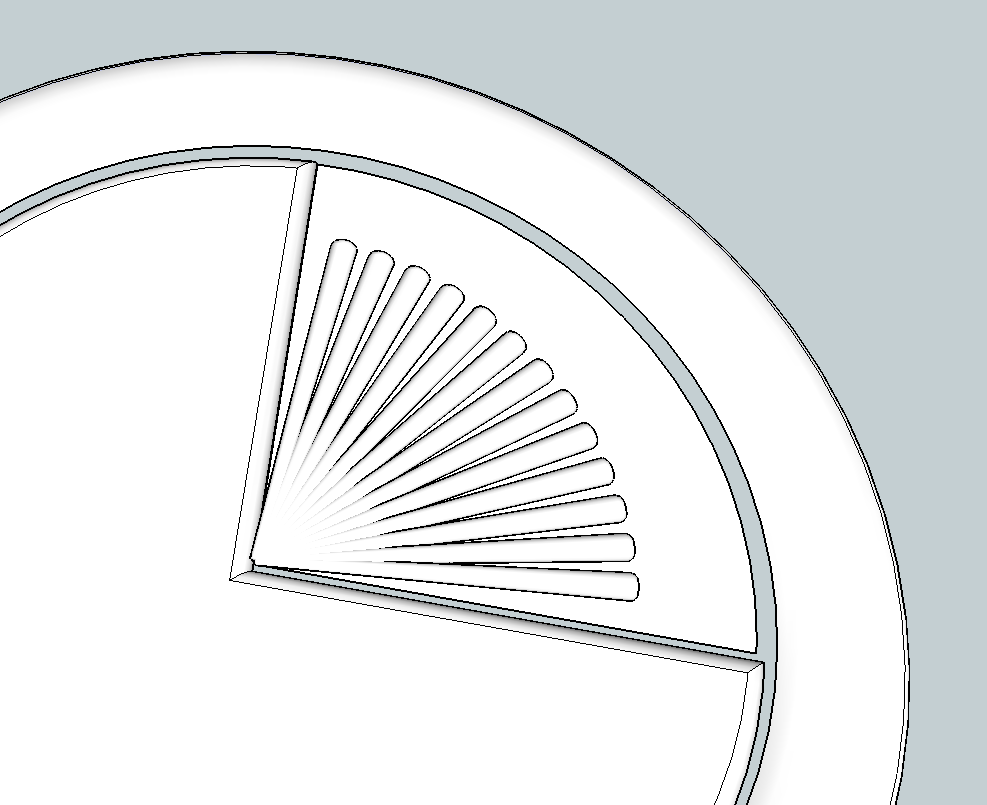
If they are equal, they should be components. So you can edit one component and insert a guideline and use this for inferencing and move all at the same time...
-
-
The native move toll will do that also. If you start move and then input [x,y,z] it will move absolute, <x,y,z> is locale relative move, [,,z] you keep x,y same and move in z , etc


Hello! It looks like you're interested in this conversation, but you don't have an account yet.
Getting fed up of having to scroll through the same posts each visit? When you register for an account, you'll always come back to exactly where you were before, and choose to be notified of new replies (either via email, or push notification). You'll also be able to save bookmarks and upvote posts to show your appreciation to other community members.
With your input, this post could be even better 💗
Register Login


Advertisement