sketchucation logo sketchucation
    • Login
    Oops, your profile's looking a bit empty! To help us tailor your experience, please fill in key details like your SketchUp version, skill level, operating system, and more. Update and save your info on your profile page today!
    ⚠️ Update | Sketchucation Tools 5.0.8 released with licensing improvements and bugfixes Download

    Sample Model for Rendering - Ferrari

    Scheduled Pinned Locked Moved Gallery
    79 Posts 25 Posters 28.9k Views 25 Watching
    Loading More Posts
    • Oldest to Newest
    • Newest to Oldest
    • Most Votes
    Reply
    • Reply as topic
    Log in to reply
    This topic has been deleted. Only users with topic management privileges can see it.
    • KrisidiousK
      Krisidious
      last edited by

      I'm not very familiar with it... But here is an attempt with Revizto's new built in render engine.
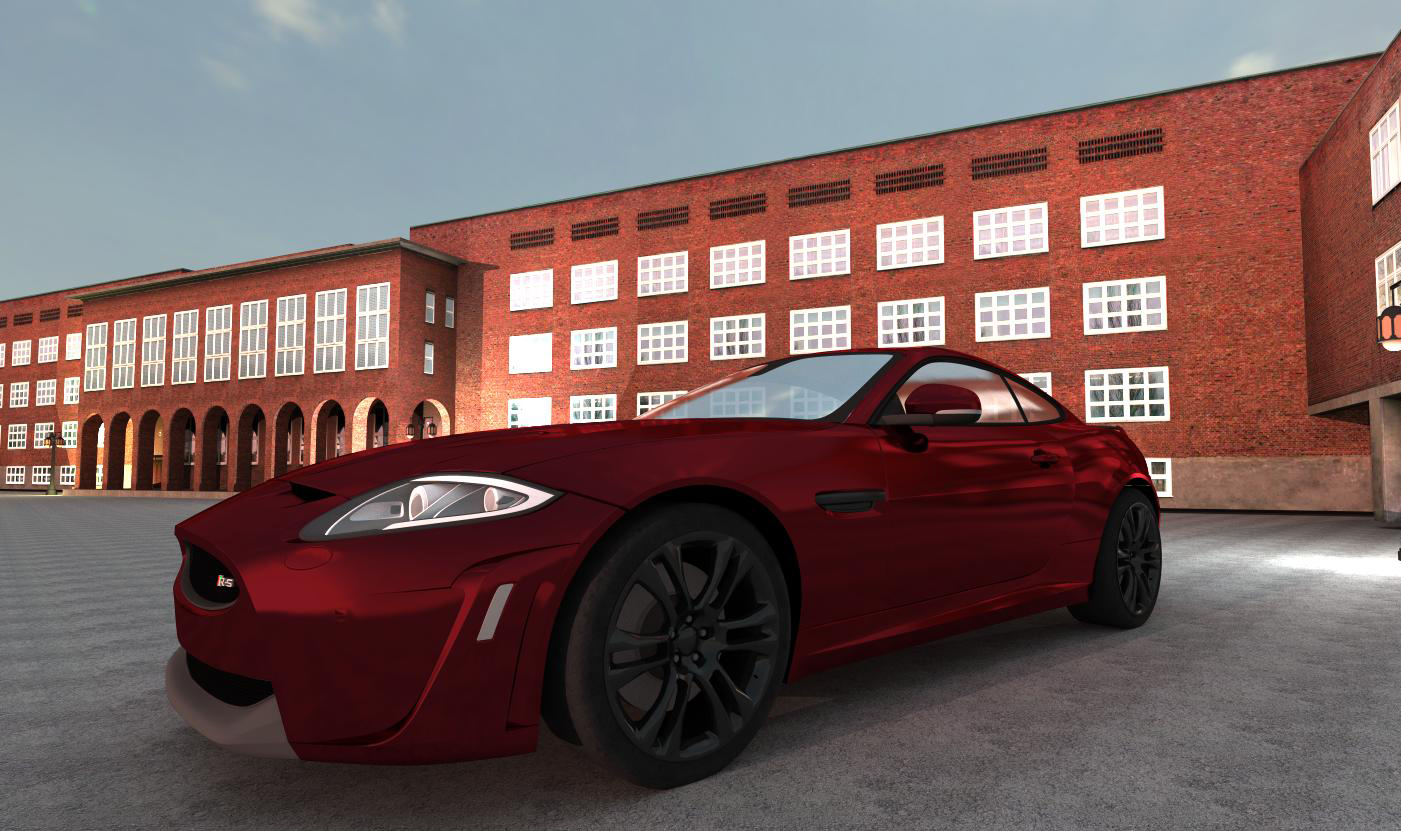
      Render_2013.11.29_23-49-592.jpg

      By: Kristoff Rand
      Home DesignerUnique House Plans

      1 Reply Last reply
      Reply Quote 0
      • CarlohC
        Carloh
        last edited by

        @olishea said:

        That looks completely real! Well done 👍

        Thanks mate! 😄

        1 Reply Last reply
        Reply Quote 0
        • cottyC
          cotty
          last edited by

          One with a more simple environment, rendered with Indigo Renderer...
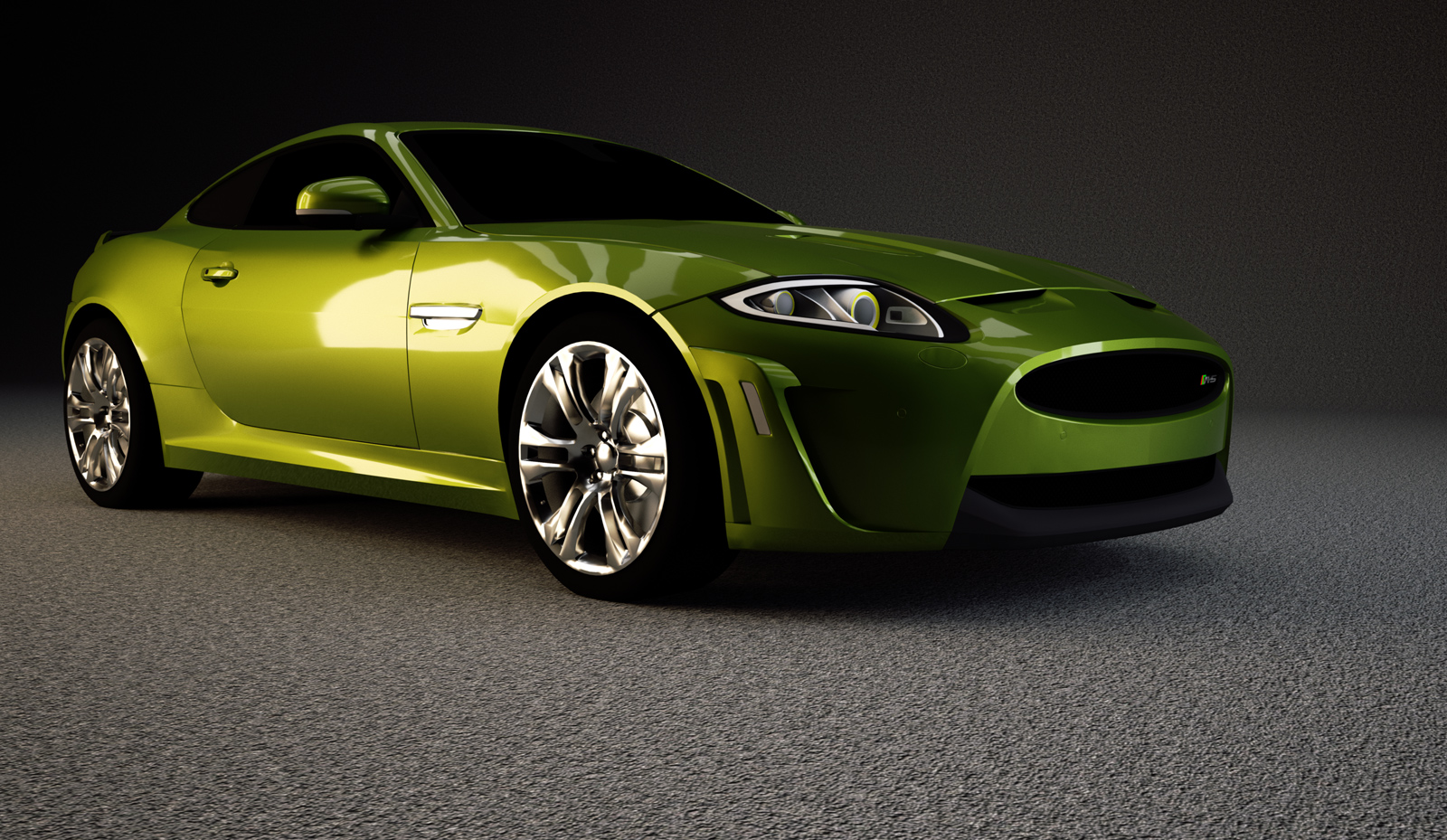

          cotty_jaguar_indigo.jpg

          my SketchUp gallery

          1 Reply Last reply
          Reply Quote 0
          • xonptX
            xonpt
            last edited by

            wow, there are some reeeeeally perfect renders out here!

            here is my try... still learning my way through VRay... 😐

            VRay for Sketchup, 9 minutes on my prehistoric Core2Duo machine
            only color correction on PS
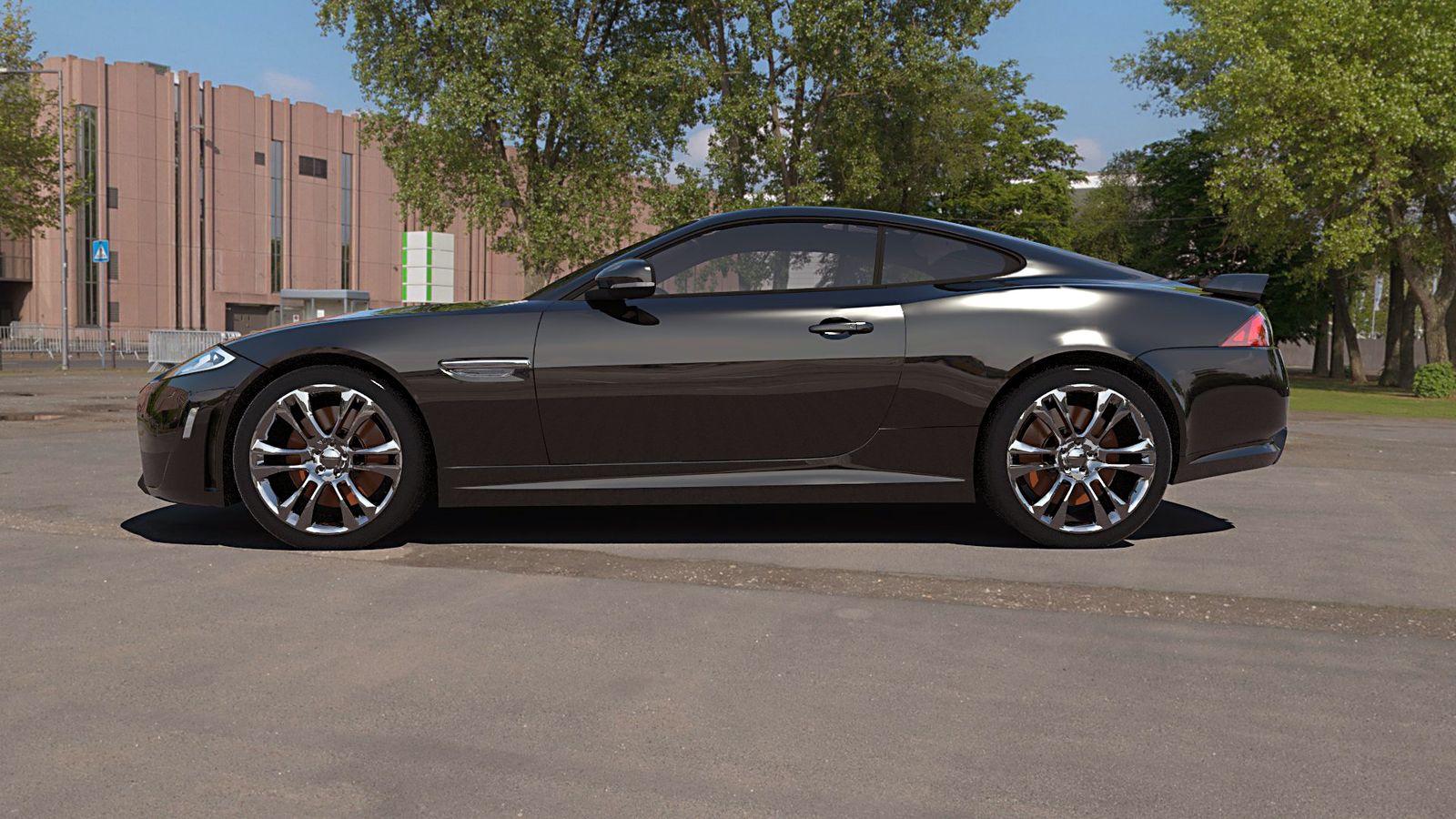

            jag_vray4skup_xonpt.jpg

            1 Reply Last reply
            Reply Quote 0
            • tademaT
              tadema
              last edited by

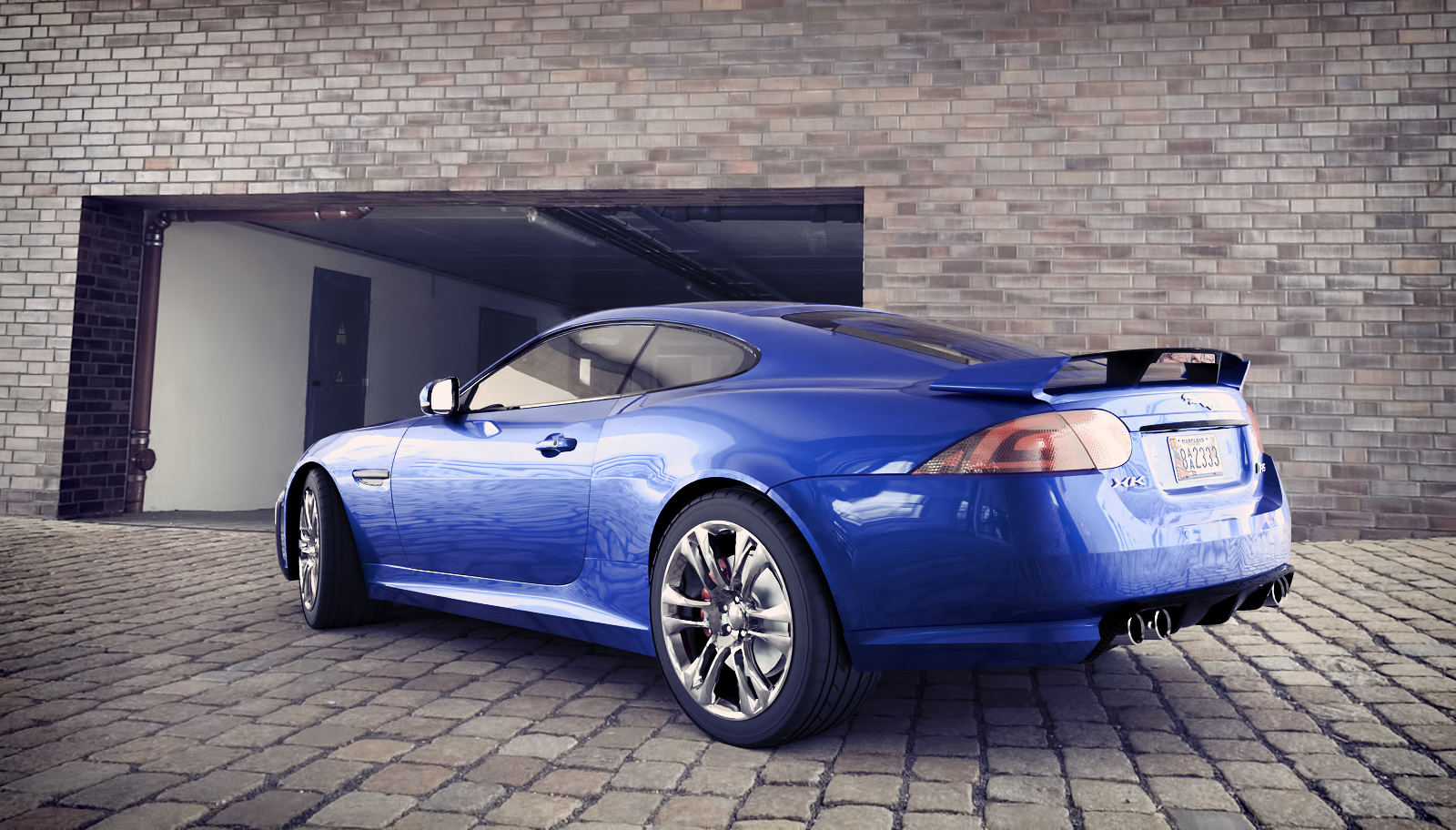
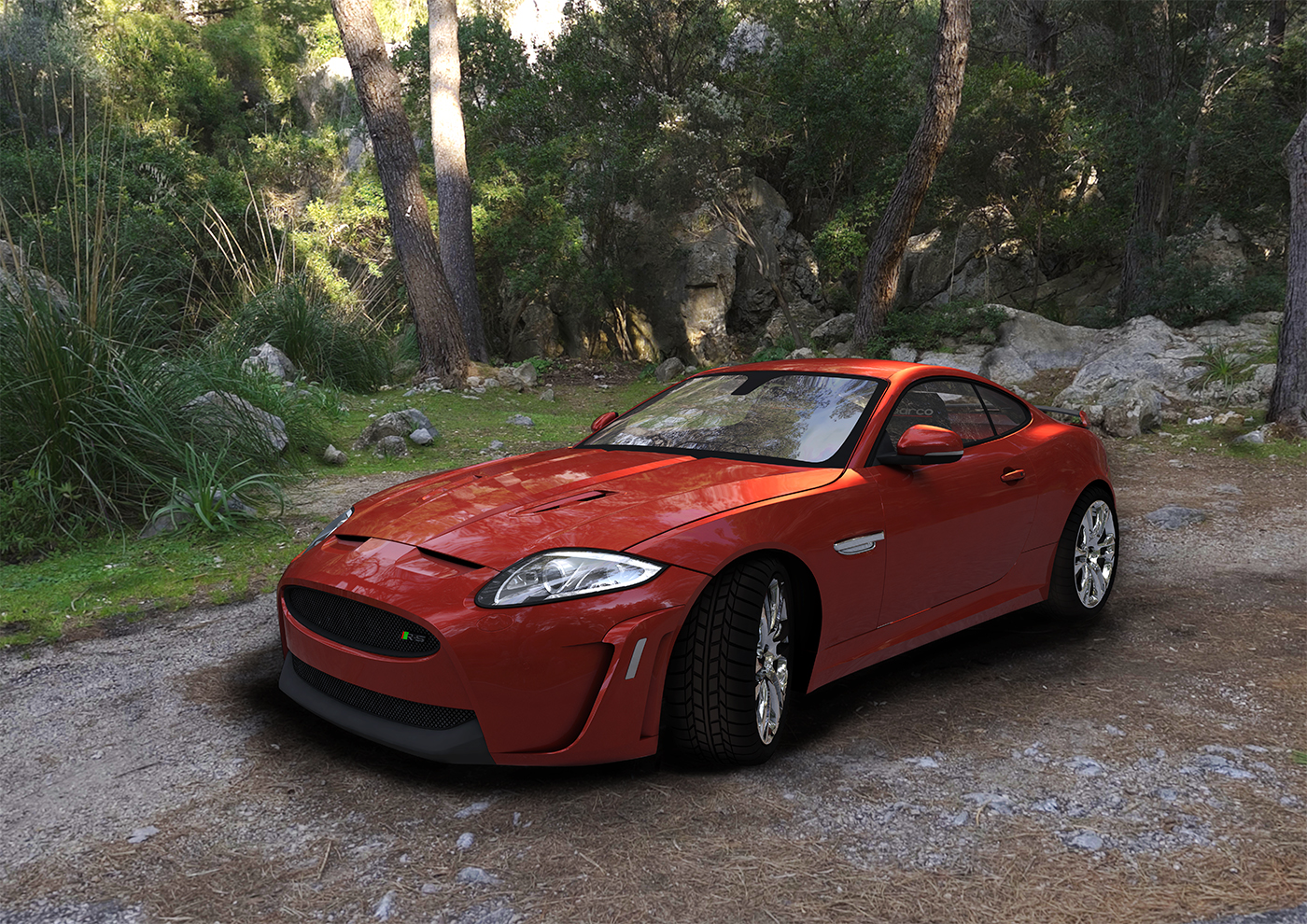
              Hope I'm not too late.
              Xonpt that colour looks great.
              John

              Jaguar XKR.jpg

              1 Reply Last reply
              Reply Quote 0
              • Al HartA
                Al Hart
                last edited by

                @tadema said:

                Hope I'm not too late.
                Xonpt that colour looks great.
                John

                Nice overall scene - nice reflection on the car

                What renderer did you use? Any other comments to add to the image?

                Al Hart

                http://wiki.renderplus.com/images/e/ef/Render_plus_colored30x30).PNG
                IRender nXt from Render Plus

                1 Reply Last reply
                Reply Quote 0
                • tademaT
                  tadema
                  last edited by

                  Sorry Al, I used V-ray
                  John

                  1 Reply Last reply
                  Reply Quote 0
                  • xonptX
                    xonpt
                    last edited by

                    @tadema said:

                    Sorry Al, I used V-ray
                    John

                    sorry for the noob question, but im trying to learn VRay (slow process for someone used to Artlantis, lol)

                    how do i get softer shadows?
                    i used a "shadow catcher" material for the ground, and the standard sun light..
                    and i tryed to play arround with the 'size' and 'subdivs' of the sun light (in the environment tab), but i couldnt get softer shadows...

                    i suppose it can be done with dome light or HDRI, but i havnt got to that part yet, lol
                    is it possible with the standard sunlight?

                    1 Reply Last reply
                    Reply Quote 0
                    • tademaT
                      tadema
                      last edited by

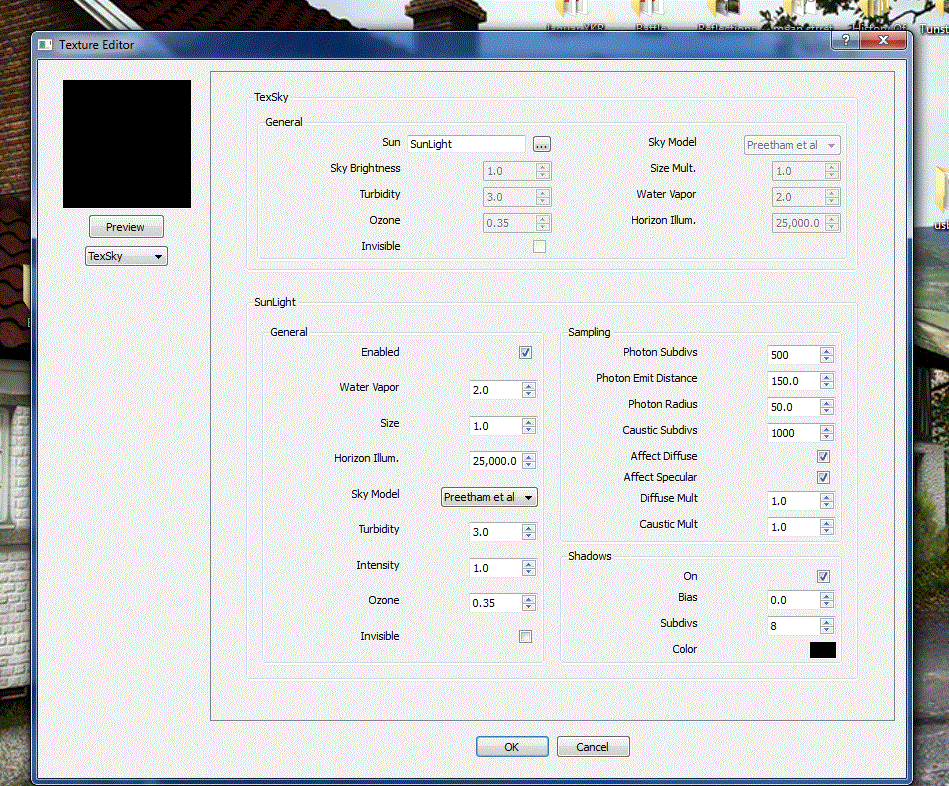
                      Hello xonpt, Open V-ray output settings, open environment, open the Material Box and under Sunlight you can alter the sun size, bigger the sun the softer the shadows. Hope you can understand this.

                      John

                      Sunlight.GIF

                      1 Reply Last reply
                      Reply Quote 0
                      • Mike AmosM
                        Mike Amos
                        last edited by

                        One of the problems I have noted when using wharehouse models is the use of textures. Some folk rename the standard textures which is fine when you only have one mode/aspect using that mat but a thorough pain when that mat is commonly used elswhere in the scene/set. Other folk will use the same mat for different parts of the same model, the jag here does both of these things. Note the glass is the same mat as the tyres which is a nightmare if your render program treats all instances the same. I doubt roadholding will be great with glass tyres. I will post a renditioner render when I am happy with it.

                        Absentia mortis praesentiam vitae probat, vita autem est argumentum constantiae.

                        1 Reply Last reply
                        Reply Quote 0
                        • xonptX
                          xonpt
                          last edited by

                          @tadema said:

                          Hello xonpt, Open V-ray output settings, open environment, open the Material Box and under Sunlight you can alter the sun size, bigger the sun the softer the shadows. Hope you can understand this.

                          John

                          thank you for the answer, but i actually did just that... and i changed the size from 1.0 to 3.0 and even 12.0, and i always got hard shadows...

                          maybe i've got to give it an even higher value, i will give it a try

                          👍 👍

                          p.s. - Mike Amos, i totally agree with you, and that's why sometimes one has to spend more time "cleaning" the model than actually rendering it.. but that's part of the "job"..

                          1 Reply Last reply
                          Reply Quote 0
                          • tademaT
                            tadema
                            last edited by

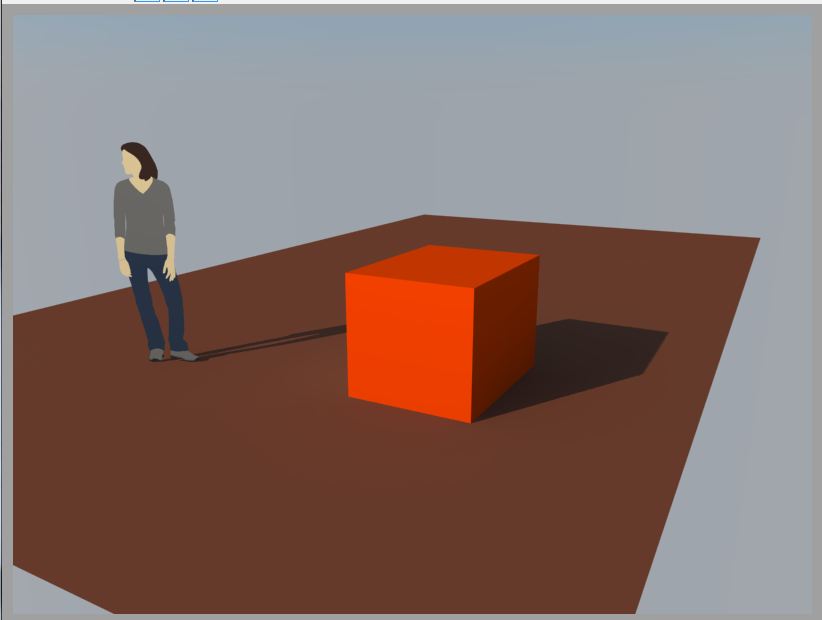
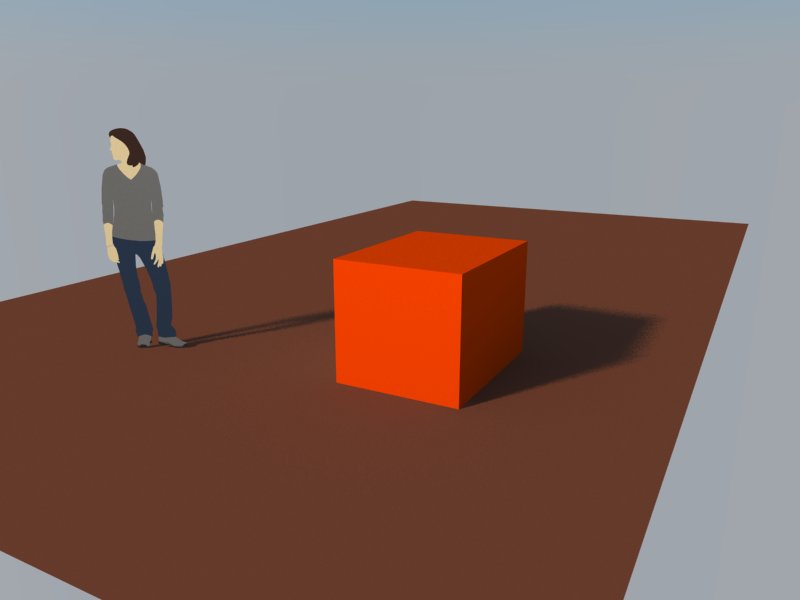
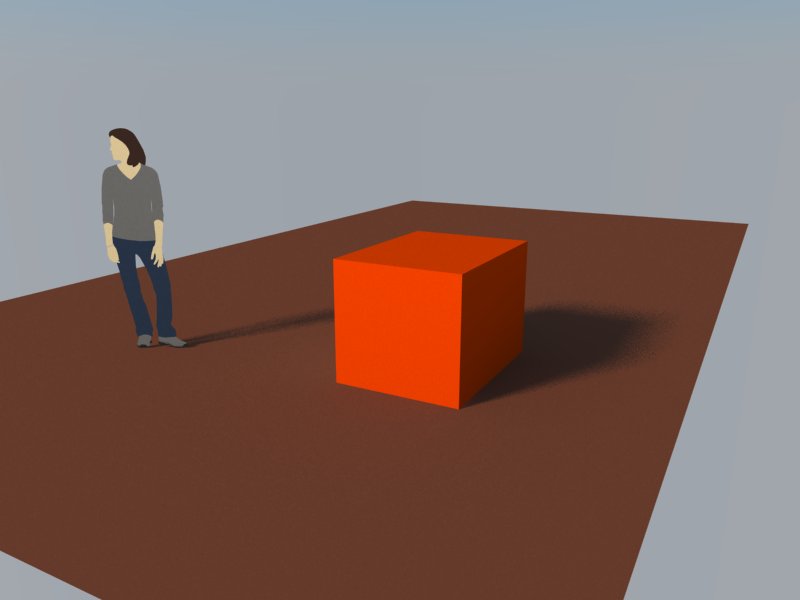
                            Hello xonpt, open a fresh SU and draw a simple base and floor....
                            Sun sizes 01, 10 and 20, can't understand what your doing differently.
                            For checking materials from a Wharehouse model try drawing a cube and paint a face with a bright colour then using Thom Thom's Replace Materials http://sketchucation.com/forums/viewtopic.php?t=26013
                            Your able to swap a material and see whats messed up, replace or hit back button.

                            John


                            01.JPG


                            10.jpg


                            20.jpg

                            1 Reply Last reply
                            Reply Quote 0
                            • Al HartA
                              Al Hart
                              last edited by

                              Oops - this thread has been hijacked.

                              Would you guys mind continuing the discussion of how to use VRay in a new thread?

                              Al Hart

                              http://wiki.renderplus.com/images/e/ef/Render_plus_colored30x30).PNG
                              IRender nXt from Render Plus

                              1 Reply Last reply
                              Reply Quote 0
                              • xonptX
                                xonpt
                                last edited by

                                @al hart said:

                                Oops - this thread has been hijacked.

                                Would you guys mind continuing the discussion of how to use VRay in a new thread?

                                hehehe, dont mind at all, but the issue is solved, so there will be no more VRay discussion

                                thanks a lot, Tadema 👍

                                1 Reply Last reply
                                Reply Quote 0
                                • majidM
                                  majid
                                  last edited by

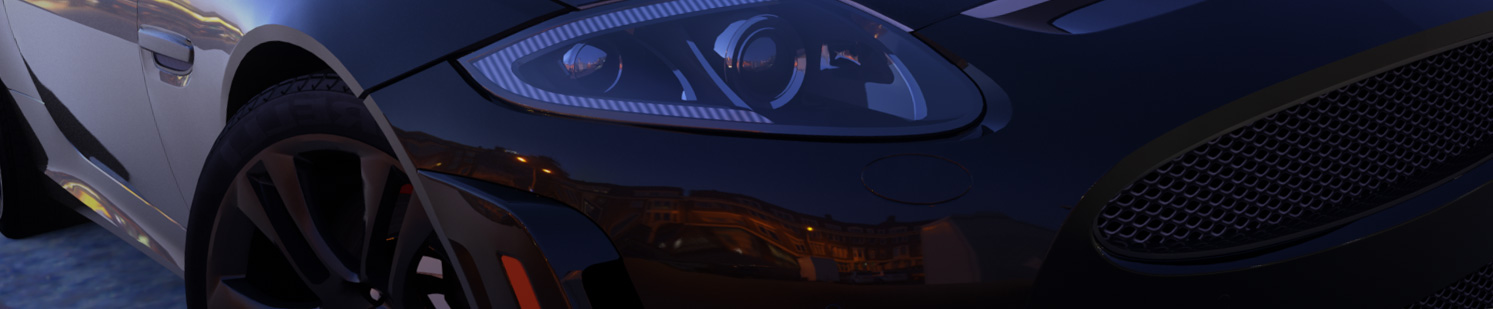
                                  here is my try over tweaked model
                                  I wish to have sharp shadows on shadow catcher, but seems there are few tips that I do not lnow, any body here to help?
                                  renders using Thea4su

                                  3rd-det.jpg


                                  s2.jpg

                                  My inspiring A, B, Sketches book: https://sketchucation.com/shop/books/intermediate/2612-alphabet-inspired-sketches--inspiring-drills-for-architects--3d-artists-and-designers-

                                  1 Reply Last reply
                                  Reply Quote 0
                                  • BoxB
                                    Box
                                    last edited by

                                    Are you after photo realistic renders only, or just nice renders?

                                    1 Reply Last reply
                                    Reply Quote 0
                                    • Al HartA
                                      Al Hart
                                      last edited by

                                      @box said:

                                      Are you after photo realistic renders only, or just nice renders?

                                      We mainly want to encourage people that SketchUp is a good program for both 3D models and nice renderings. So any nice renderings would be helpful.

                                      Al Hart

                                      http://wiki.renderplus.com/images/e/ef/Render_plus_colored30x30).PNG
                                      IRender nXt from Render Plus

                                      1 Reply Last reply
                                      Reply Quote 0
                                      • J
                                        jpalm32
                                        last edited by

                                        @al hart said:

                                        That's the one I wanted one more vote for.

                                        Lets use it.

                                        Jaguar XKR-S

                                        http://sketchucation.com/forums/download/file.php?id=112725

                                        I am changing the name of this thread, and the link in the first post, etc.

                                        Comes in at over 32 feet for me, need adjustment for good textures

                                        1 Reply Last reply
                                        Reply Quote 0
                                        • Al HartA
                                          Al Hart
                                          last edited by

                                          @jpalm32 said:

                                          Comes in at over 32 feet for me, need adjustment for good textures

                                          You're right. Can you scale it down?

                                          Al Hart

                                          http://wiki.renderplus.com/images/e/ef/Render_plus_colored30x30).PNG
                                          IRender nXt from Render Plus

                                          1 Reply Last reply
                                          Reply Quote 0
                                          • soloS
                                            solo
                                            last edited by

                                            Another quickie.

                                            2012 Jaguar XKR-S1.png

                                            http://www.solos-art.com

                                            If you see a toilet in your dreams do not use it.

                                            1 Reply Last reply
                                            Reply Quote 0

                                            Hello! It looks like you're interested in this conversation, but you don't have an account yet.

                                            Getting fed up of having to scroll through the same posts each visit? When you register for an account, you'll always come back to exactly where you were before, and choose to be notified of new replies (either via email, or push notification). You'll also be able to save bookmarks and upvote posts to show your appreciation to other community members.

                                            With your input, this post could be even better 💗

                                            Register Login
                                            • 1
                                            • 2
                                            • 3
                                            • 4
                                            • 4 / 4
                                            • First post
                                              Last post
                                            Buy SketchPlus
                                            Buy SUbD
                                            Buy WrapR
                                            Buy eBook
                                            Buy Modelur
                                            Buy Vertex Tools
                                            Buy SketchCuisine
                                            Buy FormFonts

                                            Advertisement