Materials not printing
-
I just installed the new version of Sketchup 2013. I can't get materials, (colors or b/w hatching) to show up in print preview, print, or export. Colored text prints and exports ok. I made sure material was applied front and back and that shades with textures was selected. This is happening on all new files created with Sketchup 2013 Make. The issue appears in the attached SU file test1. But I have a much larger file that I need to print with hatching and it's not working either.
Any help greatly appreciated.
Thanks
-
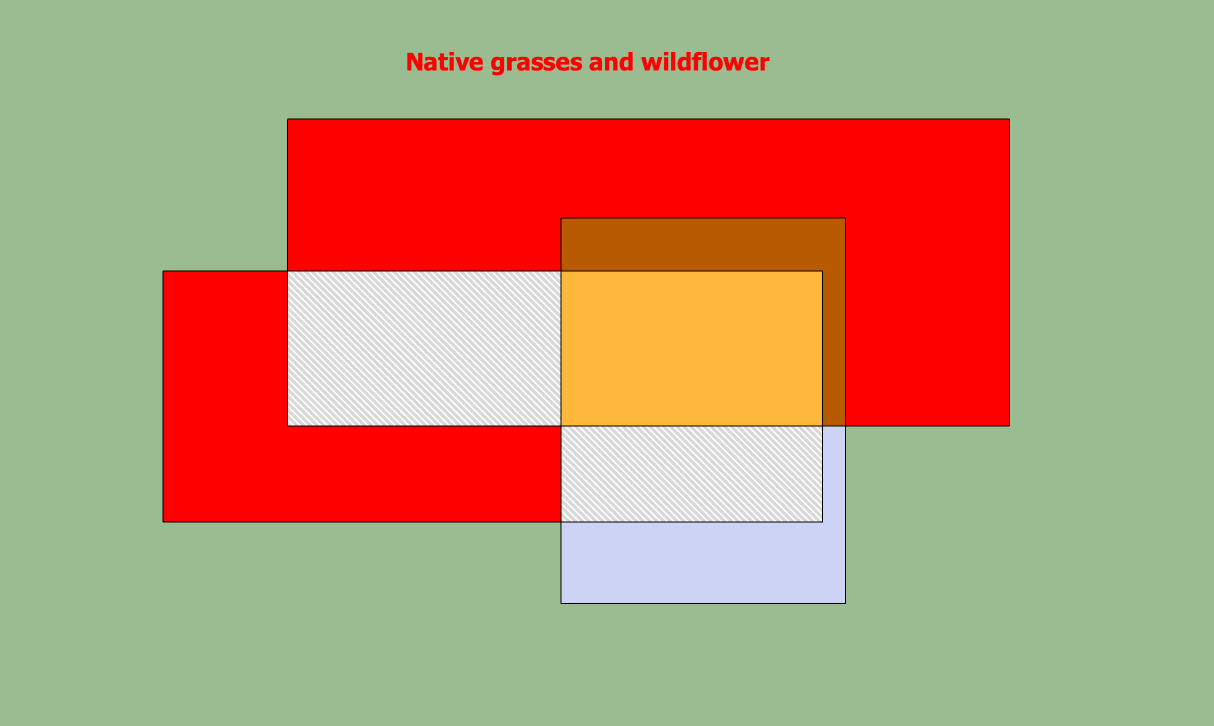
You can't get this in an image export? It appears to have worked fine for me. Maybe try changing your OpenGL settings?
And please complete your profile with OS and SketchUp version to make it easier for us to help.
-
Dave R,
Thank you. In OpenGL, I deselected the checks for hardware and fast feedback and got SU to print and export again.
Thanks for your fast response.
-
Glad that worked. It might have only required unticking one of those boxes so you could play with that and see what results you get.

Hello! It looks like you're interested in this conversation, but you don't have an account yet.
Getting fed up of having to scroll through the same posts each visit? When you register for an account, you'll always come back to exactly where you were before, and choose to be notified of new replies (either via email, or push notification). You'll also be able to save bookmarks and upvote posts to show your appreciation to other community members.
With your input, this post could be even better 💗
Register Login


Advertisement