Scaling in Layout
-
this should be a simple thing to do but I cannot find a good explanation for it anywhere. what I want to do is to reduce the size of something I drew in Layout or an imported image to, say, 75% of its original size. how do I do this in Layout with precision?
I tried to do the same as in sketchup by dragging one corner but as soon as I lift my finger from the mouse the scaling is done without allowing me to enter any values.
just to make sure you guys do not waste your time, what I want is not a change in printing scale (for instance, from 1:1 to 1:100) but a precise change in the object's size.
-
Edson,
I just tried this on a my Mac. I drew a rectangle to a specific size on the page, enter the dimensions as x,y. Then I selected the rectangle and started dragging a corner down toward the opposite corner. I let go of the mouse and the numbers in the "Scale" box disappear but I typed .5 and hit Enter and the rectangle was scaled by 50% in both directions. You don't get that result?
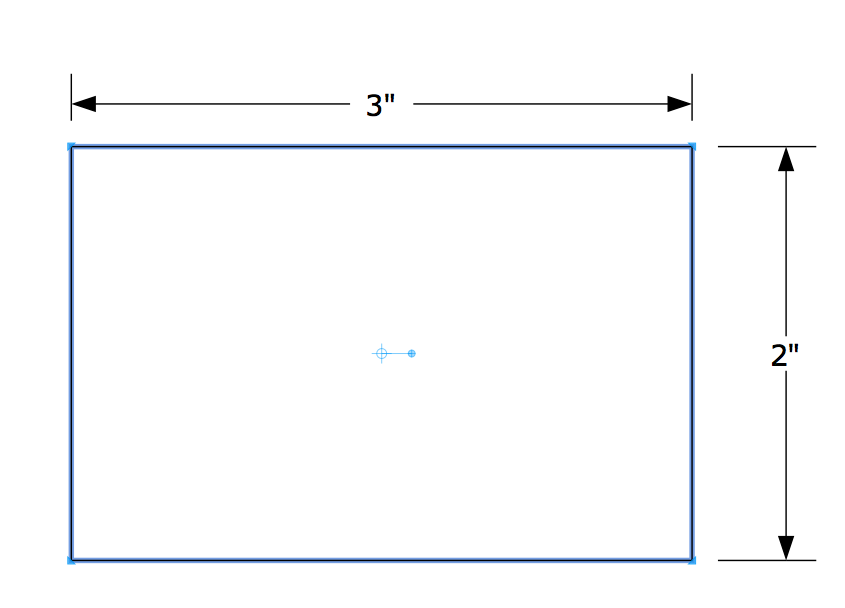
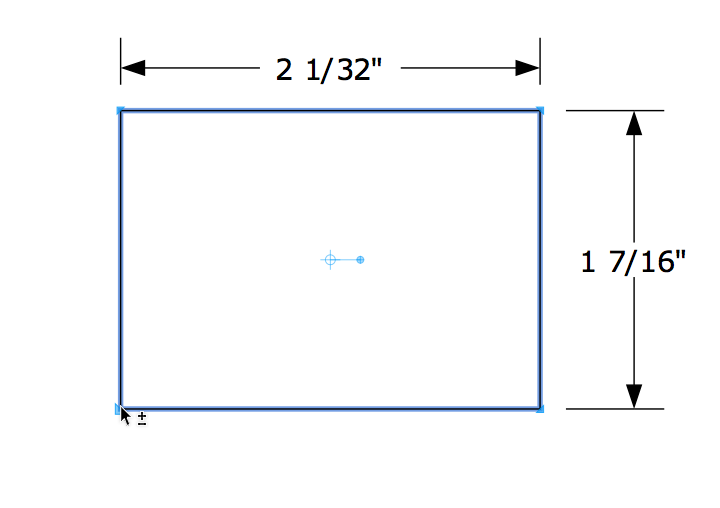
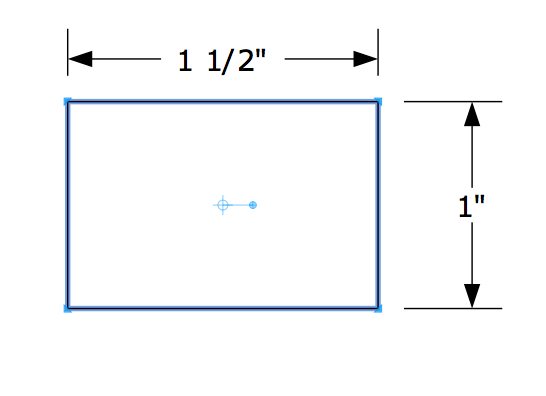
-
thanks, dave. oddly enough, it does work. such weird behavior! but it solves my problem.
-
Thanks Dave for the answer, so simple.
More thanks to Edson for asking the question !


Hello! It looks like you're interested in this conversation, but you don't have an account yet.
Getting fed up of having to scroll through the same posts each visit? When you register for an account, you'll always come back to exactly where you were before, and choose to be notified of new replies (either via email, or push notification). You'll also be able to save bookmarks and upvote posts to show your appreciation to other community members.
With your input, this post could be even better 💗
Register Login


Advertisement