THEA Render Question
-
Not sure if this is in the right section so Mods please dont be offended happy for you to move me. I did post it in Thea forum but thats usually slow to respond and I know most people here have used it.
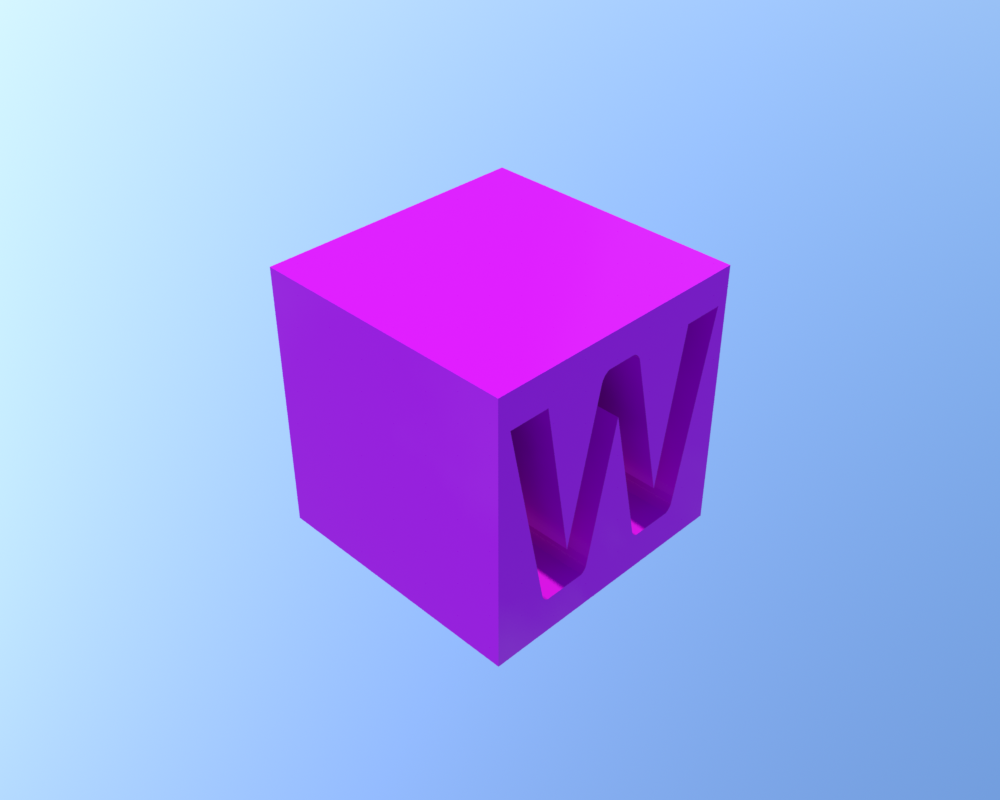
I have a very simple model and need to render it to look glossy, shiny, bubbly. Only problem is its a boring flat cube so this light doesn't play very nice with it.
I just realized I have never had this problem before as I have never bothered to render anything this boring.I cant use a reflection map to jazz it up as I dont want reflections (neither does the client).
Does anybody have any advice on how to improve it? I could fake it in PS but for once I actually want to learn how to do it RAW in THEA.
Here is an image attached. The client wants it Magenta and from this angle but I can change the material texture etc.
Cheers in advance
Liam
PS - I am not very good at render materials. I can make interesting models and also fake renders with my Wacom in Photoshop but this simple task has beaten me I am afraid. The best solution gets a copy of Wired magazine posted to their house. I will also throw in a Wired pencil...how about that. Wired pencils are very rare btw!
PSS - If somebody in the THEA forum also posts a good answer you will both get magazines but I will have to only give you half a pencil each!
-
You've sun enabled for the blue BG. Is this intentional?
Put a studio hdr into reflection...
to give the plastic some extra jazz.
-
@rich o brien said:
You've sun enabled for the blue BG. Is this intentional?
Put a studio hdr into reflection...
[attachment=0:2air6n6m]<!-- ia0 -->suc-studio-1.zip<!-- ia0 -->[/attachment:2air6n6m]
to give the plastic some extra jazz.
Wow where did you get that thing? Did you make it or can you buy them?
It has made a difference already I will keep playing until it works.I will send you a magazine and a pencil!
Thanks
-
I made it so you are safe using it but search deviant art for a great set of studio hdr images.
try rotating either the object or the reflection to get the reflections to hit the right spot.
on the bottom left of thea is a properties tabs. Increase the ISO to 400 and the exposure to 250.
-
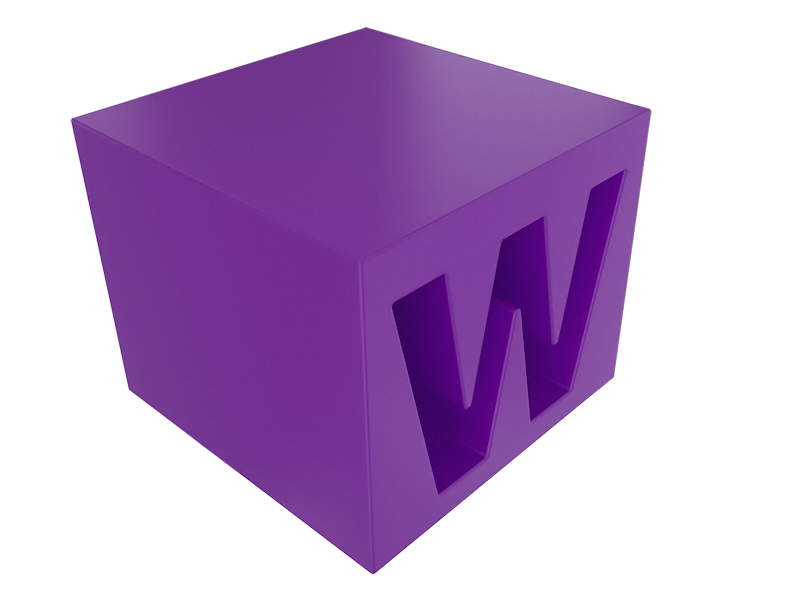
A quick test
-
Used lighting makes the model flat. Like Rich said, I'd use some suitable studio HDR, like zbyg's HDRI packs 1-3.
Also material do affect a lot. As model if fairly simple, you could try some sss material. If your model is sized 10-20 cm scale, you can use these 3D printing materials (just change color to your need and maybe extra coating layer if needed).


Hello! It looks like you're interested in this conversation, but you don't have an account yet.
Getting fed up of having to scroll through the same posts each visit? When you register for an account, you'll always come back to exactly where you were before, and choose to be notified of new replies (either via email, or push notification). You'll also be able to save bookmarks and upvote posts to show your appreciation to other community members.
With your input, this post could be even better 💗
Register Login


Advertisement