Styles with problems.
-
Hi Pilou.
The worst is that there is a folder and the items are all there.
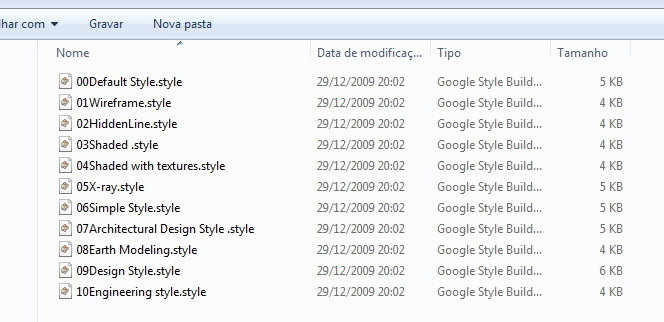
-
Does rebooting the computer change anything?
-
Hi Dave
Have deleted the file from the styles and put another new Sketchup and not solved.
Have not figured out what caused it, and still have not found a solution.
I'm avoiding to reinstall SketchUp. -
Do you get the question mark on every style?
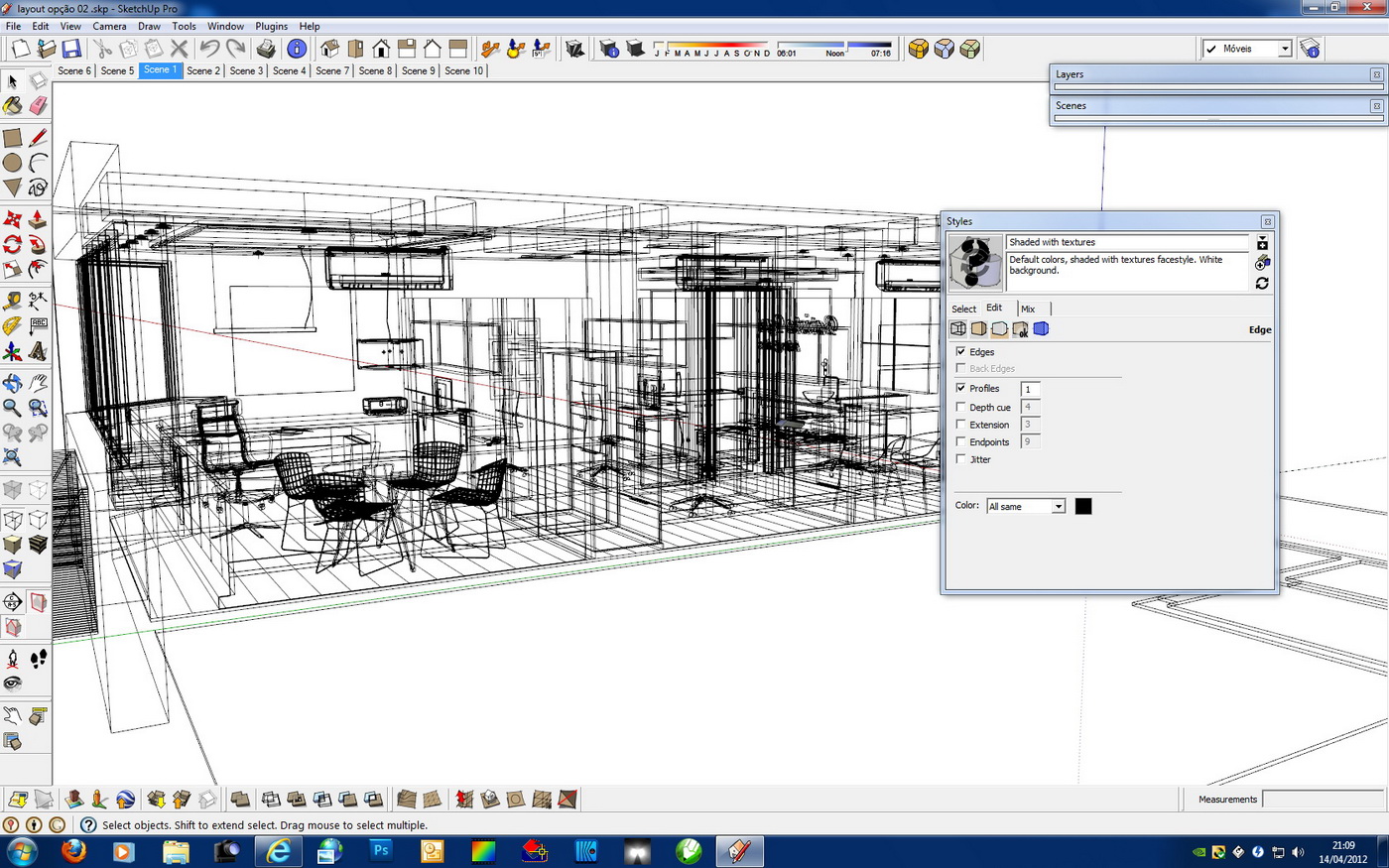
Just for fun and because I'm not certain what to do next, would you select a style and hit the Edit tab? Then click on the wireframe cube below the select tab to show the Edge settings. I might be grasping at straws but I wonder if there's a setting there that isn't working.
-
The worst part is that everything is OK.
-
Just show me the screen shot I asked for.
-
Dave
Follows the requested image.
Thanks
-
Does anything happen when you click on the thumbnail for the style?
-
No, it's normal.
-
here's an older post on this with a sort of solution in there..
.
-
Hi Jeff,
The process of deleting the folder and put a new'd done, and to no avail.
I went to the radical process, reinstalled SU.
Ok now this.
Thank you all.



Hello! It looks like you're interested in this conversation, but you don't have an account yet.
Getting fed up of having to scroll through the same posts each visit? When you register for an account, you'll always come back to exactly where you were before, and choose to be notified of new replies (either via email, or push notification). You'll also be able to save bookmarks and upvote posts to show your appreciation to other community members.
With your input, this post could be even better 💗
Register Login


Advertisement