[Plugin] ShadowProjector
-
Here's v3.0 http://sketchucation.com/pluginstore?pln=TIG_shadowProjector Along with ignoring Hidden faces/objects and those assigned OFF Layers, it now respects transparent faces [<70% opacity] which won't cast shadows, and similarly faces with the default-material faces within a container that itself has a transparent material and which doesn't then cast a shadow etc.
Objects with cast/receive shadows 'unchecked' settings are now fully respected in the shadow analysis.
Faces which shade themselves [because they face away from the sun] are automatically assigned 100% shading with no further analysis...
A glitch with report writing if type was 'lines' is now resolved. -
Latest version installed. Get this in console when trying to run the tool.
Error: #<NoMethodError: undefined methodeach' for nil:NilClass>
C:/Users/Dave/AppData/Roaming/SketchUp/SketchUp 2015/SketchUp/Plugins/TIG-ShadowProjector/TIG-ShadowProjector_Code.rb:127:innew' C:/Users/Dave/AppData/Roaming/SketchUp/SketchUp 2015/SketchUp/Plugins/TIG-ShadowProjector/TIG-ShadowProjector_Loader.rb:18:inblock in module:ShadowProjector'
SketchUp:1:incall' -
Obviously it shouldn't do that

Did you have a face preselected ?
I'm on to it...
-
I did have a single face, correctly oriented selected. I tried it first on a chair model I was working on at the time when I got that message. I quit SU and restarted. Then tried it with a simple box in a component and an ungrouped face. Same result.
-
Here's v3.1 http://sketchucation.com/pluginstore?pln=TIG_shadowProjector
It fixes a glitch caused by a simple typo.
The test for 'receive-shadows' for a container being unchecked was inadvertently being run even if the selected face were in the model entities, which of course cannot have that set !
Now resolved.
Thanks Dave for feedback... -
Glad to help, sir. I'll give it a try when I get home from work and let you know.
d
-
I tried it on a simple box and face. It worked fine. Tried it on a slightly more complicated model and it splatted, twice. I can send you the SKP if you wish.
-
@dave r said:
I tried it on a simple box and face. It worked fine. Tried it on a slightly more complicated model and it splatted, twice. I can send you the SKP if you wish.
Please PM me the SKP[s] that splatted.
I have taken pains to minimize this kind of thing, so I'll be interested to see what's up.
I know that very tiny edges can cause issues as they won't intersect with the face to form an 'edge' - but from your modeling I'd expect no such issues
-
I'll send you the SKP when I get home from work. Sorry for the delay.
-
Here's v4.0 http://sketchucation.com/pluginstore?pln=TIG_shadowProjector I have completely recoded it.
It works with Dave's example SKP [PM'd] and all others that have had issues in the past.
It has so far worked faultlessly.
It is now faster and more robust too...Feedback please...
-
It works!

Excellent work, sir. Thank you very much.
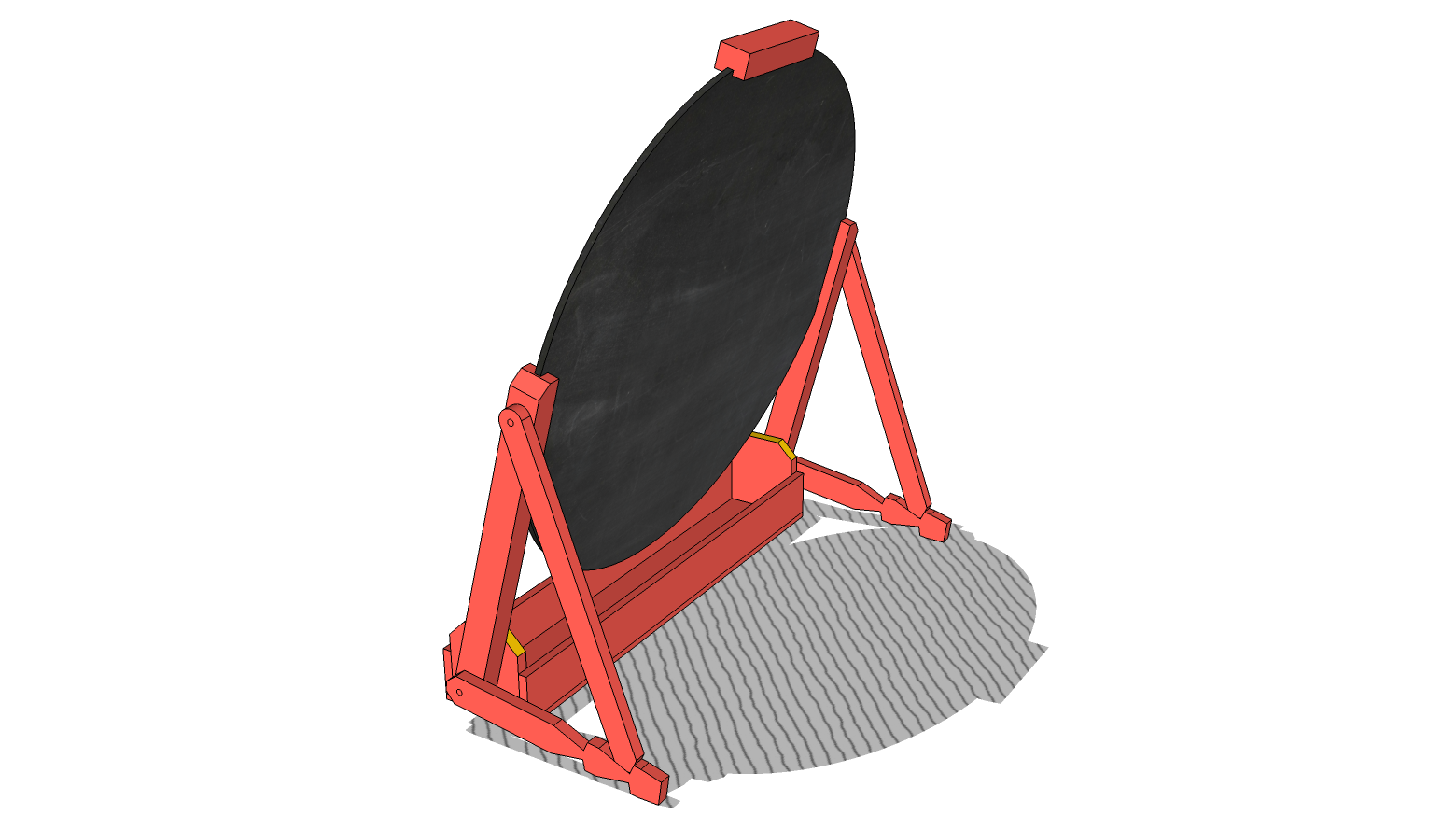
-
@unknownuser said:
Inspecting mirrors is a thing I could easily see myself doing.
-
Still getting fairly consistent crashes on a large and moderately complex (29,500 faces on an area of interest of about 55 acres) model. It seems to get through a few steps, though, as it never crashes until a few minutes in. Is there a log file somewhere that might show what is causing the splat, or at least what stage it's happening at?
-
I suspect this is just too complex, sorry.
Have you tried splitting it into smaller parts...
-
I did at one point, and one relatively small section (2-3 buildings, maybe 1/2 acre) still crashed it every time. Will try to reproduce that and post the file to see if there's something squirrelly going on with the geometry in it.
-
Since 'shadow-projection' is usually relating to 'massing' studies, have you considered making some simple massing blocks [grouped] on their own layer[s], then switch off those layers belonging to the complex parts of the model you no longer need, and then retry shadow-projection ?
Use scene-tabs to help with this...You must appreciate that if there are many thousands of edges and faces, then there are millions of calculations need to get the potential shadows on each face, these go up exponentially as the amount of geometry increases...
This tool is based on Ruby which is inherently slow.
Faster based C tools would be faster, but you must also notice that SketchUp itself becomes sluggish when you have shadows on and try and navigate around such a ginormous project ? -
TIG
Can we get this result? A sketchy line hatch parallel to the rays?
shadow (1).pdf -
You'd need to apply suitably textured material.
You could edit the shadow-projector's material to have a texture.
Or apply a new material onto the grouped shadow-faces.
You'll also need to rotate its texture's pattern to suit the sun's direction...
If you have a number of regularly used sun-directions - say 2x 45° angles then make 2 materials and use those ?
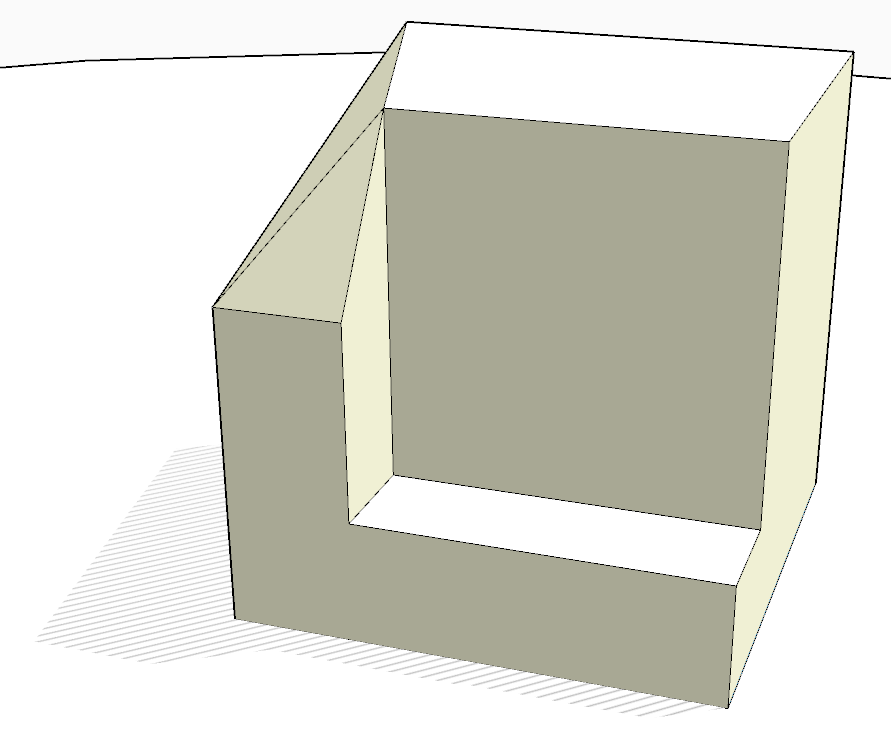
Here's a quick 'botch-up' material...
-
Thanks to you and all the others who give so freely of your time to help. I'm an "old school" architect/contractor that designs and builds large luxury homes in East Tennessee. Sat in front of a drawing board for years (and years) and only in the last 10 or so have begun to enjoy the amazing technology available these days. Sketchup and Layout have helped immeasurably in consultation with my clients and subcontractors in the field. Again, much thanks to all. . .
-
@tig said:
Since 'shadow-projection' is usually relating to 'massing' studies, have you considered making some simple massing blocks [grouped] on their own layer[s], then switch off those layers belonging to the complex parts of the model you no longer need, and then retry shadow-projection
That's essentially the point my buildings are already at; simplified down to less than a couple hundred faces each. Can't go much farther, since the actual buildings are fairly complex in footprint and roofline, which of course both affect the shadows.
If it helps, what I have is basically an apartment complex of 2-3 story buildings, 86 buildings of about 8-10 floorplans in all, with roughly 150 9' tall carports. The client wants to know, based on our typical shading criteria, (no shade at all between 9AM and 4PM local time any day of the year) which carports are good candidates for solar installation. Complicating matters, though the buildings are clustered, no two clusters are alike, and many are so close together that a carport in one cluster can be shaded by a building in an adjacent cluster.
Obviously, even just selecting 150 unconnected faces isn't practical each time, so my usual solution in a situation like this is to create a single face at the relevant level and find shadows over the whole thing. That doesn't work so well when that face is 55 acres. Even trying to do it a few carports at a time sometimes crashes.
This is the first time doing this on something this large and complex. Usually I can just trace out a few simple shadows by hand, but obviously having a tool to do that simplifies things greatly.
What I've been doing with ShadowProjector on simpler, smaller models is the following:- Create a plane where I want the shadows if one doesn't already exist, and make it a component for ease of handling later.
- Select the whole plane.
- Run ShadowProjector for 0900 12/22.
- Explode the component SP makes within my component, and fill the shaded area with whatever my "don't use" material is.
- Selecting only the remaining parts of the face, rerun SP for 1200 12/22
- Repeat the explode-and-fill, running projections for 1600 12/22, then 1600 6/22 and 0900 6/22, adding in times as needed to get a reasonably accurate shading pattern.
- Check morning and evening shadows for 3/22 and 9/22, and run more projections if needed
This way, the area of interest gets smaller with each run, and I have a fairly accurate picture of the areas that are never shaded during the best daylight hours.




Advertisement