Vray render error
-
HI,
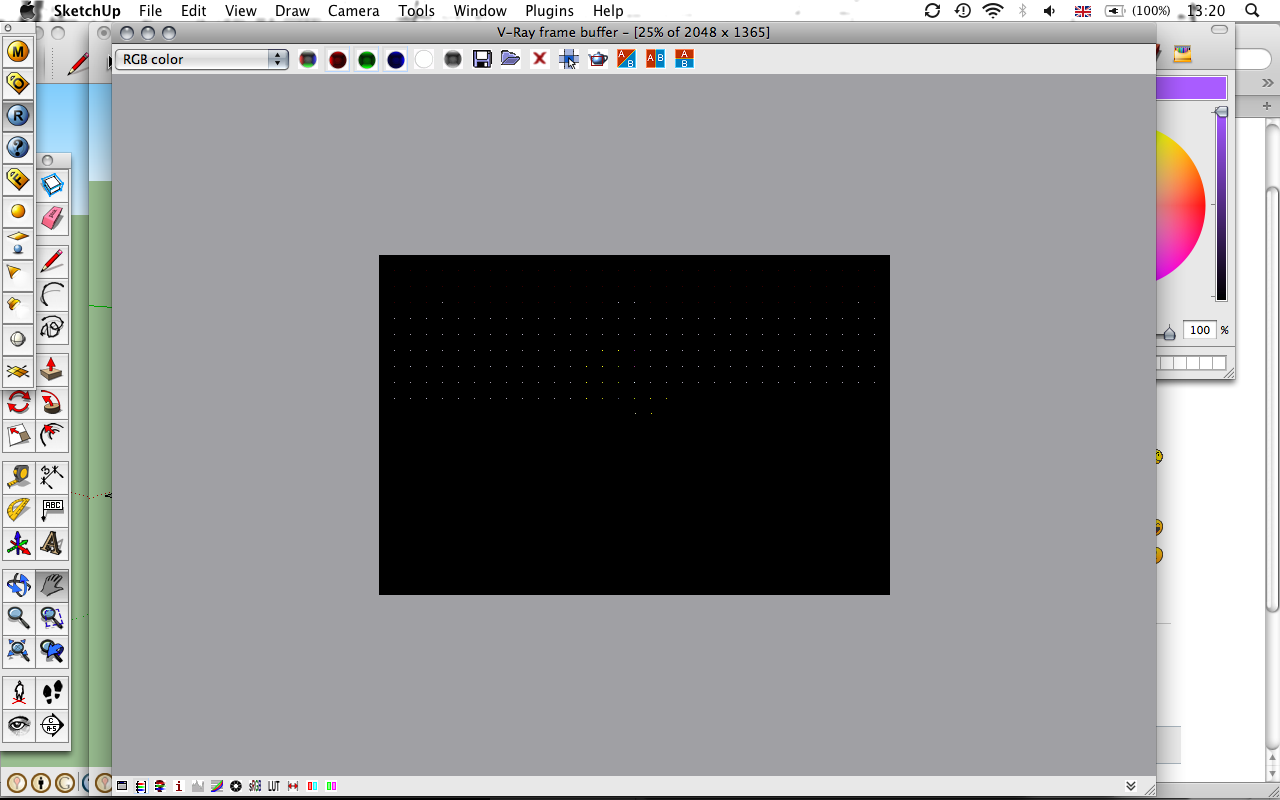
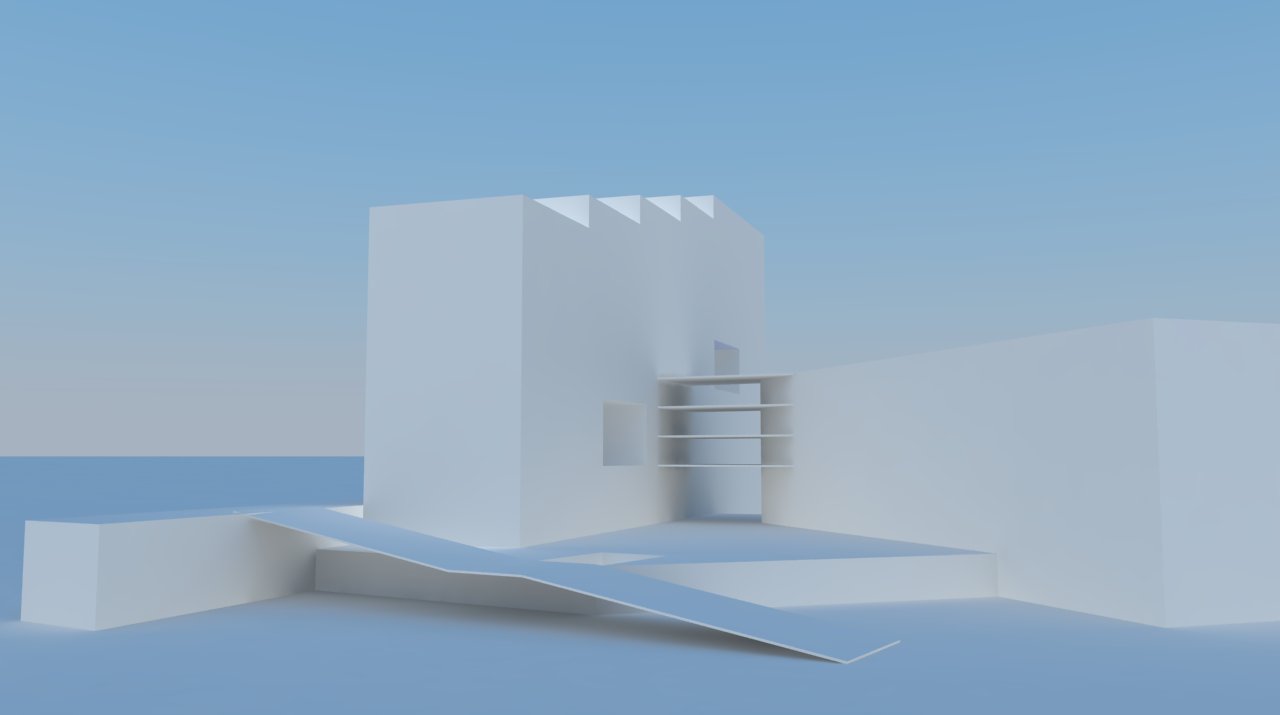
Im rendering sketchup models with vray. This was working fine until yesterday. Then the render window starting showing a plain black screen with white dots (see screen shot). When i render the model using 'override material color' it comes out fine (see render).
This has been such a problem that i have downloaded new sketchup and vrays in case of corruption. On new models it is generally ok, however rendering this same sketchup model causes the same problem - black render box with white dots.
Does anyone know the problem?
thank you,
jacob
-
try loading your default vray options and do the rendering again. If that doesn't work, check if you have displacement map on any of your materials - that can sometimes cause the Light Cache pass to hang. In that case try turning off your displacement and use bump instead, see if it works.
-
Thanks for your response andybot.
None of my materials had displacement maps on them. I have since changed all my materials to originate from the vray material editor rather than the SU material pallet. This seems to have done the trick.
It still seems very odd that this was happening. Maybe a glitch with Vray?
Cheers,
jacob -
sometimes I run into problems with materials if I am using components from the warehouse. I have to go through and check materials carefully.
-
I get this issue all the time with displacement. Sometimes it takes hours to get the thing to start cranking along.

Hello! It looks like you're interested in this conversation, but you don't have an account yet.
Getting fed up of having to scroll through the same posts each visit? When you register for an account, you'll always come back to exactly where you were before, and choose to be notified of new replies (either via email, or push notification). You'll also be able to save bookmarks and upvote posts to show your appreciation to other community members.
With your input, this post could be even better 💗
Register Login


Advertisement