Artisan & Thea Render
-
Hello,
I'm probing the new Artisan plugin and it's fantastic, this is my first models with Artisan, African Sculptures.
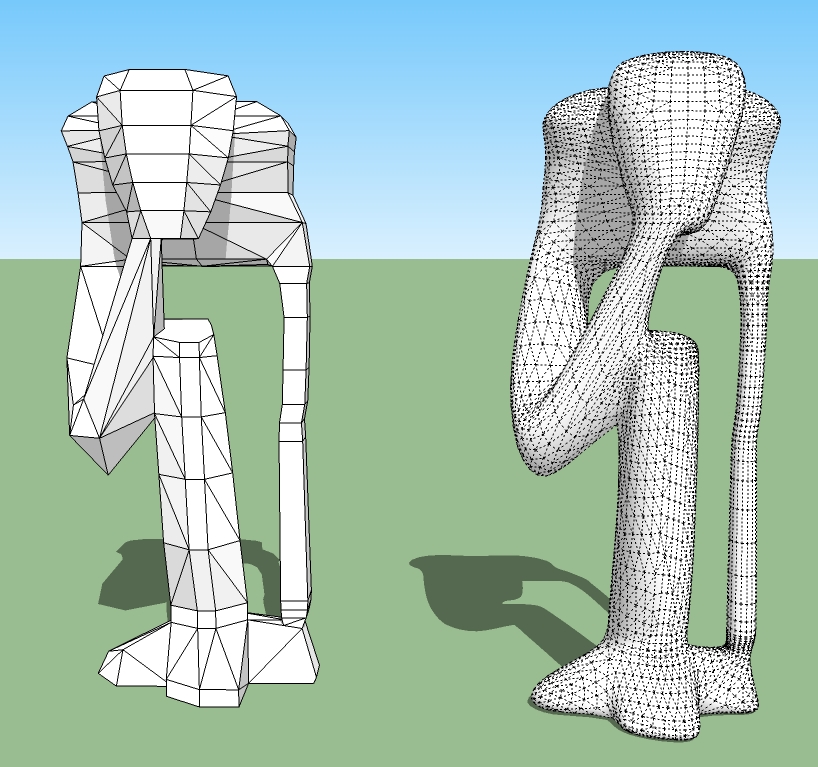
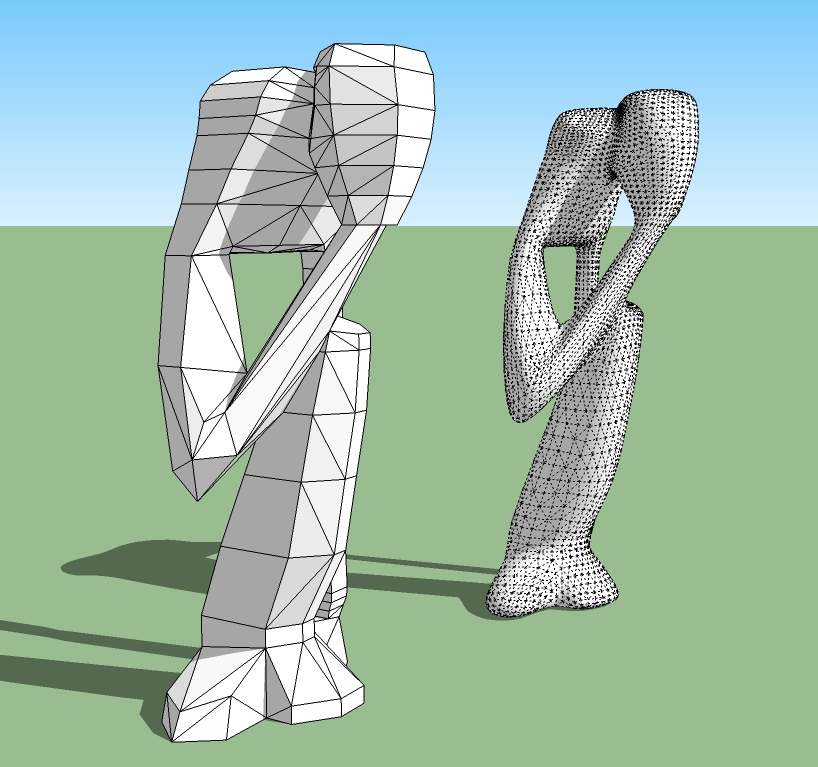
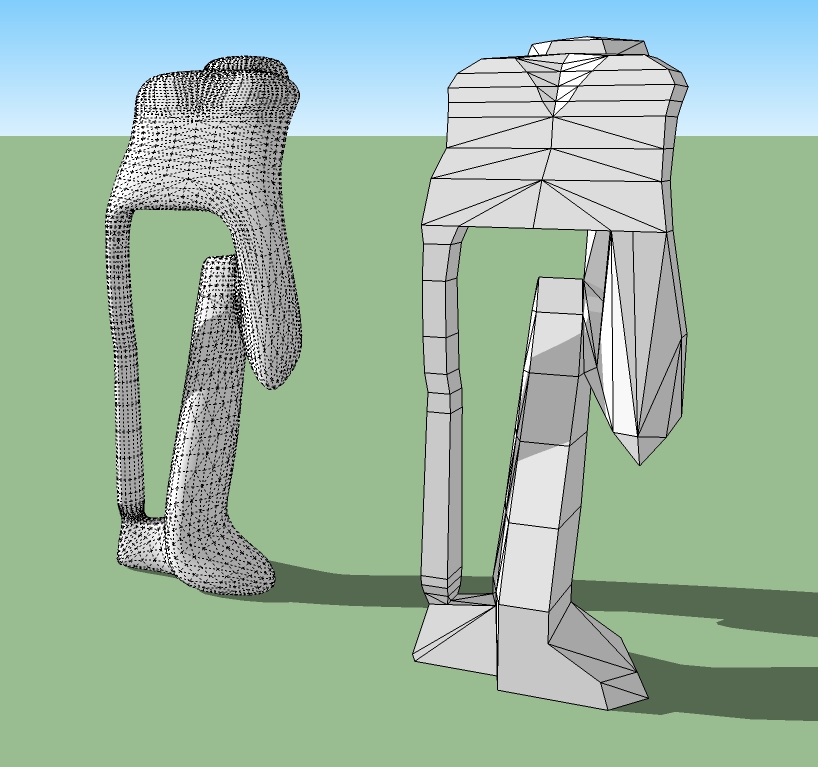
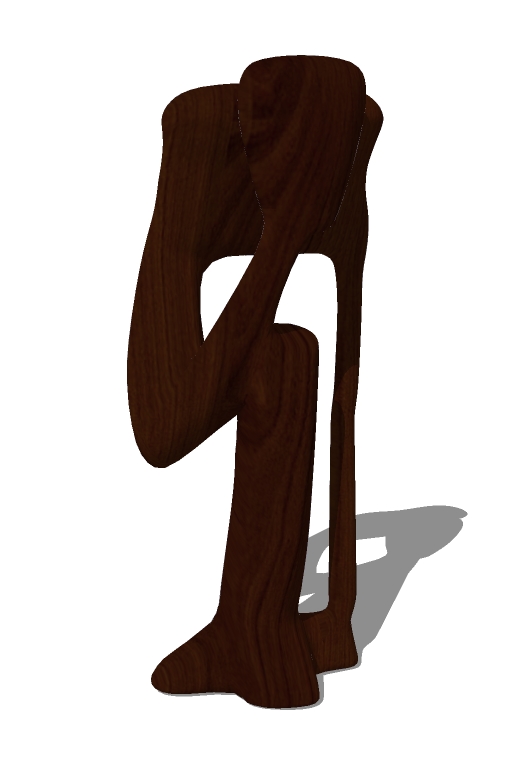
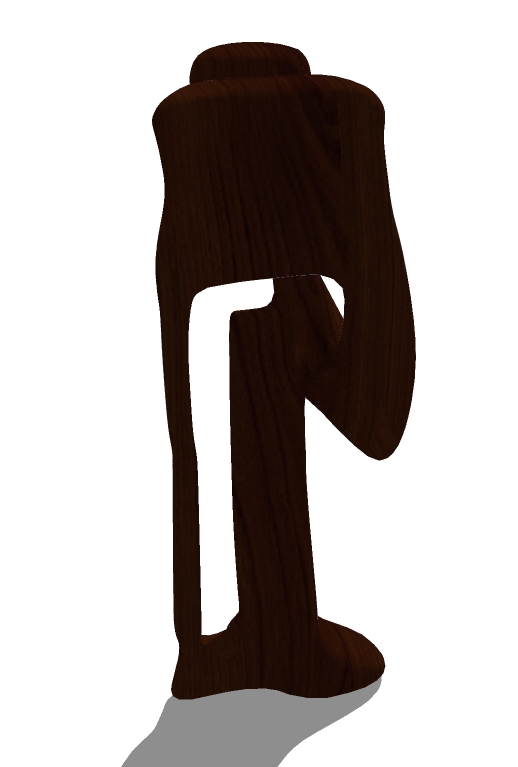
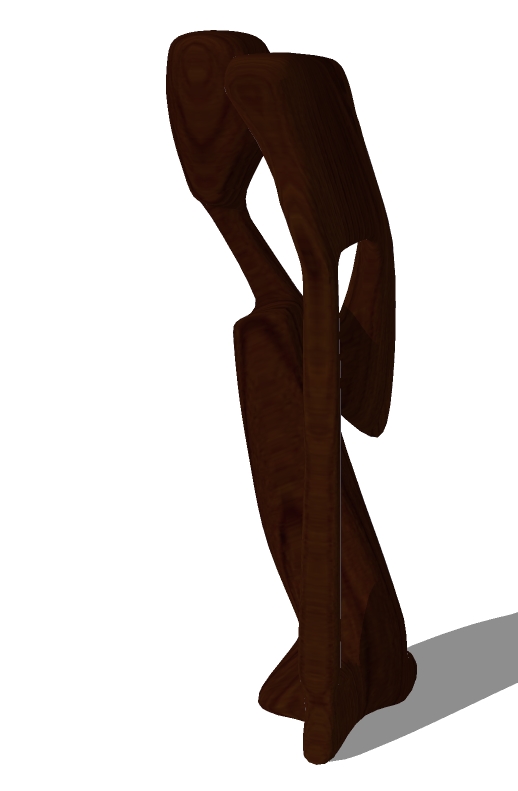
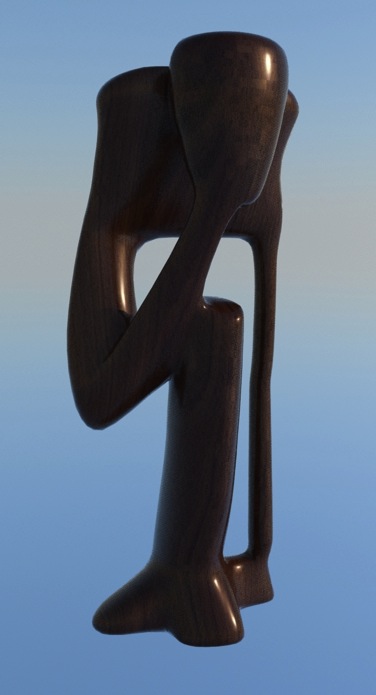
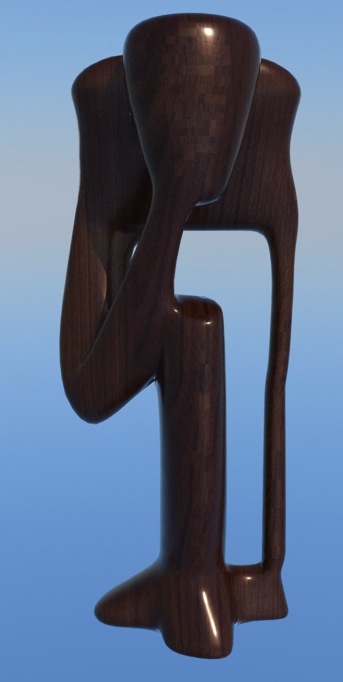
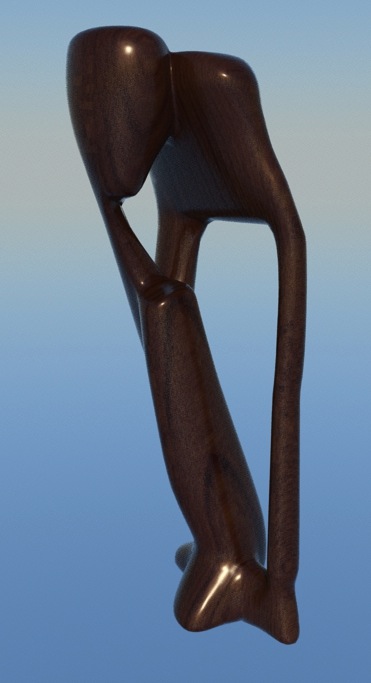
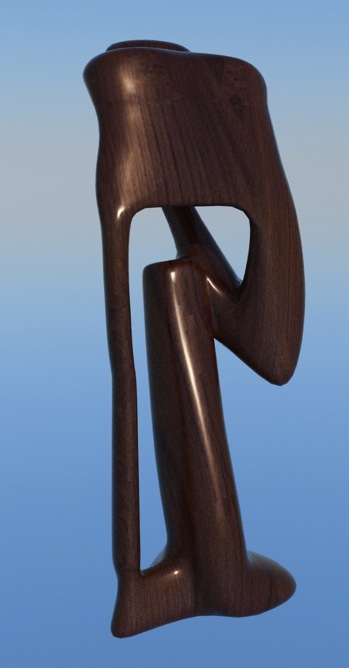
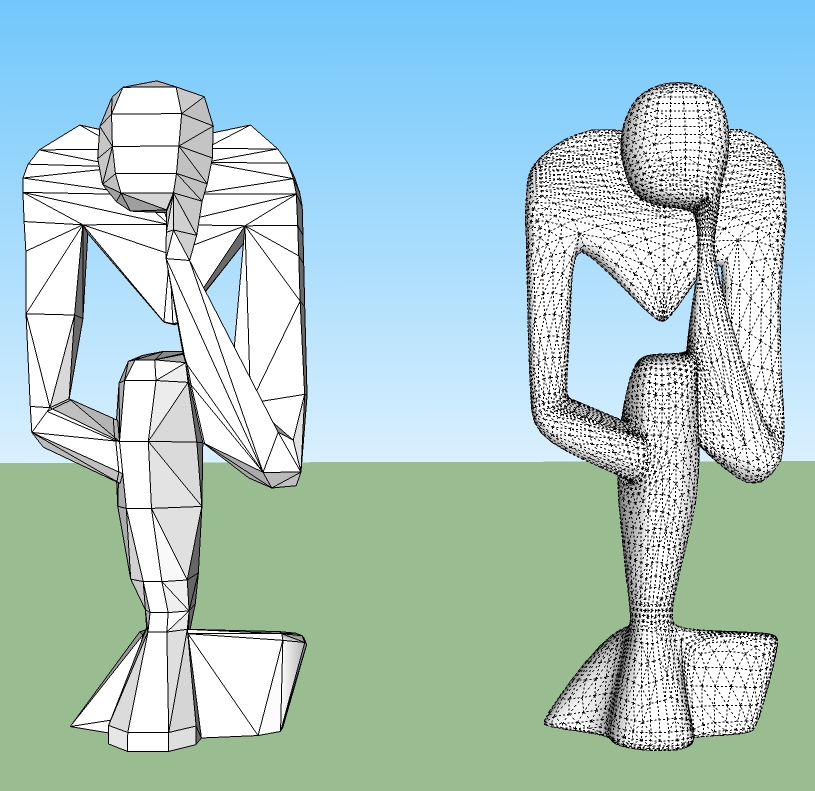
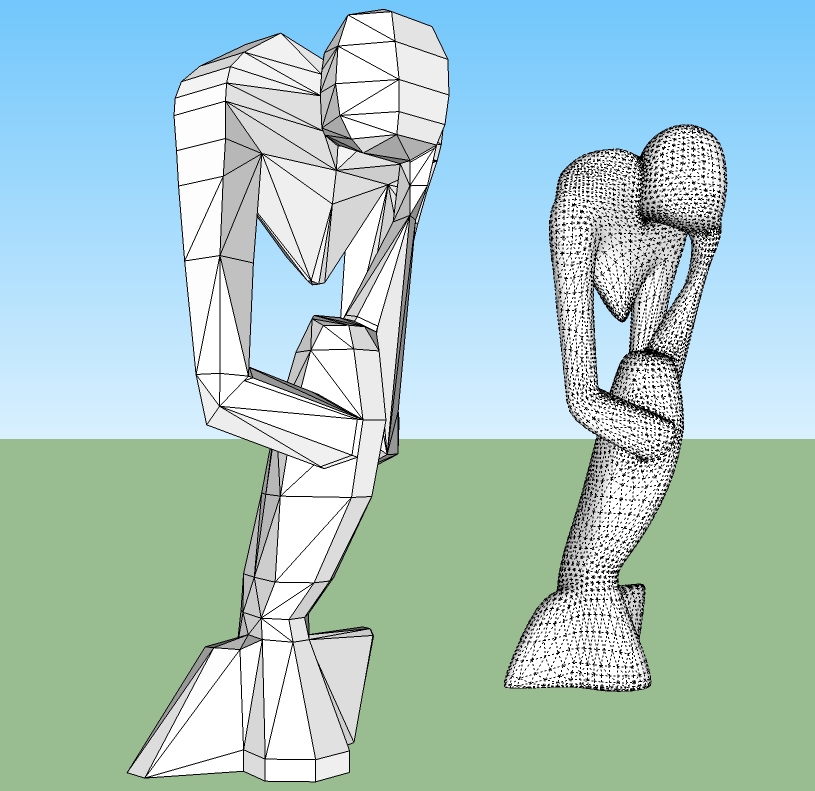
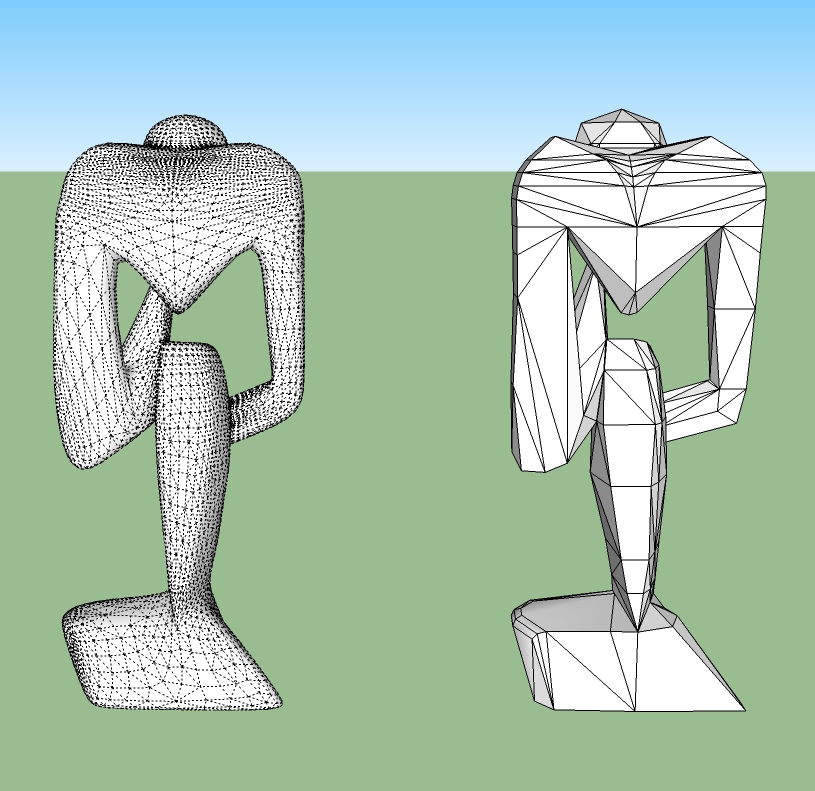
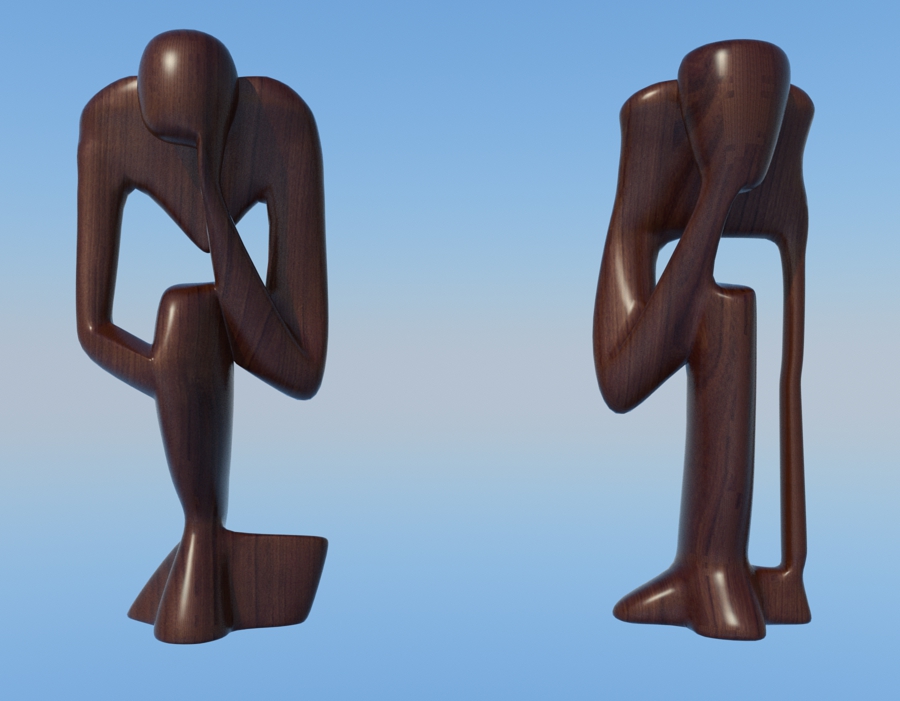
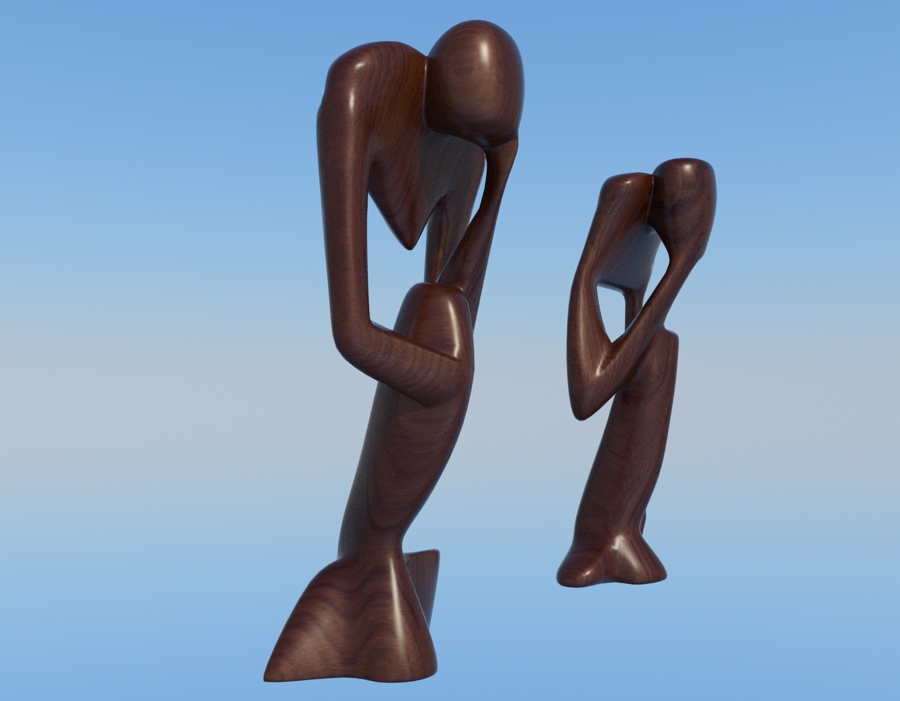
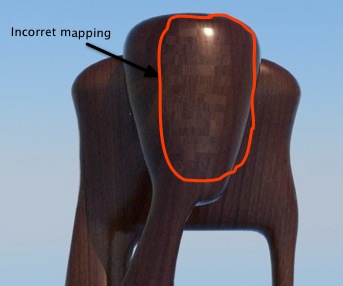
I have found one problem with the material, i have painted the models with Paint Brush (Artisan's Tool), the UV mapping shows ok in SU but when i export the model to Thea, in the render appears in some parts quadrangular faces with a incorrect mapping.
-
Very nice indeed!
Well done! -
@oxer said:
I have found one problem with the material, i have painted the models with Paint Brush (Artisan's Tool), the UV mapping shows ok in SU but when i export the model to Thea, in the render appears in some parts quadrangular faces with a incorrect mapping.
You should do a report at SU2TH development forum, if you have not already done so.
-
How very Henry Moore of You. great models and renders. I just got THEA and I am getting the ARTISAN plugin very soon.
Dale. . .WHAAT do you plan to do after you retire next week?

-
@unknownuser said:
Dale. . .WHAAT do you plan to do after you retire next week?
How about joining forces with Thomthom and give us full unadulterated UV tools?
-
-
I think that i have discovered the problem, if you see the model in X Rays Mode (in SU) appears the quad-faces, i understand that the problem with the mapped only affect to faces no triangulated.
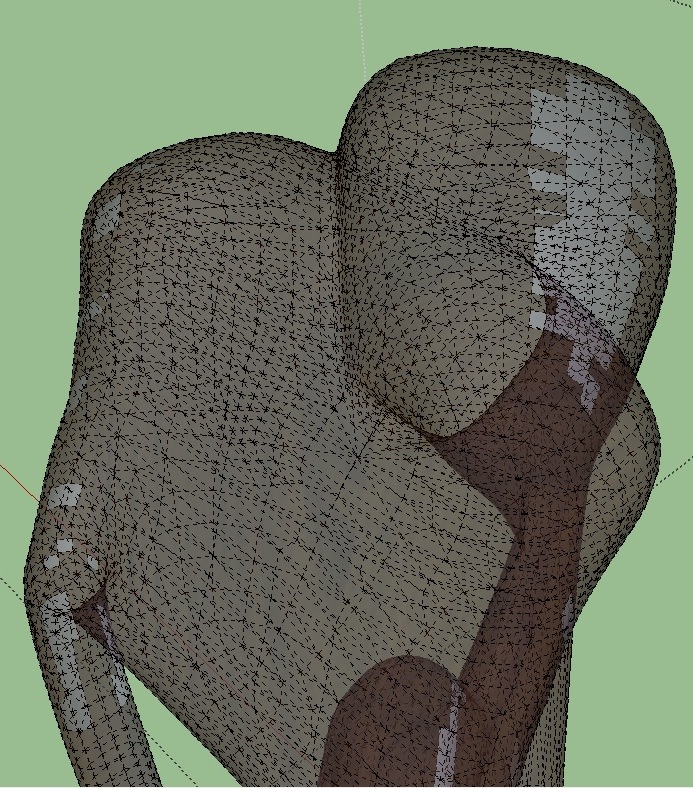
I have triangulated all the surface and now the render works correctly, the problem were the faces no triangulated.
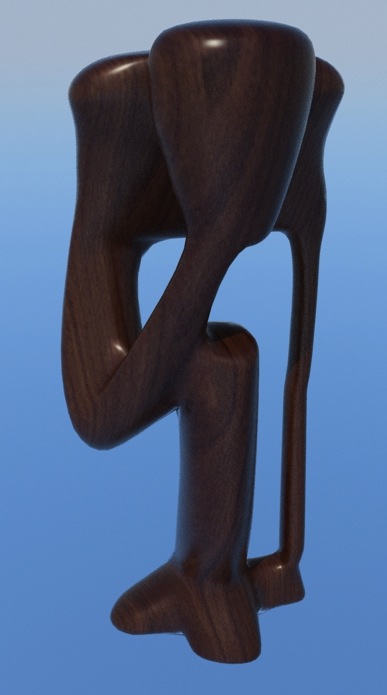
Pilou i'm preparing a megapost in my blog with my last models and renders, in a few days you will be able to see them, thanks for the interest.
-
Very well done.
You need a shadow under the sculpture however. -
@unknownuser said:
Very well done.
You need a shadow under the sculpture however.Thanks, yes i know it, this is a simple quick render for test the uv mapping, i'll do a final render with good illumination, etc.
-
@oxer said:
I think that i have discovered the problem, if you see the model in X Rays Mode (in SU) appears the quad-faces, i understand that the problem with the mapped only affect to faces no triangulated.
...
I have triangulated all the surface and now the render works correctly, the problem were the faces no triangulated.Have you done it by hand or is there a way to influence artisan to do this? Or some other plugin?
-
That is so simple and so beautiful, Oscar! inspiring stuff!!
-
@cotty said:
@oxer said:
I think that i have discovered the problem, if you see the model in X Rays Mode (in SU) appears the quad-faces, i understand that the problem with the mapped only affect to faces no triangulated.
...
I have triangulated all the surface and now the render works correctly, the problem were the faces no triangulated.Have you done it by hand or is there a way to influence artisan to do this? Or some other plugin?
I asked Dale and he replied the (amazing simple) solution:
@unknownuser said:
Hi,
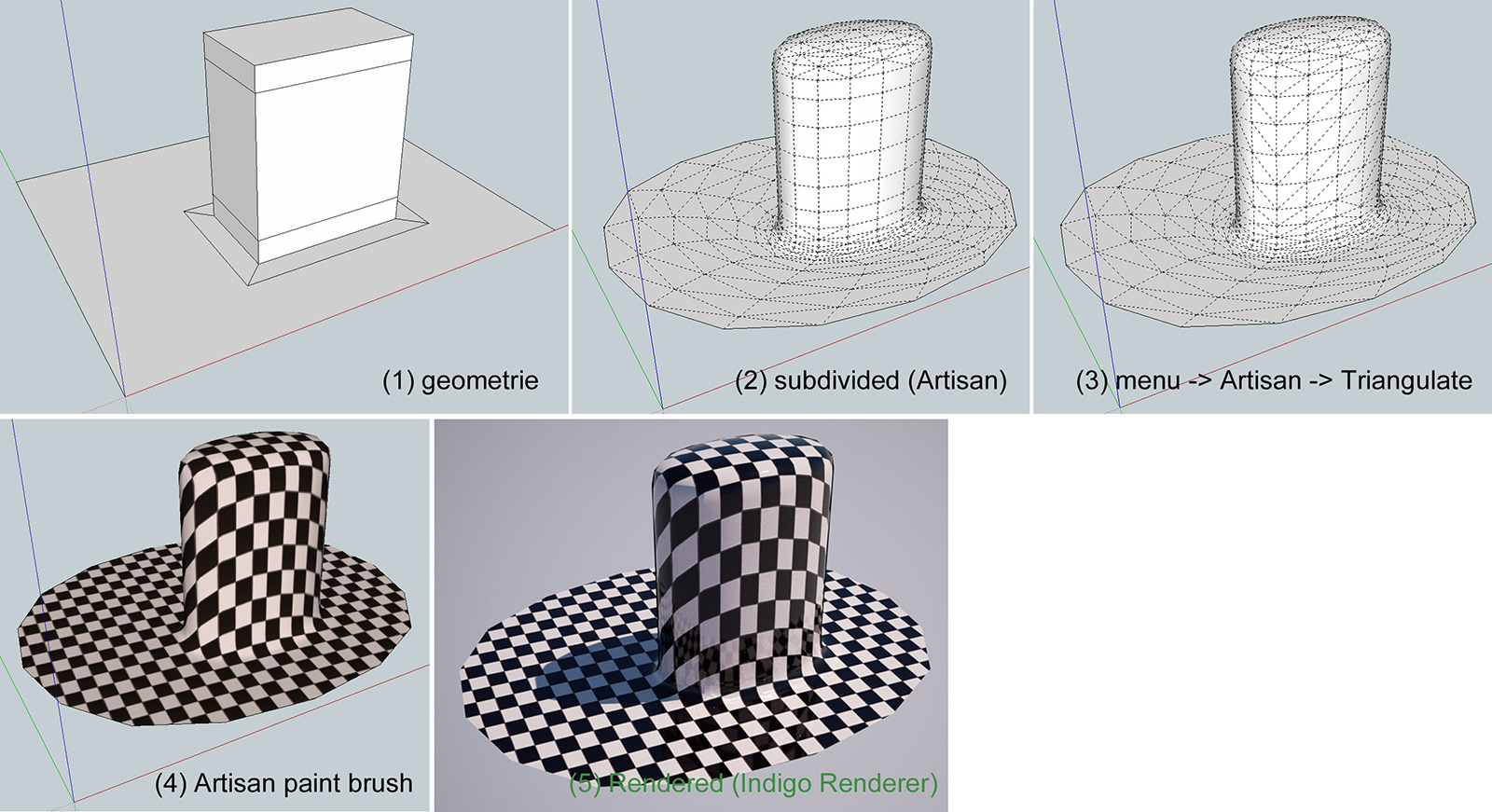
I would suggest using the menu option Artisan->Triangulate prior to painting the material on the surface. It should work fine then.
DaleI created a little example, see picture. Thank you Dale!
Cotty
-
Neat sculpture. Thanks for sharing that info about Artisan, triangulation and Thea. I didn't know that.
-
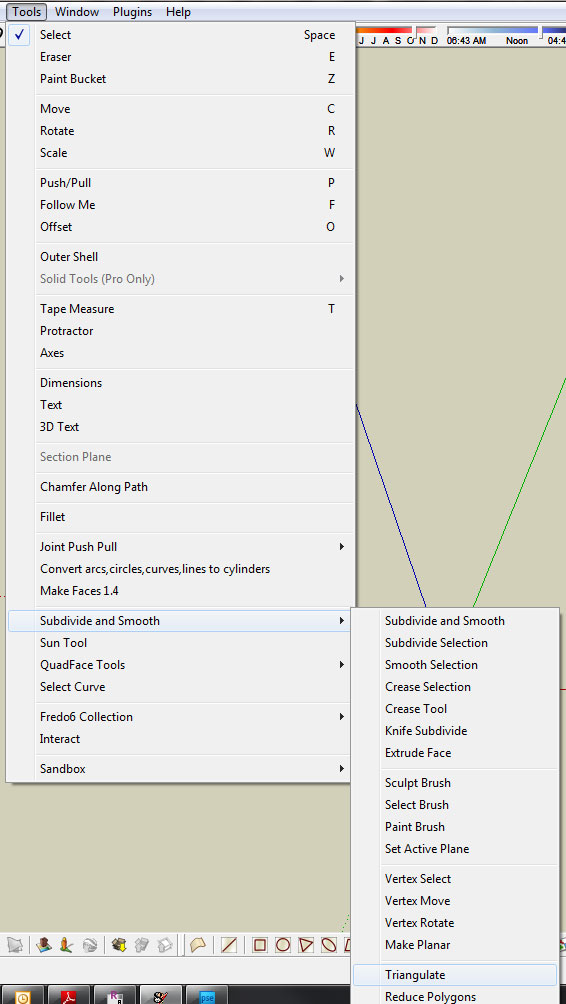
Can you tell me where menu - triangulate is please
-
-
Thanks Boo
That would have taken me forever to find









Hello! It looks like you're interested in this conversation, but you don't have an account yet.
Getting fed up of having to scroll through the same posts each visit? When you register for an account, you'll always come back to exactly where you were before, and choose to be notified of new replies (either via email, or push notification). You'll also be able to save bookmarks and upvote posts to show your appreciation to other community members.
With your input, this post could be even better 💗
Register Login


Advertisement