Exporting Sketchup Drawing to Word
-
Hi,
Does anyone know how I can insert a Sketchup drawing into MS Word. I need it as part of another document. Have tried cut and paste and it won't work. Also tried to convert to JPEG but quality is lost. Please Help!
-
When exporting to 'jpg' [but 'png' might be better!] make it quite large and set it to have 'no anti-aliasing' - see 'options' on the export dialog - try inserting that into your doc and then reduce its size there...
-
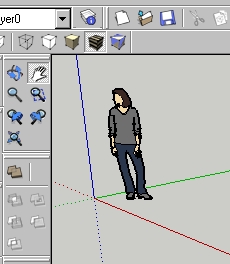
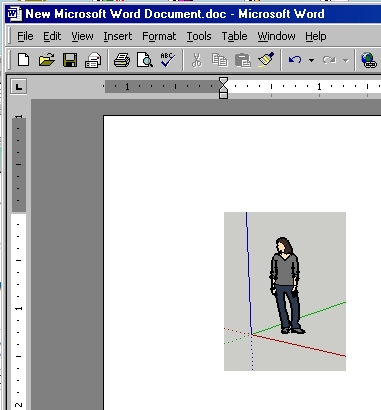
Or, you can cut with a screen grabber, and paste that into Word.
-
I use the build in windows 7 Snipping Tool to capture screen shots in windows 7
See http://www.windows7home.net/use-snipping-tool-to-capture-screen-shots-in-windows-7Bep
-
Hi,
There is also a free alternative which has more options:
FastStone Capture http://www.faststone.org/
Charly
-
Thanks a lot guys. Great advice.




Hello! It looks like you're interested in this conversation, but you don't have an account yet.
Getting fed up of having to scroll through the same posts each visit? When you register for an account, you'll always come back to exactly where you were before, and choose to be notified of new replies (either via email, or push notification). You'll also be able to save bookmarks and upvote posts to show your appreciation to other community members.
With your input, this post could be even better 💗
Register Login


Advertisement