Help! What is going on with this texture?
-
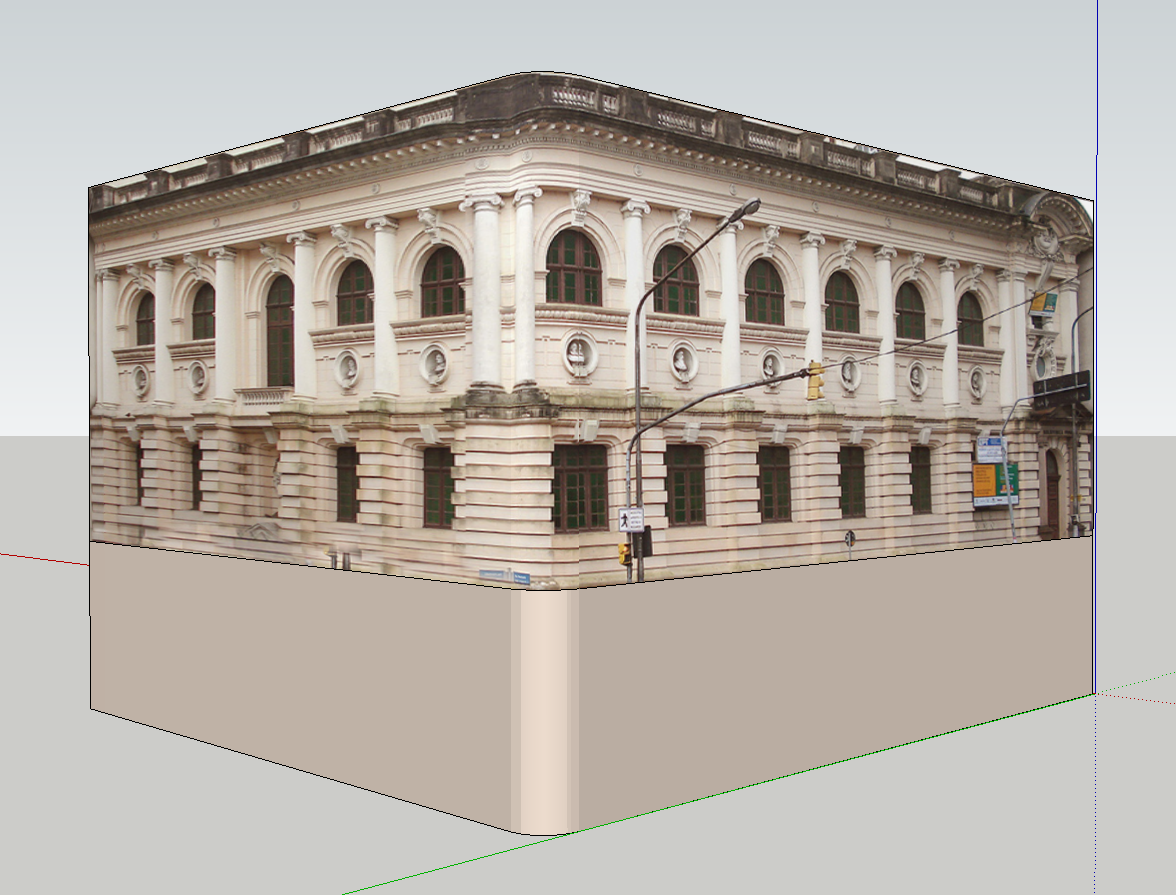
the first image is how it looks in sketchup.
and this is how it renders.
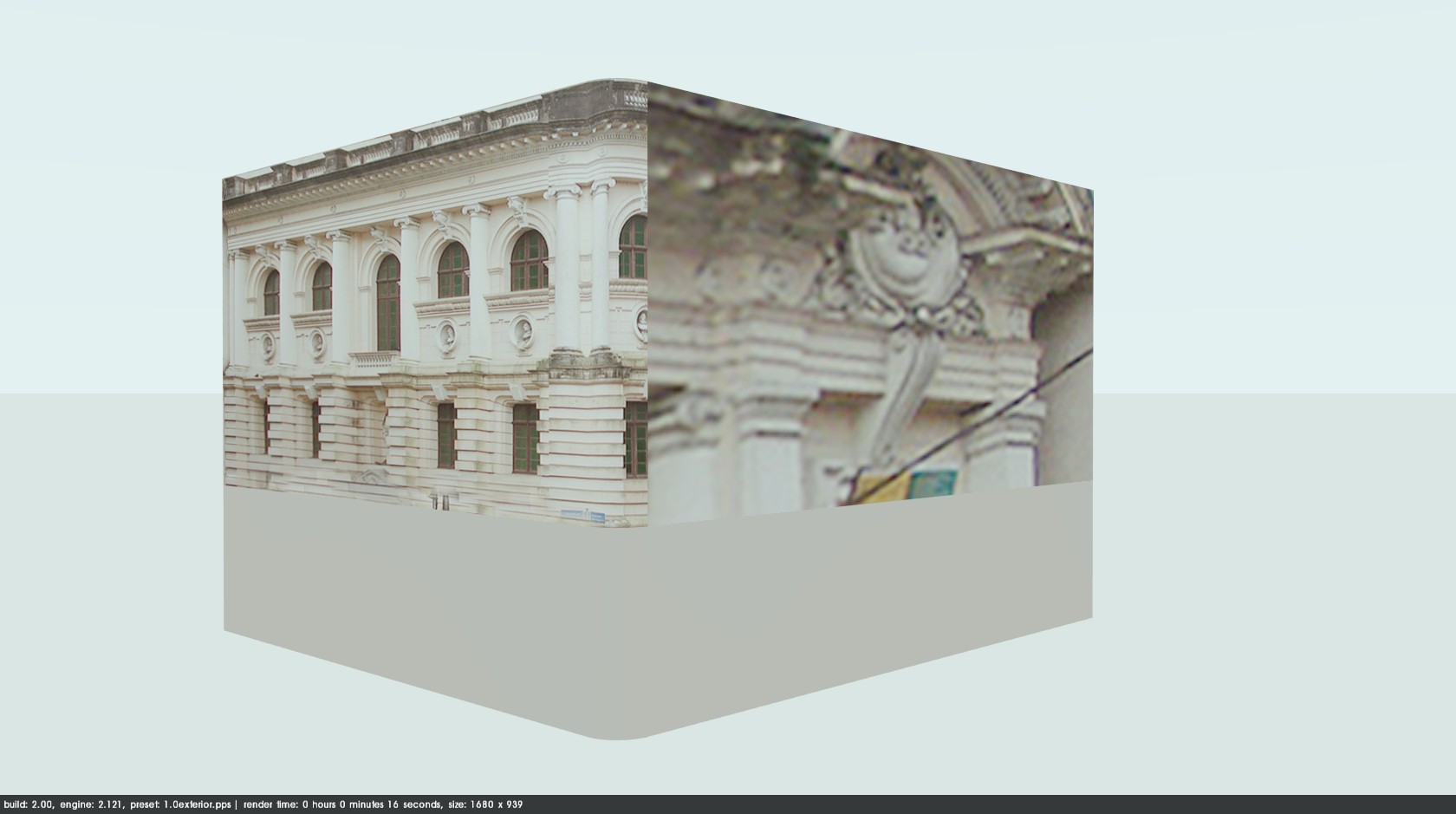
does anyone know what is going on and how to fix it?
-
Is it a skewed or otherwise distorted texture?
Try this...turn on hidden geometry, right click on the texture -> Make Unique Texture
If that doesn't work, try subdividing the face by drawing lines across it (then hide them for the render)
-
@d12dozr said:
Is it a skewed or otherwise distorted texture?
Try this...turn on hidden geometry, right click on the texture -> Make Unique Texture
If that doesn't work, try subdividing the face by drawing lines across it (then hide them for the render)
the same texture was scale twice. this must be the problem. your tip did not work: the texture rendered black. what I did that did work was to duplicate the texture, change its name and re-apply it. thanks anyway.
-
Glad you got it

-
Edson,
Was the texture not applied to a back face (and on the front face inside the wrong one)? That would explain also (and probably explain why your workaround worked).
-
@gaieus said:
Edson,
Was the texture not applied to a back face (and on the front face inside the wrong one)? That would explain also (and probably explain why your workaround worked).
csaba,
it surely could. I was using this and other context elements from several older projects thus I do not remember when I modeled that. one of the things I did was to reverse the face before trying the other steps.


Hello! It looks like you're interested in this conversation, but you don't have an account yet.
Getting fed up of having to scroll through the same posts each visit? When you register for an account, you'll always come back to exactly where you were before, and choose to be notified of new replies (either via email, or push notification). You'll also be able to save bookmarks and upvote posts to show your appreciation to other community members.
With your input, this post could be even better 💗
Register Login


Advertisement