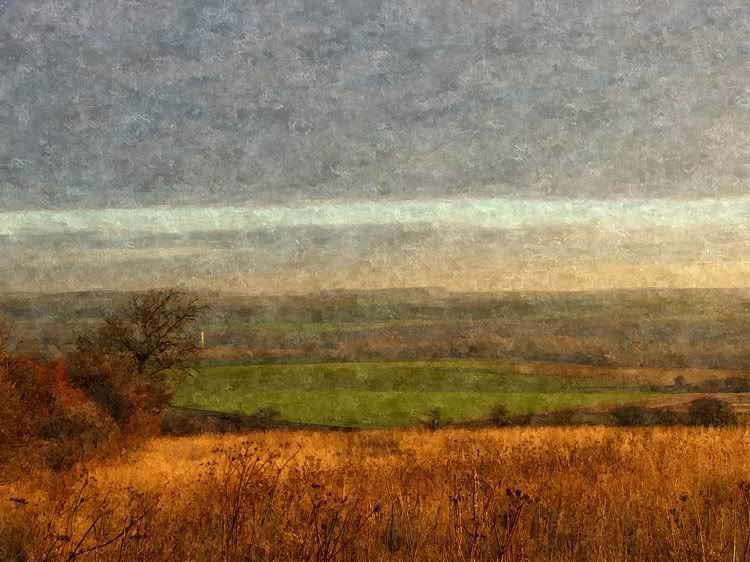
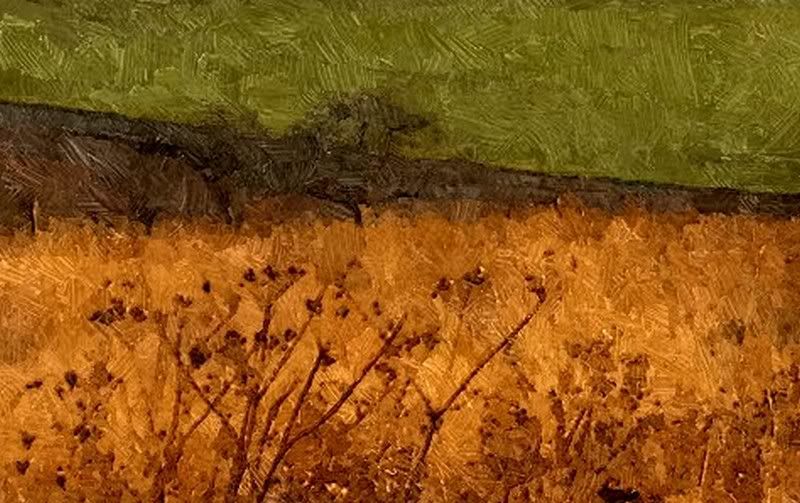
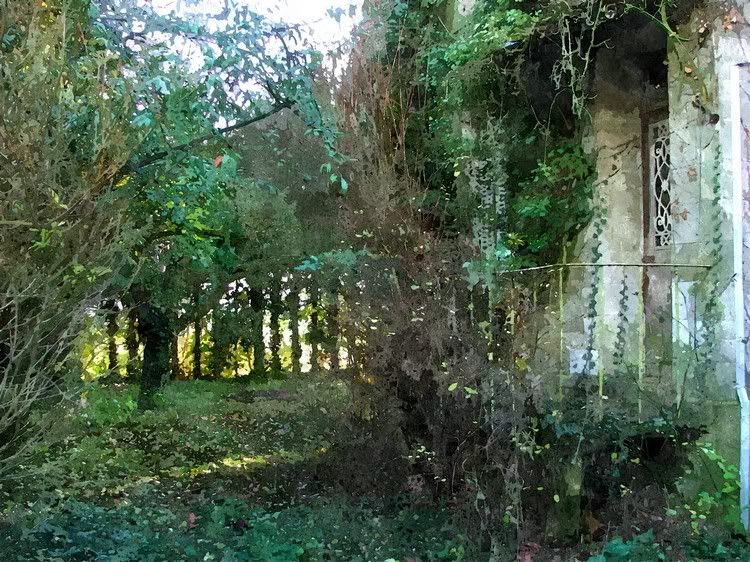
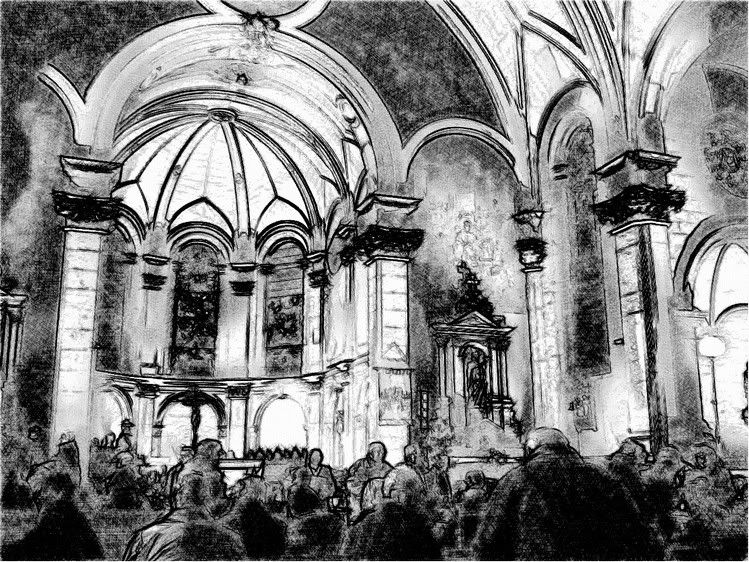
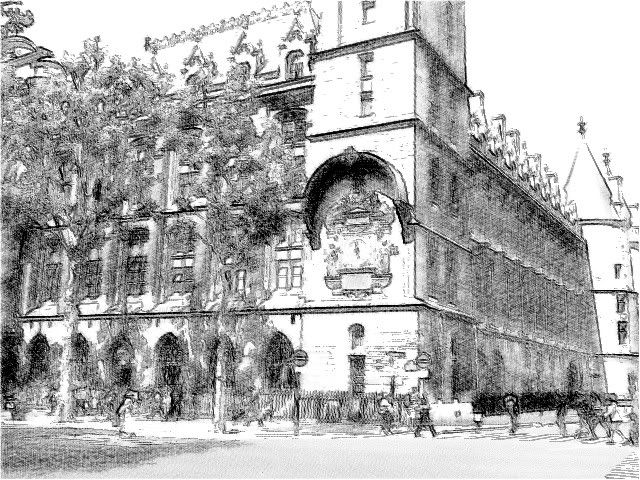
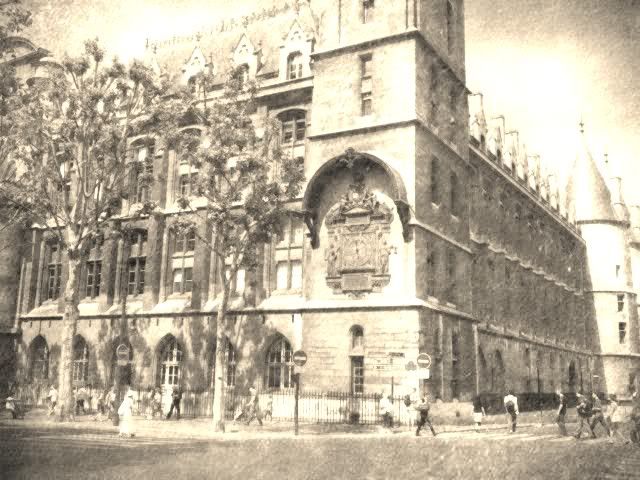
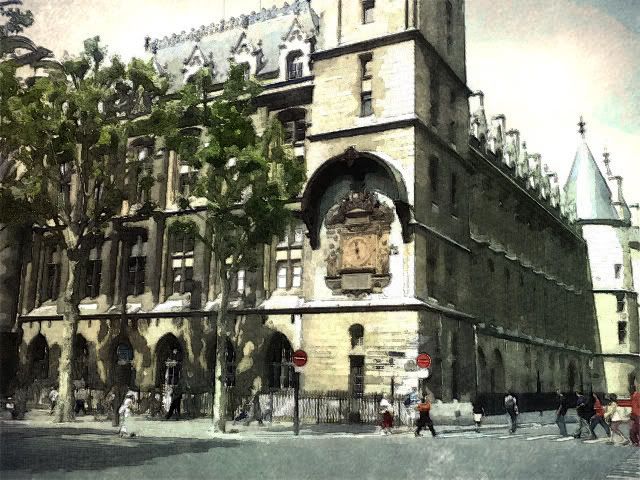
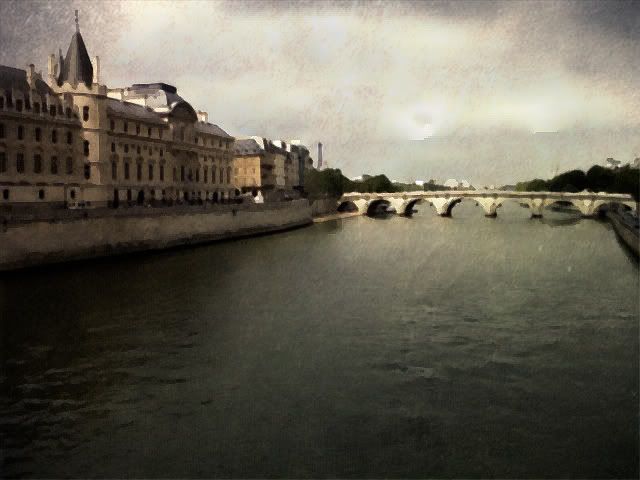
sketchucation logo sketchucation
    • Login
    Oops, your profile's looking a bit empty! To help us tailor your experience, please fill in key details like your SketchUp version, skill level, operating system, and more. Update and save your info on your profile page today!
    Mac User? | Join the Rayscaper Beta for Mac Learn More

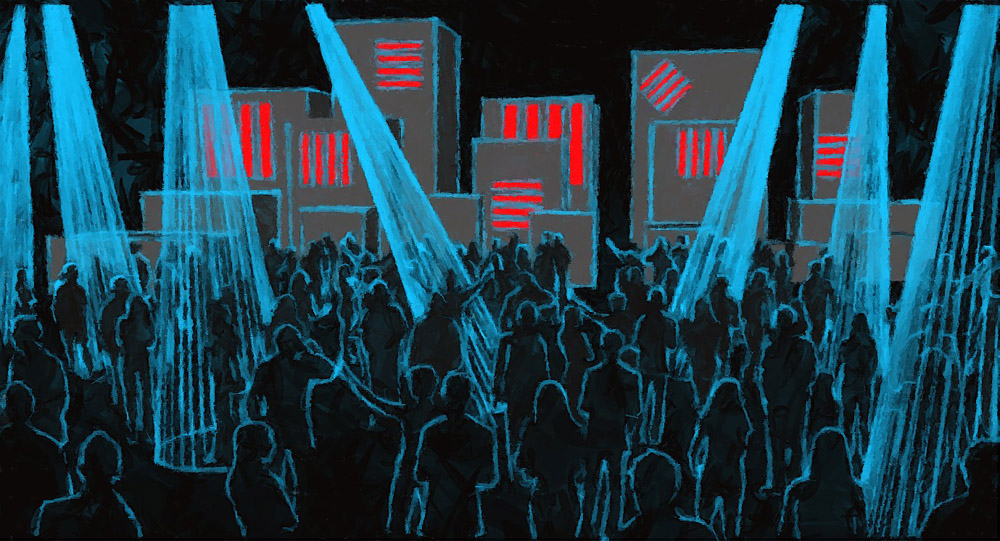
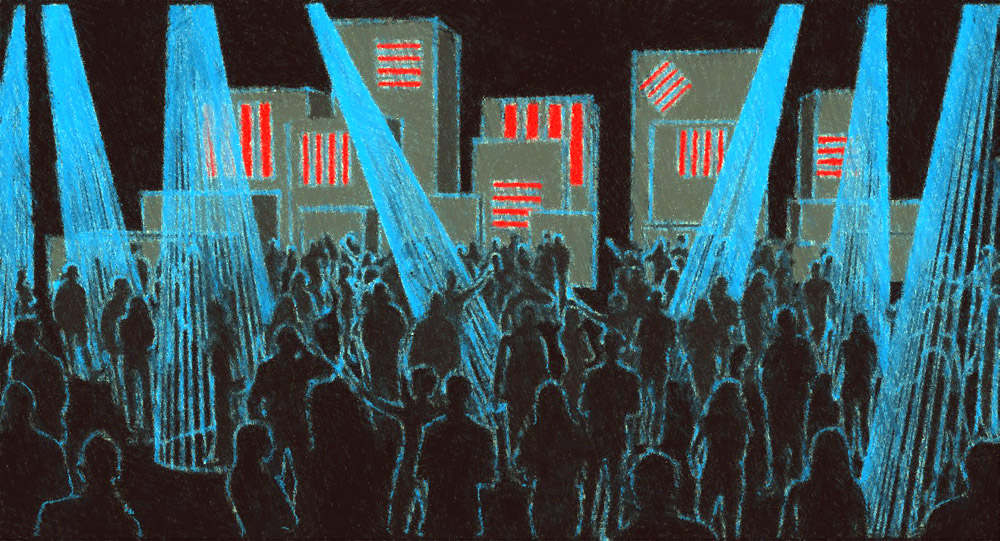
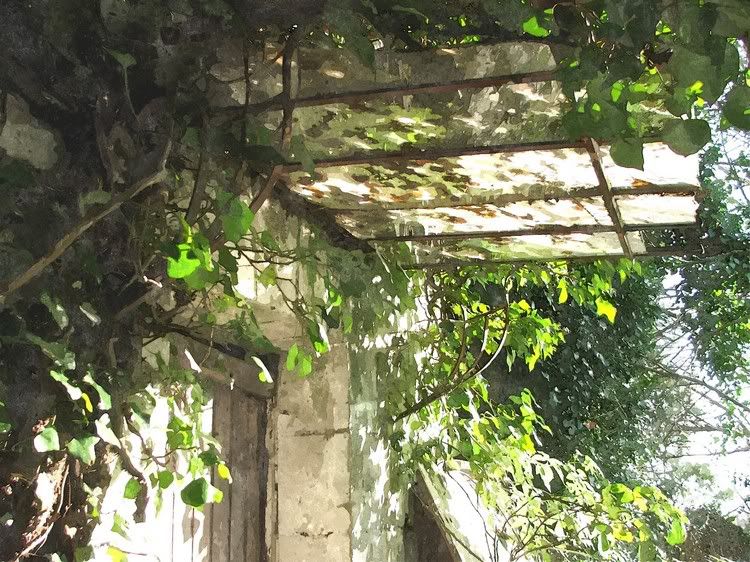
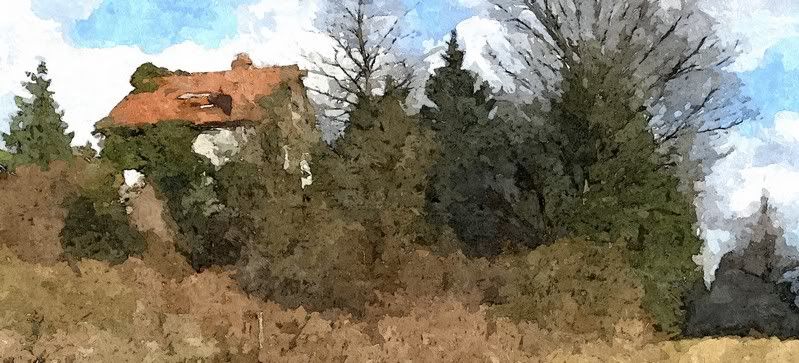
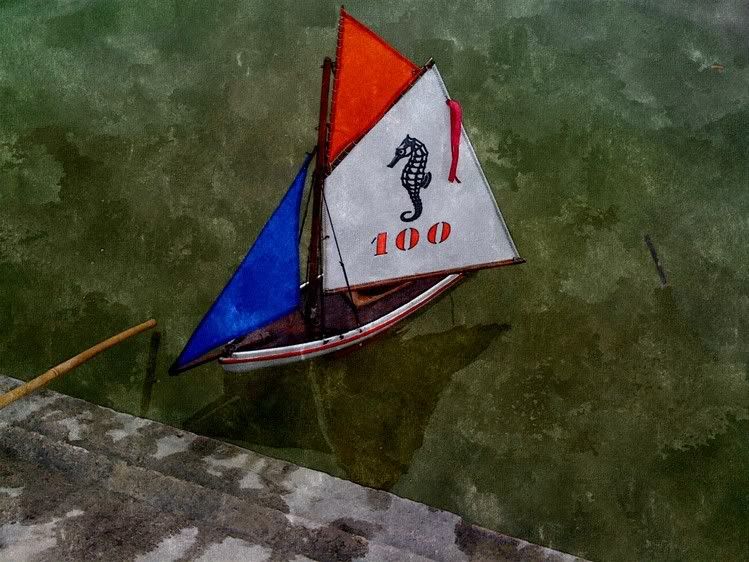
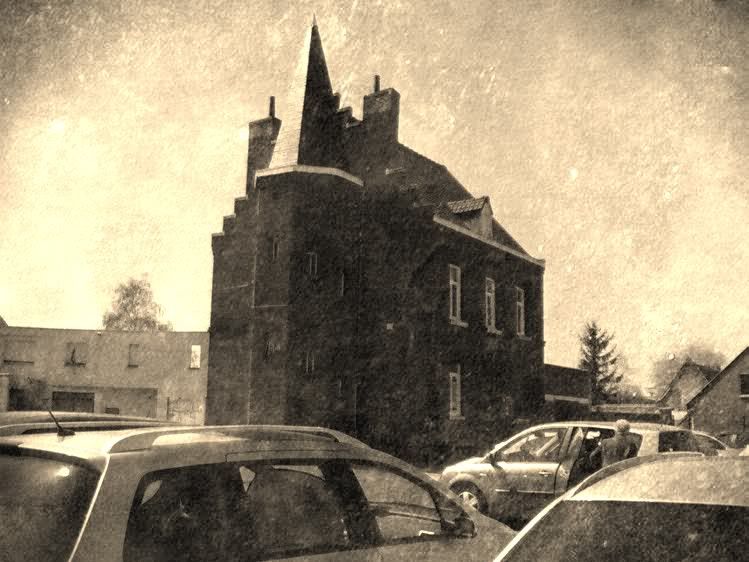
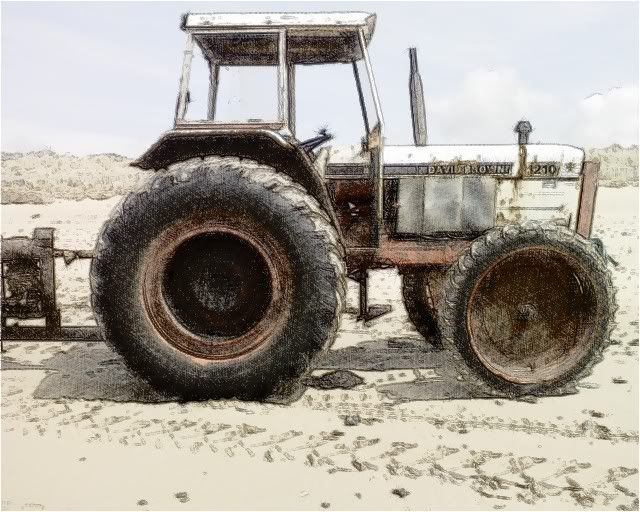
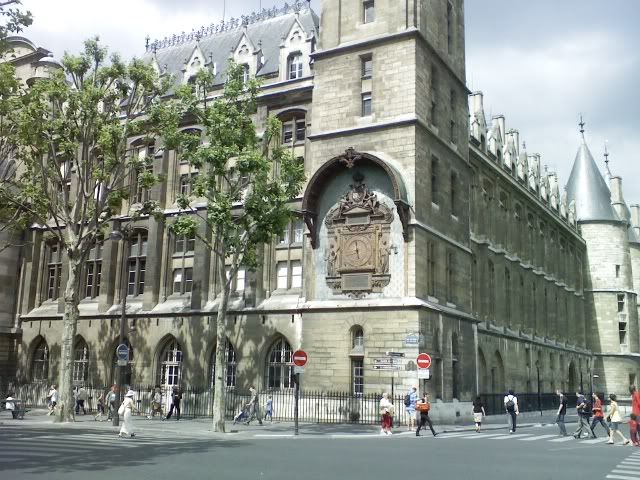
    Fotosketcher 2 is out now...

    Scheduled Pinned Locked Moved Extensions & Applications Discussions
    extensions
    18 Posts 10 Posters 3.6k Views 10 Watching
    Loading More Posts
    • Oldest to Newest
    • Newest to Oldest
    • Most Votes
    Reply
    • Reply as topic
    Log in to reply
    This topic has been deleted. Only users with topic management privileges can see it.
    • V
      Vicspa
      last edited by

      Great little program, and best of all it's free, but I can't find much of a difference between the old and the new version, or am I not seeing everything. ๐Ÿ˜•

      1 Reply Last reply
      Reply Quote 0
      • pilouP
        pilou
        last edited by

        Goood news! ๐Ÿ˜Ž Thx to French guy David! ๐Ÿ‘

        @unknownuser said:

        What's new in v 2.00:

        * 10 languages in all (English, French, German, Czech, Polish, Italian, Romanian, Dutch, Finnish, Russian)
        * Crop source or drawn image
        * Lossless 90ยฐ rotation
        * Improved and more responsive interface (12 skins, flicker-free icons, real-time preview of brushstrokes)
        * One-click automatic contrast adjustment
        * Check for updates
        * Automatic saving of language, window size, position and chosen skin
        * 4 new realistic frames
        * New custom brushes loading for Painting 7 effect
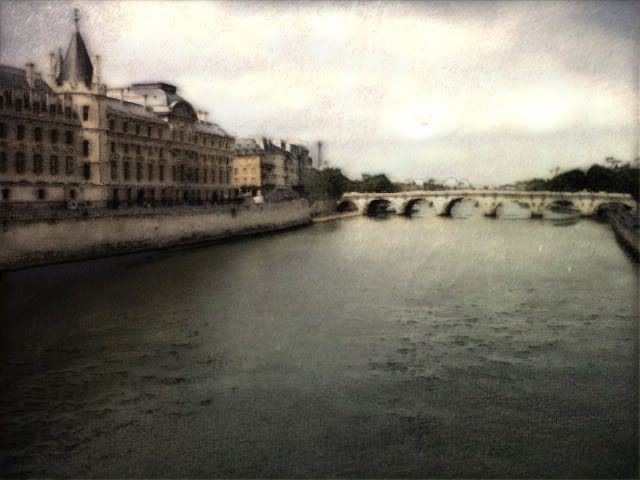
        * New vintage photo effect (sepia, vignette, old photo texture)
        

        I hope you'll have fun with the new FotoSketcher ๐Ÿ˜„

        All the best,

        David

        Frenchy Pilou
        Is beautiful that please without concept!
        My Little site :)

        1 Reply Last reply
        Reply Quote 0
        • shuraS
          shura
          last edited by

          Thank you James! I like what FotoSketcher can do, and the new features are really great.
          Just picked a simple sketch, raw SU output. The results make me believe that I finally became a real artist ๐Ÿ˜†

          I bet we are going to see a lot new painterly renderings soon...
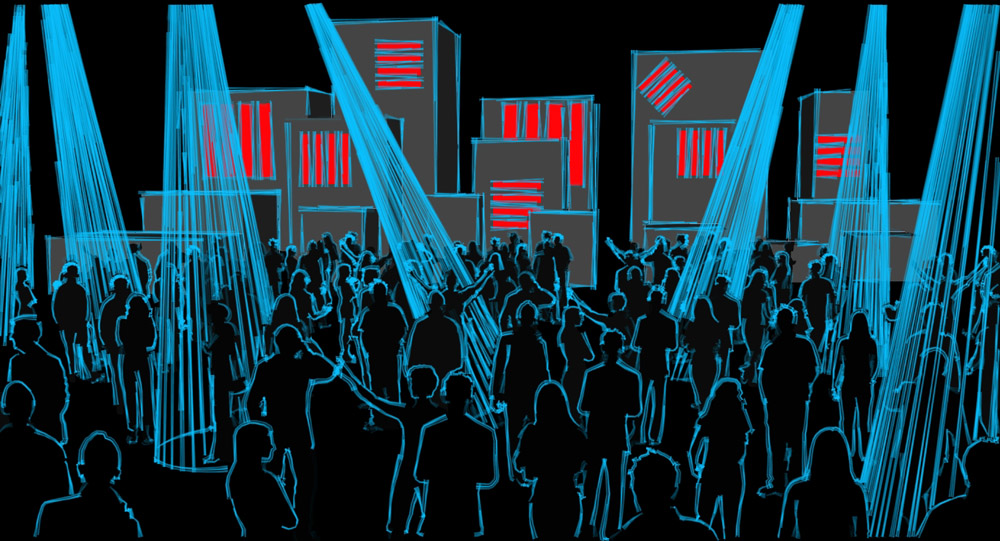
          SU_output_IdeaSketch.jpg

          FotoSketcher_brushstrokes_IdeaSketch.jpg

          FotoSketcher_oilpencil_IdeaSketch.jpg

          1 Reply Last reply
          Reply Quote 0
          • V
            vidy
            last edited by

            Thanks both for David and James

            still so much to learn..

            1 Reply Last reply
            Reply Quote 0
            • simon le bonS
              simon le bon
              last edited by

              I hadn't tried Fotosketcher yet even if this tool seemed very creative and funny, also because I'm aware to install too many softs on my XP system (which then tend to become slow and buggy).

              The good new is that a portable version exists (by the author) : see the last link ๐Ÿ˜‰

              At a first glance, I love it ๐Ÿ‘ โ˜€

              http://i274.photobucket.com/albums/jj245/Spendauballet/generalPicts/thFotoSketcher-sim_2_022_p5.jpg

              http://i274.photobucket.com/albums/jj245/Spendauballet/generalPicts/thFotoSketcher-sim_2_037_px.jpg

              http://i274.photobucket.com/albums/jj245/Spendauballet/generalPicts/thFotoSketcher-sim_2_095_p6.jpg

              (detail:)

              http://i274.photobucket.com/albums/jj245/Spendauballet/generalPicts/thFotoSketcher-sim_2_095_p6_dtl.jpg

              ๐Ÿ‘ ๐Ÿ˜‰ simon

              1 Reply Last reply
              Reply Quote 0
              • simon le bonS
                simon le bon
                last edited by

                I continue some tries

                http://i274.photobucket.com/albums/jj245/Spendauballet/generalPicts/thFotoSketcher-sim_2_009_p5.jpg


                http://i274.photobucket.com/albums/jj245/Spendauballet/generalPicts/thFotoSketcher-05022006_cr2.jpg

                ๐Ÿ˜’ simon

                1 Reply Last reply
                Reply Quote 0
                • pilouP
                  pilou
                  last edited by

                  Very impressionsist color result! ๐Ÿ˜Ž

                  Frenchy Pilou
                  Is beautiful that please without concept!
                  My Little site :)

                  1 Reply Last reply
                  Reply Quote 0
                  • jarynzlesaJ
                    jarynzlesa
                    last edited by

                    Fotosketcher is great ๐Ÿ‘ .

                    http://www.vizualizaceschodiste.mypage.cz/

                    1 Reply Last reply
                    Reply Quote 0
                    • simon le bonS
                      simon le bon
                      last edited by

                      another possibilities:

                      http://i274.photobucket.com/albums/jj245/Spendauballet/generalPicts/thFotoSketcher-IMG_0486.jpg

                      http://i274.photobucket.com/albums/jj245/Spendauballet/generalPicts/vieilleCarte.jpg

                      http://i274.photobucket.com/albums/jj245/Spendauballet/generalPicts/FotoSketcher-thPhoto0047.jpg

                      really cool and fast ๐Ÿ‘ โ˜€

                      *simon

                      1 Reply Last reply
                      Reply Quote 0
                      • simon le bonS
                        simon le bon
                        last edited by

                        hey! Sorry to bump this thread with my own production!! ๐Ÿ˜‰

                        My idea this time is to use several basic effects pictures made with Fotosketcher and melt them as layers in Photoshop.

                        First example:

                        basic picture: (none of my pictures are copywrited ๐Ÿ˜† )

                        http://i274.photobucket.com/albums/jj245/Spendauballet/generalPicts/Photo0034.jpg

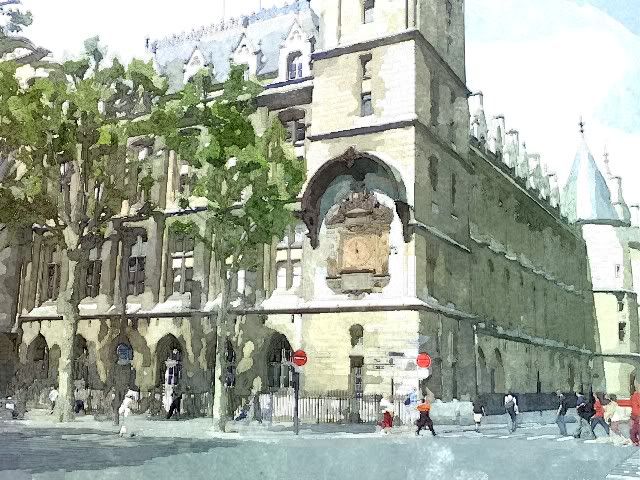
                        Fotosketcher effects:

                        Painting 5 Water color
                        http://i274.photobucket.com/albums/jj245/Spendauballet/generalPicts/b004.jpg

                        Pencil Sketch2

                        http://i274.photobucket.com/albums/jj245/Spendauballet/generalPicts/b002.jpg

                        Vintage photo

                        http://i274.photobucket.com/albums/jj245/Spendauballet/generalPicts/b001.jpg

                        -> mixed in Photoshop:

                        http://i274.photobucket.com/albums/jj245/Spendauballet/generalPicts/psdB002.jpg

                        Following the same process: Second Example:

                        the basic:
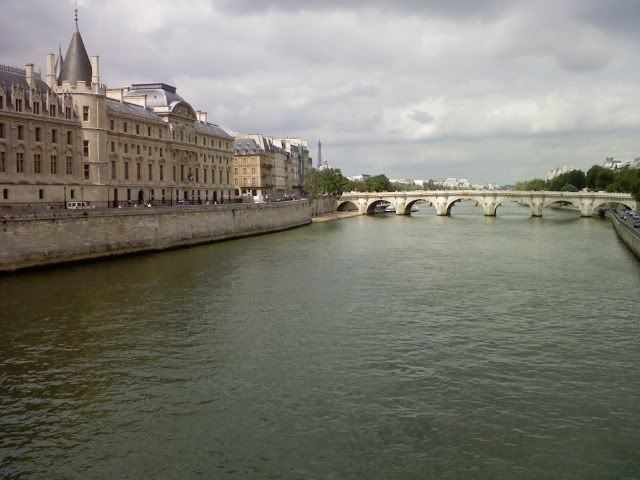
                        http://i274.photobucket.com/albums/jj245/Spendauballet/generalPicts/Photo0032.jpg

                        The photoshoped

                        http://i274.photobucket.com/albums/jj245/Spendauballet/generalPicts/psdA001.jpg

                        http://i274.photobucket.com/albums/jj245/Spendauballet/generalPicts/psdA003.jpg

                        http://i274.photobucket.com/albums/jj245/Spendauballet/generalPicts/psdA005.jpg

                        Ok Ok I stop here. ๐Ÿ˜„

                        *simon

                        1 Reply Last reply
                        Reply Quote 0
                        • pilouP
                          pilou
                          last edited by

                          Infinite variations are possible indeed! โ˜€

                          Frenchy Pilou
                          Is beautiful that please without concept!
                          My Little site :)

                          1 Reply Last reply
                          Reply Quote 0
                          • Bob JamesB
                            Bob James
                            last edited by

                            Thanks, for the heads-up I really like this tool.

                            i7-4930K 3.4Ghz, 2x GTX780 6GB, 32GB DDR3-1600 ECC, OCZ Vertex 4 500GB, WD Black 3TB, 32TB NAS, 4x 27" Monitors, SpaceMouse Pro, X-keys XK-60

                            1 Reply Last reply
                            Reply Quote 0
                            • W
                              watkins
                              last edited by

                              I have Fotosketcher 1.9. Will version 2.0 install over the top, or do I need to uninstall 1.9 first?

                              Regards,
                              Bob

                              1 Reply Last reply
                              Reply Quote 0
                              • pilouP
                                pilou
                                last edited by

                                @ Bob
                                No problem : just install it in a folder with a different name than previous ๐Ÿ˜‰
                                You will keep your old versions ๐Ÿ˜‰

                                You have even a "portable version" (last line of the page)
                                It's a stand alone without installation !!! ๐Ÿ˜Ž
                                So no problem again and without change any previous name folder ๐Ÿ˜‰

                                Frenchy Pilou
                                Is beautiful that please without concept!
                                My Little site :)

                                1 Reply Last reply
                                Reply Quote 0
                                • W
                                  watkins
                                  last edited by

                                  Dear Pilou,

                                  Thank you for the advice.

                                  Kind regards,
                                  Bob

                                  1 Reply Last reply
                                  Reply Quote 0

                                  Hello! It looks like you're interested in this conversation, but you don't have an account yet.

                                  Getting fed up of having to scroll through the same posts each visit? When you register for an account, you'll always come back to exactly where you were before, and choose to be notified of new replies (either via email, or push notification). You'll also be able to save bookmarks and upvote posts to show your appreciation to other community members.

                                  With your input, this post could be even better ๐Ÿ’—

                                  Register Login
                                  • 1 / 1
                                  • First post
                                    Last post
                                  Buy SketchPlus
                                  Buy SUbD
                                  Buy WrapR
                                  Buy eBook
                                  Buy Modelur
                                  Buy Vertex Tools
                                  Buy SketchCuisine
                                  Buy FormFonts

                                  Advertisement