[Plugin] ImageTrimmer
-
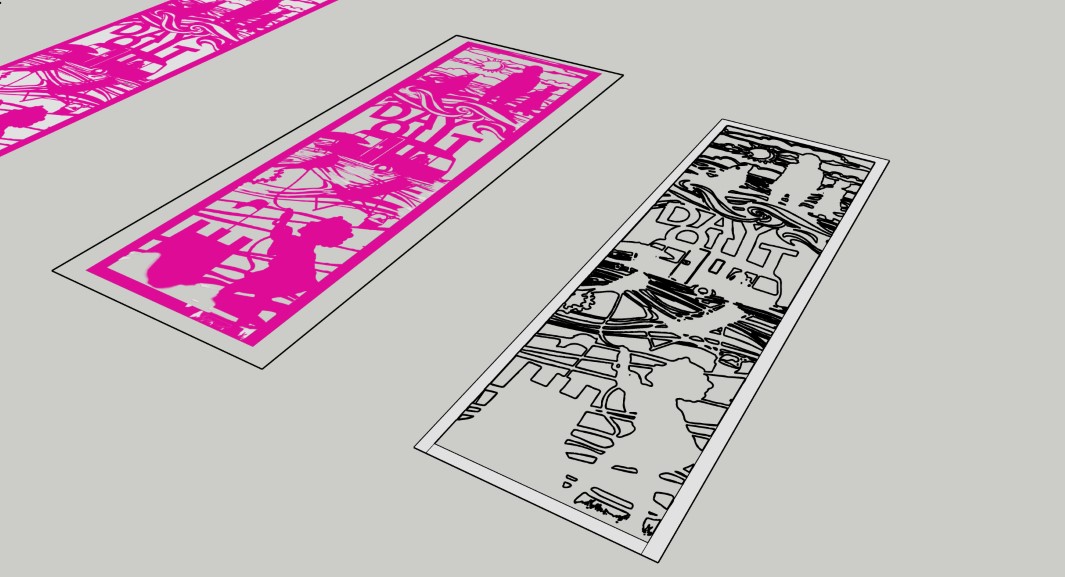
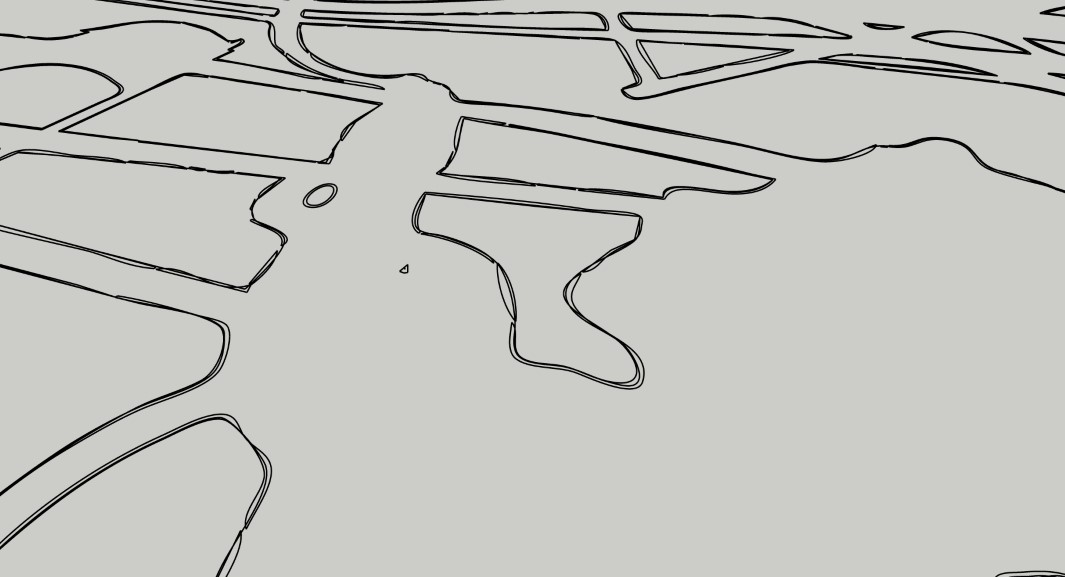
I did try that (with a couple of different converters) but the image I got didn't have clean lines. I tried exploding the resulting model and then making joining lines in shapes I wanted to be solid but I couldn't get it to work.
See attached screenshots and close up...
-
With the images you've supplied, Image Trimmer isn't going to be much better. It's tying up my computer for a long time. I may have to kill it so I can get some other stuff done.
-
ok no problem, thanks for trying anyway...
-
Hi all,
Again about my problem (Java not working as expected):
Here is the message I get after jar is launched:Error; #<Errno;;ENOENT; No such file or directory @ rb_sysopen - C;\Users\DBUR\Documents\TrimmedImages\Penture_033[Edges].dat> C;/Users/DBUR/AppData/Roaming/SketchUp/SketchUp 2023/SketchUp/Plugins/SKMtools/ImageTrimmer.rb;277;in `readlines' C;/Users/DBUR/AppData/Roaming/SketchUp/SketchUp 2023/SketchUp/Plugins/SKMtools/ImageTrimmer.rb;277;in `make_edges' C;/Users/DBUR/AppData/Roaming/SketchUp/SketchUp 2023/SketchUp/Plugins/SKMtools/ImageTrimmer.rb;201;in `process_image' C;/Users/DBUR/AppData/Roaming/SketchUp/SketchUp 2023/SketchUp/Plugins/SKMtools/ImageTrimmer.rb;170;in `initialize' C;/Users/DBUR/AppData/Roaming/SketchUp/SketchUp 2023/SketchUp/Plugins/SKMtools/ImageTrimmer.rb;834;in `new' C;/Users/DBUR/AppData/Roaming/SketchUp/SketchUp 2023/SketchUp/Plugins/SKMtools/ImageTrimmer.rb;834;in `block in <top (required)>'I have the png image file in the model's folder, but no 'Penture_033[Edges].dat' file

All the rights (read/write etc...) are set for this folder.As it is said in the comments in ImageTrimmer.rb:
@unknownuser said:
There is a temporary 'data' file 'StandingMan1[Edges].dat' which contains
'01' data used to construct the Sketchup Edges - this should be auto-erased
whatever option you choose.Is this file a template, sort of ?
Regards,



Advertisement