[Plugin] ImageTrimmer
-
Here's yet another update http://forums.sketchucation.com/viewtopic.php?p=293677#p293677
I recommend you install it asap...The speed to process the trimmed faces is now greatly improved and the 'risk of it hanging' is also greatly reduced...
[I discovered that the 'selecting which faces to remove' code could effectively go into a loop is some combinations of small island faces and therefore never resolve which were solid and which transparent (or at best take several weeks!) - this is now avoided because when all of the faces have been considered once it then stops and goes to the next step - I have found (so far) that it has never messed up the result by doing this, so the rechecking of the earlier versions is now shown to be an unnecessary frippery that slowed things down too].........

-
TIG
Some observations.
I am trying to use this to 'cut out' some people and so far the image trimmer is working just fine on my png's.
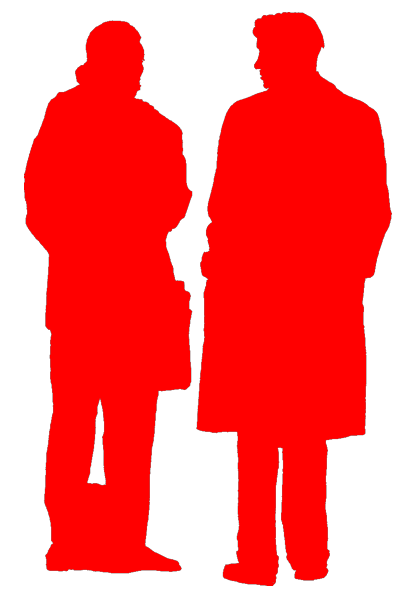
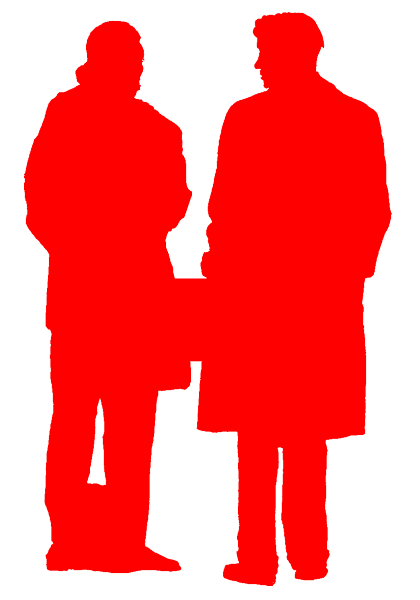
When using the simplifier however, it seems that when I have a group of people in one png file and they are seperated by clear space, running the sinplifier on the component, causes them to disappear!Attached are example files... couple1a causes a disappearance whilst couple2a works fine.
I don't really want to seperate out all the individuals so I'm hoping you can help.
I assume that this is a bug and this would also happen when tracing a tree shape which has some leaves that are seperated from the branches in the alpha map / png??
Thanks
Dave
-
@davidlouis said:
TIG
Some observations.
I am trying to use this to 'cut out' some people and so far the image trimmer is working just fine on my png's.
When using the simplifier however, it seems that when I have a group of people in one png file and they are seperated by clear space, running the sinplifier on the component, causes them to disappear!Attached are example files... couple1a causes a disappearance whilst couple2a works fine.
I don't really want to seperate out all the individuals so I'm hoping you can help.
I assume that this is a bug and this would also happen when tracing a tree shape which has some leaves that are seperated from the branches in the alpha map / png??
Thanks
Dave
I can see the cause - it's a balance between loooong processing time and occasional errors... I'm formulating a fix [well on...] - in the meanwhile don't 'simplify' the outlines...
-
I am having trouble following the steps to get the end result.
Here are the steps I have done:
- Imported the PNG image and then selected it.
- In the tools menue selected the Edge trimer.
- waited for the prompt boxes and said yes to each.
No new image appeared and my imported image remained unchanged? What am I missing ing steps? thank you.
-
@mbattler said:
I am having trouble following the steps to get the end result.
Here are the steps I have done:- Imported the PNG image and then selected it.
- In the tools menu selected the ImageTrimmer.
- Waited for the prompt boxes and said yes to each.
No new image appeared and my imported image remained unchanged? What am I missing steps? thank you.
The Image will not change - a copy will be made at the origin as a component trimmed with transparent areas removed.
Ensure your PNG image has clear solid/transparent areas...
Only say Yes to delete the original Image IF you want to lose it... -
Here's a link to get v1.8 http://forums.sketchucation.com/viewtopic.php?p=293677#p293677
The glitch with some simplify operations is addressed and speed should have also improved...
Feedback please... -
TIG
I have tested the new version on the previous 'trouble' file and its working just fine now...

Thanks... you've just saved me a heap of time.
Will let you know if any other issue pop up.
Thanks

Dave
-
Hi TIG
I have just noticed that the components created using the image trimmer cannot receive shadows even if the option to do so is checked under entity info....
This seems to happen when a png is applied to the surface unlike say a jpg which does receive them... i've tried this with material texures and people.
Any ideas?
Also I have just noticed that a component set to always face the camera cannot receive shadows either??? this happens in skp 7 & 8...
 i have just never noticed till now... could this be a bug or is there some reason why this is the case...
I'm trying to build up a library of people and realised this when they wouldn't cast shadows on each other...
This can make some exported images look a bit strange especially when you expect to see something in shadow and it kind of pops out at you.I appreciate any pearls of wisdom you might be able to offer on this.
Thanks
Dave
-
I never noticed that either.
A transparent PNG can't receive shadows !
However, a 'flattened' PNG [without transparency] or a JPG can...
Here's a fix - not ideal but it works...
Edit the component and with the eye-dropper pick its material in the Material Browser.
Edit that material.
[You need to have set you image-editor in Preferences - I use Gimp...]
It opens, save_as a JPG with the same name [note the folderit's usually in your own 'Temp' folder].
Now edit that material and change the texture to the JPG version...
Alternatively 'flatten' the PNG and save it.
NOW the material accepts shadows - since the image is trimmed to remove transparent its areas its 'PNGness is no longer useful - so a JPG works just fine !
I could automate that part in ImageTrimmer - I'm thinkings about it overnight...
The additional steps are that when the material is made with the PNG texture we have already exported it as a PNG file into the temp folder... so we simply convert that PNG file into a JPG/flattened-PNG file and we have an option to use that as the new material's image instead of the PNG...EDIT: option to flatten the png now added to v1.9...
-
Here's a link to get v1.9 http://forums.sketchucation.com/viewtopic.php?p=293677#p293677
There is an added option to 'flatten' the new material's texture PNG [i.e. remove its transparency] so that the material will then receive shadows.
Feedback please...
-
Hi TIG
Sorry for the delay in feedback...chaos at work so I didn't have time to 'experiment'.... Anyway... here's what's happening now...
If I choose the flatten image option, it does flatten it (evident by a flattened image in the trimmed files folder) but does not substitute the texture in the sketchup material for me. I have to sample the material and reselect the flattened image file manually via the material pallette. This is fine if you are opting to keep a copy of the trimmed files but is not if you choose to delete them...
I'm sure you were intending for this to happen automatically... ?
Otherwise despite this apparent hiccup, this plugin is fantastic!
Looking forward to the next version.
Cheers
Dave -
@davidlouis said:
Hi TIG
Sorry for the delay in feedback...chaos at work so I didn't have time to 'experiment'.... Anyway... here's what's happening now...
If I choose the flatten image option, it does flatten it (evident by a flattened image in the trimmed files folder) but does not substitute the texture in the sketchup material for me. I have to sample the material and reselect the flattened image file manually via the material pallette. This is fine if you are opting to keep a copy of the trimmed files but is not if you choose to delete them...
I'm sure you were intending for this to happen automatically... ?
Otherwise despite this apparent hiccup, this plugin is fantastic!
Looking forward to the next version.
Cheers
DaveCan you run it with the Ruby Console open - it's working fine for me ???
Is this failing on PC and MAC ?
If you choose 'flatten' image it makes another png file in the TrimmedImages folder with [Flattened] in its name - that has no transparent pixels so it accepts shadows.
Then it uses that as the material's texture instead of the original one with transparency, scaled appropriately as before.
I can't see why it's working for me and not for you ?
Can you post the original transparent image png so I can test it
-
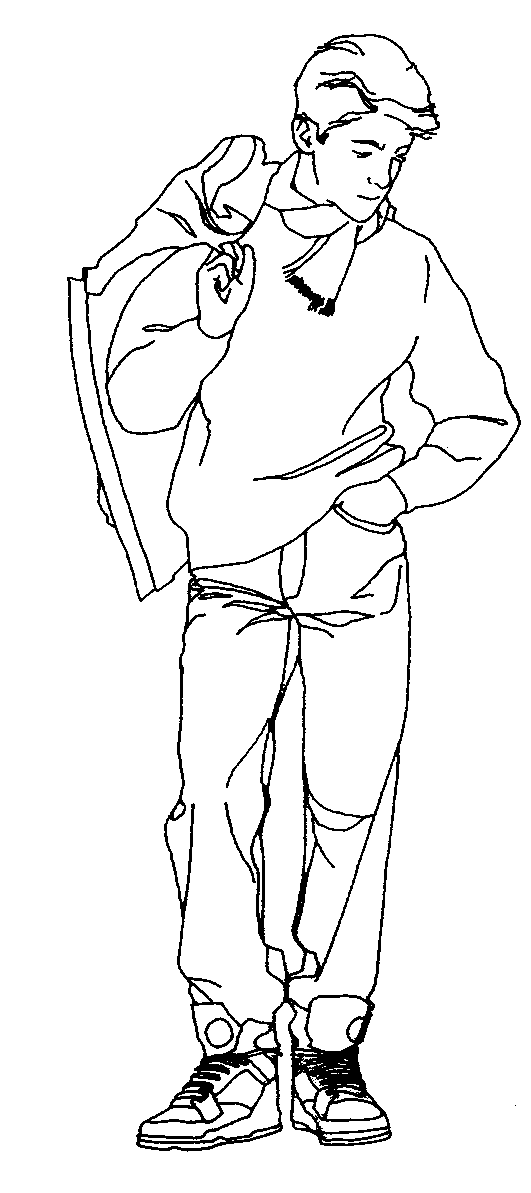
Here is a typical file that doesn't work on my side...
I suspect it is going to be something with the way it has been saved as a transparent png.
I am on PC.Thanks
Dave
-
Hi again TIG
Just tried again with ruby console open... 3 seperate images... no success.
This was the message:quietly_force_sync_mats_cb just calledquietly_force_sync_mats_cb just calledquietly_force_sync_mats_cb just calledquietly_force_sync_mats_cb just calledquietly_force_sync_mats_cb just calledquietly_force_sync_mats_cb just calledERROR: skpHelperClasses.rb:updateSkpMaterial, unable to find a material called: kid041
quietly_force_sync_mats_cb just calledERROR: skpHelperClasses.rb:updateSkpMaterial, unable to find a material called: kid041
ERROR: skpHelperClasses.rb:updateSkpMaterial, unable to find a material called: kid041with regard to the error about not being able to find the material kid041... there is no material or texture by this name....??
it then gets into a loop and keeps posting this...
I'm sure it means more to you than to me...
Cheers
Dave -
-
OK... so if its not the image itself then what about your external image editor...?
Which one do you have listed in your sketchup preferences? TIG mentioned his was Gimp... but I am using a Corel app...
Don't know if it will make any difference.
-
I don't know if it matters either. I don't have an image editor set in Preferences.
Out of curiosity, what happens if you download the image from your post and use it? Is it possible that something about it gets changed when it is uploaded to the forum?
-
@davidlouis said:
Hi again TIG
Just tried again with ruby console open... 3 seperate images... no success.
This was the message:
quietly_force_sync_mats_cb just calledquietly_force_sync_mats_cb just calledquietly_force_sync_mats_cb just calledquietly_force_sync_mats_cb just calledquietly_force_sync_mats_cb just calledquietly_force_sync_mats_cb just calledERROR: skpHelperClasses.rb:updateSkpMaterial, unable to find a material called: kid041
quietly_force_sync_mats_cb just calledERROR: skpHelperClasses.rb:updateSkpMaterial, unable to find a material called: kid041
ERROR: skpHelperClasses.rb:updateSkpMaterial, unable to find a material called: kid041
with regard to the error about not being able to find the material kid041... there is no material or texture by this name....??
It then gets into a loop and keeps posting this...
I'm sure it means more to you than to me...
Cheers
DaveAll of those error messages are nothing to do with ImageTrimmer or raw Sketchup ??? What otehr tools do you have loaded that might manipulate materials in the background ? and thereby clash...
The external image editor doesn't matter...
-
Your image also works 'fine' for me... although it didn't flatten and use [Flattened].png version as expected ???
Seeking reason... -
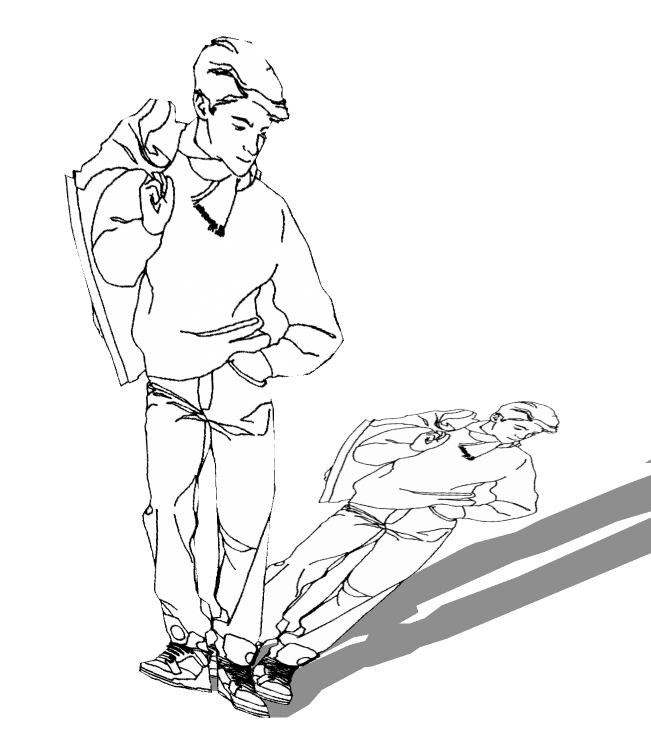
TIG, I was prompted to "flatten" when I tried it. I wonder what is different.




Advertisement