[req] tracing bitmaps?
-
Is there any plugin to trace bitmaps of constructionplans to get polys?
-
No. You need to find some specialised image processing application for that - converting bitmaps to vector. But beware that they rarely end up very good or accurate.
Illustrator has a tracing function - but I don't think it do lines - it do filled shapes. And is more oriented to tracing hand drawings instead of plans.
-
Hi,
the best Application I've found so far is Vector Magic. It provides very good results.
Charly
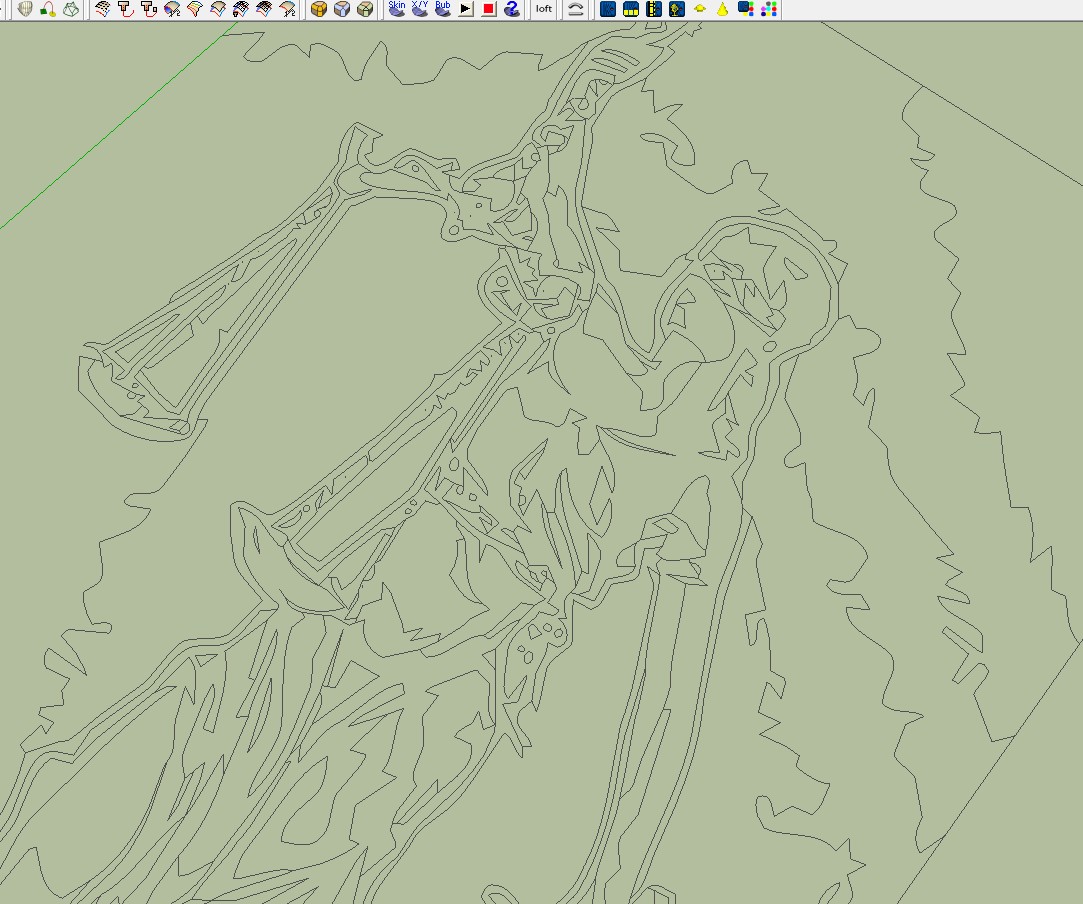

-
How does it work with plans?
The problem with tracing plans is that lines should should be perfectly straight and parallel often slightly off. And that in turns makes for problems if you try to model from or continue drawing to after vectorizing them. -
Nice find, Charly:
Also, seems a reasonable value. -
Hi Thomas,
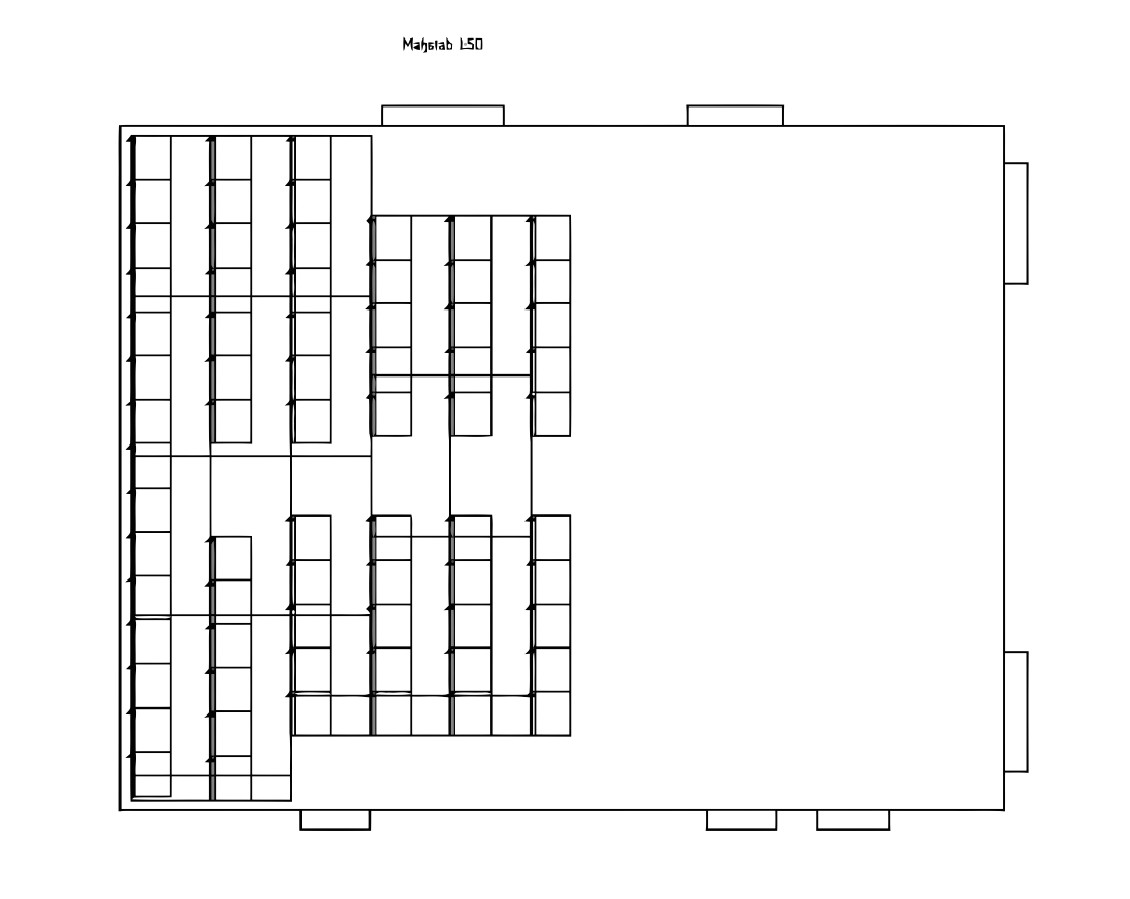
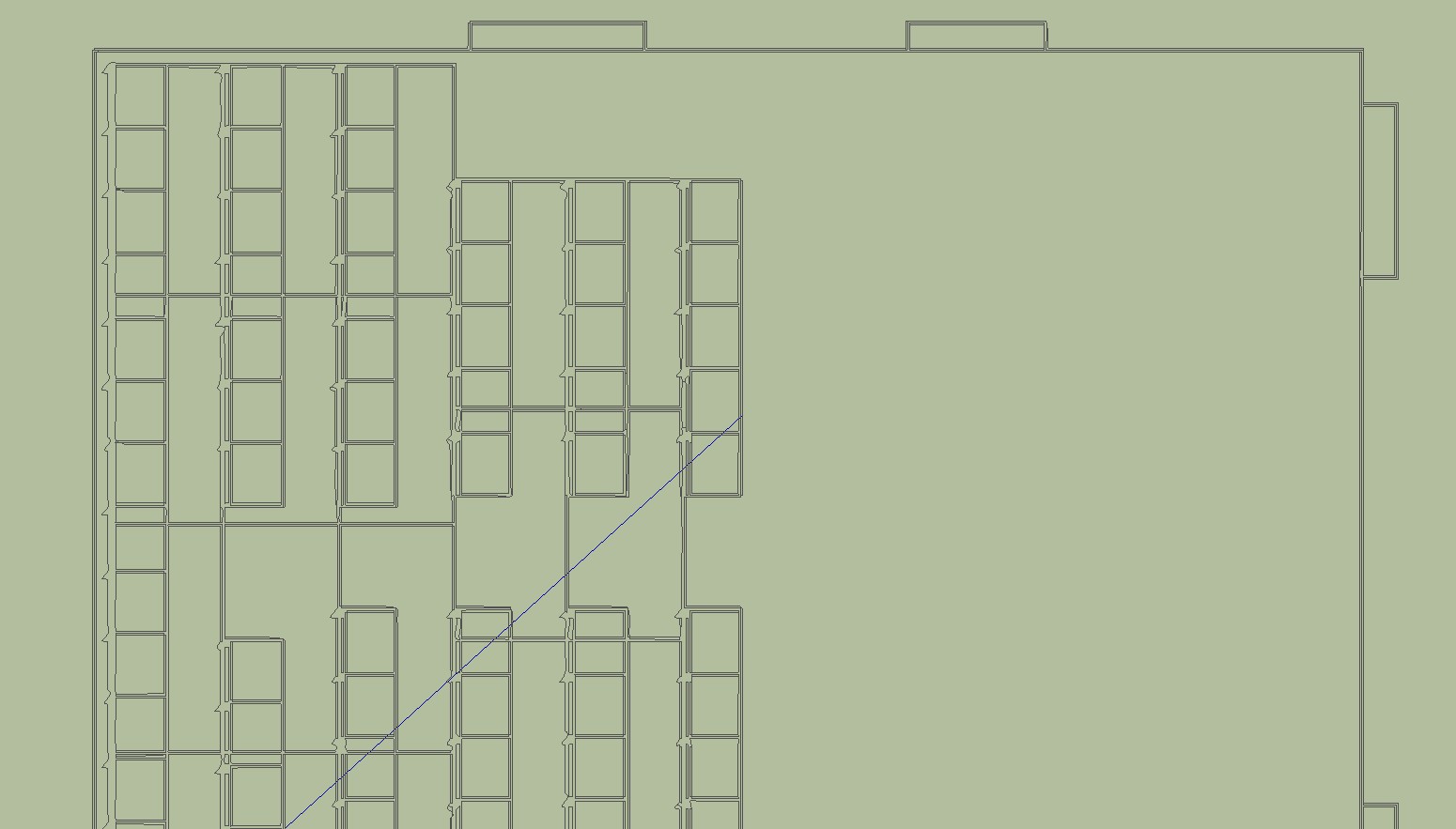
I do not have good plans available. The example below is from a low resolution JPG.
Charly
-
If you turn on edge colour by axis?
-
-
Not bad... I get DWGs from AutoCAD worse than that...
-
Oh thank you for your help.
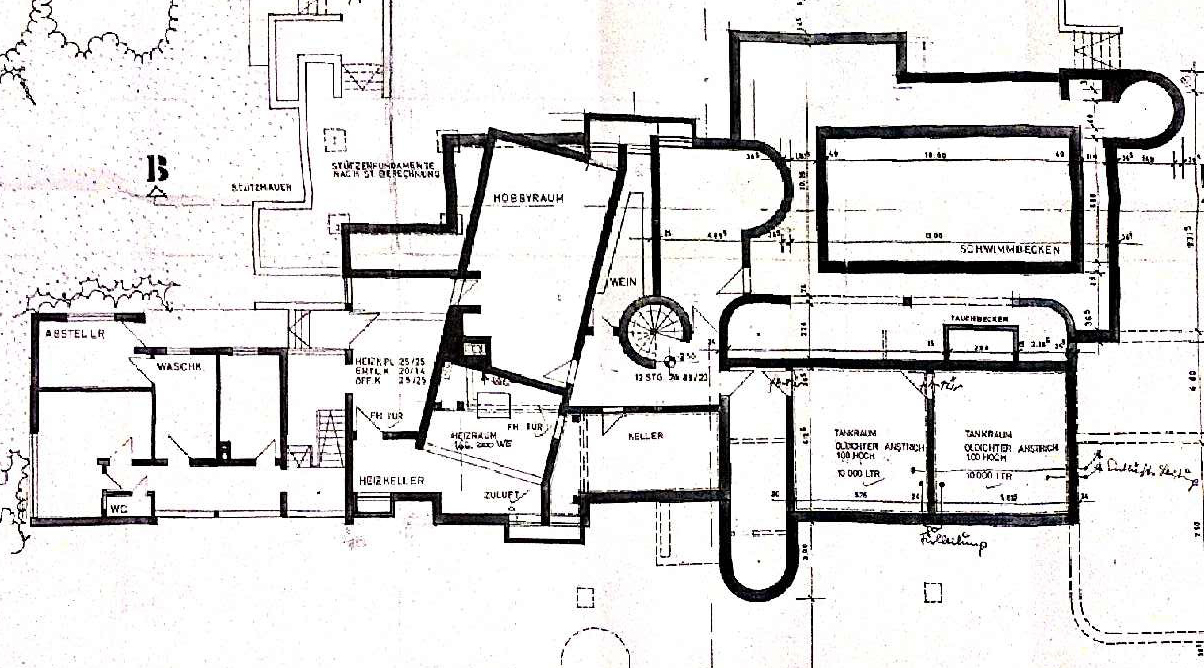
I've attached a typical florplan, that I usually use.
I can trace that with corel trace, export it as a dwg, import it to sketchup, but the result isn't as good as I need to have.
charly, I will check your link, sounds usefull.
-
hmmm... the lines there aren't even. the fold distorted them.
Would be interesting to see the results you get.Though I think I'd personally trace that by hand in order to ensure clean geometry.
-
@jo-ke said:
I've attached a typical florplan, that I usually use.
wow, that's pretty sloppy (as far as precision is concerned)
i'm thinking the best approach for that file is manually tracing /redrawing in sketchup or another type of cad app. -
@unknownuser said:
wow, that's pretty sloppy (as far as precision is concerned)
i'm thinking the best approach for that file is manually tracing in sketchup.I agree...
Whenever I've got drawings/plans like this, I import them to SU, scale accordingly and trace it in SU...
I don't believe you'll experience any shortcut in this case... -
You're right, the quality of the plan is terrible. But this is often the quality I get from the customers.
Tracing it by hand in sketchup is normaly the way I'm doing it. I thought that there may be a special tracing plugin to do that job.Another usefull part for me of this funktion would be designing rugs. I usually do that in corel draw, then I export that as a bitmap and texture a poly in SU. In that case I'm not able to change single colors of the pattern. If I export the bitmap to su as a dwg, the result isn't usable. In the next days I'm going to upload some examples.
-
So I am reading these post, go back to my email and find this program notice. Note, I haven't tried this program, however, I do have their PDF 2 DXF program and it works OK.
So I am not endorsing this program, but just showing another possible solution.

Paper/Picture 2 DXF
Convert paper drawings or pictures into DXF files with the software CAD-KAS Paper-Picture 2 DXF. You can download the free trial version here.
(www.cadkas.com)
Ken
-
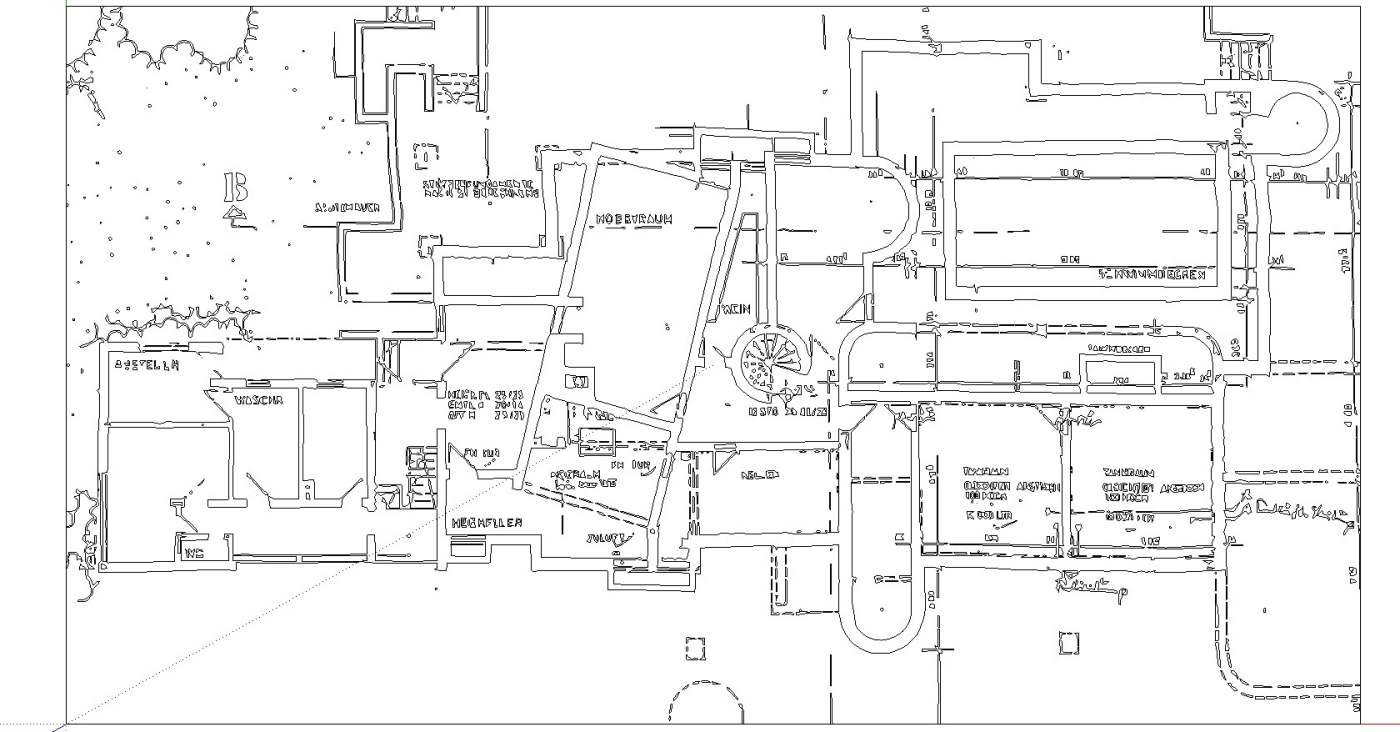
Hi,
I've tried different options with the plan. This was the best thing I could achieve so far. A professional may be able to get even more.
Charly
-
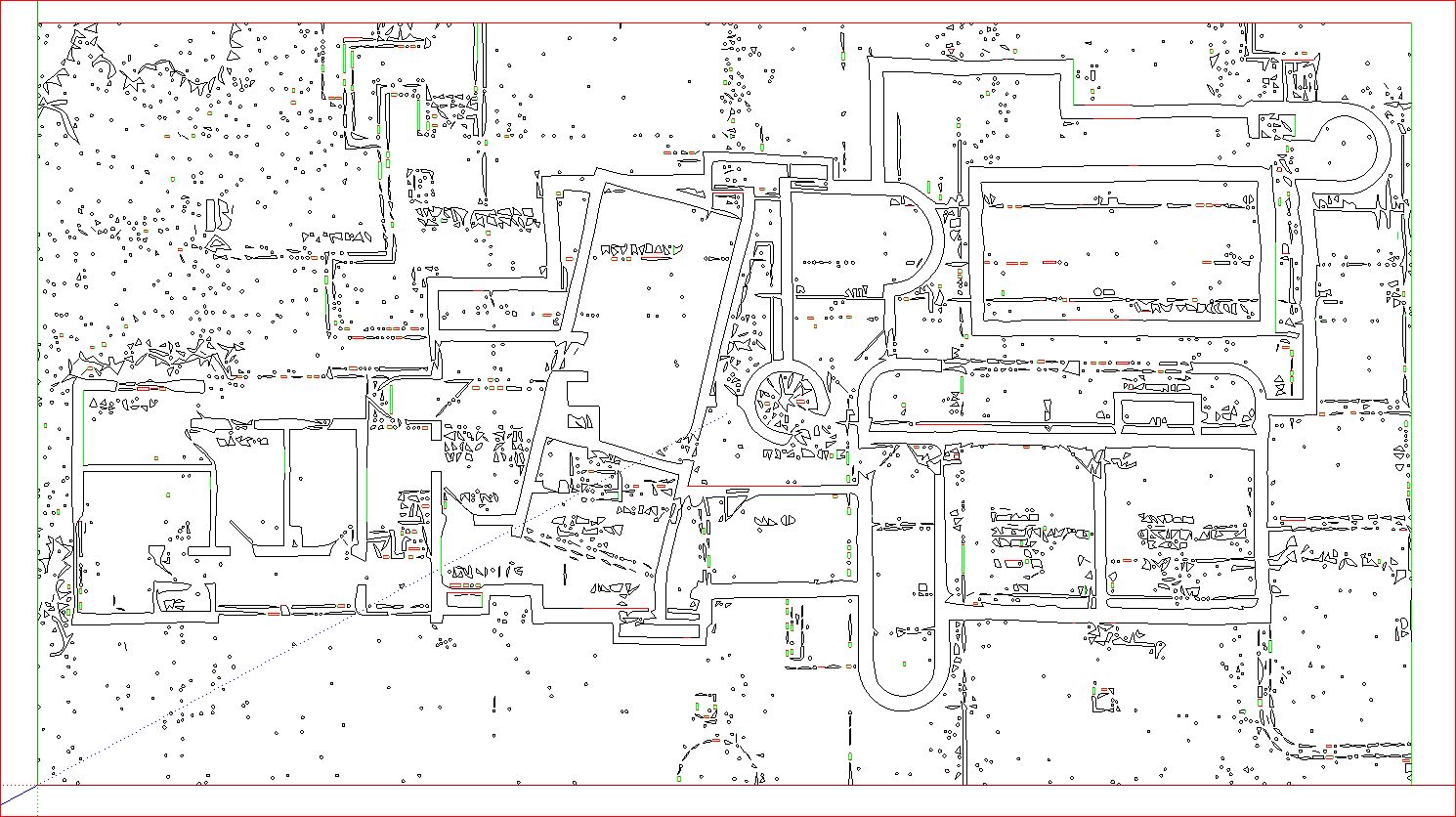
After I had optimized a bit the image in PS , the plan now looks like this. I do not know whether this is helpful.
Charly
-
the first one looks quite good. I don't have SU8 yet, so I'm not able to open the file.
I think the problem will be after the push/pull function, the walls won't look plane.
But this could be a solution for my carpet problem
-
Inkscape.org .....Check out this great FREE program...Does what you want and lots more....
-
I thought there were size limitations in Inkscape, ie pixels/ resolution? Has this improved? I will check if I can.







Hello! It looks like you're interested in this conversation, but you don't have an account yet.
Getting fed up of having to scroll through the same posts each visit? When you register for an account, you'll always come back to exactly where you were before, and choose to be notified of new replies (either via email, or push notification). You'll also be able to save bookmarks and upvote posts to show your appreciation to other community members.
With your input, this post could be even better 💗
Register Login


Advertisement