sketchucation logo sketchucation
    • Login
    Oops, your profile's looking a bit empty! To help us tailor your experience, please fill in key details like your SketchUp version, skill level, operating system, and more. Update and save your info on your profile page today!
    ⚠️ Important | Libfredo 15.6b introduces important bugfixes for Fredo's Extensions Update

    [req] tracing bitmaps?

    Scheduled Pinned Locked Moved Plugins
    39 Posts 9 Posters 4.8k Views 9 Watching
    Loading More Posts
    • Oldest to Newest
    • Newest to Oldest
    • Most Votes
    Reply
    • Reply as topic
    Log in to reply
    This topic has been deleted. Only users with topic management privileges can see it.
    • jo-keJ Offline
      jo-ke
      last edited by

      OK here is my rug-problem! It's a different situation but the same problem:

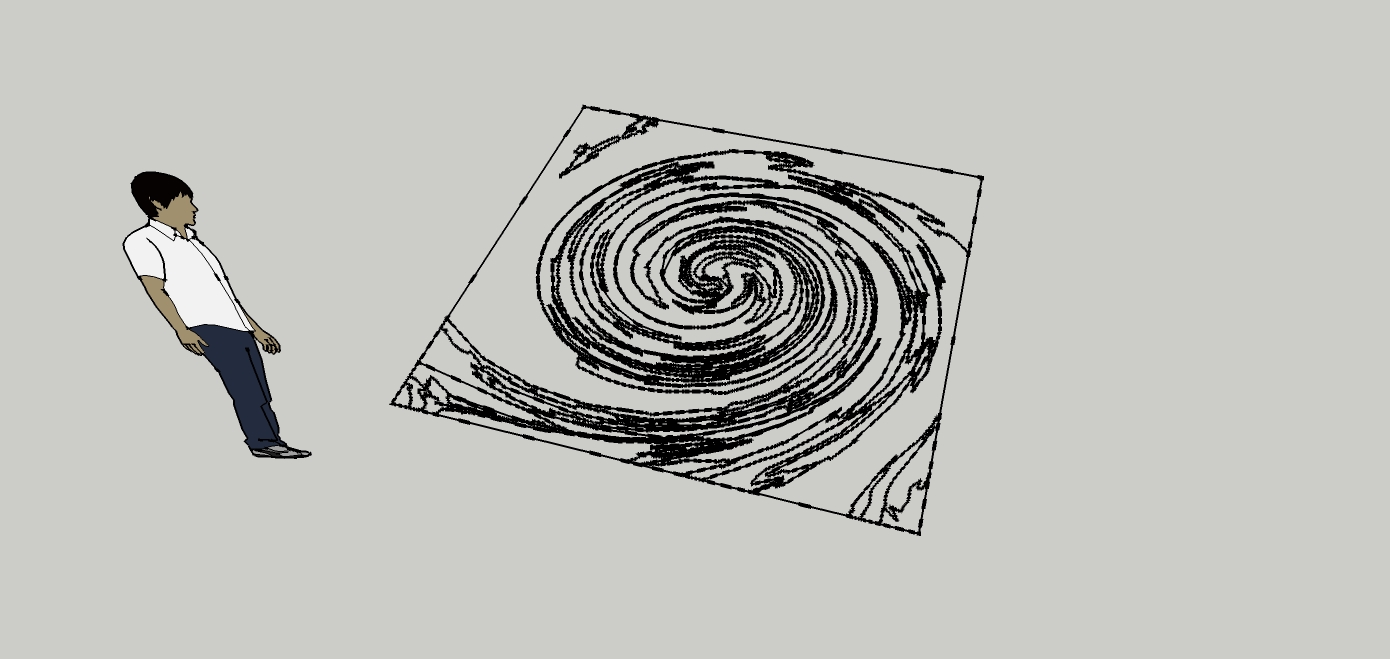
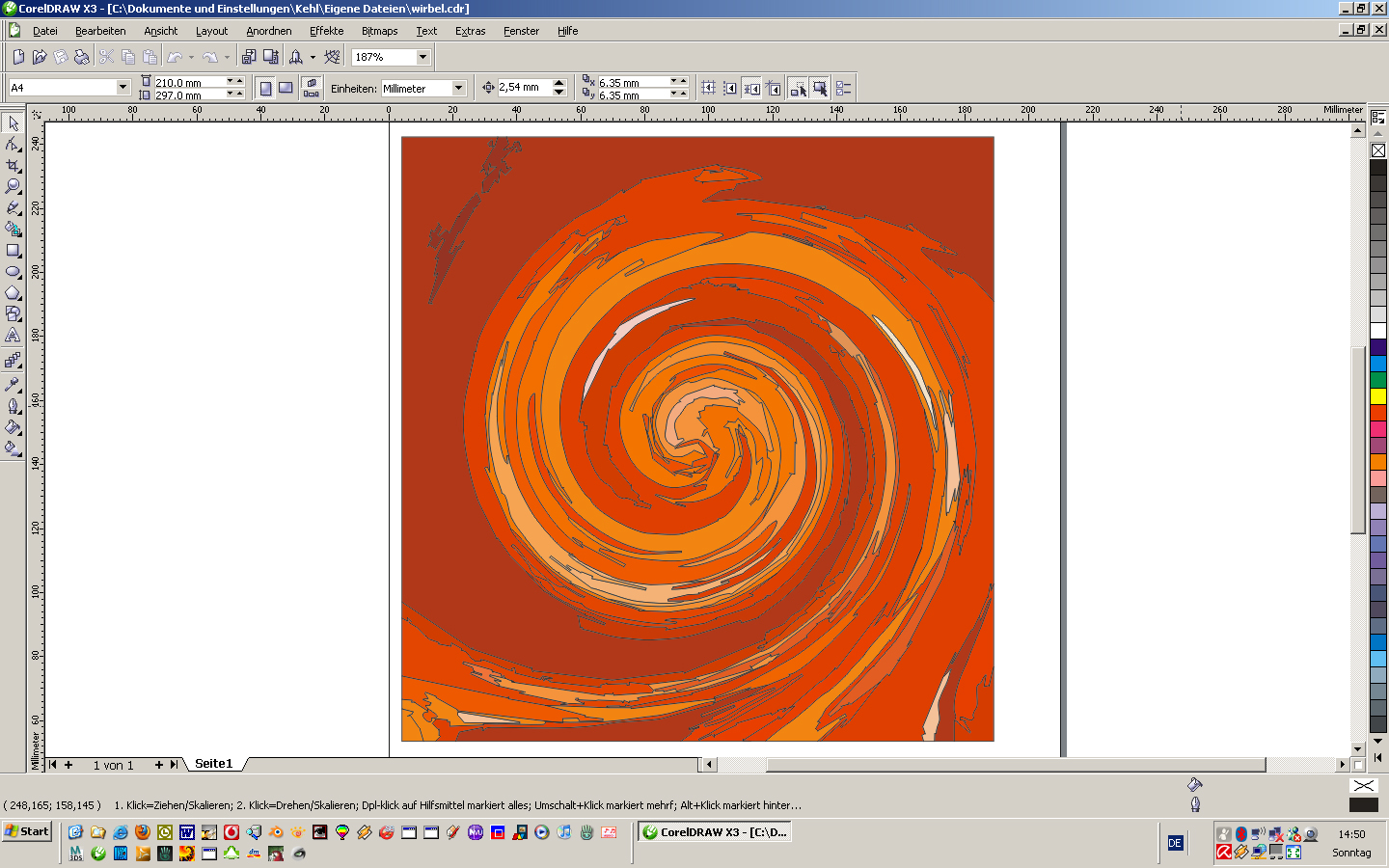
      I am drawing the designs of my rugs with photoshop or coreldraw. If the design is a bitmap I can trace it with coreldraw and I can save it as a dwg file. unfortunately the vectors are not filled when I import it to SU so I can't use the pushpull function

      coreldraw:
      trace001.jpg

      SU after import
      trace002.jpg

      real rug

      http://www.doerr-lu.de/nmweb//_actions/nmweb_action_getfile.php?field_fileid=537


      trace.skp

      http://www.zz7.de

      1 Reply Last reply Reply Quote 0
      • jo-keJ Offline
        jo-ke
        last edited by

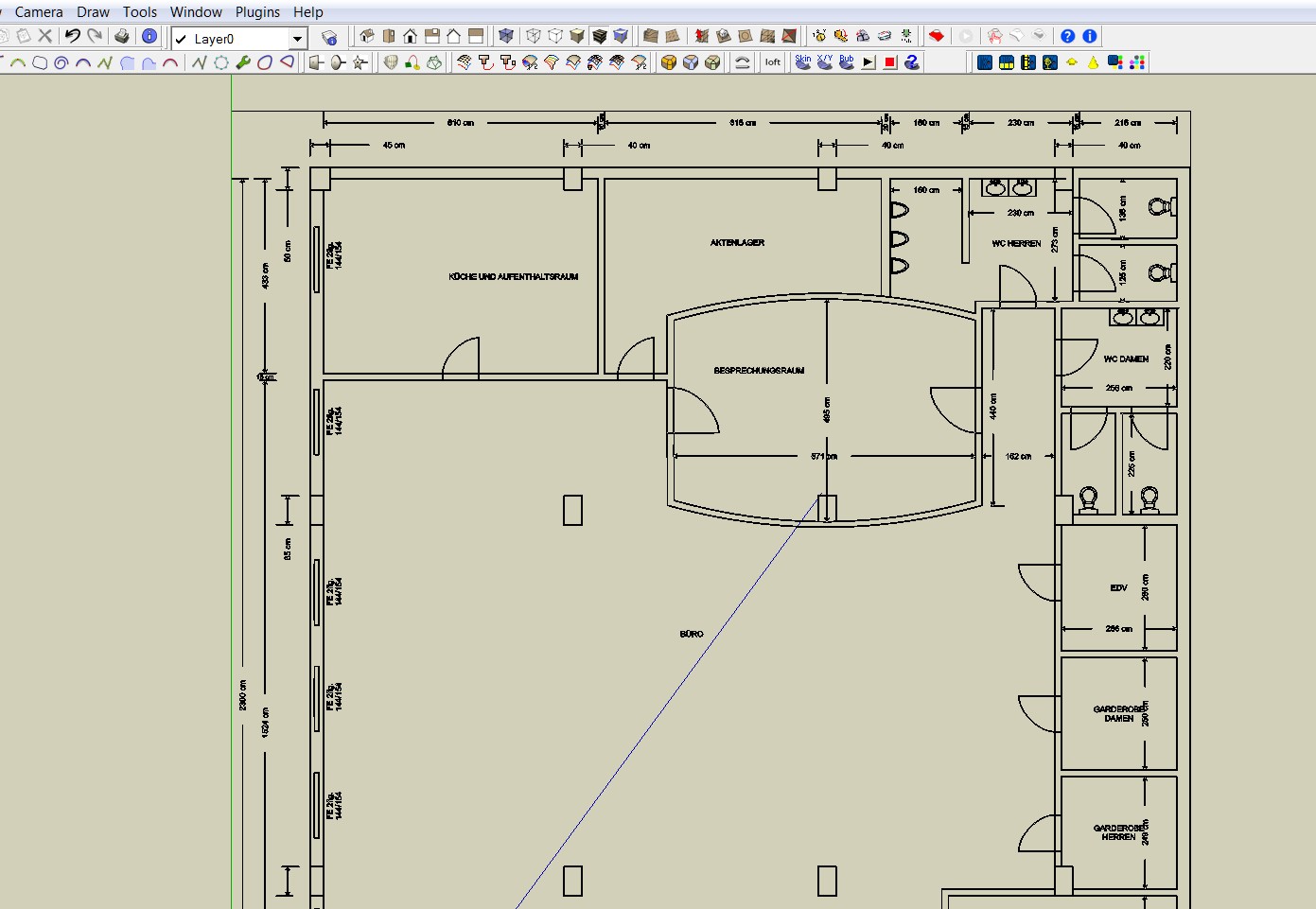
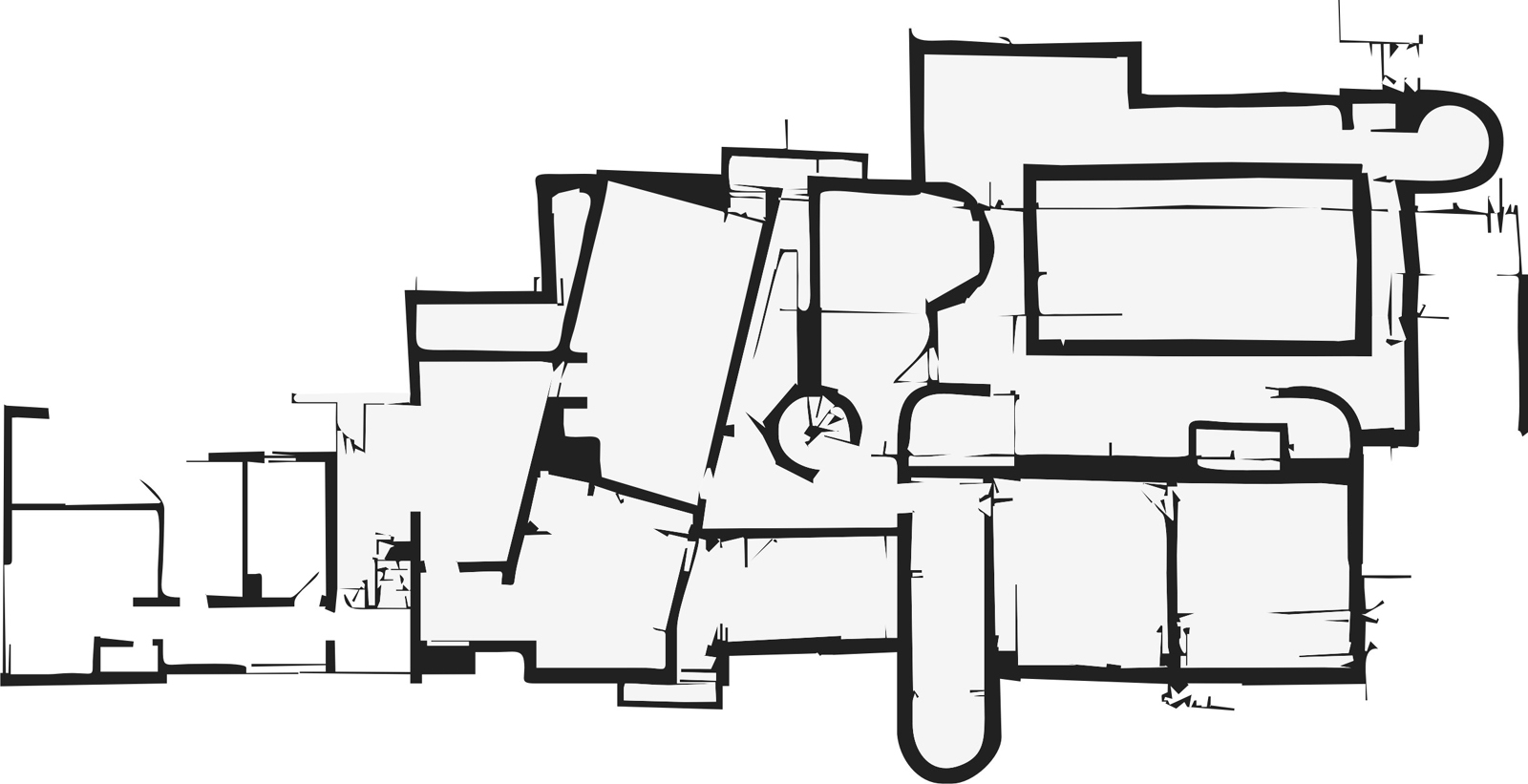
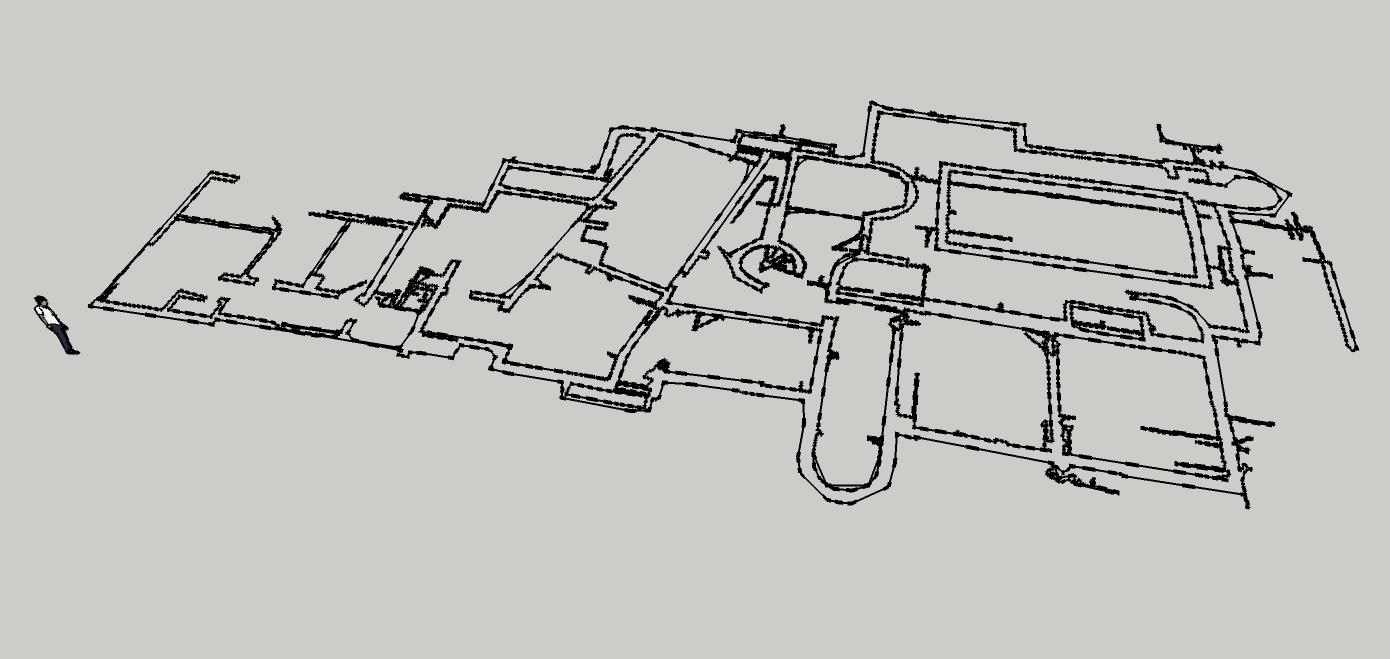
        I used the same method with the floorplan

        vectorising in corel X3. it was a quite good result, the tracing function in corel is very good. no postprocess, export as dwg, import in SU and no filled fields...
        grundriss-cdr-trace001.jpg


        grundriss-cdr-trace002.jpg


        grundriss-trace.skp

        http://www.zz7.de

        1 Reply Last reply Reply Quote 0
        • charly2008C Offline
          charly2008
          last edited by

          Hi jo-ke,

          there are many stray lines (plugin) . they have to be corrected manually.

          Charly
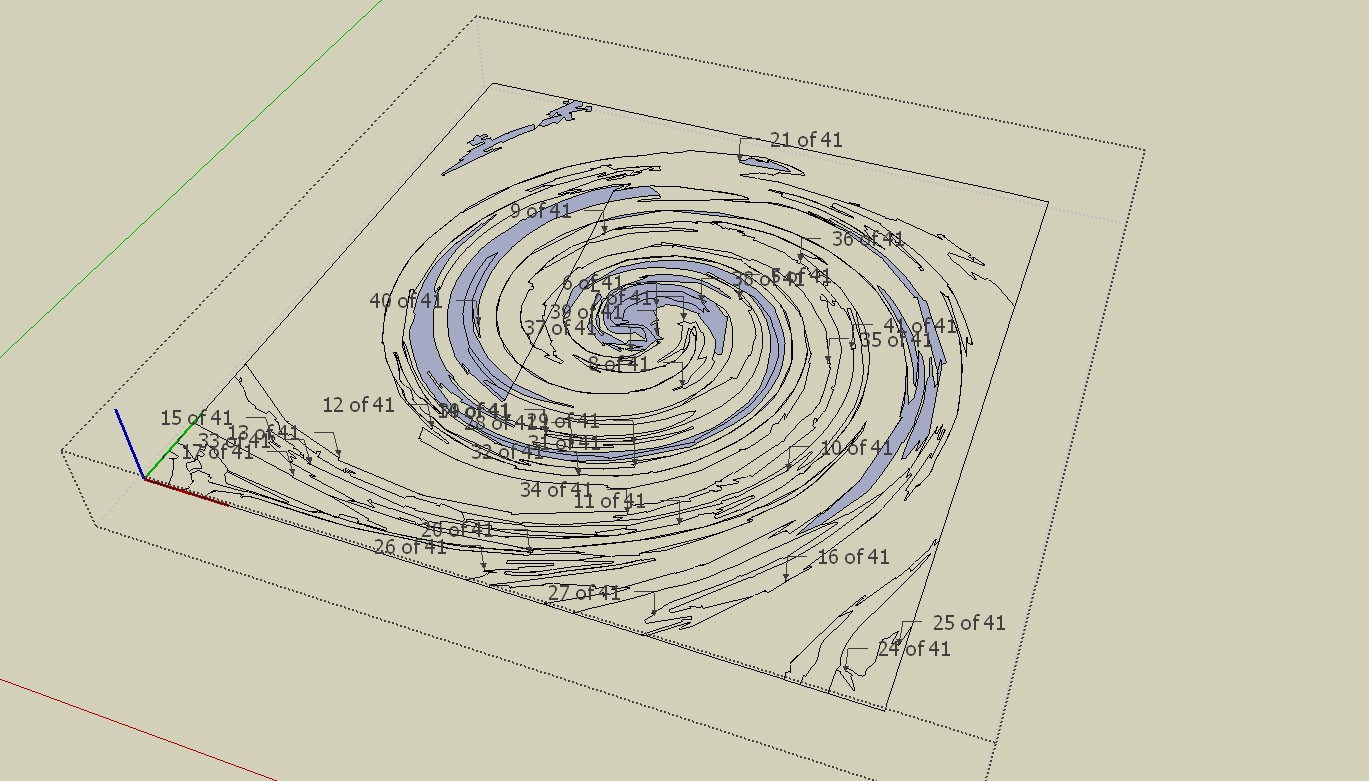

          trace.skp


          Stray Lines.jpg

          He who makes no mistakes, makes nothing

          1 Reply Last reply Reply Quote 0
          • jo-keJ Offline
            jo-ke
            last edited by

            wow charly, this looks better. how did you fill the fileds?

            http://www.zz7.de

            1 Reply Last reply Reply Quote 0
            • charly2008C Offline
              charly2008
              last edited by

              it is the same in this drawing stray lines and open contours.
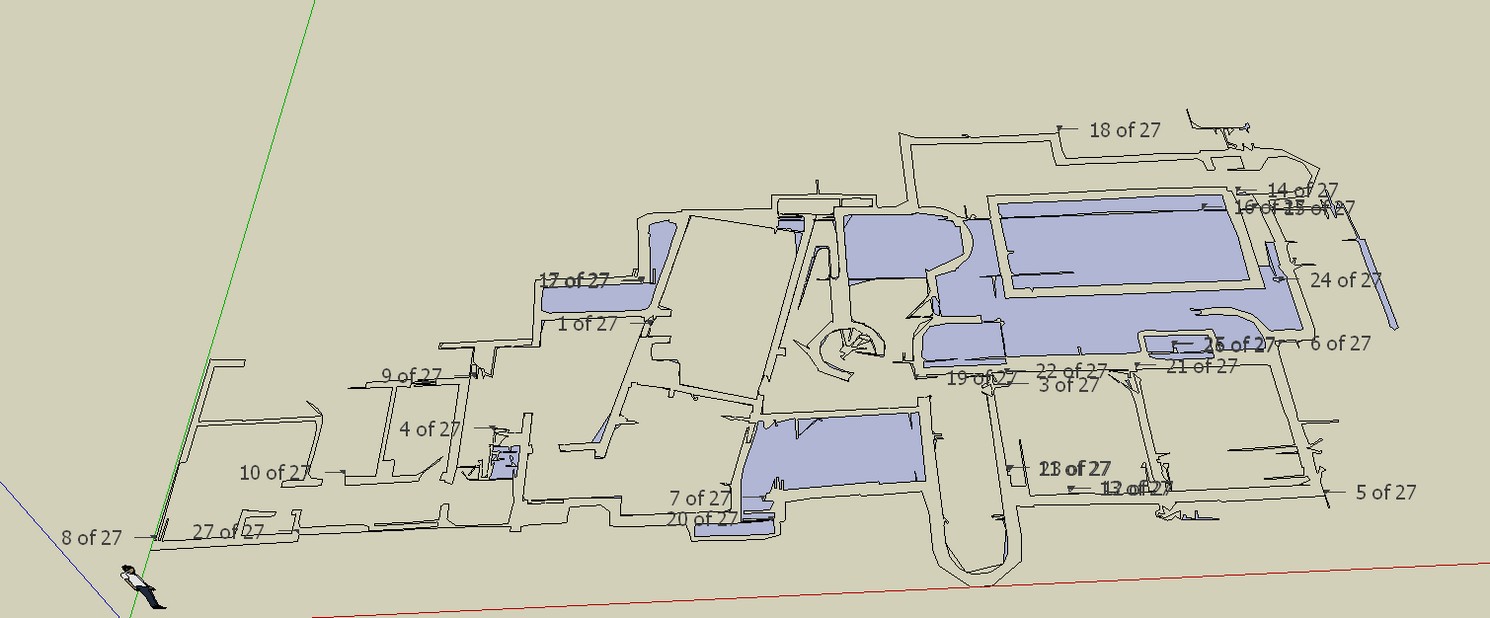

              Stray Lines.jpg

              He who makes no mistakes, makes nothing

              1 Reply Last reply Reply Quote 0
              • charly2008C Offline
                charly2008
                last edited by

                With the plugin "make faces 1.4"

                He who makes no mistakes, makes nothing

                1 Reply Last reply Reply Quote 0
                • thomthomT Offline
                  thomthom
                  last edited by

                  @charly2008 said:

                  I removed all the stray lines but you can see some of the contour lines are not closed. This finding is hard work.

                  And surely that isn't usable as a working model, is it? There isn't a single straight line there...

                  Thomas Thomassen — SketchUp Monkey & Coding addict
                  List of my plugins and link to the CookieWare fund

                  1 Reply Last reply Reply Quote 0
                  • charly2008C Offline
                    charly2008
                    last edited by

                    I removed all the stray lines but you can see some of the contour lines are not closed. This finding is hard work. Oh I remembered there is a trouble shooting style.
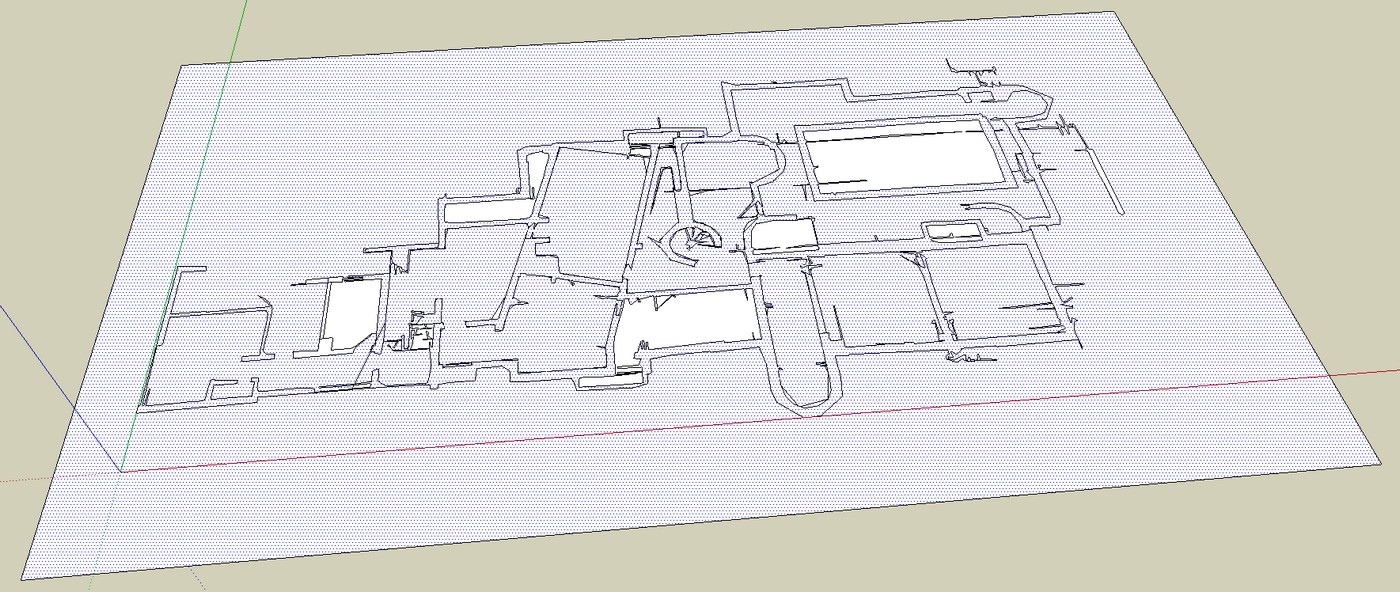
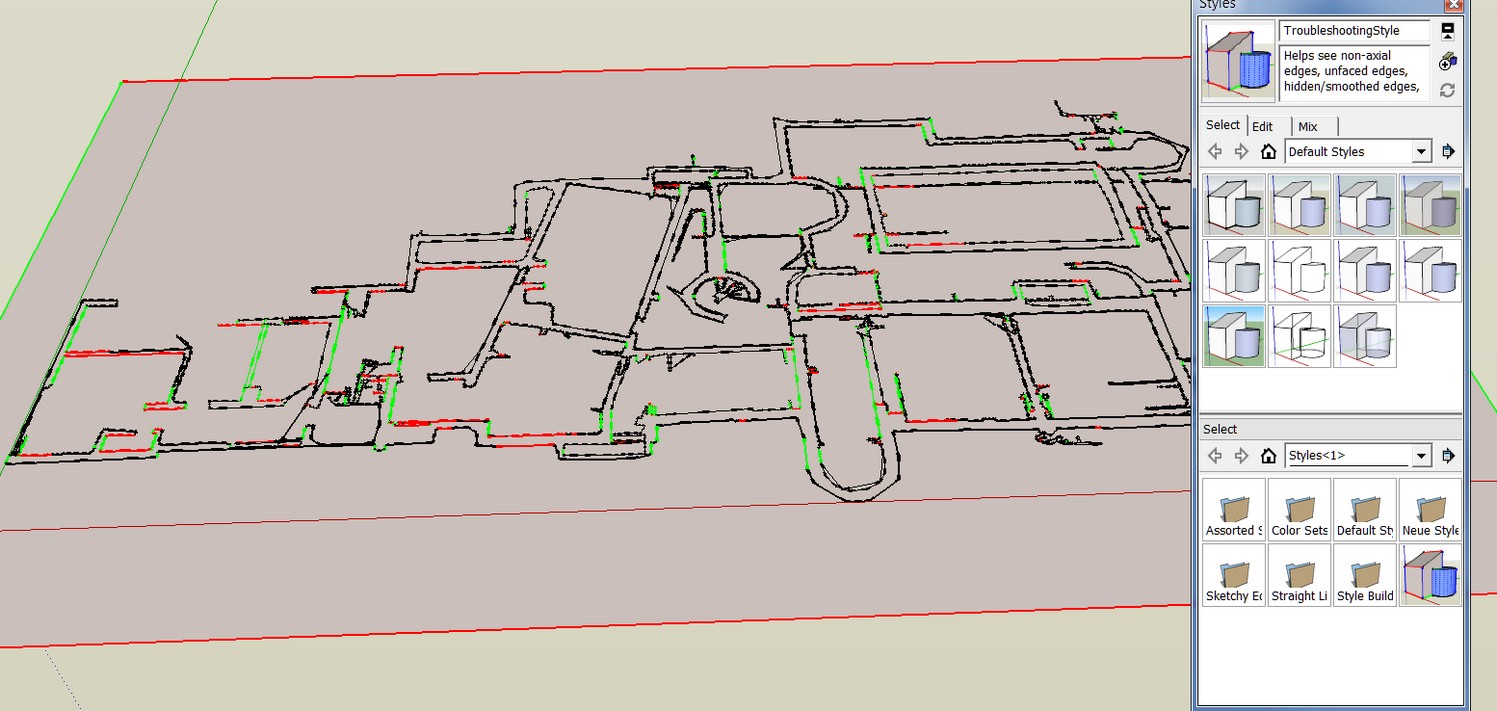
                    Stray Lines.jpg


                    Trouble shooting.jpg

                    He who makes no mistakes, makes nothing

                    1 Reply Last reply Reply Quote 0
                    • jo-keJ Offline
                      jo-ke
                      last edited by

                      I can't find the make faces plugin...

                      at the moment I'm trying the plan tools http://forums.sketchucation.com/viewtopic.php?f=323&t=30512&start=0&hilit=make+faces

                      http://www.zz7.de

                      1 Reply Last reply Reply Quote 0
                      • charly2008C Offline
                        charly2008
                        last edited by

                        Hi Thomas,

                        [/quote]
                        And surely that isn't usable as a working model, is it? There isn't a single straight line there...[/quote]

                        that seems to be the Problem!

                        Charly

                        He who makes no mistakes, makes nothing

                        1 Reply Last reply Reply Quote 0
                        • charly2008C Offline
                          charly2008
                          last edited by

                          Jo-ke,

                          if it is not in your Tools menu, have a look here:

                          Link Preview Image
                          Smustard(TM) - the Companion to Sketchup(TM) - Plugins and Scripts

                          List of Smustard plugins and ruby scripts for Sketchup

                          favicon

                          (www.smustard.com)

                          He who makes no mistakes, makes nothing

                          1 Reply Last reply Reply Quote 0
                          • jo-keJ Offline
                            jo-ke
                            last edited by

                            @charly2008 said:

                            Jo-ke,

                            if it is not in your Tools menu, have a look here:

                            Link Preview Image
                            Smustard(TM) - the Companion to Sketchup(TM) - Plugins and Scripts

                            List of Smustard plugins and ruby scripts for Sketchup

                            favicon

                            (www.smustard.com)

                            Ah thank you. now of course I've found it.

                            http://www.zz7.de

                            1 Reply Last reply Reply Quote 0
                            • charly2008C Offline
                              charly2008
                              last edited by

                              Thomas,

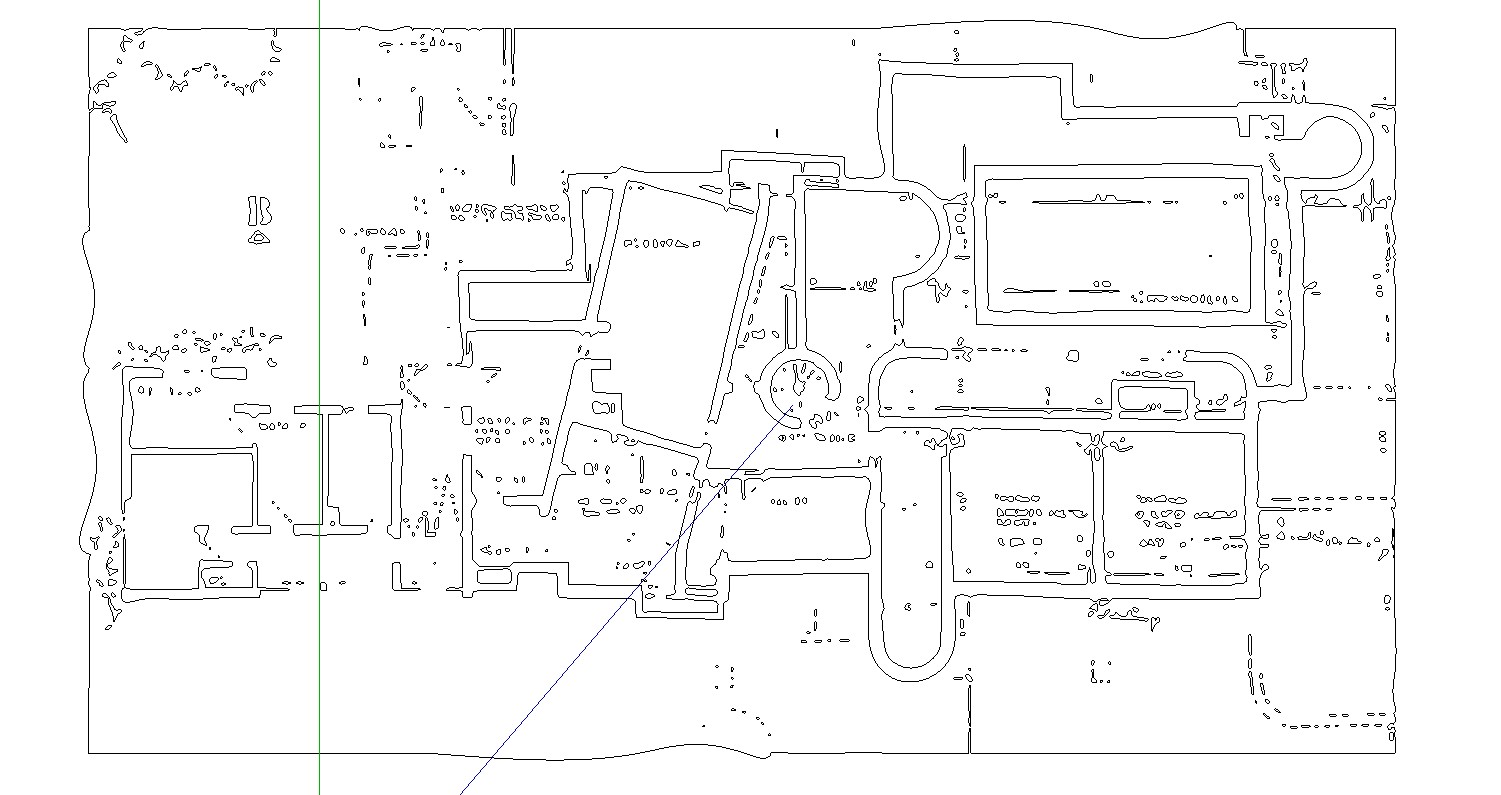
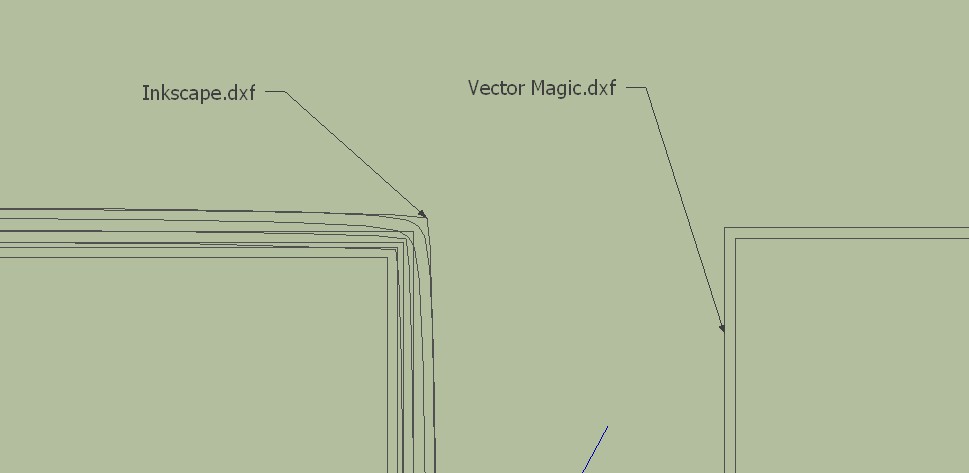
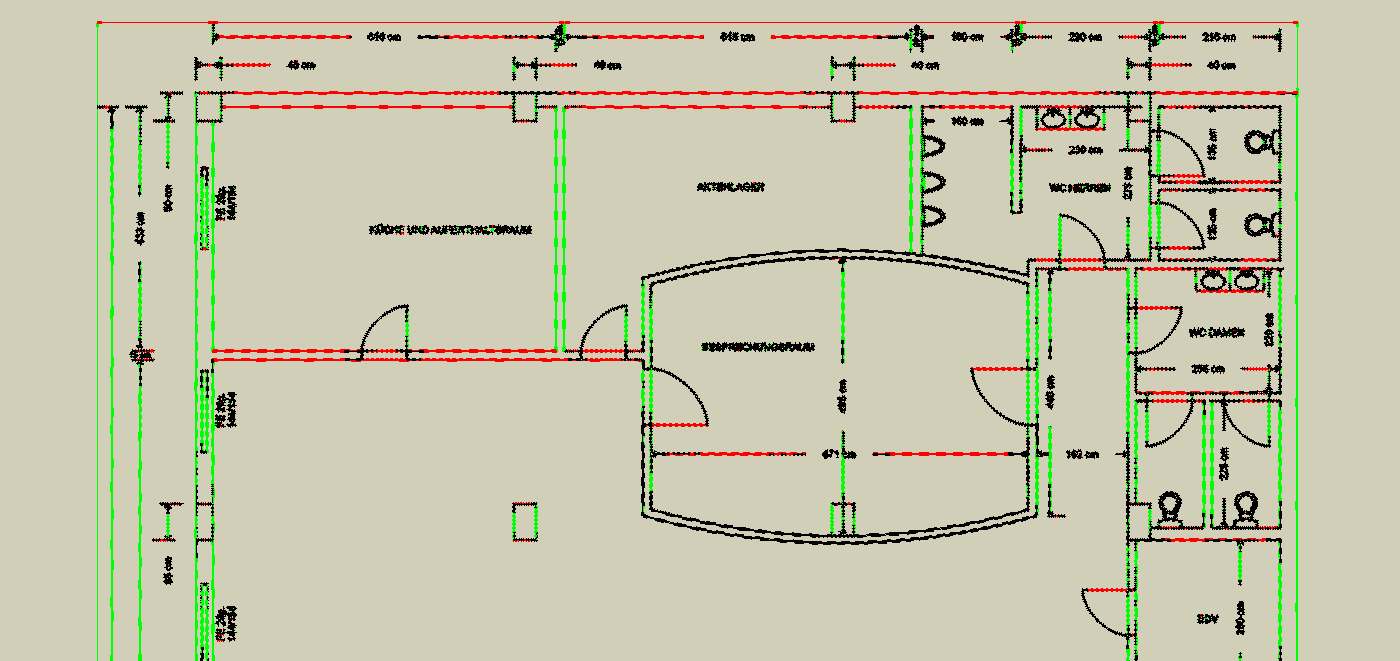
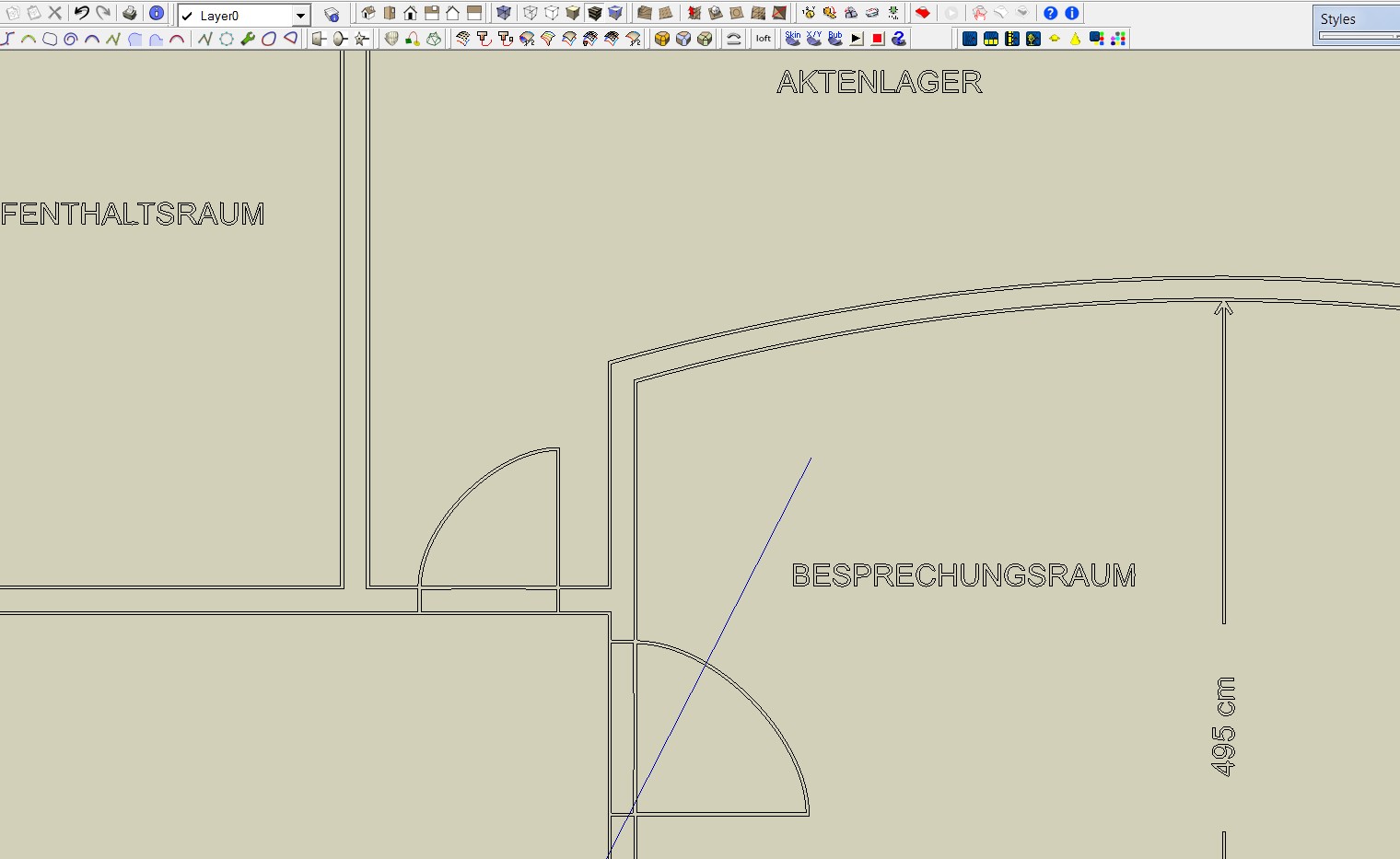
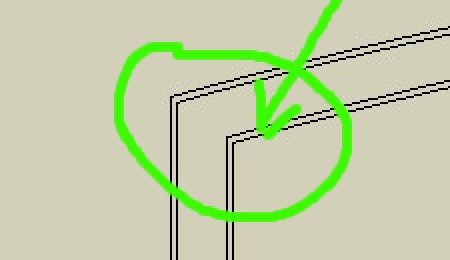
                              I have found now a plan with a resolution of 3335 x 4151 pixels. The result is good. But what I still do not understand is that double lines are generated.

                              CharlyUntitled1.jpg


                              Sketchup1.jpg


                              Loft.skp


                              Untitled2.jpg


                              Untitled3.jpg

                              He who makes no mistakes, makes nothing

                              1 Reply Last reply Reply Quote 0
                              • thomthomT Offline
                                thomthom
                                last edited by

                                Ah, it create a line for each side of the black pixels... is there a setting for that in the app you use?

                                Thomas Thomassen — SketchUp Monkey & Coding addict
                                List of my plugins and link to the CookieWare fund

                                1 Reply Last reply Reply Quote 0
                                • charly2008C Offline
                                  charly2008
                                  last edited by

                                  Thomas,

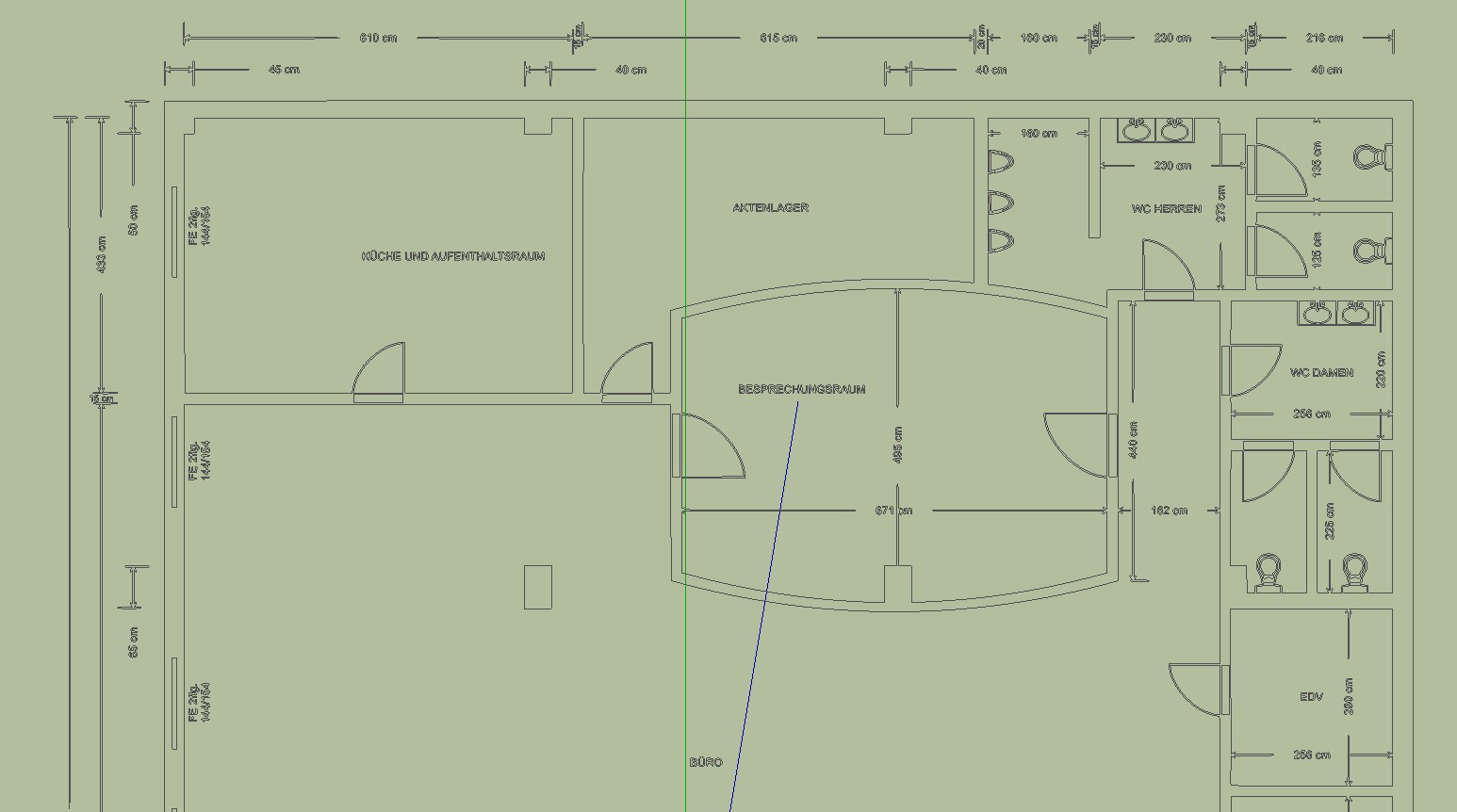
                                  In Inkscape I did it. The error was to use the edge detection. You have to use Brightness cutoff. Well, at least most of the lines are individual lines. Please have a look into the attached file.

                                  Charly
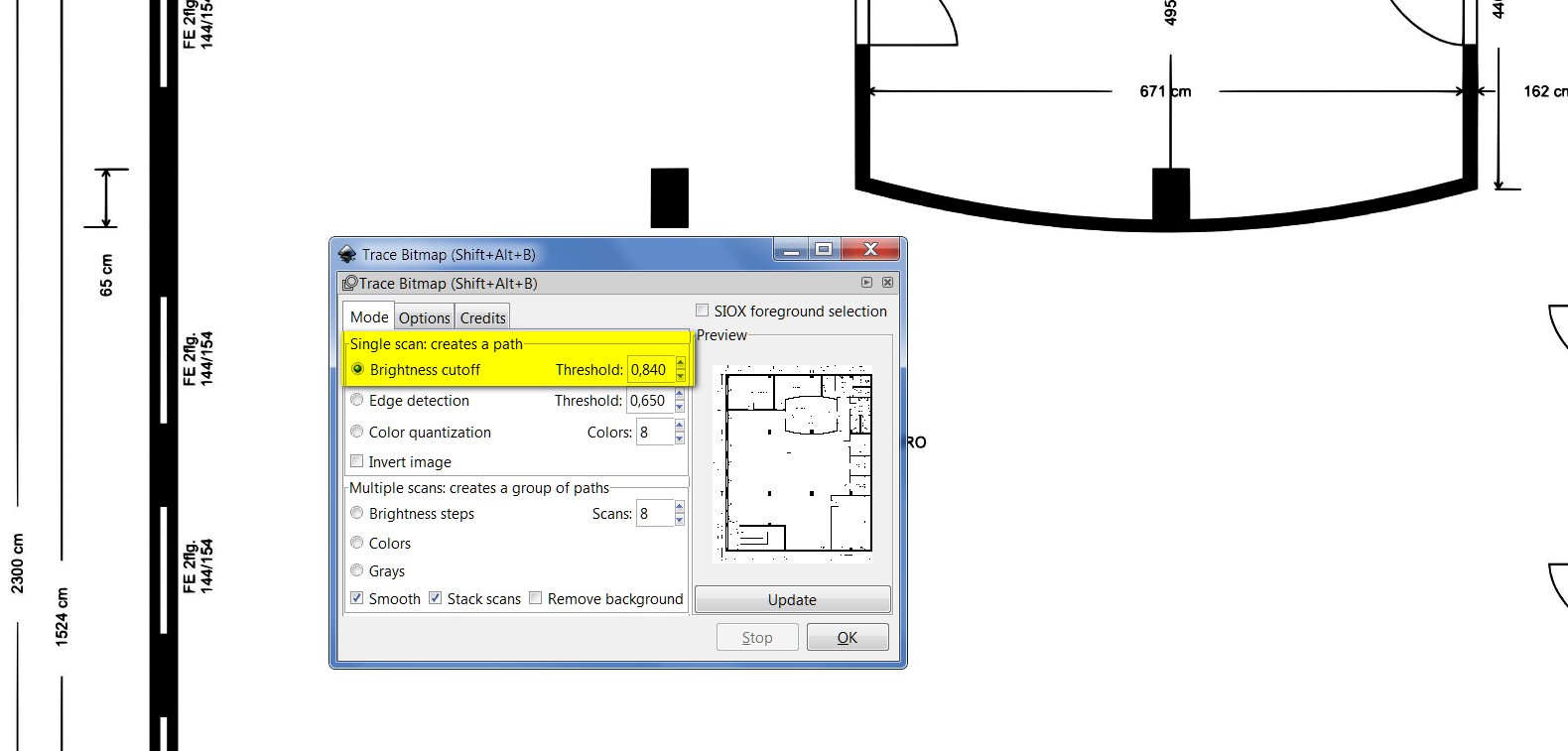

                                  Untitled1.jpg


                                  Untitled2.jpg


                                  Loft.skp

                                  He who makes no mistakes, makes nothing

                                  1 Reply Last reply Reply Quote 0
                                  • jo-keJ Offline
                                    jo-ke
                                    last edited by

                                    The result is perfect!

                                    I've quickly used "make faces" 😉 and pushpull and the result looks like that:

                                    (of course many lines (doors, fonts,...) need to be corrected but that is easy with that result.)
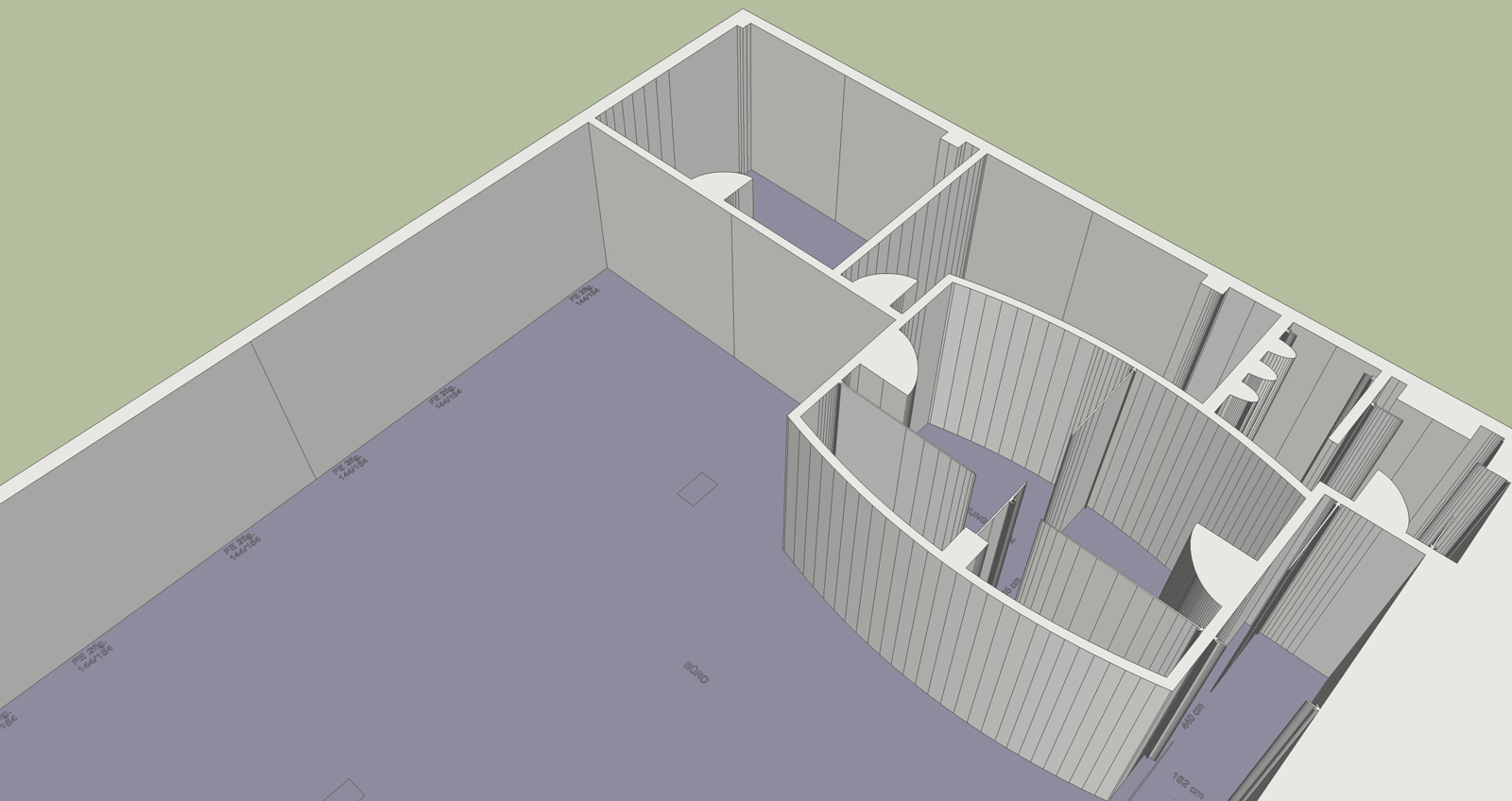


                                    trace-Loft-1.jpg

                                    http://www.zz7.de

                                    1 Reply Last reply Reply Quote 0
                                    • 1
                                    • 2
                                    • 2 / 2
                                    • First post
                                      Last post
                                    Buy SketchPlus
                                    Buy SUbD
                                    Buy WrapR
                                    Buy eBook
                                    Buy Modelur
                                    Buy Vertex Tools
                                    Buy SketchCuisine
                                    Buy FormFonts

                                    Advertisement