[req] tracing bitmaps?
-
Hi 3eighty,
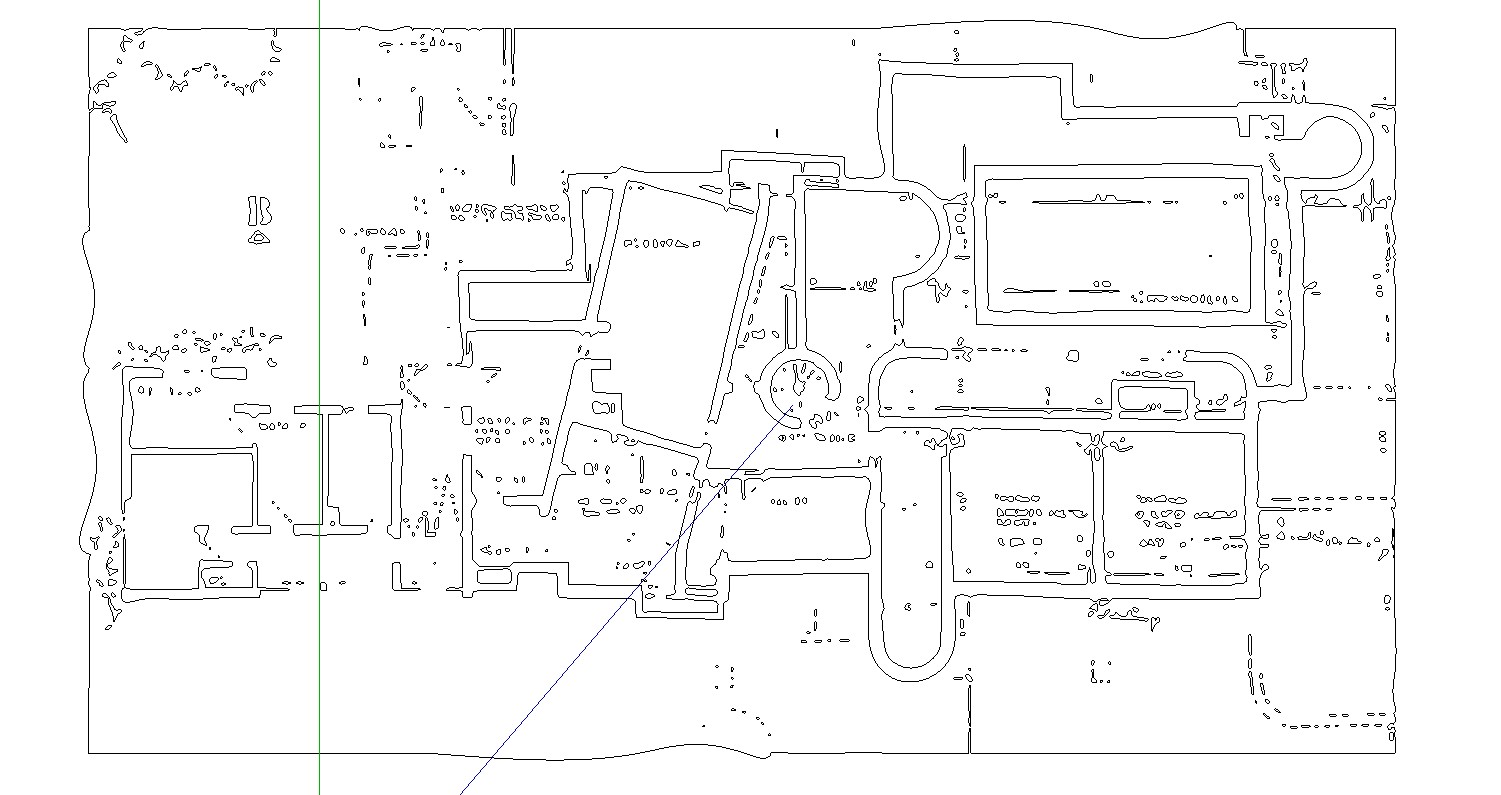
I have Inkscape for a while, but I have not worked much with it. But it seems to also not bad and it is free. The problem in both programs the result depends on the quality of the bitmap.
Charly
-
Bookmarked
 +1
+1 -
Hi to Everyone,
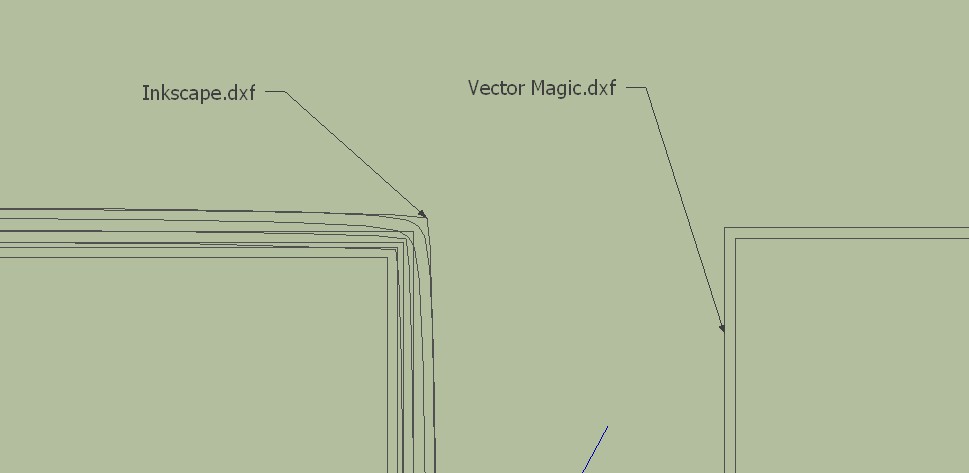
I have drawn a simple rectangle in SketchUp and this exported as BMP. With this BMP I experimented in both programs. From Vector Magic I received a double rectangle instead a single rectangle and from Inkscape I received a very different result. While the image edges are represented as single line or vectors.
I have less experience in vectorization of objects and I do not know if I'm doing something wrong. Are here in the forum experts who are familiar with this procedures? I would be very happy if someone could help and explain.
Charly

-
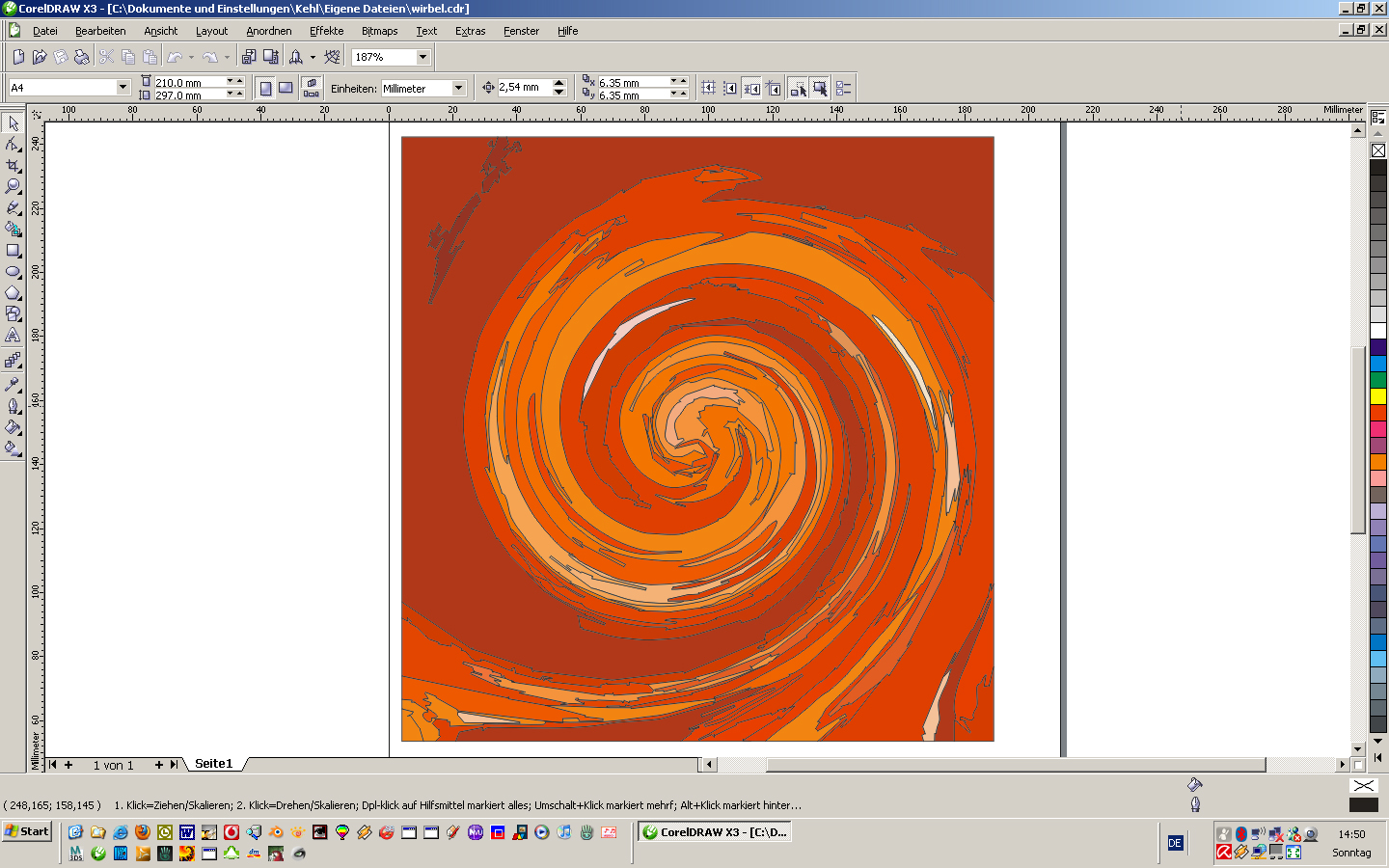
OK here is my rug-problem! It's a different situation but the same problem:
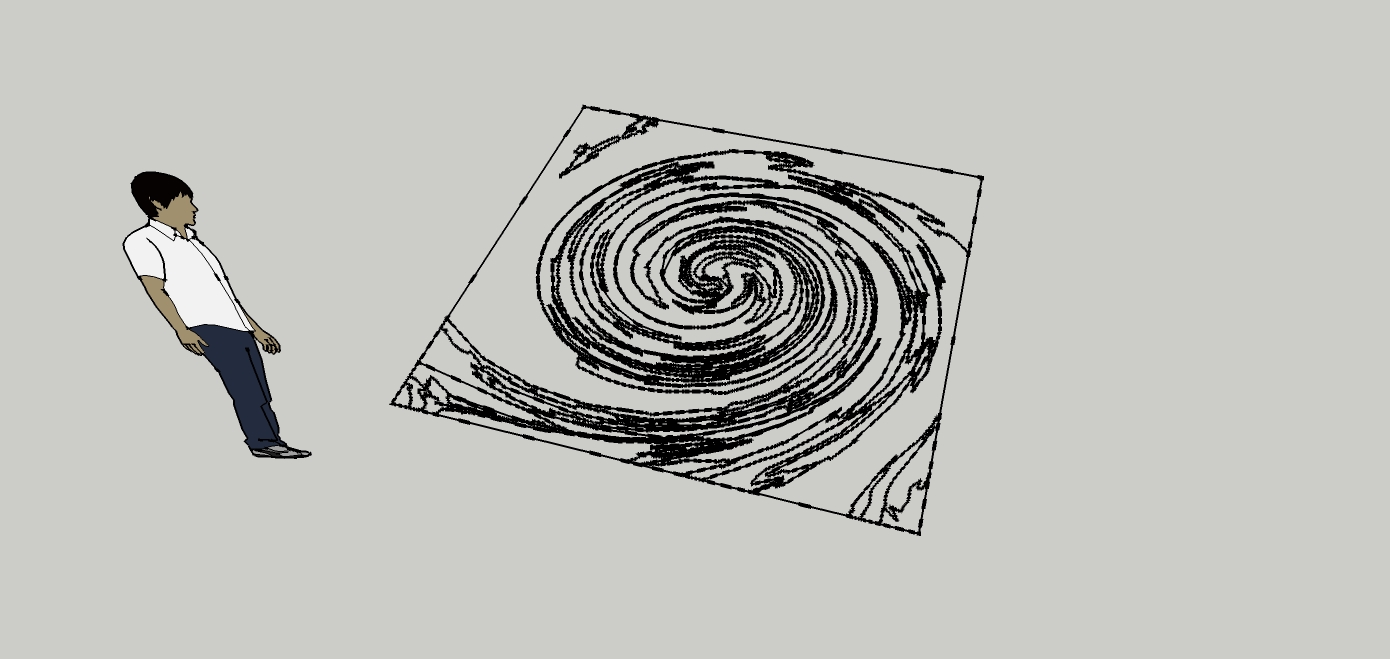
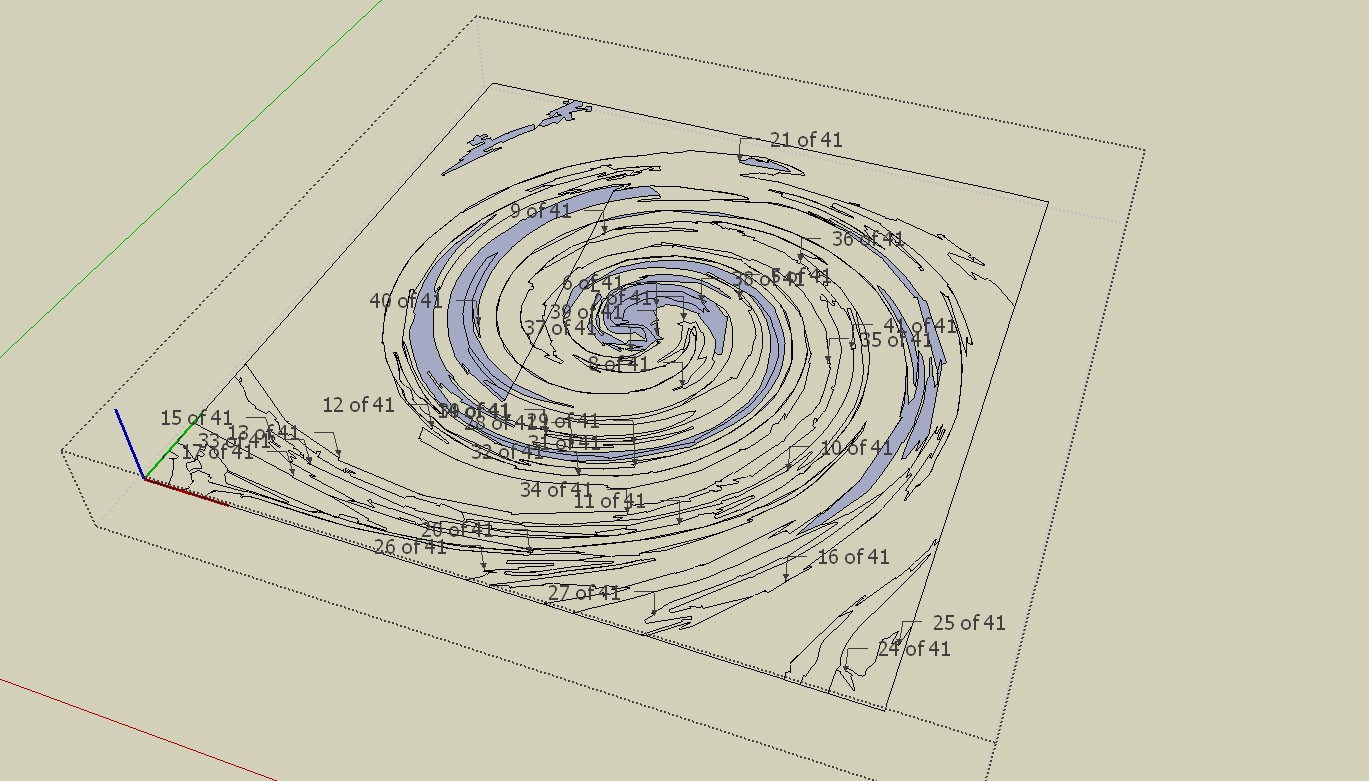
I am drawing the designs of my rugs with photoshop or coreldraw. If the design is a bitmap I can trace it with coreldraw and I can save it as a dwg file. unfortunately the vectors are not filled when I import it to SU so I can't use the pushpull function
coreldraw:
SU after import
real rug
-
I used the same method with the floorplan
vectorising in corel X3. it was a quite good result, the tracing function in corel is very good. no postprocess, export as dwg, import in SU and no filled fields...
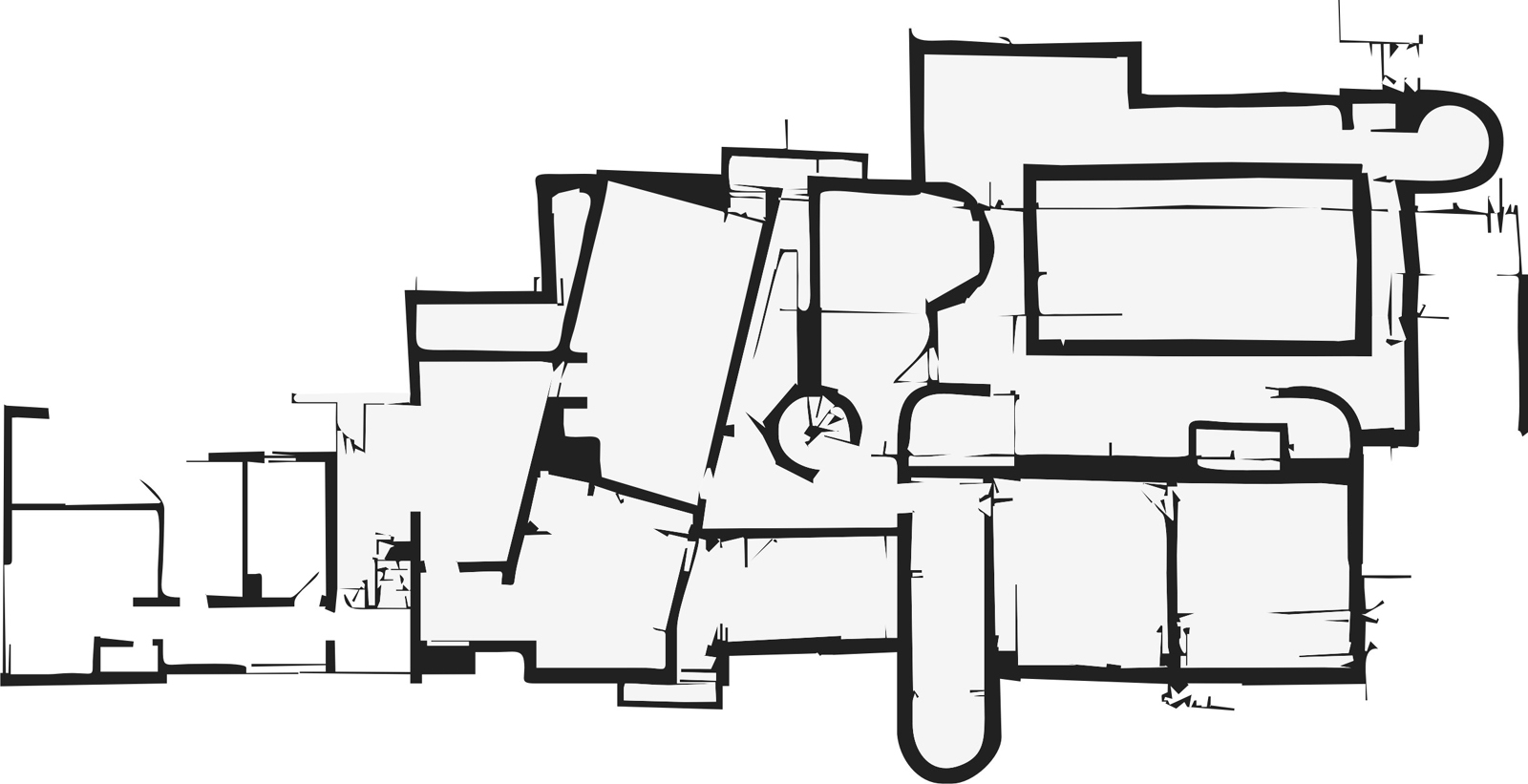
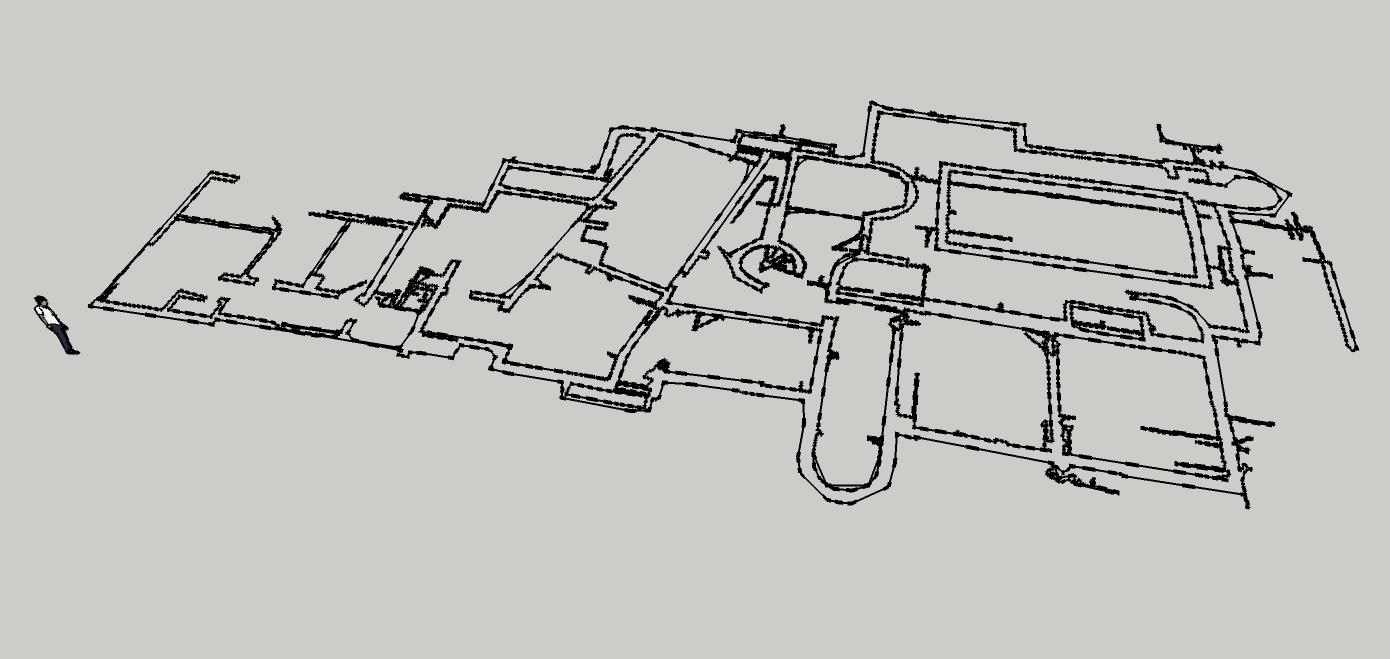
-
Hi jo-ke,
there are many stray lines (plugin) . they have to be corrected manually.
Charly
-
wow charly, this looks better. how did you fill the fileds?
-
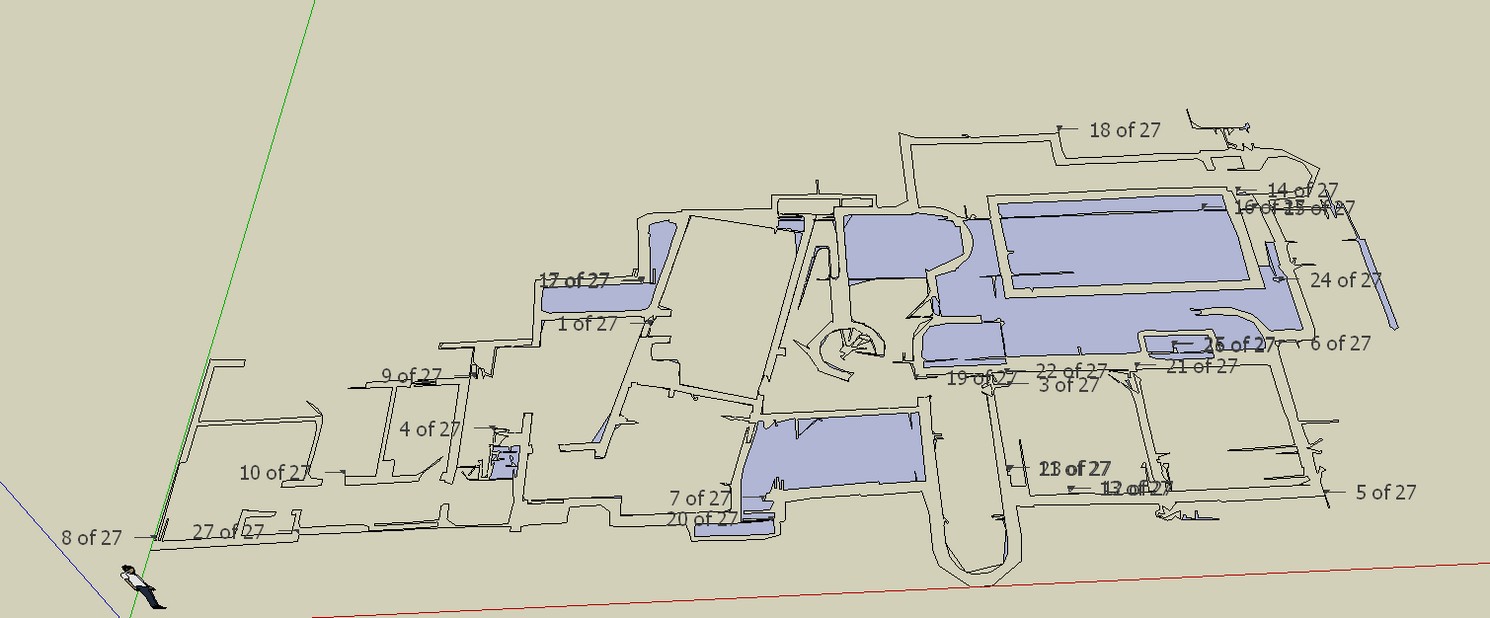
it is the same in this drawing stray lines and open contours.
-
With the plugin "make faces 1.4"
-
@charly2008 said:
I removed all the stray lines but you can see some of the contour lines are not closed. This finding is hard work.
And surely that isn't usable as a working model, is it? There isn't a single straight line there...
-
I removed all the stray lines but you can see some of the contour lines are not closed. This finding is hard work. Oh I remembered there is a trouble shooting style.
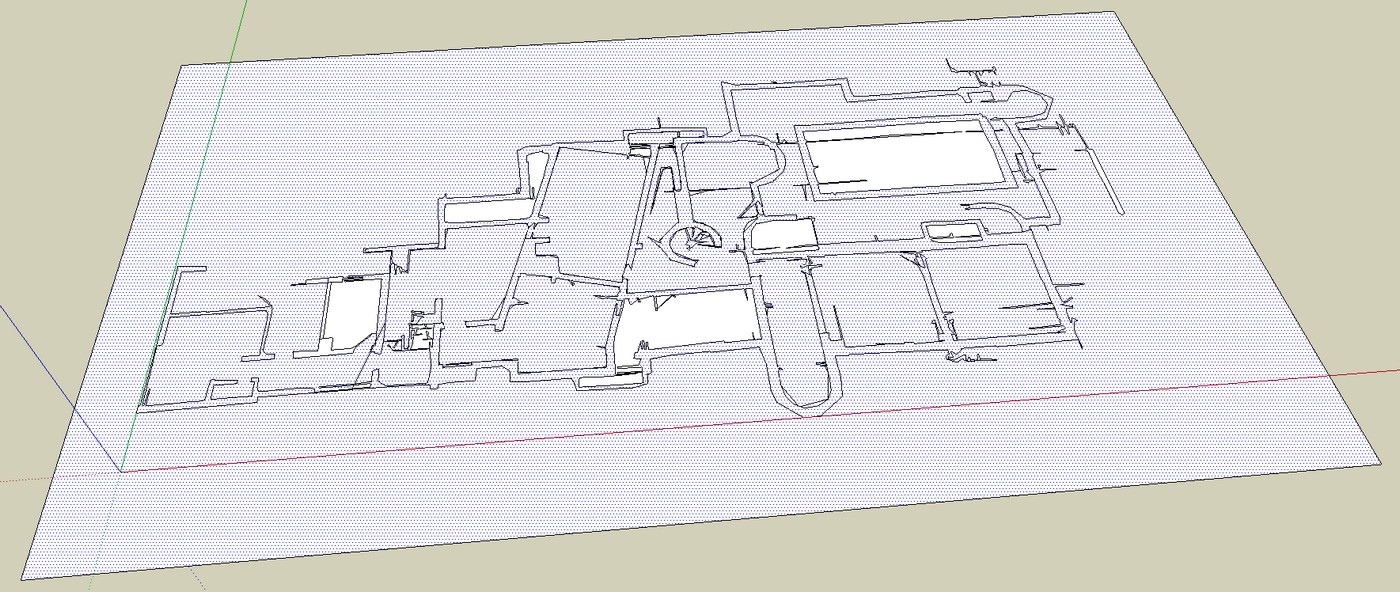
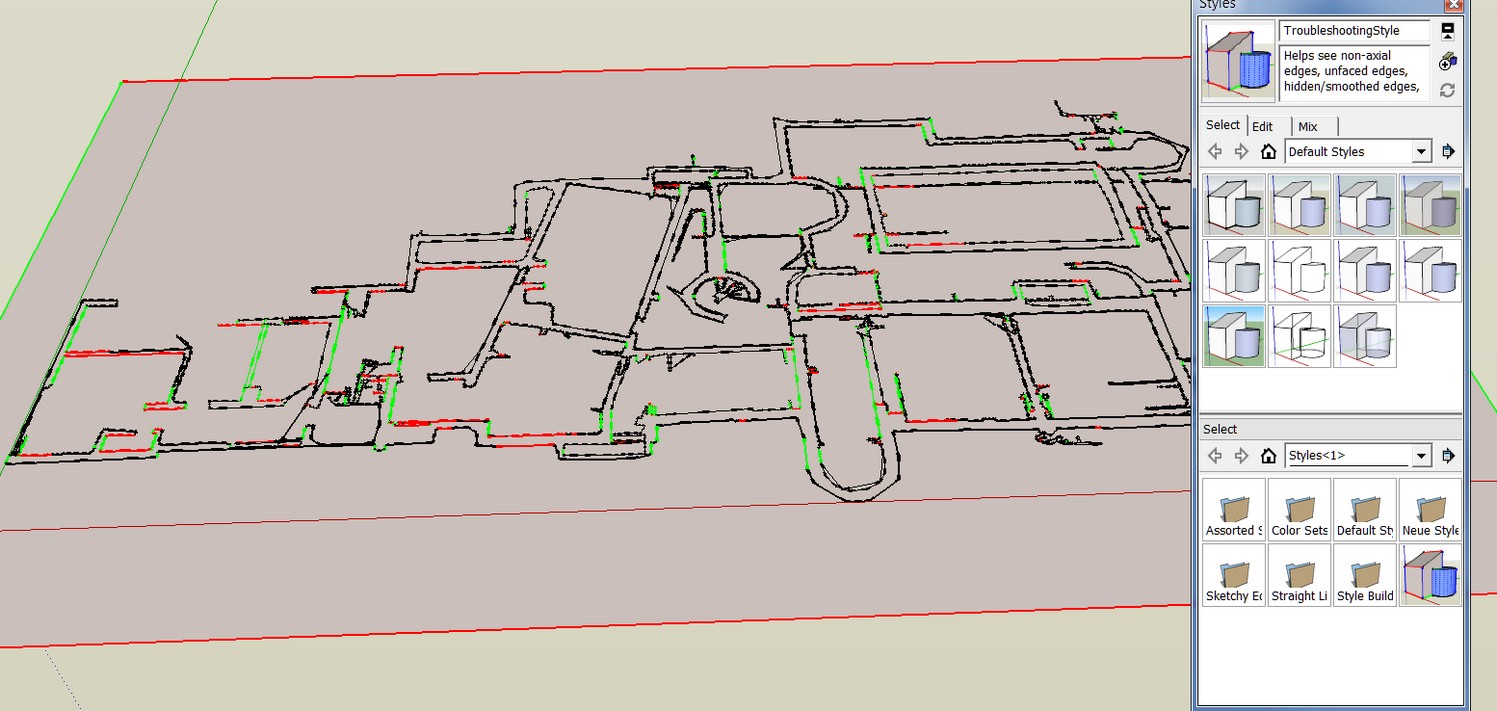
-
I can't find the make faces plugin...
at the moment I'm trying the plan tools http://forums.sketchucation.com/viewtopic.php?f=323&t=30512&start=0&hilit=make+faces
-
Hi Thomas,
[/quote]
And surely that isn't usable as a working model, is it? There isn't a single straight line there...[/quote]that seems to be the Problem!
Charly
-
-
@charly2008 said:
Jo-ke,
if it is not in your Tools menu, have a look here:
Ah thank you. now of course I've found it.
-
Thomas,
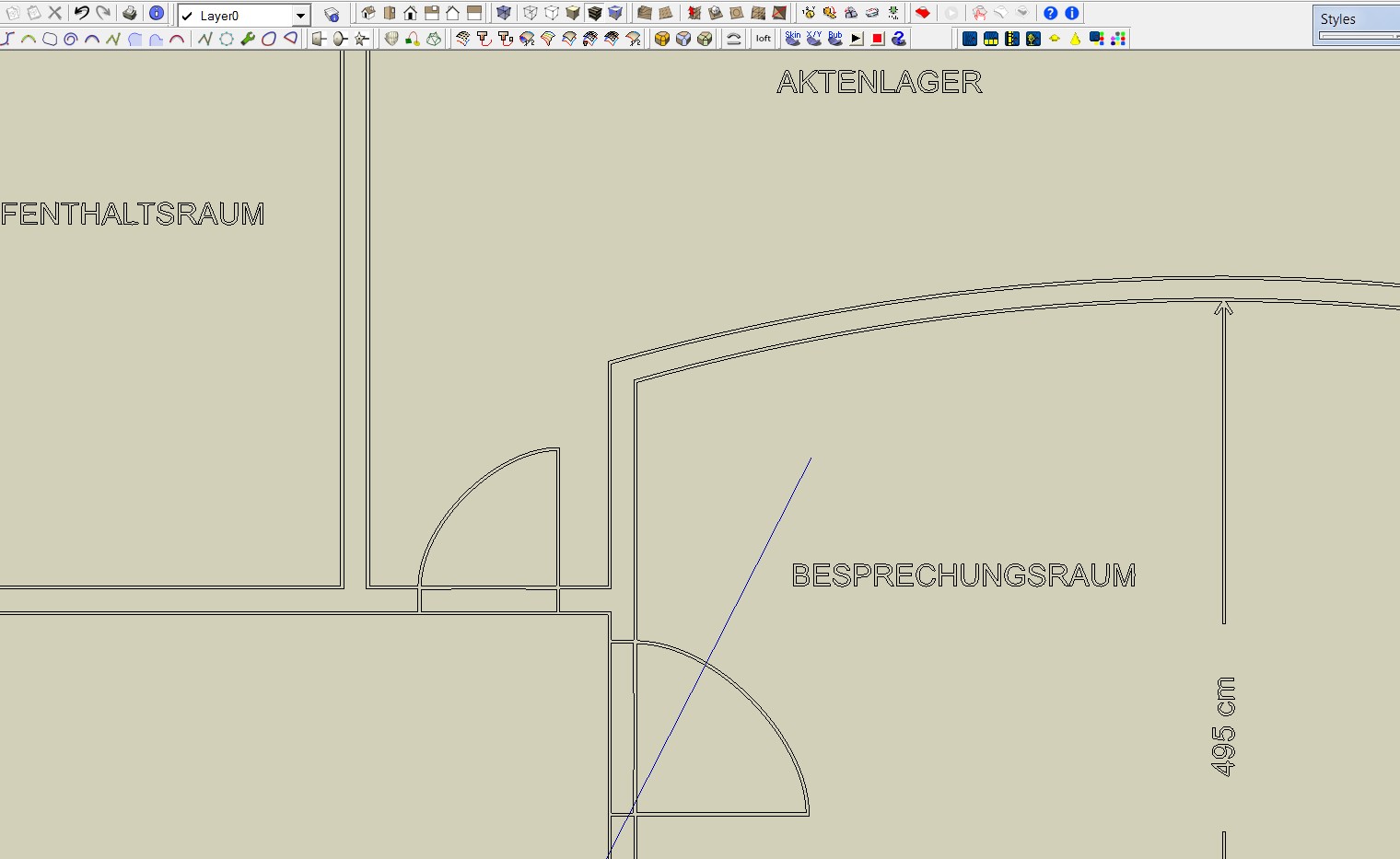
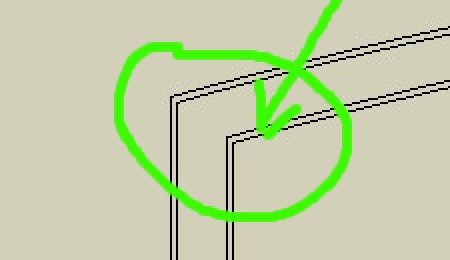
I have found now a plan with a resolution of 3335 x 4151 pixels. The result is good. But what I still do not understand is that double lines are generated.
Charly
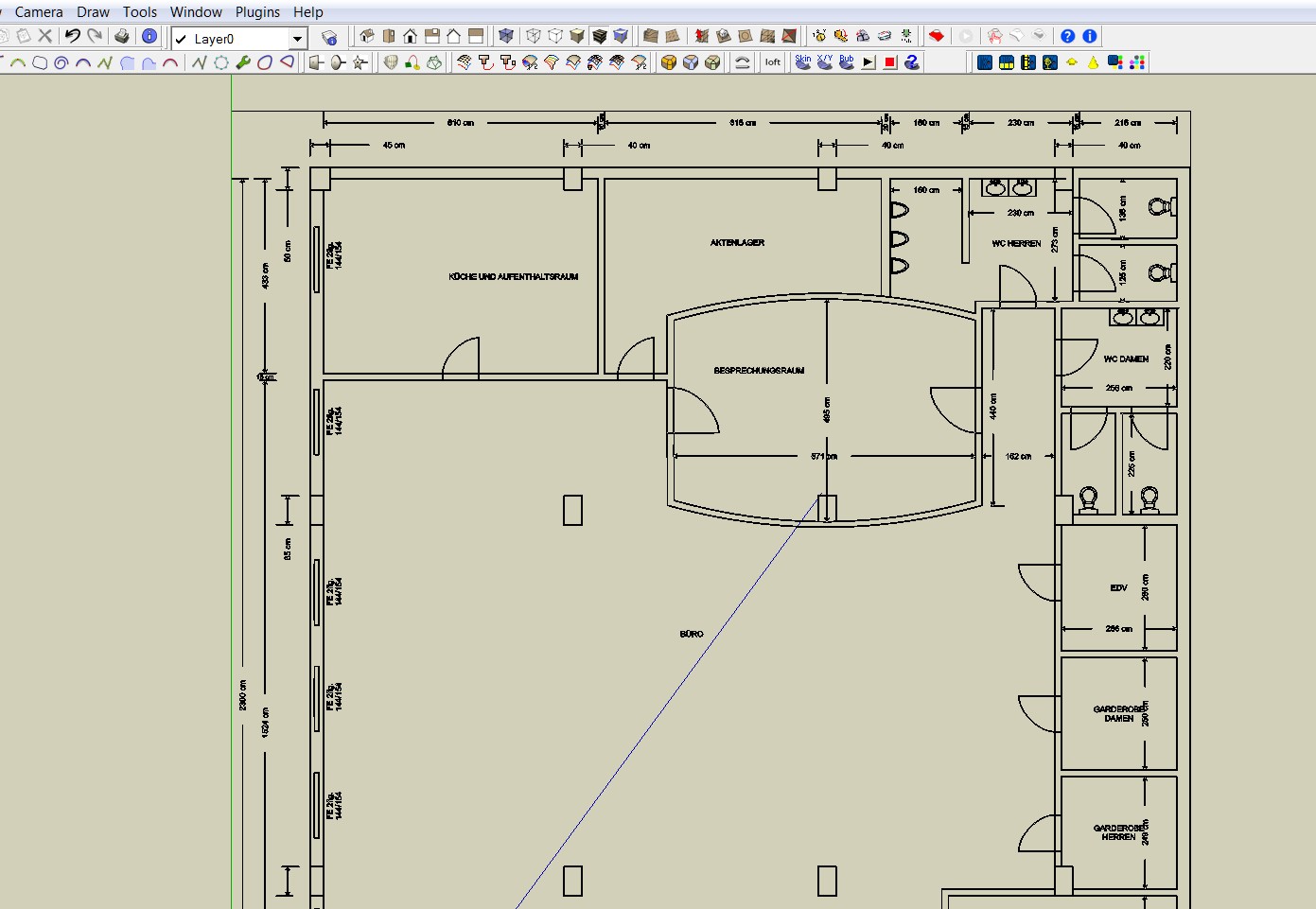
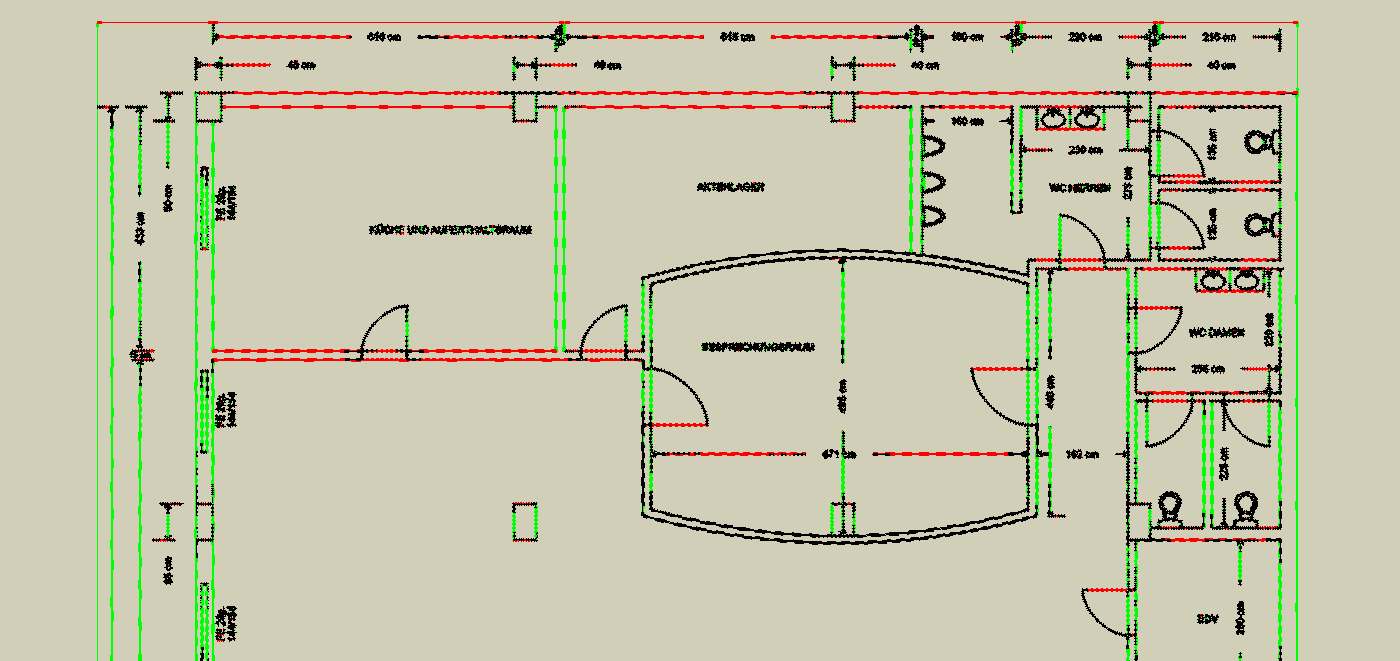
-
Ah, it create a line for each side of the black pixels... is there a setting for that in the app you use?
-
Thomas,
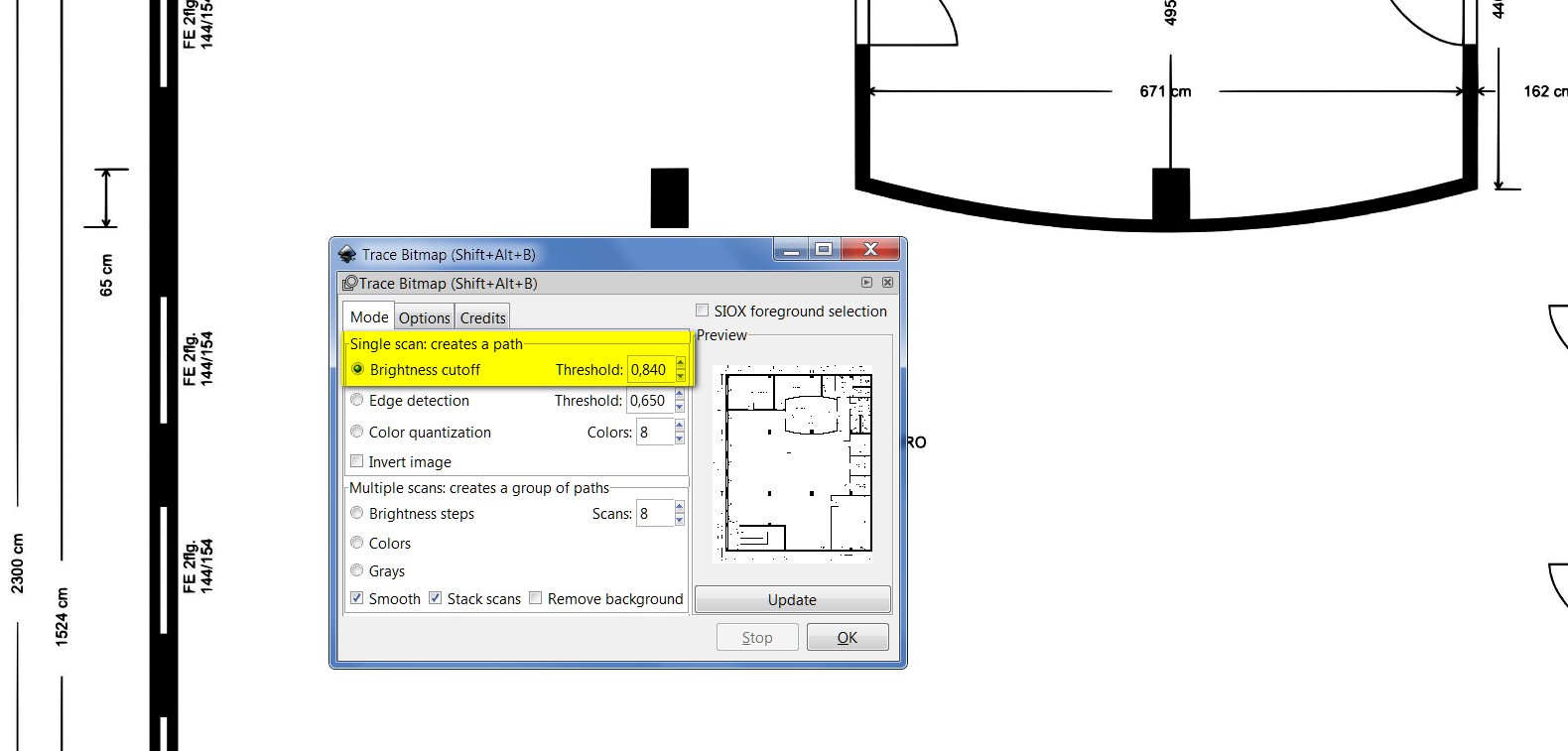
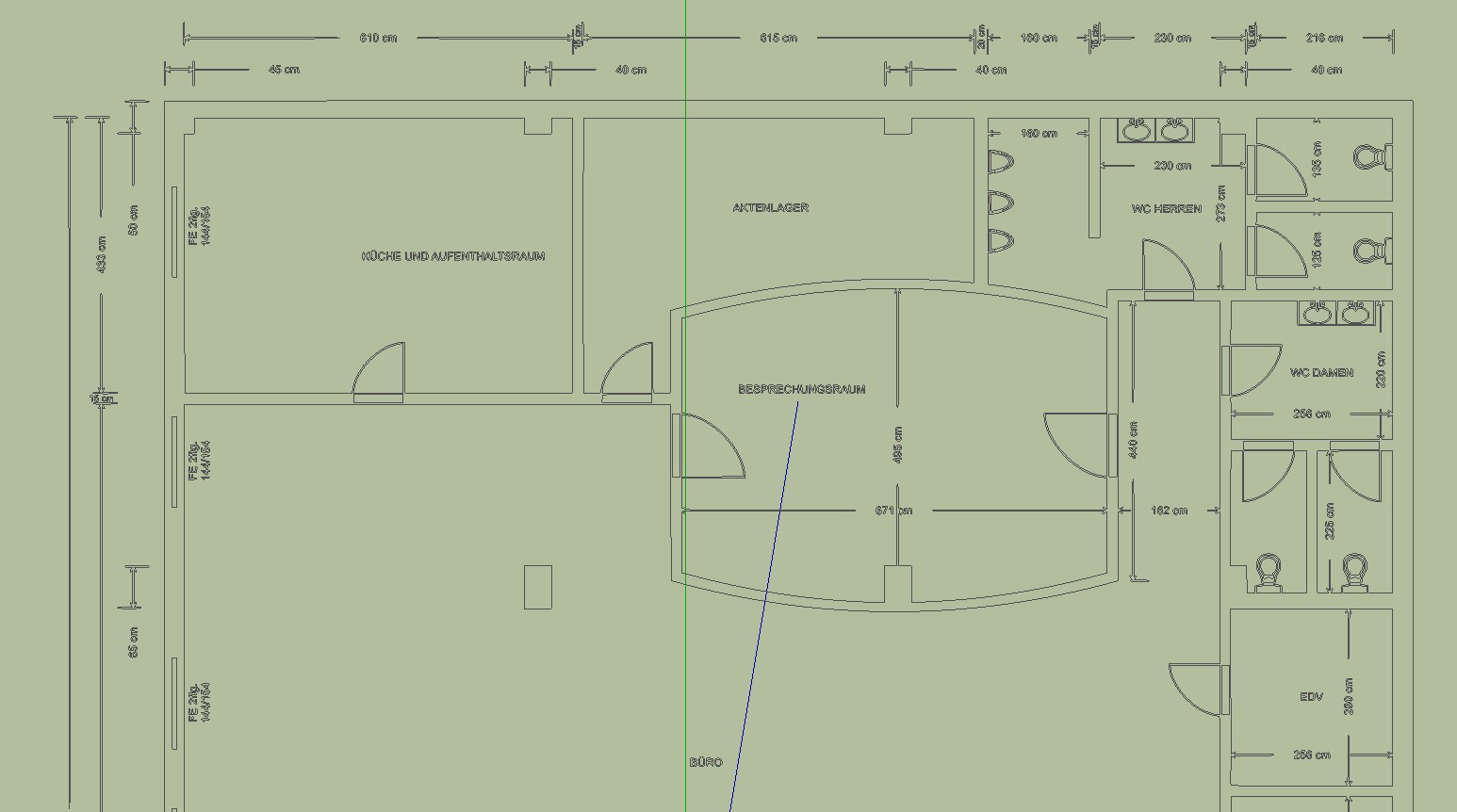
In Inkscape I did it. The error was to use the edge detection. You have to use Brightness cutoff. Well, at least most of the lines are individual lines. Please have a look into the attached file.
Charly
-
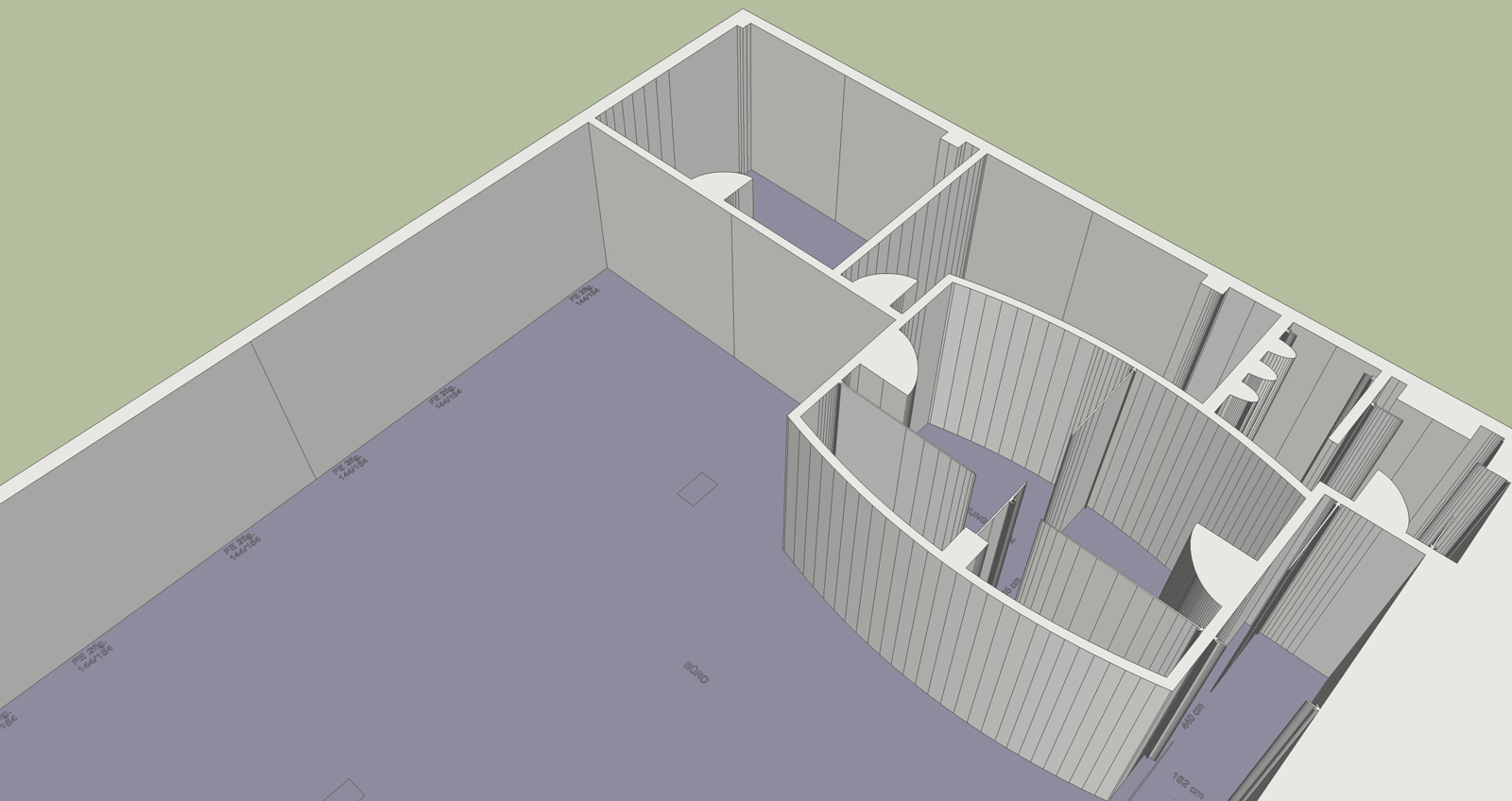
The result is perfect!
I've quickly used "make faces"
 and pushpull and the result looks like that:
(of course many lines (doors, fonts,...) need to be corrected but that is easy with that result.)



Hello! It looks like you're interested in this conversation, but you don't have an account yet.
Getting fed up of having to scroll through the same posts each visit? When you register for an account, you'll always come back to exactly where you were before, and choose to be notified of new replies (either via email, or push notification). You'll also be able to save bookmarks and upvote posts to show your appreciation to other community members.
With your input, this post could be even better 💗
Register Login


Advertisement