[Plugin] Cloud
-
Thanks for the report.
?
I can look to see if there are subtle errors in the code, and its conversion.
I'll update it and post again as needed...
Watch the PluginStore for announcements... -
I have found the errors and fixed them.
The newer Ruby2 handles the dropt-down parameters for the inputbox more strictly than <=v2013's Ruby, which actually forgave some sloppy coding by Didier !
The newest version in the PluginStore should now also work properly in v2014/v2015
http://sketchucation.com/pluginstore?pln=Cloud -
Excellent ! . . . works like a champ
Thanks so much for the attention and speedy response
And especially for filling in for Mr. Bur.The first download I used was from the pluginstore
file = Cloud_v8.0bx.rbzThe second download I used (and works w/ 2015) was from the
'download' button immediately above, in this thread.
file = Cloud_v8.0bxx.rbzThe extracted/installed extension file has the
same name for both versions.
file = cloud_v8b.rbsThanks again, for All you do.
-
Hello Didier,
I am very interested using your nice plugin Cloud, but unfortunately, it does not work for me after installation.My config:
- Windows 7
- Sketchup 2015 Pro (Free Trial version for 30 days)
I downloaded the file, unzipped it and placed the resulted folder in the Sketchup plugin folder. When I restart Sketchup, I do not see the "Points Cloud" section under File menu as described in the documentation (Cloud.pdf).
I tried previous versions of the plugin (v6, v7...) same result.
I am using other plugins that work fine.Any assistance would be very much appreciated.
Many thanks for your kind support

Jean-PierrePS: Oops sorry but it works!
I just had forgotten to "install / activate" the plugin in SU... (I am an SU beginner!)
Sorry again.
-
Hi, I downloaded the script using the Download button above. I'm using SketchUp 2015 on a Mac running OS X Yosemite. The Points cloud menu shows up under File, and I can select the file (.LAS format). It tells me there are 578245 points to import, but after clicking OK on the Options dialog, nothing happens. Any ideas?
Eric
-
installed latest cloudV8_b in sketchup 2017 pro. It is enabled in the extension manager, restarted Sketchup and the menu "Points Cloud" showed up in the filemenu, but once I click on import the dialog box doesn't show.
 Tried it serveral times by reinstalling and dis and enabling
Can anyone eleborate about his. Help is appreciated.
Workstation operates on Windows 10 pro 64 bit
-
Did you download it from the PluginStore ?
http://sketchucation.com/pluginstore?pln=Cloud
It's version there is not "v8_b" - it's "v8.0bxx" ??
The xx showings it's been updated for compatibility reasons...There is a clear download link button to its RBZ, on the first page, where the incompatible zips are confusingly still available !
If you do have the latest version, and it's failing, then if you try it with the Ruby Console open are there any error messages ?
-
I often use a point cloud collected with a laser pointer placed on the CNC Z axis.
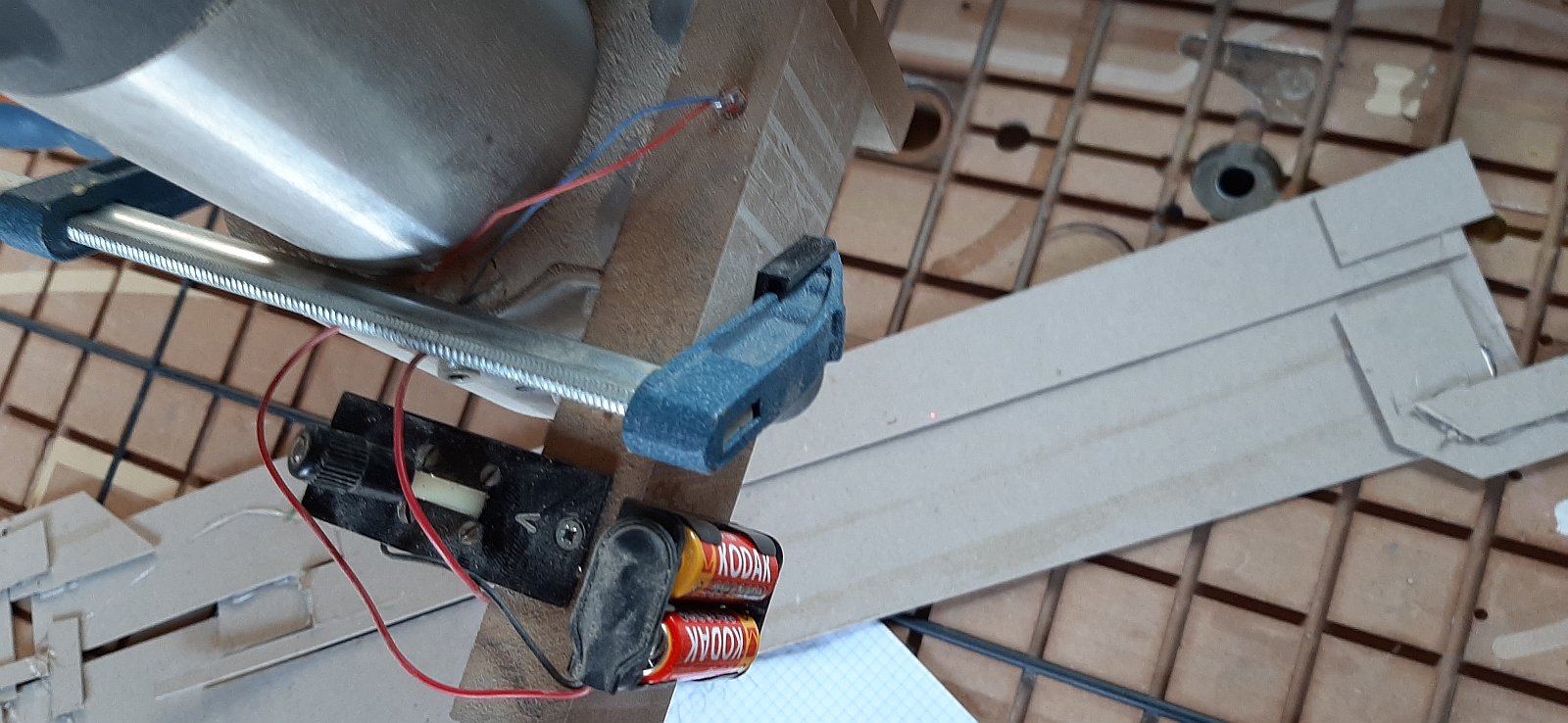
The raw CNC file is converted with a macro in Notepad ++ to the syntax appropriate for a plug-in in SU.
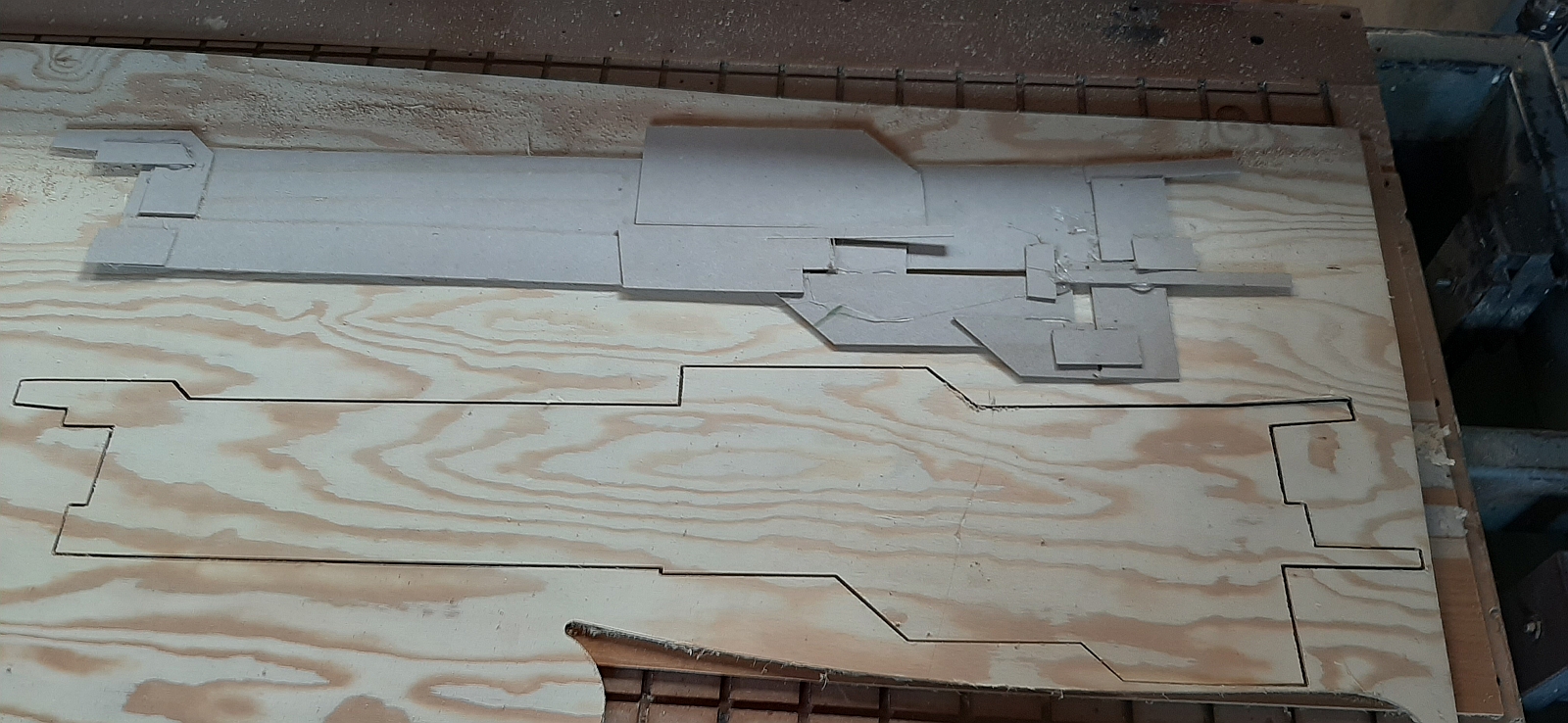
"Scan" this is the template.
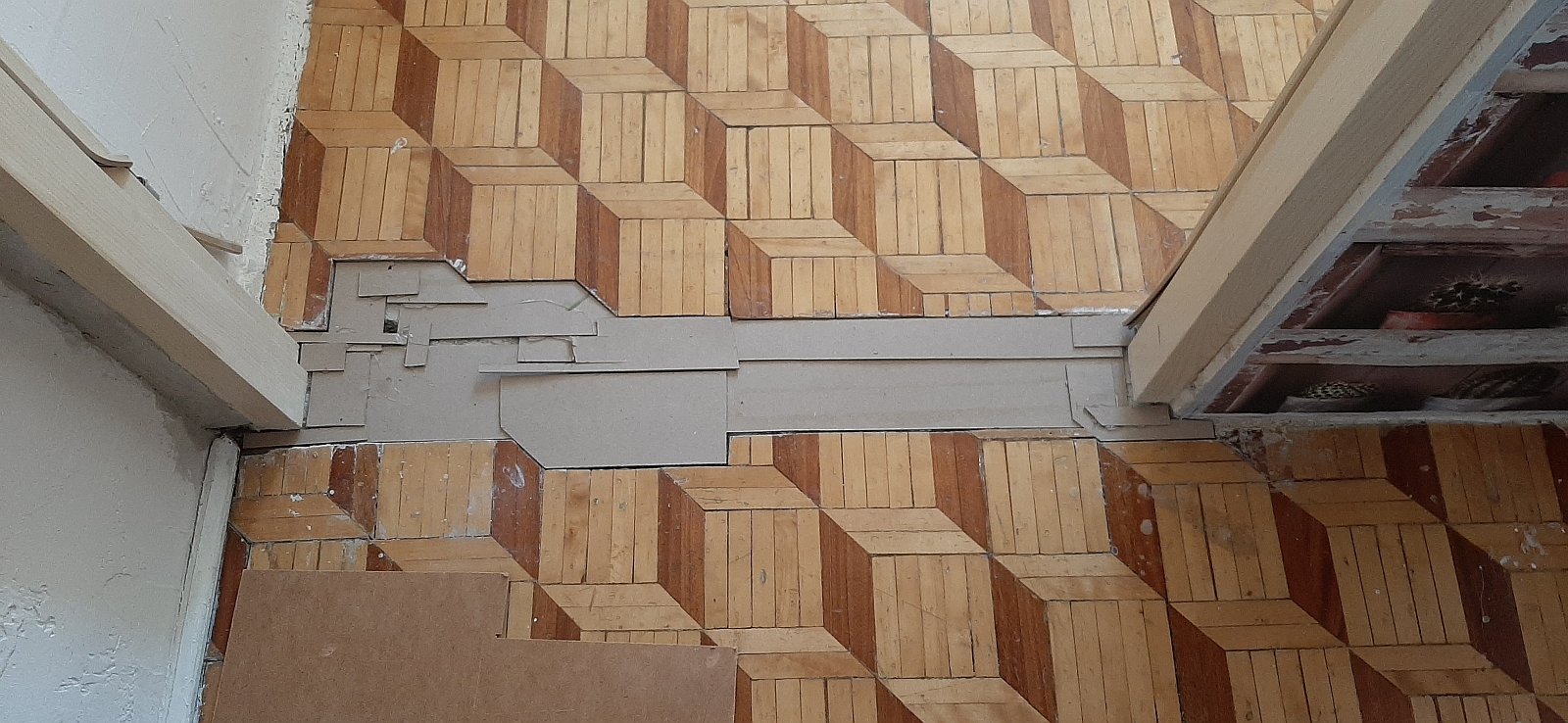
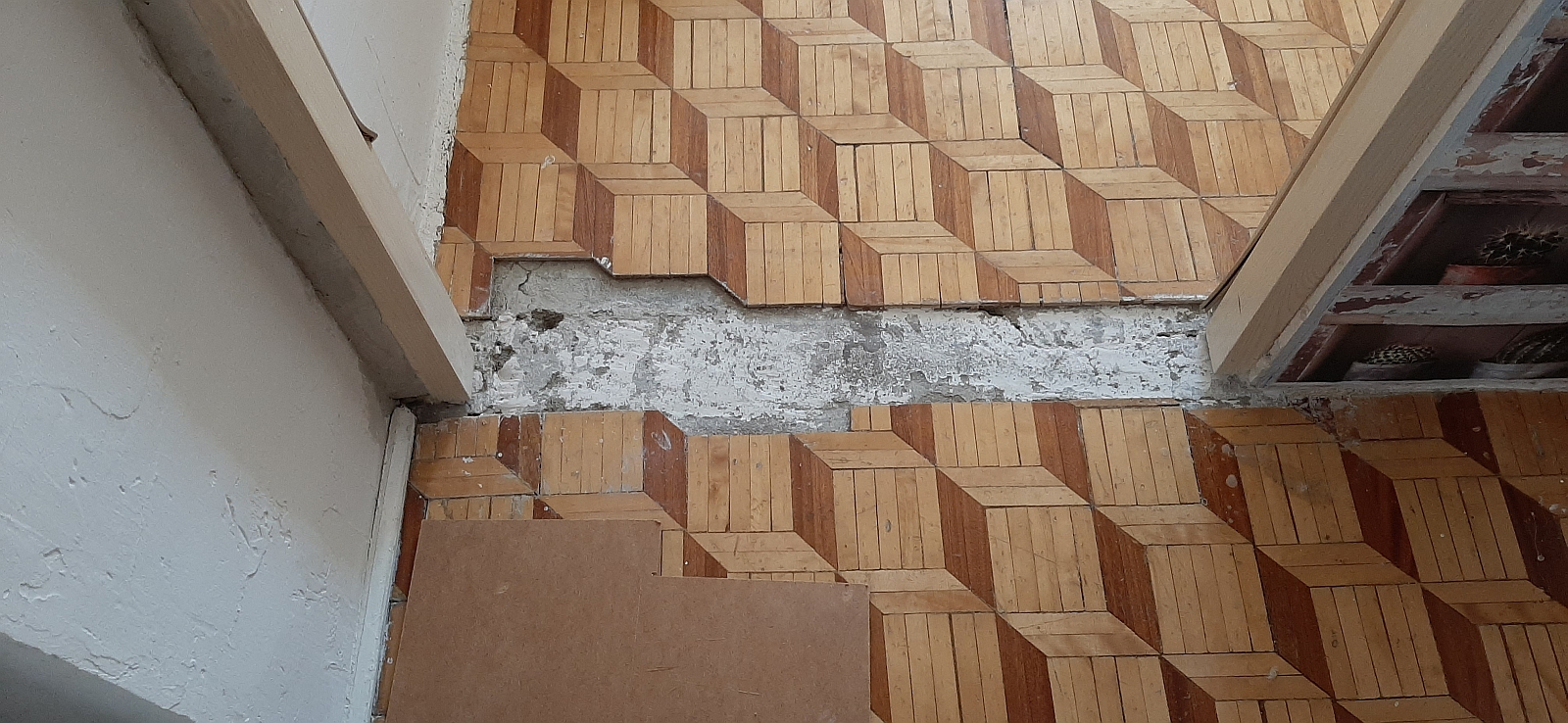
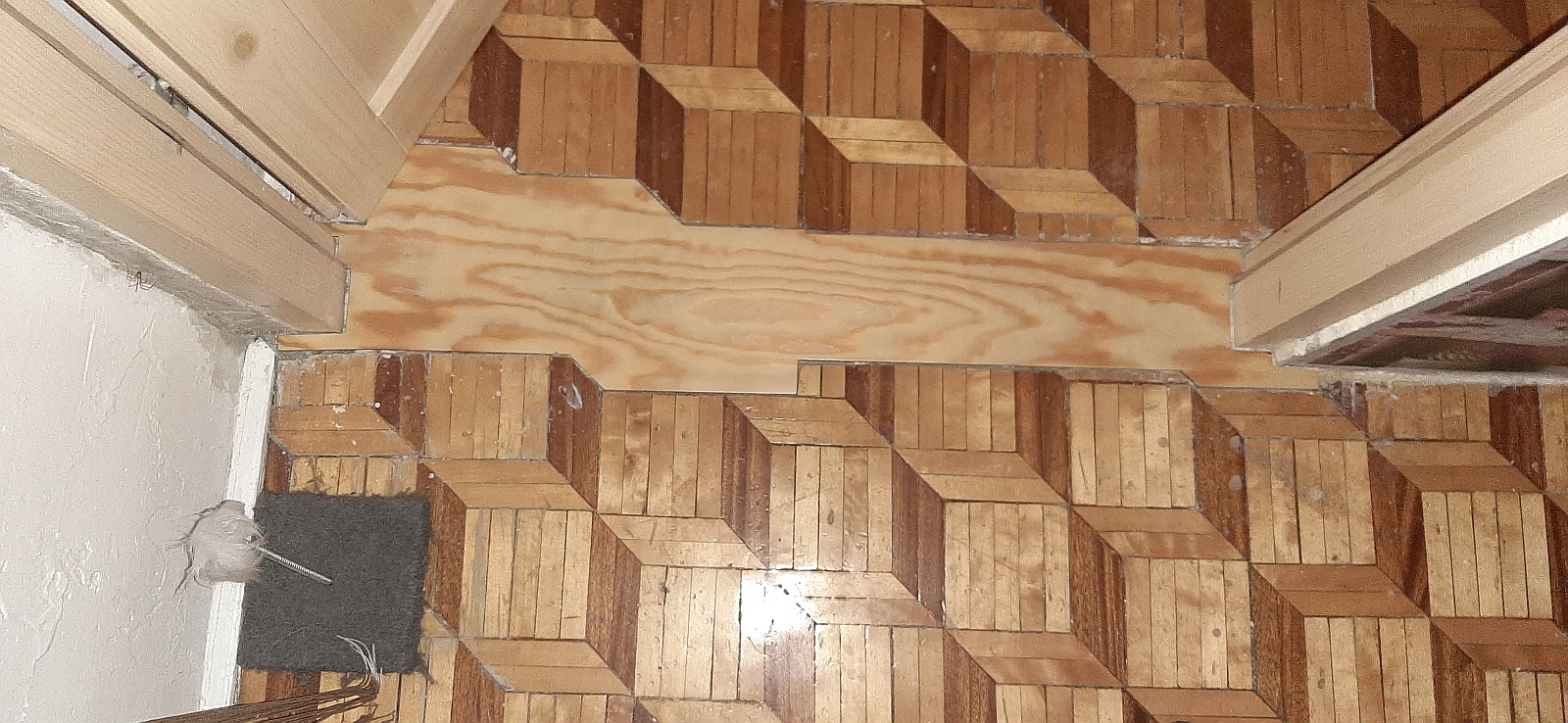
But the plug-in after triangulating has this effect.
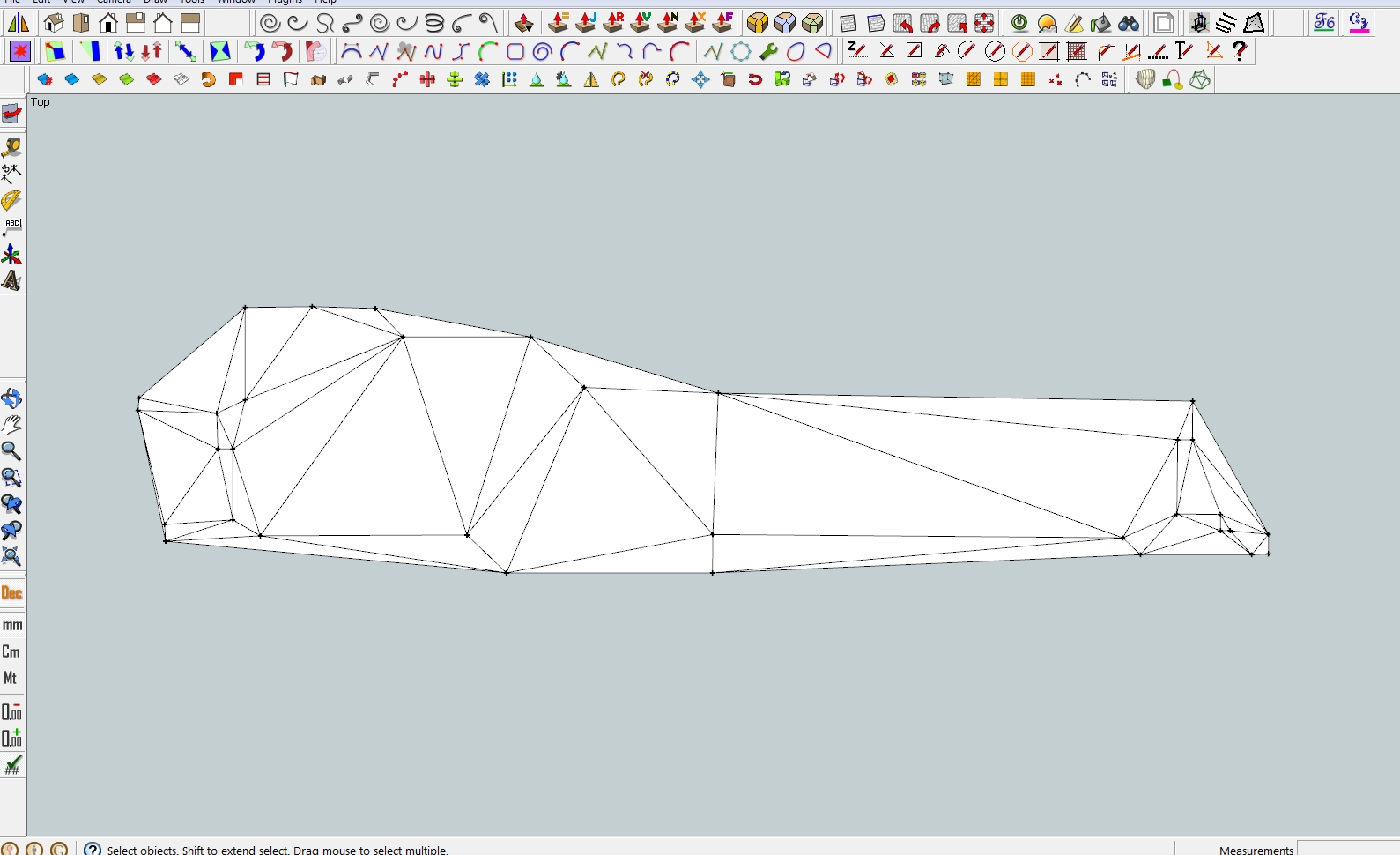
I have to clean it by hand.
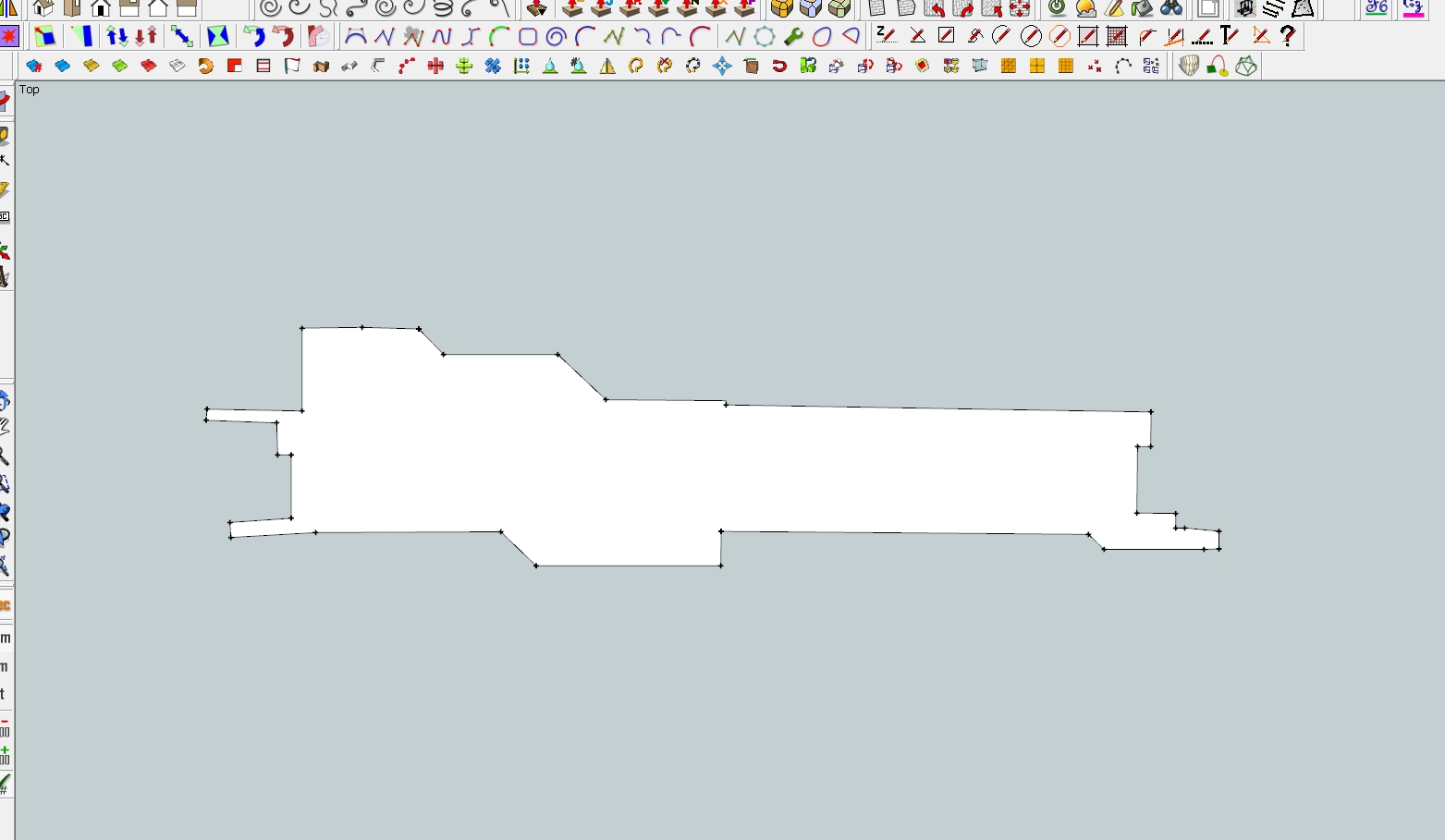
The function of creating an outline in the order of coordinates in a text file would be handy.
Robert
-
@robertWan:
Hi,
Don't you think that (in this particular case) creating an outline would take longer than erasing unwanted entities manually ? Just a thought... -
This is just my suggestion.
Robert
-
I just installed the plugin on ShetchUp Pro 2020 on a Mac running Catalina. I click to "pick a points for cloud origin", open my .LAS file, click ok in the options, and then nothing happens. The Ruby console shows "
Error: #<ArgumentError: invalid byte sequence in UTF-8>
/users/-/library/application support/sketchup 2020/sketchup/plugins/cloud_v8b.rbs:310:insplit' /users/-/library/application support/sketchup 2020/sketchup/plugins/cloud_v8b.rbs:310:inimport'
/users/-/library/application support/sketchup 2020/sketchup/plugins/cloud_v8b.rbs:168:inendTool' /users/-/library/application support/sketchup 2020/sketchup/plugins/cloud_v8b.rbs:108:inonLButtonUp'If I click cancel on the options and then say no to triangulation I get
Error: #<NoMethodError: undefined method
getPointsCloudOrigin' for #<GetPointTool:0x00007fc184d4ae20>> /users/-/library/application support/sketchup 2020/sketchup/plugins/cloud_v8b.rbs:172:inendTool'
/users/-/library/application support/sketchup 2020/sketchup/plugins/cloud_v8b.rbs:108:in `onLButtonUp'Can anyone help?
-
Perhaps the LAS file is not encoded as UTF-8 ?
Can you open it in a plain-text editor, like TextWrangler, and reset its text-encoding to that, re-save it and try again ?Or attach the LAS file to a post [as a ZIP] so that we can look at it...
-
T thendis referenced this topic on





Advertisement