Problems importing an Elipse from AutoCad
-
Hi,
I'm trying to import an elipse from AutoCad into Sketchup. The problem is that although in Cad the Elipse is rounded, when i import into Sketchup it is very badly faceted. Is there a way to smooth out the elipse in Sketchup or specify the number of sides /facets during the import process?
Thanks
Cris
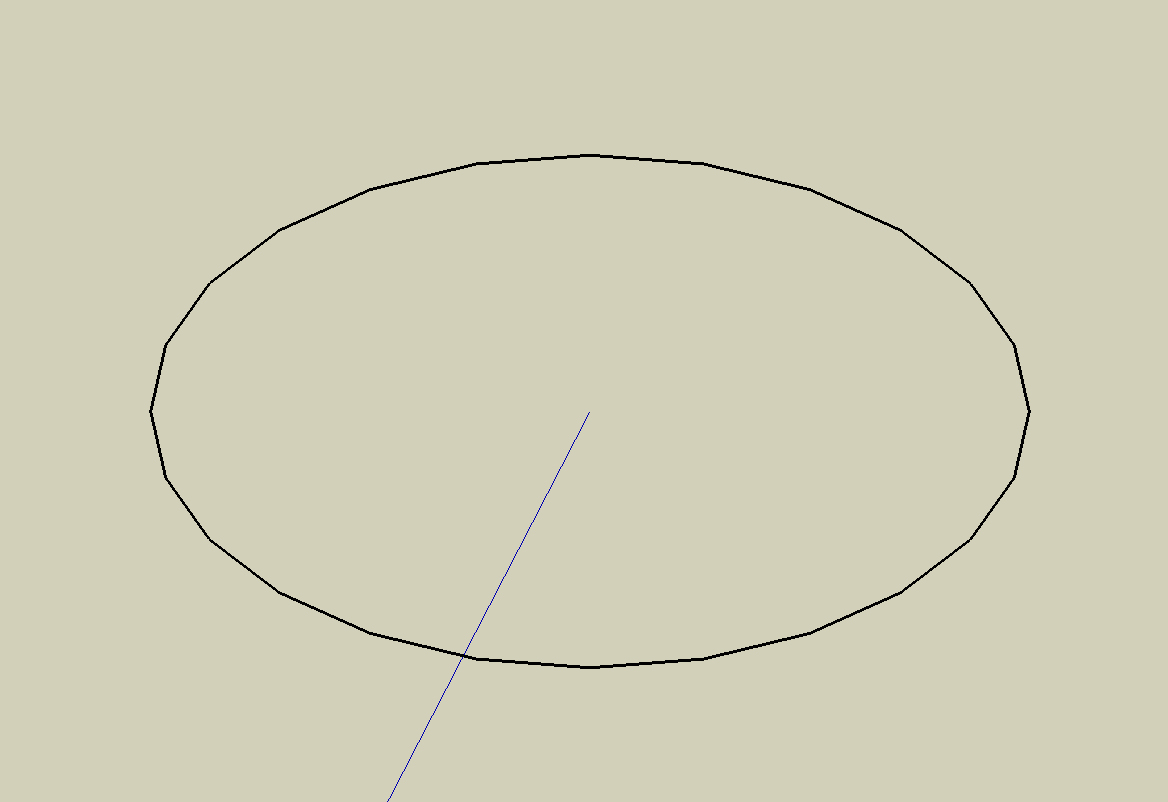
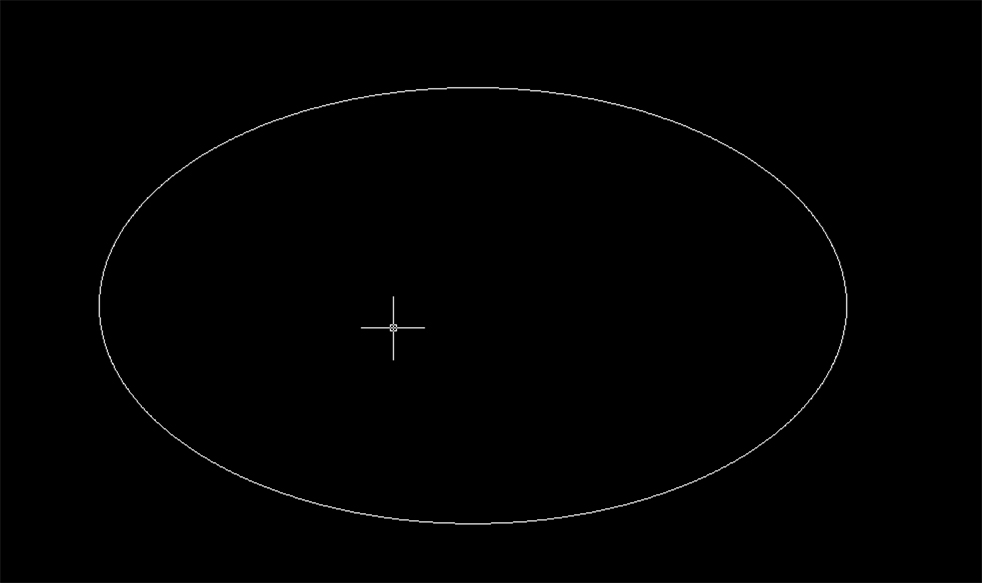
-
Cris,
Sketchup always does this, to any imported polygon (ACAD is vector based), and it's especially noticeable on circles and ellipses. Sketchup will break a circle into a default number of 24 sides, but you can change this by highlighting the circle, then inputting a higher number in the vcb, followed by an 's'. The s standing for 'sides' I suppose. Hope that helps

Tom
-
Use ToolsOnSurface to draw ellipse and choose the number of the segment
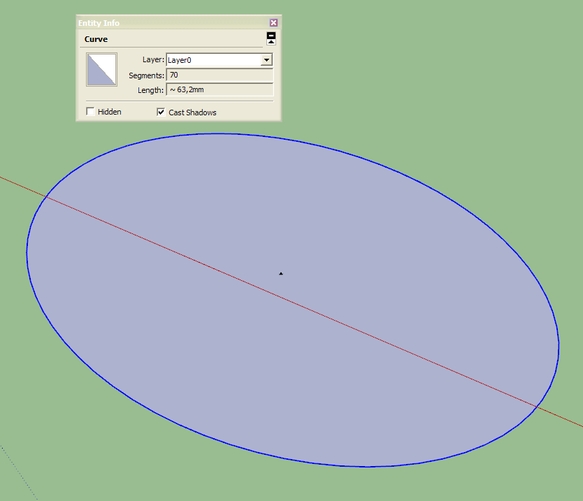
Or You can draw a circle and scale it with FredoScale to make a desired ellipse.
-
-
@tfdesign said:
Cris,
Sketchup always does this, to any imported polygon (ACAD is vector based), and it's especially noticeable on circles and ellipses. Sketchup will break a circle into a default number of 24 sides, but you can change this by highlighting the circle, then inputting a higher number in the vcb, followed by an 's'. The s standing for 'sides' I suppose. Hope that helps
Tom
Hi thanks everyone for the responses, could someone elaborate on the above advice. I've tried to do as the instructions say but i can't get it to work.
Thanks
-
-
-
@cris said:
...could someone elaborate on the above advice. I've tried to do as the instructions say but i can't get it to work.
if the imported stuff is looking like an ellipse/circle/spline but being a multi-line, i.e. a series of 'dumb' lines only, you have to recreate the entity in SU (see above) for being able to edit the resolution of a curved, then native SU polygon element by "Window > Element Information...".
hth,
Norbert -
With that plugin there is no need to recreate the geometry - right click to change the number of the segments as seen in the video. That ellipse was imported into Su from AutoCAD.
-
Another option for importing from Autocad is to pass it through Adobe Illustrator first. There you can convert curves to segments and have more control over the segments.
-
@sketch3d.de said:
@tfdesign said:
(ACAD is vector based)
SU too
N.
yes Norb, that's not quite what I meant. You are right, but AutoCAD, apart from ACIS 3D kernel, is primarily a 2D app, and SU isn't.
-
@tfdesign said:
You are right, but AutoCAD, apart from ACIS 3D kernel, is primarily a 2D app, and SU isn't.
acked, never understood why AD is bloating their 2D CAD with additional 3D stuff having AD/MD resp. Inventor in the portfolio... maybe the GSU effect
Norb.



Hello! It looks like you're interested in this conversation, but you don't have an account yet.
Getting fed up of having to scroll through the same posts each visit? When you register for an account, you'll always come back to exactly where you were before, and choose to be notified of new replies (either via email, or push notification). You'll also be able to save bookmarks and upvote posts to show your appreciation to other community members.
With your input, this post could be even better 💗
Register Login


Advertisement