Sketchup Web Exporter
-
So I have been using the Sketchup Web Exporter plugin lately...
While its really cool, I want it to do some different things....
Mainly I want to be able to export PNG's with transparent backgrounds (so when I embed them into my website, they don't have a big block of color around them)
Does anyone know of a plugin that works like this, that could accomplish the PNG feat?
-
Exporting a png is a straightforward 2D image export, BUT not with a transparent background.
You can set the background to a single distinctive color [say Magenta] - make a style for this.
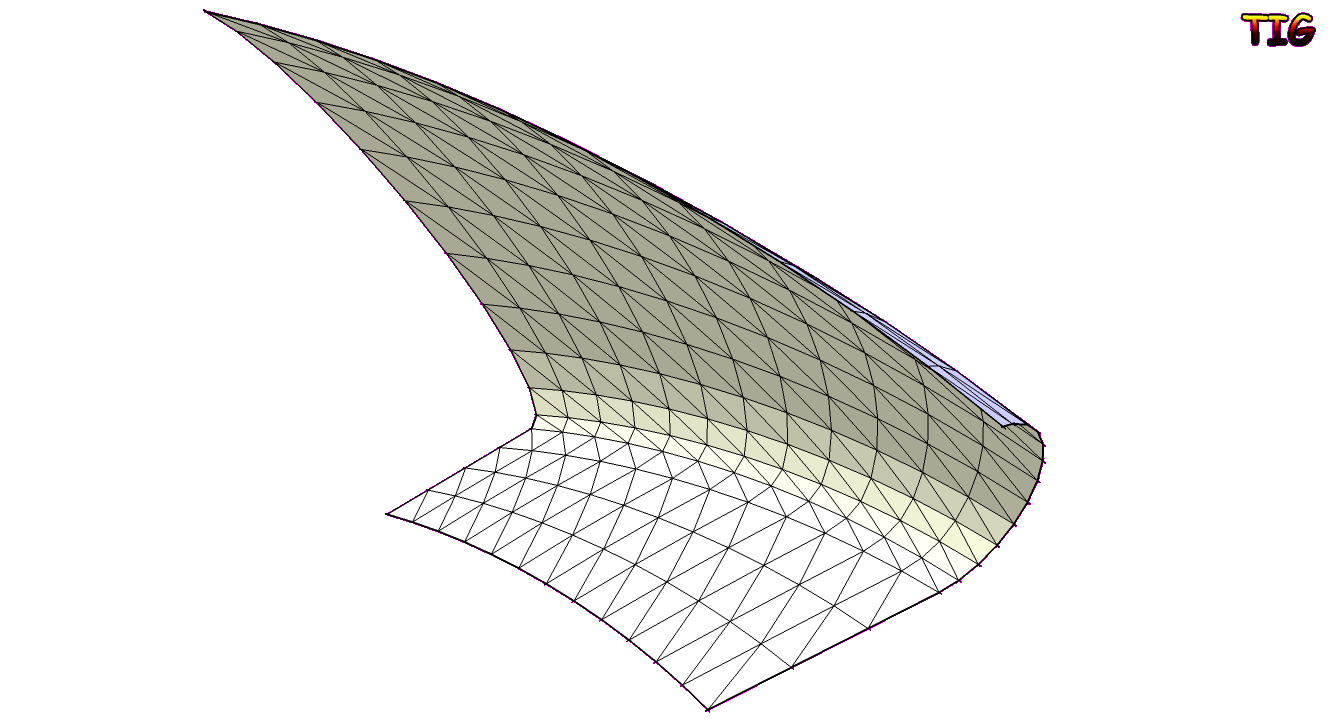
Then export the png and later edit it in Photoshop or free-Gimp - select by color for the Magenta and delete, save the png = transparent background...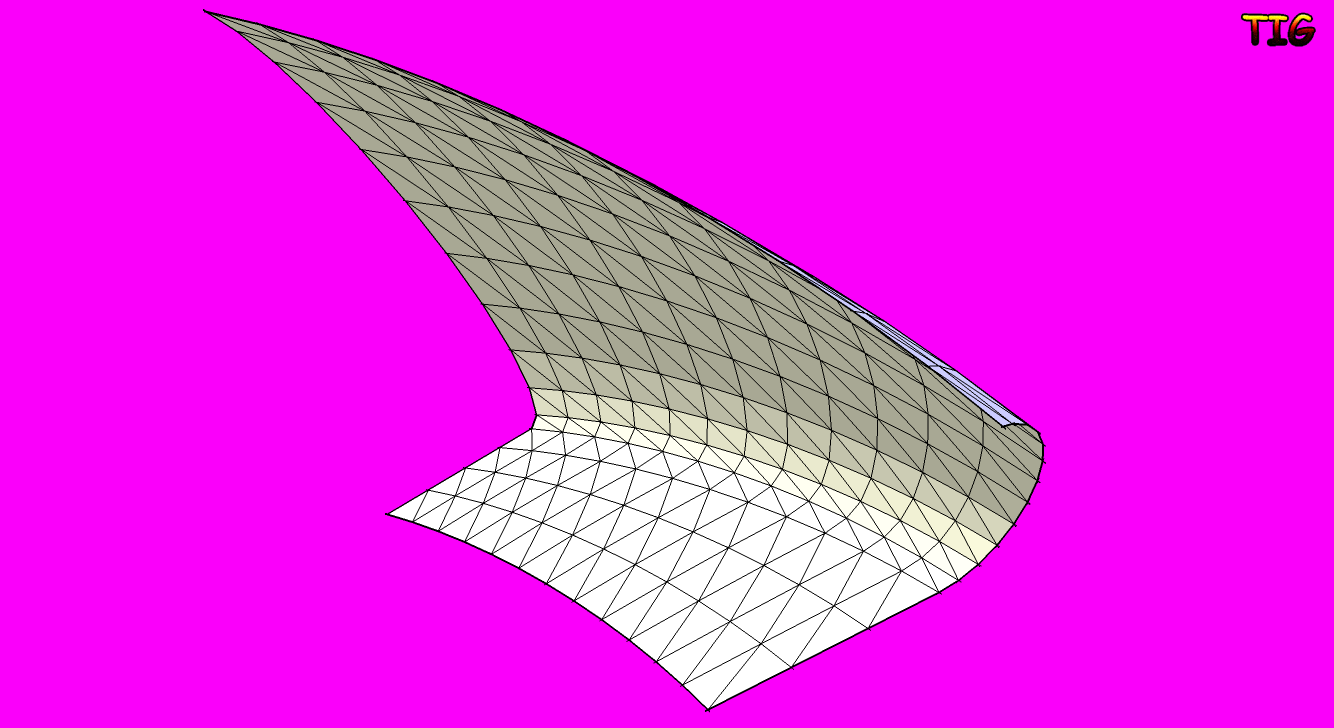
-
For individual images, that would work great....
But with the web exporter, there can be 30 or so images per object. I am creating a web gallery with a lot of objects, so that will require a lot of time. Is there a program out there that can delete the distinctive colors out of the background automatically on a large group of images?
-
I think you can export pngs with a transparent background using the mac version of SU, so if you could get hold of a mac that would probably be the easiest thing to do.
-
I have one, but the exporter only works for Windows.....
-
You can do this in photoshop using actions. Open one of your images, record your action where you do the select by color, delete background, save as png, save your action. Put all the images you want to do this to in one folder. In photoshop, file>automate>batch, load your action, pick the folder of images, and a destination folder for your png, let potoshop do all the work.
Mike
-
I like the sound of that!
Now I need to get Photoshop!
Thanks for all the input everyone! I am not the greatest with photo editing software, so its good to hear from people that are actually good at it!
-
@unknownuser said:
For individual images, that would work great....
But with the web exporter, there can be 30 or so images per object. I am creating a web gallery with a lot of objects, so that will require a lot of time. Is there a program out there that can delete the distinctive colors out of the background automatically on a large group of images?'Gimp' has many plugins - 'save_for_web' has many possible settings, including transparency - though I've never used it - it might do these in 'batches'...
There might be other scripts etc too
Photoshop probably has similar things too...
There are lots of batch image apps out there some are free, some are shareware...
xnView is free and this allows you to script it to batch process lots of files etc...
http://www.xnview.com/en/download.html
You can certainly change a png to have transparency - you might need to think about the color to replace...
It makes a .bat file that when run processes the selected pngs... -
This might help, a discussion about using layout.
http://forums.sketchucation.com/viewtopic.php?f=15&t=25148
Glenn
-
where's the exporter now ? :-s
-
@alexdobras said:
where's the exporter now ? :-s
The download link is here, but the plugin is for version 6 and hasn't been maintained for recent versions. t might work with Version 8, or it might not.
-
@jim said:
@alexdobras said:
where's the exporter now ? :-s
The download link is here, but the plugin is for version 6 and hasn't been maintained for recent versions. t might work with Version 8, or it might not.
works fabulous! thanks Jim!

Hello! It looks like you're interested in this conversation, but you don't have an account yet.
Getting fed up of having to scroll through the same posts each visit? When you register for an account, you'll always come back to exactly where you were before, and choose to be notified of new replies (either via email, or push notification). You'll also be able to save bookmarks and upvote posts to show your appreciation to other community members.
With your input, this post could be even better 💗
Register Login


Advertisement