[Plugin] "Drill" extension for making holes
-
I'm curious about why hitting the Enter key seems to be a problem with this plugin when Enter is so frequently used with the native tools and there are many other plugins that have the same requirement. The fellow who posted immediately above the post with the most recent revision had the same problem which was solved by hitting Enter.
-
@dave r said:
I'm curious about why hitting the Enter key seems to be a problem with this plugin when Enter is so frequently used with the default tools and there are many other plugins that have the same requirement. The fellow who posted immediately above the post with the most recent revision had the same problem which was solved by hitting Enter.
which default tools?
the VCB, Ruby console, ...?
most plugins input are made through a dialog box, and in this case, it is obvious: you click "OK" on the button
With the VCB, there is no button... you are just supposed to know it is necessary to hit "enter"
-
@unknownuser said:
With the VCB, there is no button... you are just supposed to know it is necessary to hit "enter"
Exactly. The native tools use the VCB and you have to hit Enter to make the setting. There are a lot of plugins which take their inputs via the VCB, Bezier.rb, BZ_Spline, Curvemaker, etc.
-
@glro said:
@dave r said:
I'm curious about why hitting the Enter key seems to be a problem with this plugin when Enter is so frequently used with the default tools and there are many other plugins that have the same requirement. The fellow who posted immediately above the post with the most recent revision had the same problem which was solved by hitting Enter.
which default tools?
the VCB, Ruby console, ...?
most plugins input are made through a dialog box, and in this case, it is obvious: you click "OK" on the button
With the VCB, there is no button... you are just supposed to know it is necessary to hit "enter"
Yes, my mistake in not reading previous comments carefully - but as I think Glro indicates, in Sketchup, I have learned to resist what's usually the mistake of using an <enter> in the VCB, after getting used to all /other/ VCB uses (at least for me, thus far) virtually punishing me for what, in SU, is usually the MISTAKE of hitting <enter>. Yes, the <enter> requirement is typical of /other/ CAD software - and pretty much everywhere else in the world of data "entry," where nothing is "entered" until one hits "enter" - but I personally haven't used other plugins where this is the norm.
Reading sloppily through the above exchanges, I'd taken the mention of using <enter> as "you did't make the mistake of using "enter," did you?" and then somehow completely missed the response - and that was before I'd installed the plugin a few hours later, by which time I'd forgotten all of that anyway.
-
I'm not sure I understand how you can use SU and see hitting enter as a mistake. Enter is the norm.
Draw a circle, type 29s enter and it is a 29 sided circle, draw a line and type 357mm enter and it is a line 357mm long, ctrl move type 5x enter etc etc etc
-
David, like Box, I am confused as to how you think hitting the Enter key is a mistake. How in the world do you draw anything with precision if you aren't using Enter after typing values for the various operations you need to do? In fact there's no point in typing any values in the VCB is you don't hit the Enter key afterward.
-
I'm confused, too, looking back on this. I think it was low blood sugar and sleep deprivation that doubled me over, and the purple meth that did me in. Maybe my cat was walking on my keyboard, or...I don't know. I'd like to delete my first post here and all following, please. Where do I click for that?
My bad.
-
Don't beat yourself up...
We all get 'doh!' moments now and then, but few of us are brave enough to ask for help
-
I got the drill plugin installed and it works great as long as I have parallel faces, so a rectangular block. I have an angle block that I need to drill a hole in, and it doesn't work for that. Any ideas on how to make this cool plugin work for angle blocks? That is, where the bottom face and the top face are not parallel.
-
@jimtyp said:
I got the drill plugin installed and it works great as long as I have parallel faces, so a rectangular block. I have an angle block that I need to drill a hole in, and it doesn't work for that. Any ideas on how to make this cool plugin work for angle blocks? That is, where the bottom face and the top face are not parallel.
To do this in code could be very awkward...
However it's easy done manually.
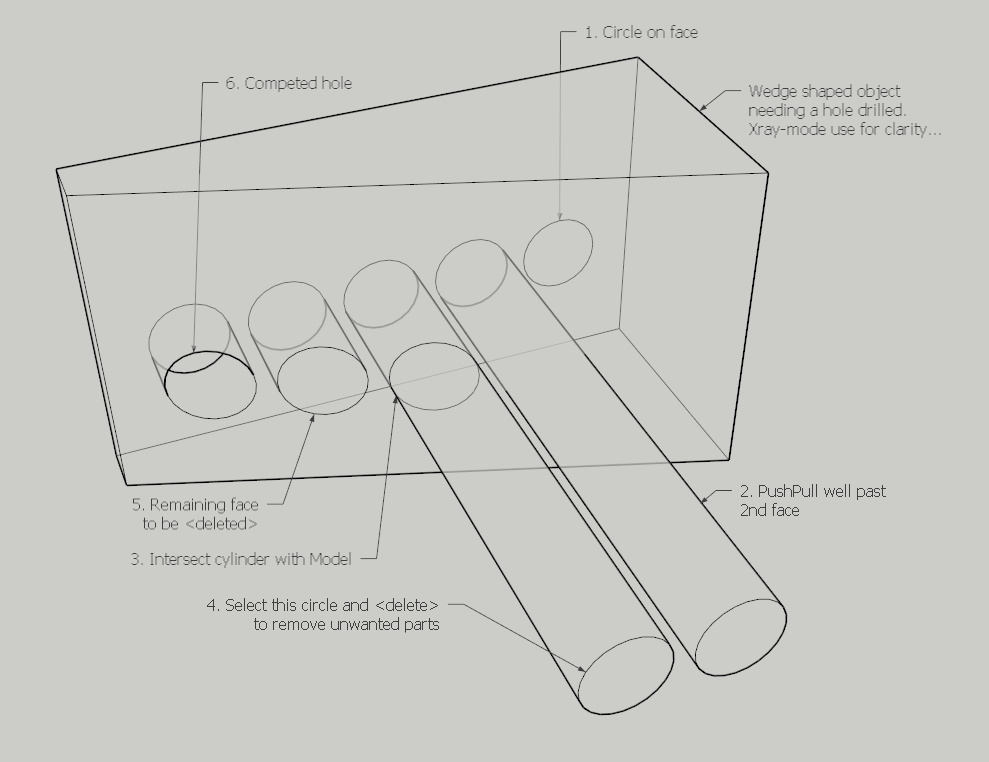
Draw a circle of the right size on the 'front' face that you are drilling perpendicularly through.
Use the PushPull tool on that face and push it through the 'back' face that is angled.
Go well through so there is a cylinder sticking out of the 'back' face.
Make sure View > Hidden Geometry is OFF.
Now Select that cylinder's curved surface.
Right-click Context-menu > Intersect with model...
The cylinder now has a 'cut-line' where it passes through the 'back' face.
Select the end circle [edges] of that cylinder and press <delete>
The part of the cylinder lying beyond the 'back' face is now gone.
Finally select the face covering the end of the would-be hole - the hole is made as desired.
You can even drill at an angle.
Away from other geometry, make a cylinder the right diameter and much longer than the required hole depth.
Select its surfaces and Right-click Context-menu > Reverse... to make sure it's inside out - later on we will be seeing the inside of it as the walls of the 'drilled hole'...
Make a temporary group of the cylinder so that you can move and rotate it without it sticking to other things unexpectedly.
Locate the cylinder-group so it passes through the angled faces as desired.
Tip: use inferences and guides to assist in accurately placing it.
Now Explode the group so the cylinder merges with the main geometry.
Select the cylinder's curved surface.
Right-click Context-menu > Intersect with model...
The cylinder now has 'cut-lines' where it passes through both angled faces.
Select the two end circles [edges] of that cylinder and press <delete>
The parts of the cylinder lying beyond the faces are now gone.
To complete select the 'oval' faces left at the two ends of the would-be hole and press <delete> - leaving the 'angled' hole as desired. -
TIG's method is a good way especially if you're a beginner. It uses basic methods that one needs to know to use SketchUp effectively. If you really want to use a plugin for drilling holes, you might have a look at WWX Drill. Although it won't automatically remove the skin over the hole when the opposite faces aren't parallel, it will make it easier to handle because you can finish up as TIG described.
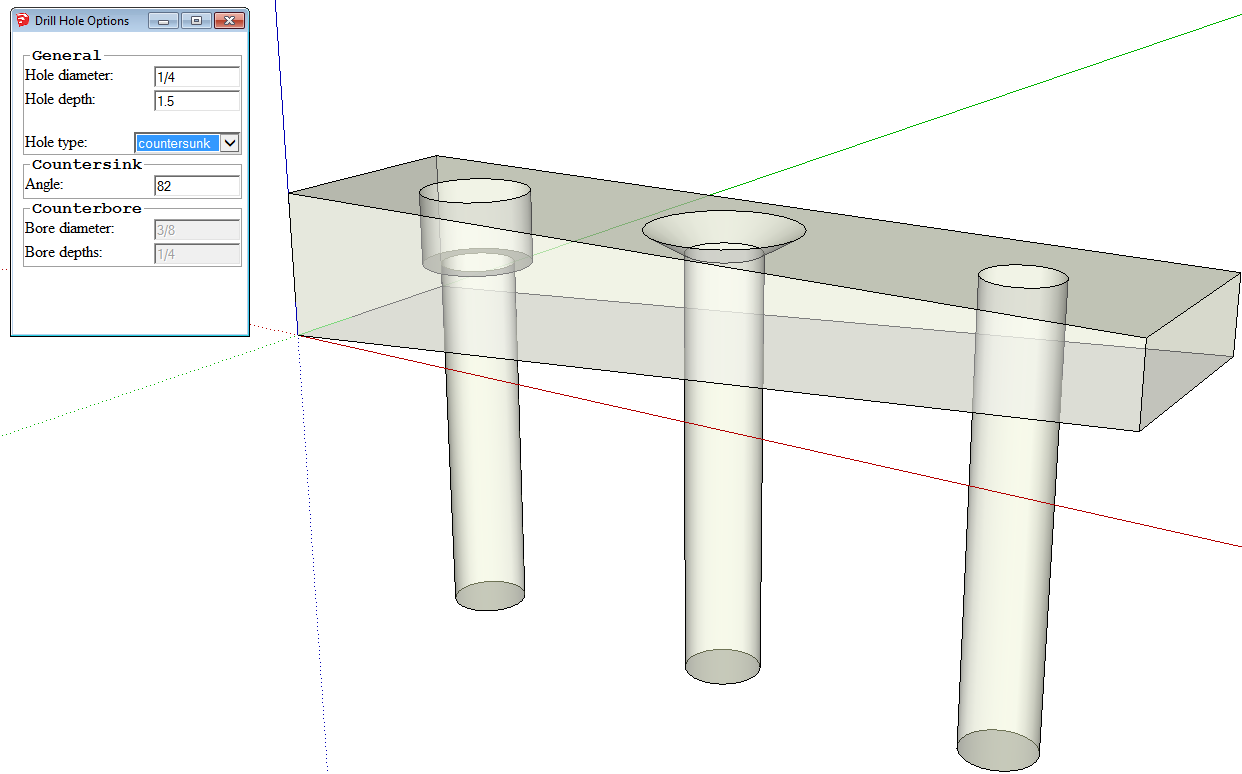
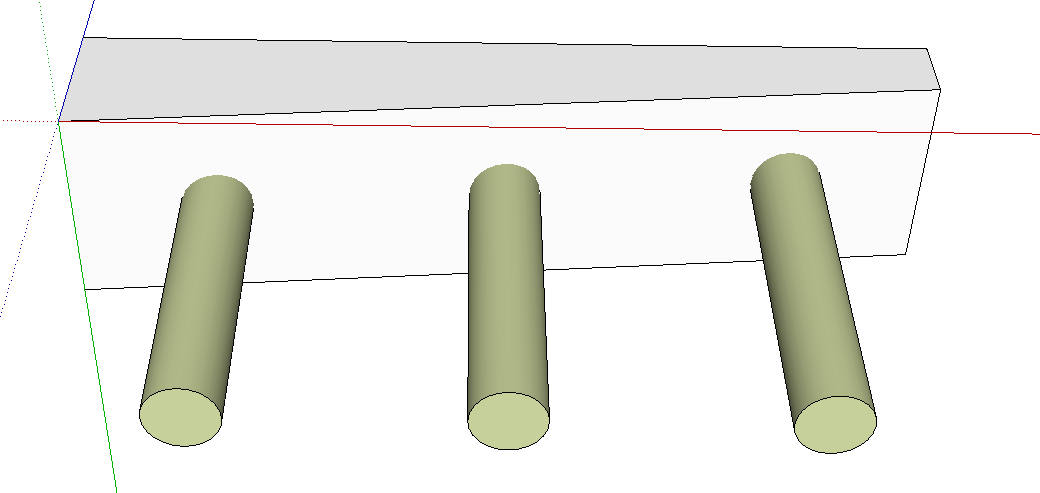
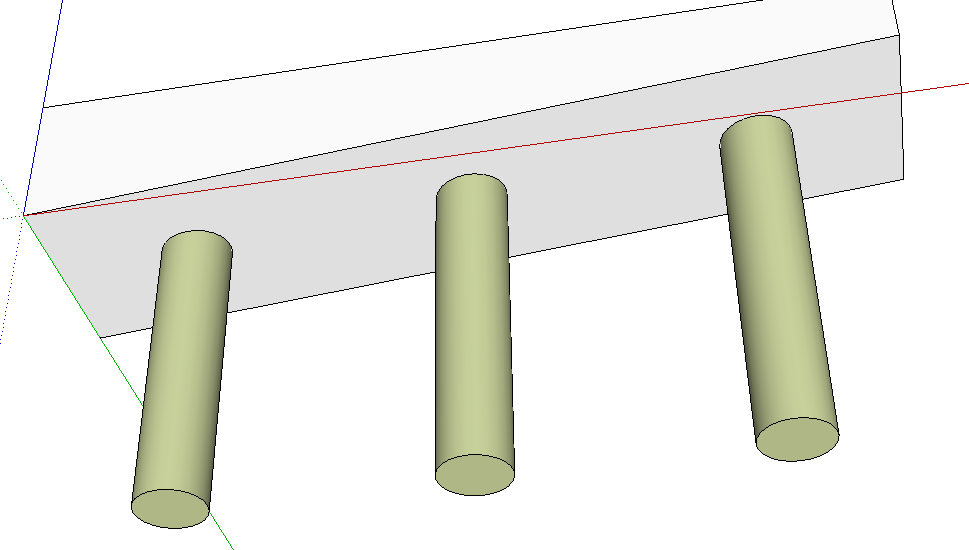
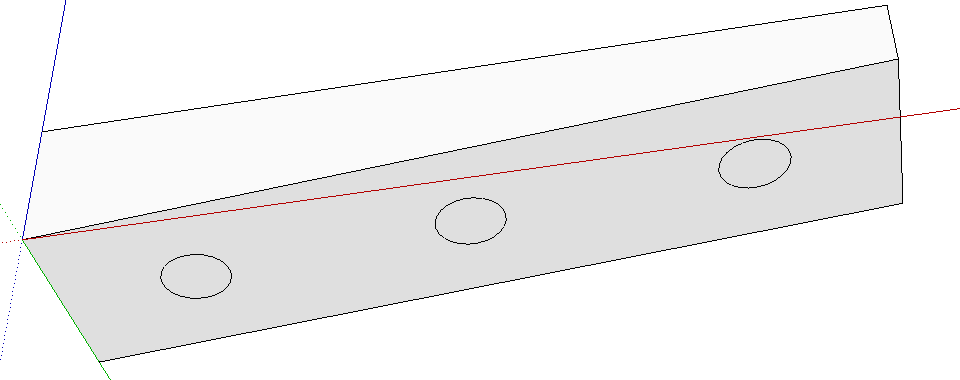
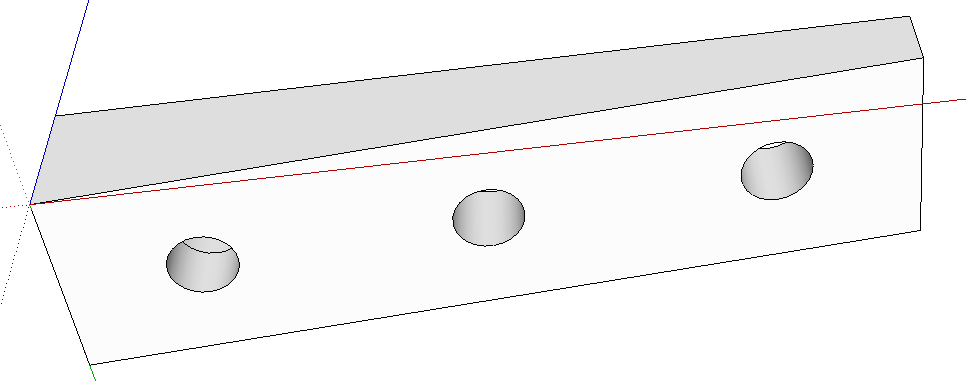
Although it isn't indicated on the website, this plugin works fine in SU2014 and SU2015. And you might have a look at the other plugins available there. I use the Dovetail and Mortise & Tenon plugins frequently.
-
@jimtyp said:
I got the drill plugin installed and it works great as long as I have parallel faces, so a rectangular block. I have an angle block that I need to drill a hole in, and it doesn't work for that. Any ideas on how to make this cool plugin work for angle blocks? That is, where the bottom face and the top face are not parallel.
You can have a look at Fredo6s VisuHole plugin.






Advertisement