Soft Shadows
-
Aha, this inverse image took some clever balancing and a trick ("leave shadows on, but set the sun intensity to 0 to get an image with the same lighting as the shadow image, but no sun"), but it turned out pretty well.
I have added "Invert" as an option to SketchyShadows.
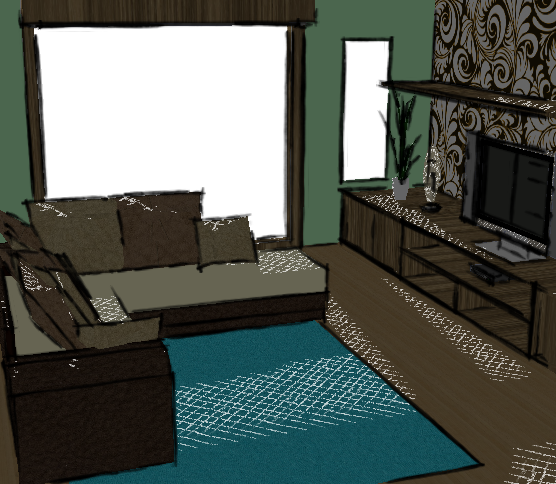
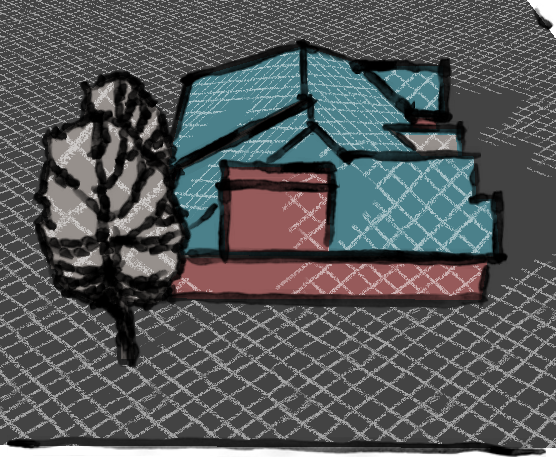
I think Inverse mode worked better on the interior, then on the exterior. You would need less sun and more shadow for the exterior to work well.
Al Hart

IRender nXt from Render Plus -
... How many layers of cross-hatching do you think will be available, and will NPR Tools be available for macs?
... Also, just throwing this out there, but what would happen if you included cross-hatched shadows and sun?
-
@unknownuser said:
... How many layers of cross-hatching do you think will be available, and will NPR Tools be available for macs?
... Also, just throwing this out there, but what would happen if you included cross-hatched shadows and sun?
Probably 4 layers, but you will have to use a naming convention for the patterns (so I can select the first pattern - say Lines_1.jpg - and I can know that the other three are Lines_2.jpg, Lines_3.jpg, etc. - So I won't have to prompt for the names of all 4 pattern files)
I hope to make a Mac version in time for the next "Design Visualization Center" conference. (as far as I now it is not scheduled yet).
I will try to dual hatching - perhaps reversing the order or the patterns to so they won't just run together.
Al Hart
IRender nXt from Render Plus -
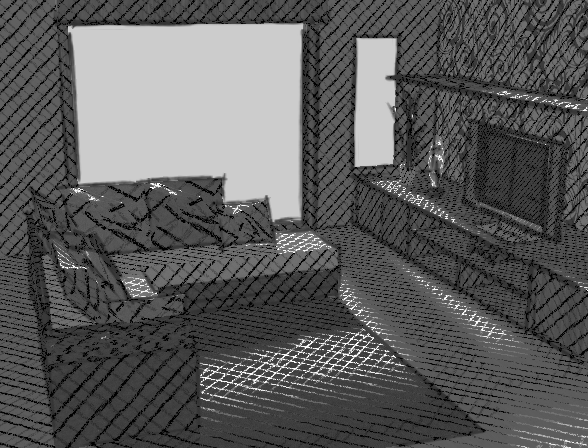
This is the first pass at double hatching - dark hatch in shadow area, light hatch in illuminated areas.
There are a lot of options you can balance - cross hatch colors, cross hatch intensity, cross hatch size, cut-off between single hatching and criss-cross hatching - but this should give you an idea of what can be done.
Note: the hatching here is based only on shadow intensity. If I can find a way to determine the z-depth of the image (How far each pixel is from the eye), then we could have the hatching pattern based on the distance from the eye as well - which is often very effective.Comments?
Al Hart
IRender nXt from Render Plus -
Ooh Al, I REALLY like where this is going. It sort of Gorey-esque (ok, not exactly, but perhaps in that vein).
http://www.spamula.net/blog/i38/gnoli3.jpg
http://www.spamula.net/blog/i38/gnoli4.jpg
(sorry for the weird domain name on thos images, its nothing to do with spam. Its a literature website with some great Edward Gorey Images)
Chris
-
Maybe some hatching at Gustave Doré home

and here beautiful examples -
BTM - I am using 6 of your patterns in the NprTools. These are working great.
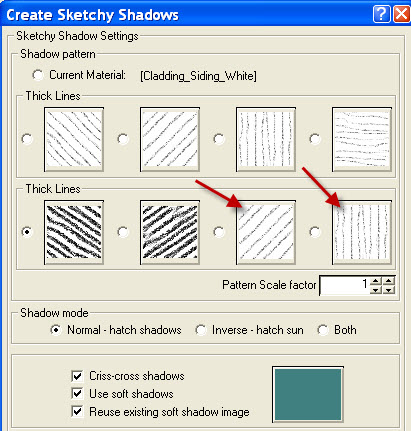
But I need two more (see arrows). Then you will qualify for a free copy of NprTools.
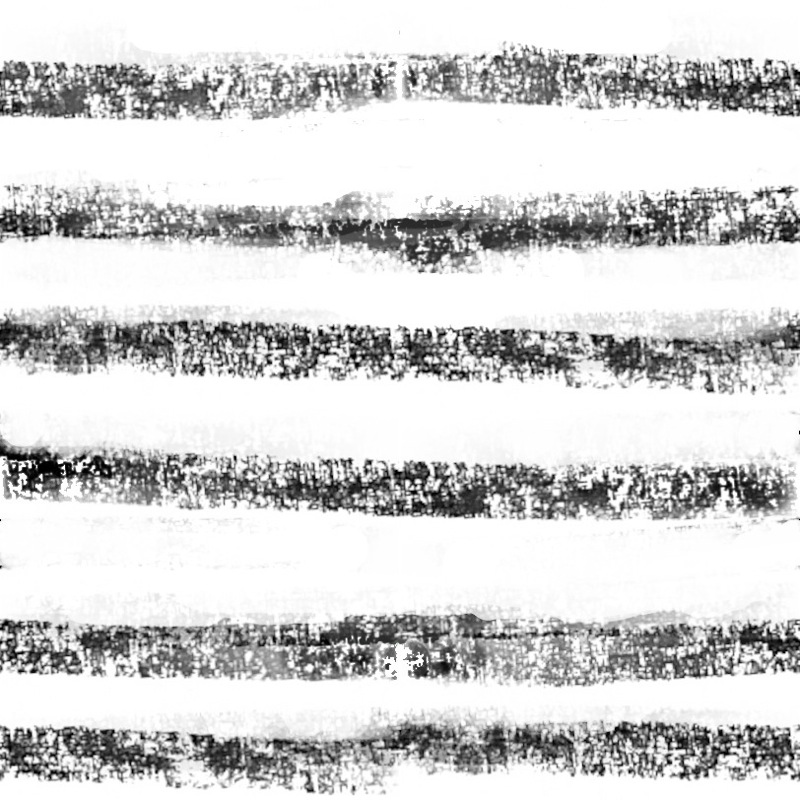
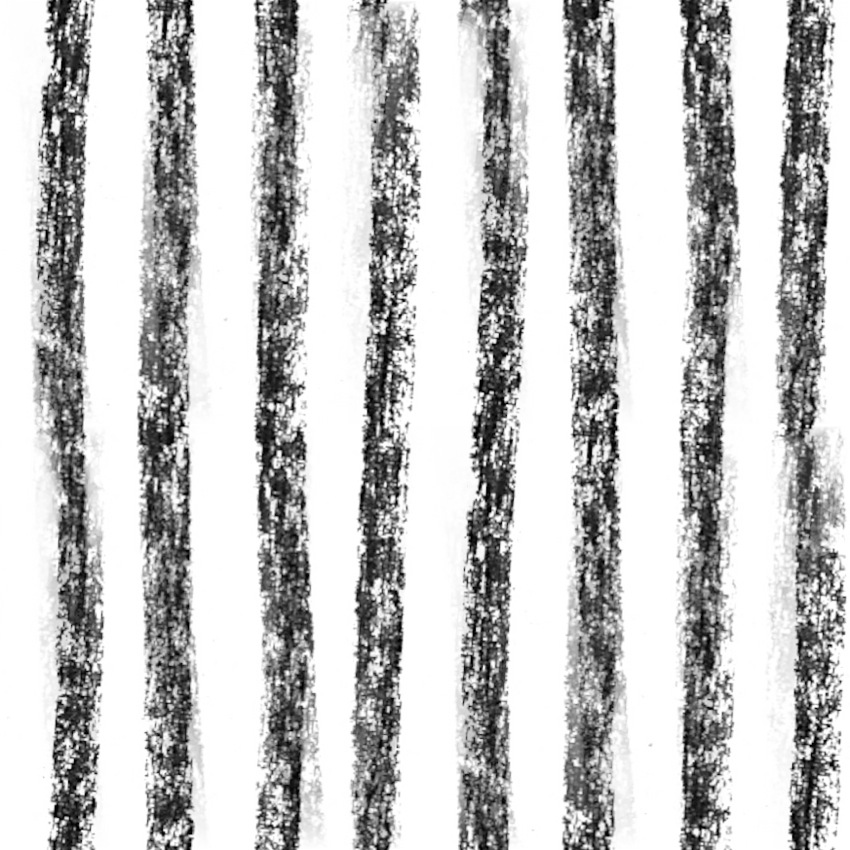
(The two that are missing are horizontal and vertical thick lines)Here are samples of criss-cross shadows using your think and thick lines.
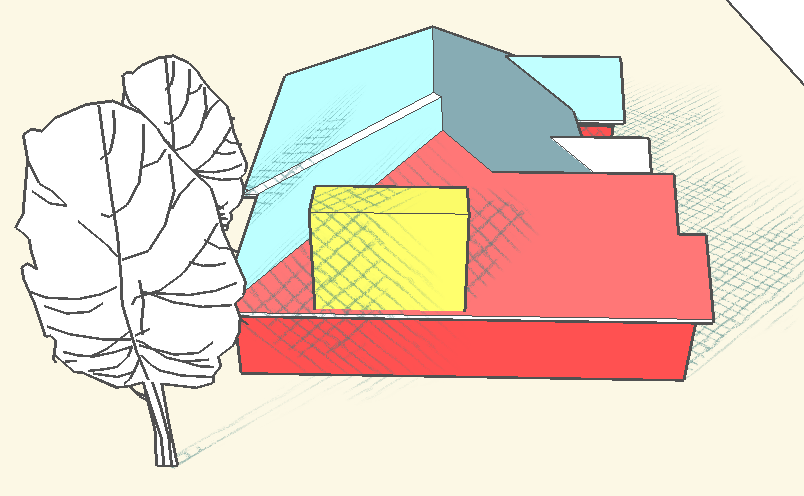
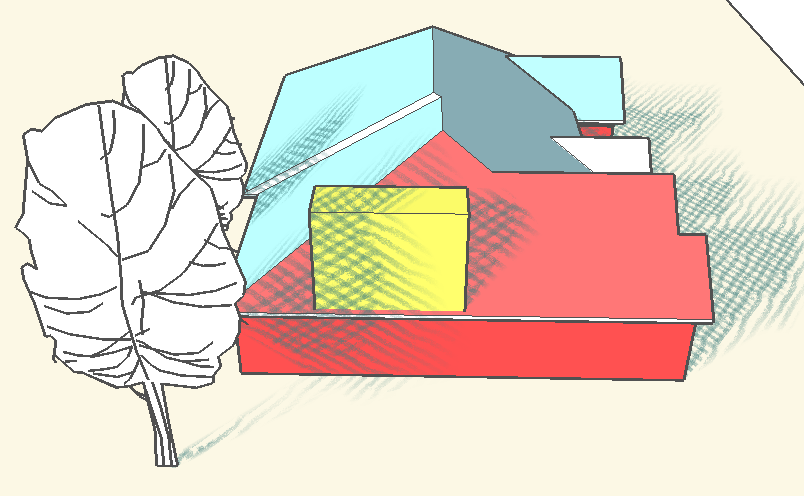
Al Hart
IRender nXt from Render Plus -
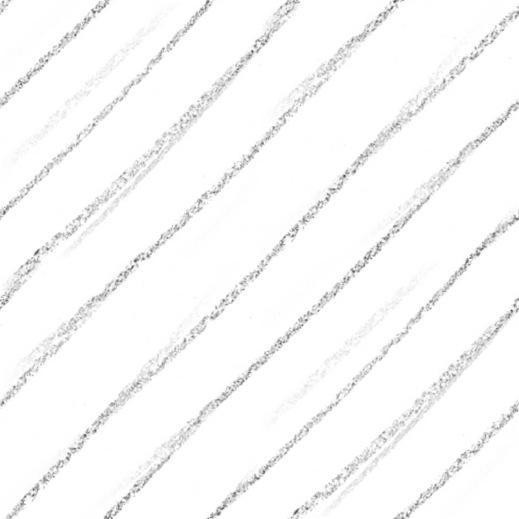
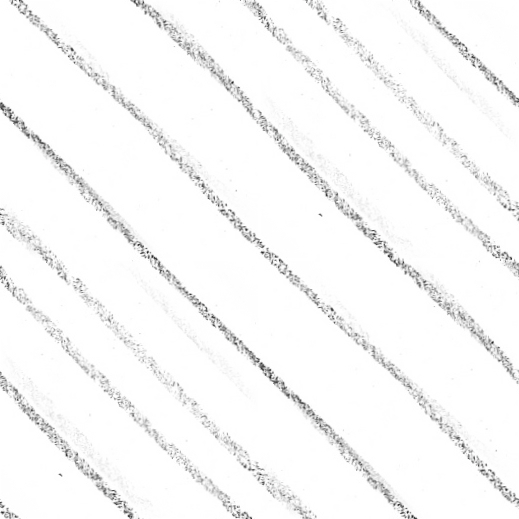
-
Oh No:

Then I will have to add another row to the dialog (thin, medium, and thick)
(Actually that will be great!
 )
)I'll watch your post of 1:09 - because you will probably add the images to a previous post.
Al Hart
IRender nXt from Render Plus -
New post!

-
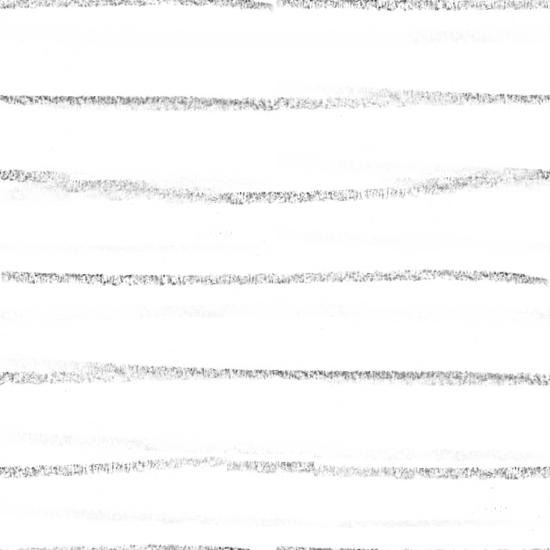
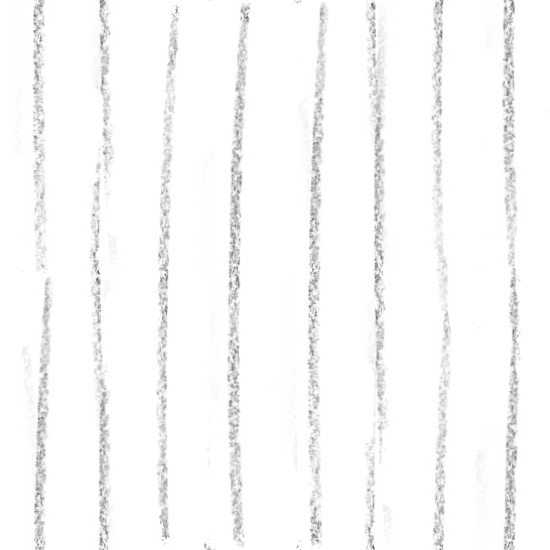
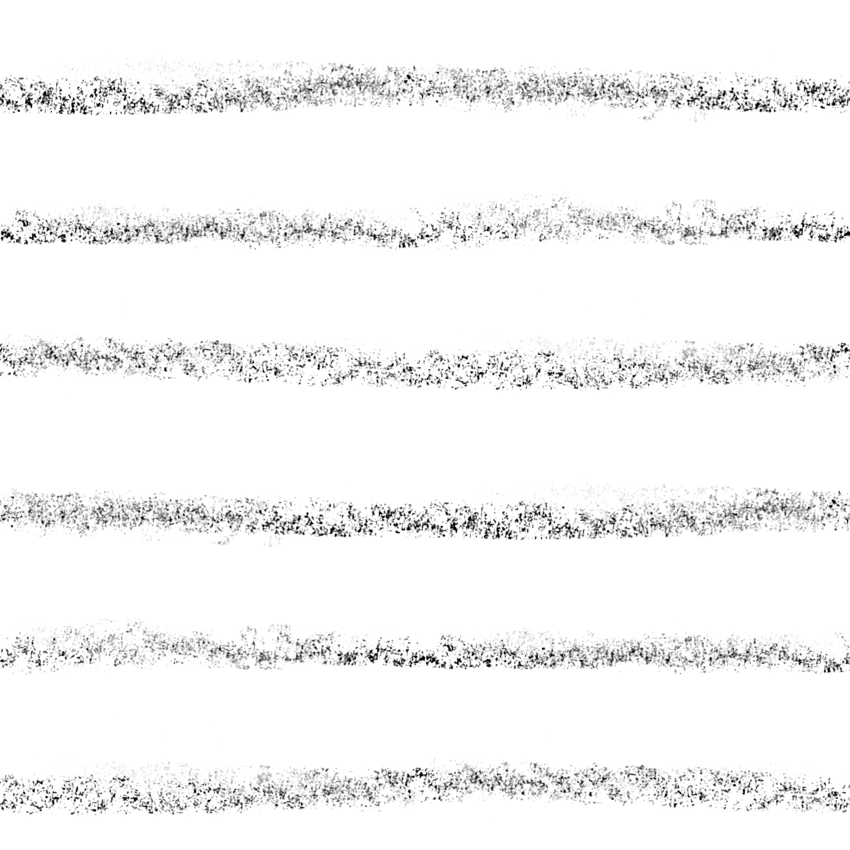
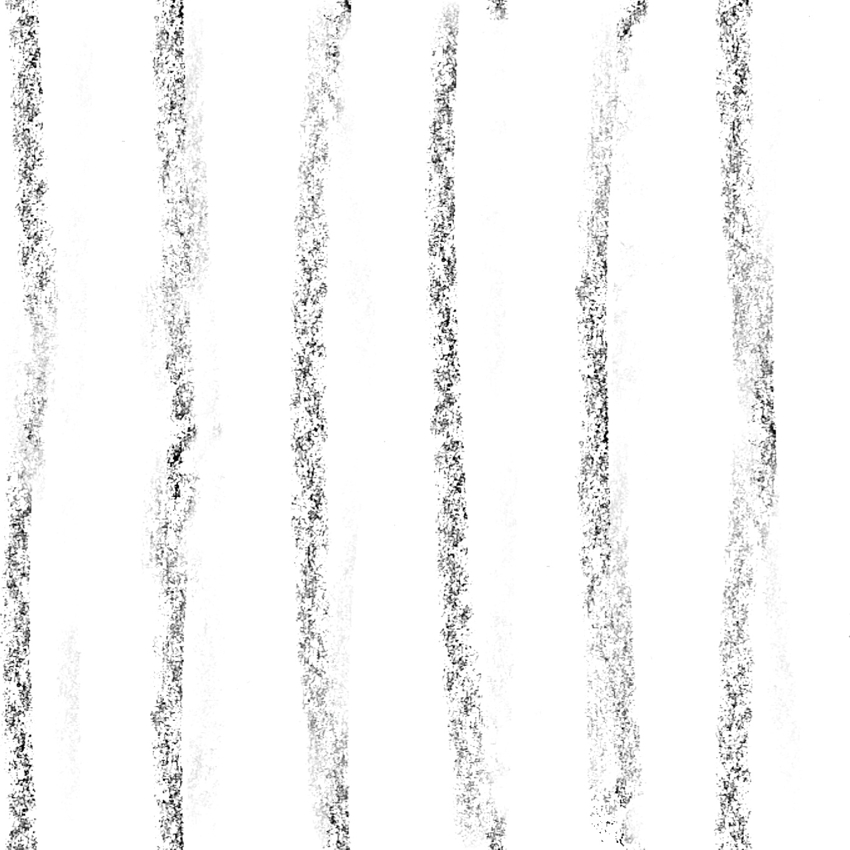
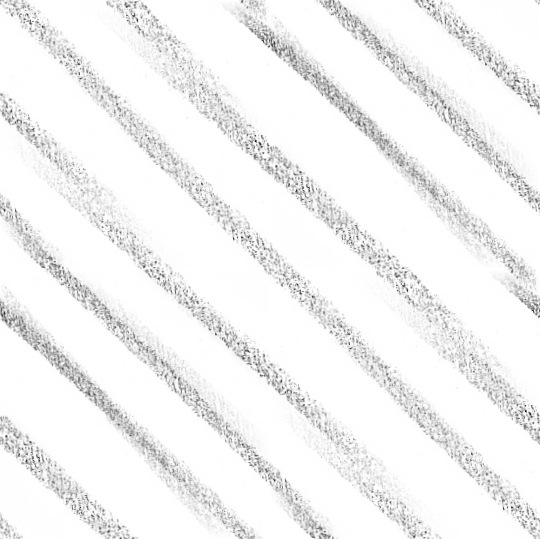
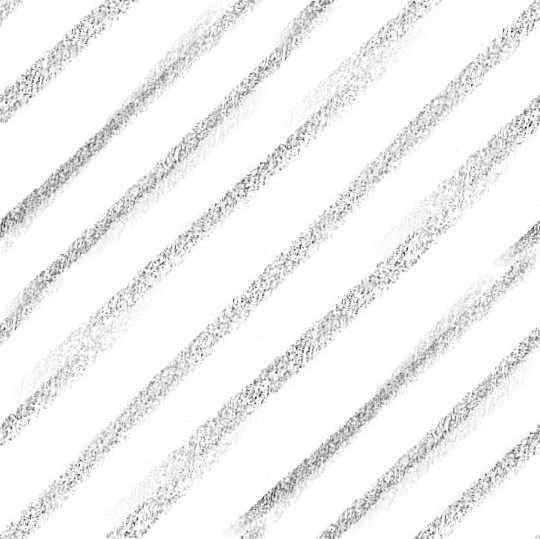
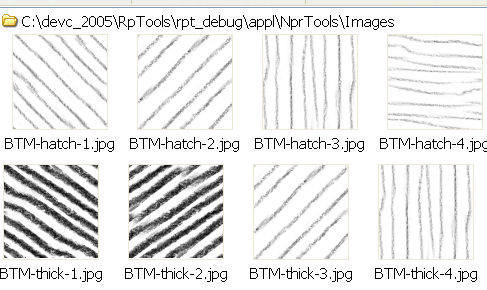
here's another (Possible) set; the diagonal lines are the same as eachother, but one's flipped vertically, because my other attempt didn't work
 The diagonal and non-diagonal patterns don't seem to be the same style exactly ( They were drawn on different surfaces; I should remember to draw them in the same places...), but they SEEM to work well together anyways. I don't know if you'd really want them or not, but I'll post them here anyways.
-
... tomorrow I'll switch the horizontal and vertical lines on that last one for some that match the diagonal. But not now.
-
Thanks, BTM
If you decide to upload all 12, in a zip file (which would be easier for me - since I can download all 12 at once), then name them 1,2,3,4 for each type.
(Criss-cross shadows require that the various patterns go up by 1, e.g. if xxx1.jpg is the first criss-cross, then xxx2.jpg needs to be the second.Also, if you have the opportunity to easily save them as .png files, then that will improve the quality of the product that much more - by not having to deal with the loss of quality with .jpg compression.)
Also, when you get your copy of the product, and try them out and if you want to change them, all 12 images are stored in a folder -
(It will actually be called: C:\program Files\Render Plus\RpTools\appl\NprTools\Images )Other users - you will be able to select any group of images of you own for use as patterns as well.
Al Hart
IRender nXt from Render Plus




Advertisement