Fighting with pushpull tool
-
Dear Wo3Dan,
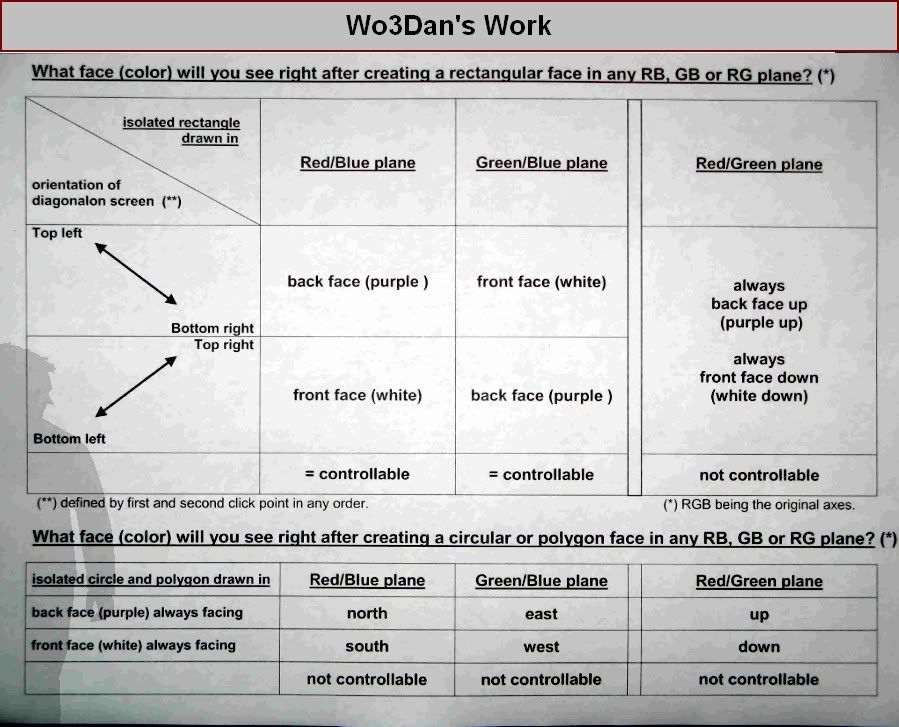
You know what, " votre travail est un modèle du genre ". You've done here such a complete and significant work on PUSHPULL TOOL, that it summarizes the totality of the issue. We know for now that even if P/P runs with an unnecessarily complicated behavior, it is not unpredictable at all...
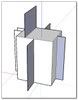
I think no one else have never done this total work before:
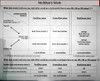
So that our memory does not cry out you've given us this summary:
@unknownuser said:
%(#0000BF)[From all this I find only a few things worth to remember.
- there is a rule for the orientation when creating a face in 3D space depending on the plane you are working in, so no unpredictable behaviour. (forget the list, to much)
- with Ctrl you leave a copy behind. Never mind its orientation. Check later and reverse if necessary. The new shape however is white outside.
- The new face inherits its orientation from adjacent faces if possible.
- double clicking lets you speed up the process of P/P-ing multiple faces by the same distance.
- (not mentioned before) Alt+P/P moves the face perpendicular, dragging/stretching connected geometry with the face. (I seldom use this feature).]
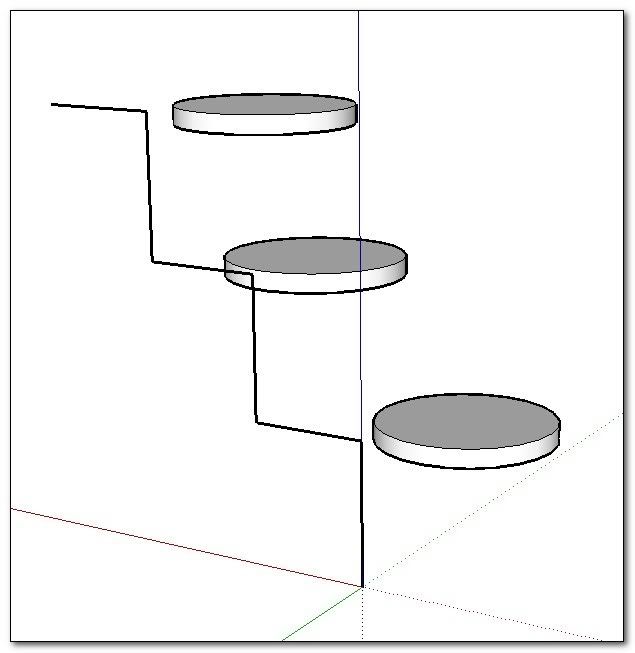
(About this last point, i have found it very interesting for example to position volumes in space according to elements of a structure)
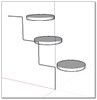
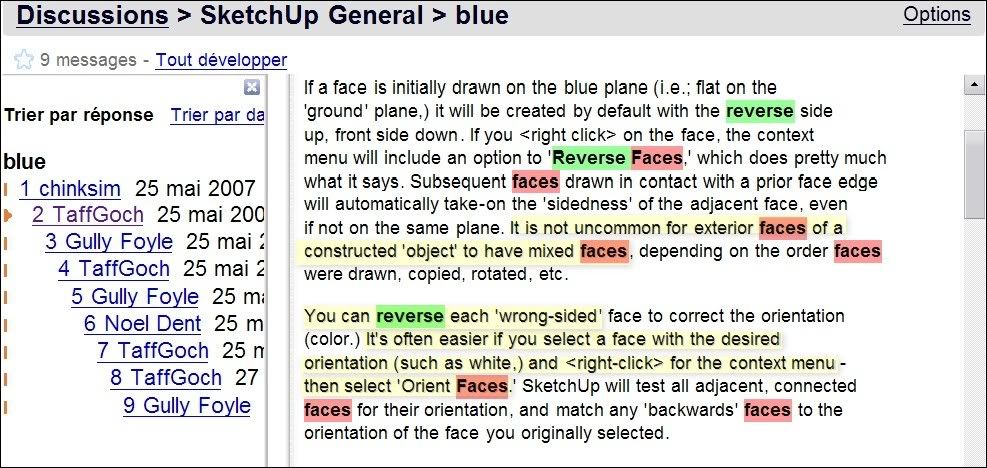
And you also gave us this link about: Discussions > SketchUp General > blueDiscussions > SketchUp General > blue
In which I particularly remember the intervention of TaffGoch:

Perhaps here is the end of this topic. Would you accept "Messieurs" "mes mercis et mes bravos" for this excellent topic.
They participated with goodness: Remus Boofredlay WO3Dan TaulaJoe Gaieus Jean Lemire Simonlebon.....
-
Simon,
Fait avec plaisir! Je regrette que mon français n’est pas comme il faut.
J’ai oublié presque tout se que j’ai étudié pendant 7 années á l’école, beaucoup des mots, grammaire etc.
Chaque fois quand ici quelqu’un écrit an français j’essaye de lire tout.
Il me faut, pars que près que chaque année je passe mon vacance en France.
Et chaque année (avant de..) je me promesse encore une fois d’ étudier français.
Mais malheureusement je manque le temps.About P/P, I did not even include ‘wild’ plane contours in the list. As I said before, sometimes
it just is not worth it to know all these things for it is much easier to correct/reverse faces.
As long as you remember the basic rules with P/P.I did something similar with textures and how they are applied to faces when deleting a mutual line from two adjacent coplanar faces with different textures. My list became so complex since not only the size but also the used shapes and many other things seemed to be involved here. Which face inherits what texture? I simply gave up. I learned a lot from doing that though. Now I know how to go about if something isn’t right.
I followed the other thread about the spiraloid shaped stairs. There is another way (as always) to do this but it takes a lot of work. But first you need to figure out what slab shape you want.
One thing you found out already. To create a nice curved shape for the stairs with ‘Follow Me’. I might participate in that thread if I find some time and when the results do not satisfy you. Don’t forget to use the P/P here to repeat pulling out the separate face-segments from a single curved surface (in ‘show Hidden Geometry’ mode). This could in one way help you to get the basic structure.cheers,
Wo3Dan




Advertisement