Cutting_windows.rb
-
j'ai installé cutting_windows.rb.
Tous va comme il faut, je peux choisir "make me a cutting window by .....
Mais quand je colle la fenêtre dans le mur elle ne coupe pas un trou.au secours au secours
hans groenen

-
You say it didn't make the hole in the wall, but did it do anything? ie Is it that it just didn't make a good cut?
Adam
-
Hi Adam,
Indeed, It didn't make a hole in the wall Nothing happends
Hans
-
Bjr,
@unknownuser said:
quand je colle la fenêtre dans le mur
Tu la colle bien sur la face extérieure du mur ?
-
bonjour Didier,
J'epère je peux me faire comprendre.
Oui, je colle bien sur la surface.
Je l'ai essayé une dixaine fois avec des fenêtres du components en avec des fenêtres qui j'ai dessinéhans
-
Hans,
Send me a SKP example with a component that causes a problem, I'll check it -
Didier,
c'est pour moi la premiere fois que je visite ce Forum.
Comment il faut faire ca, envoyer un example. -
-
Hans,
It works. I suppose you didn't click on the first point again when defining the cutting outline.
-
Hello Didier,
Thanks for your efforts,
Alas, it doesn't work.
I'm sure that I have selected with 5 clicks.
This morning I have tried also the option "" ...by face "
and ...by points. But both methods don,t work.
After selecting one way or the other I have turned the component 90 degrees
and placed it with the move tool in the wall.
Nothing happends ???
I have a lot of plugins but this is the only one with problems.Hans
-
Hi Plessis,
Is it working with the file I've attached
If yes, this means you had a problem when making th component cut.
If no, it is a Sketchup config problem or something independant of the script itself.
Hope this helps, -
hello Didier,
Thanks,
Even with the attached file I'm not successfull.
Perhaps it is a SU config problem.
I don't know how to solve that.
Bad luck for me !
In the future I have to cut first the holes
and after that I can place the windows / doors.
Such as I did it in the pastHans
-
Hello Didier,
I think I have found it.
When I " intersect with model "
and after that the selected face erase IT WORKS !Hans
Ahh no !!! Not wih thick walls.!!!
-
Plessis,
You mean you placed components on walls and these walls were groups ? -
Didier,
The walls are no components or groups.
I was too enthusiastic.
It works not.Hans
-
Keep trying, there's absolutely NO reason it cannot work for you and it works for others.
-
I seem to be having a problem myself with this Didier.
I am using your posted skp to test.
Using your window component included I right click, click the four corners in a clockwise direction then finish with a fifth click on the 1st point.I get the 4 pink squares until I click outside the component on finishing.
If I double click and open the component, the axis is sat on the plane where the pink boxs were.Placing the window on the wall does not cut.
Am I missing a step? -
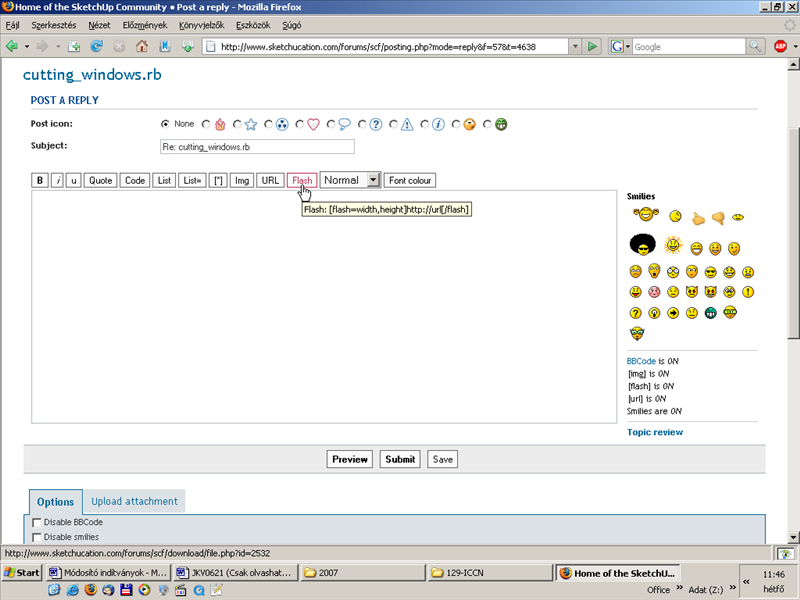
Didier, you can embed Flash during the post, can't you? (True it needs to already be somewhere on the net).
-
Hi,
@unknownuser said:
Placing the window on the wall does not cut. Am I missing a step?
Yes. Once the component has been placed on the wall, you must "tell" SU where the window will be (in the width of the wall).
Right-click, select "window and wall / Cut wall from window".
Watch this little flash anim:
(sorry, SWF extension not allowed, so it is zipped)[flash=654,438:3o0ia8b4]http://www.crai.archi.fr/RubyLibraryDepot/Ruby/cutting_windows_1.swf[/flash:3o0ia8b4]
-
The controls should be within the flash file. I can't open pure flash files here in my office but I1ll have a look at home.
Also I don't use Wink but Coen does so I'll let him know about this and he can give you some advice maybe.



Hello! It looks like you're interested in this conversation, but you don't have an account yet.
Getting fed up of having to scroll through the same posts each visit? When you register for an account, you'll always come back to exactly where you were before, and choose to be notified of new replies (either via email, or push notification). You'll also be able to save bookmarks and upvote posts to show your appreciation to other community members.
With your input, this post could be even better 💗
Register Login


Advertisement