Lego Land Rover
-
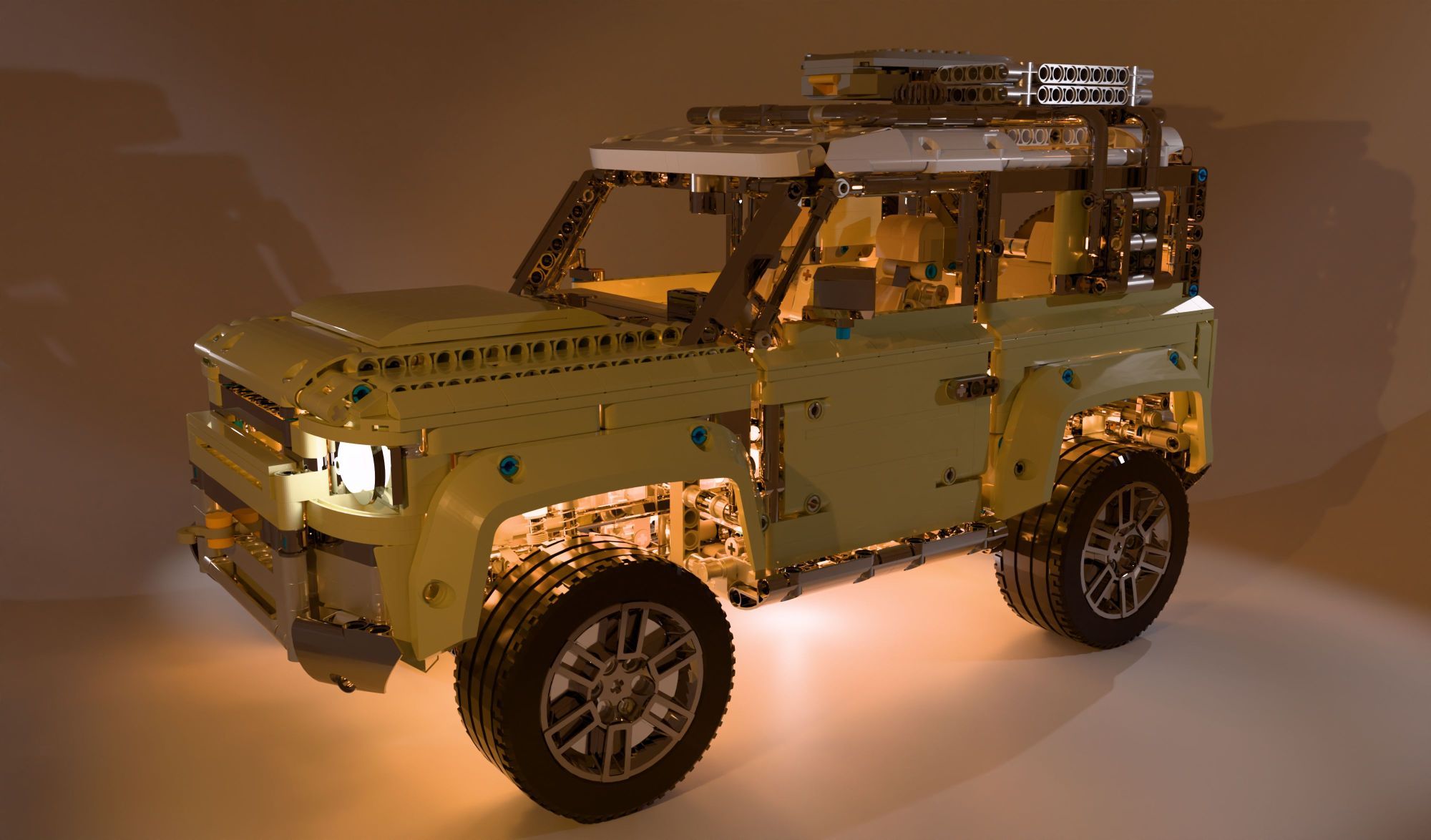
A CAD model of a Lego Land Rover Defender 90.
Just for a giggle.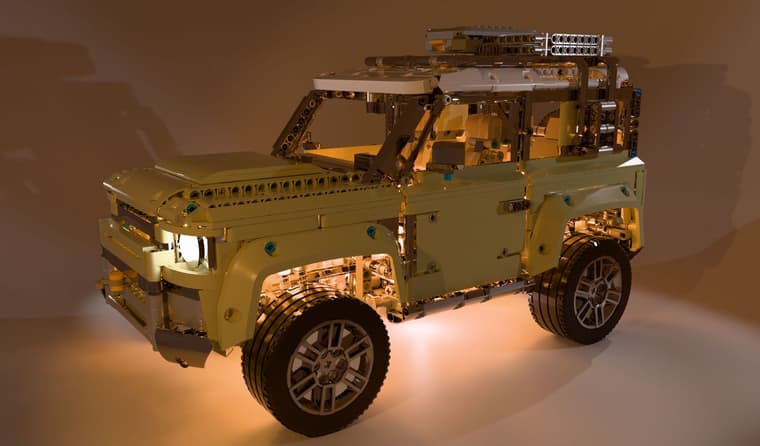
-
That’s really great! Send it over to the Rayscaper showcase.
-
Ta mate.
-
Where is that model available Mike?
-
The link DOES work.
-
-
I have this on my links!
N° of pieces are not the the same everywhere ! You must make some tricky workaround!
https://rebrickable.com/ File IO (explore forum for find some files Io)
https://www.mecabricks.com/ Modelisation Online
https://www.bricklink.com/v2/main.page N°
-
there are several free software tools and online converters that allow you to transform LEGO building files (.io from BrickLink Studio, .lxf from LEGO Digital Designer, or .ldr/.mpd from LDraw) into standard 3D formats (.obj, .stl, .fbx, .dae, .gltf, etc.), and vice versa.
Here are the best options depending on your needs:
- Free Software (Most Reliable & Complete)
BrickLink Studio (Recommended)
Supported formats: Opens .io, .lxf (LEGO Digital Designer), .ldr, and .mpd files.
3D conversion: You can export your model directly to .dae (Collada), .obj (Wavefront), or .ldr. This is the cleanest method for preserving colors, textures, and precise part geometry (including the LEGO logo on the studs).
LeoCAD
Supported formats: Opens .ldr, .mpd, and .lcd files.
3D conversion: Easily exports to .obj (ideal for Blender, Maya, Cinema 4D) or .3ds.
LDView
Supported formats: LDraw files (.ldr, .mpd, .dat).
3D conversion: This is the go-to tool if your goal is 3D printing, as it offers direct native export to .stl (as well as .3ds).
- Using Your LEGO Models in Blender
If you want to do 3D rendering or animation in Blender:
The Import LDraw Add-on (or Blender LDraw Importer): Allows you to import .io (Studio), .ldr, and .mpd files directly into Blender without prior conversion, automatically generating realistic plastic shaders (with micro-scratches and reflections).
Mecabricks (Online): You can build or import models on this free web platform and export them to Blender using their official free add-on (.zmbx format), which provides the highest photorealistic rendering quality available.
- Online Converters (No Installation Required)
If you only have a .ldr or .mpd file and want a quick conversion without installing software:
FabConvert or Aspose 3D Conversion: Let you drag and drop an .mpd or .ldr file to download it as .obj, .stl, or .glb. (Note: The output is sometimes less accurate with curves and materials compared to Studio or LeoCAD).
- The Reverse: Converting a 3D Model (.obj / .stl) into LEGO Bricks
If you want to turn a standard 3D object into a LEGO build:
BrickLink Studio has a built-in feature (File > Import > Import 3D Model) that automatically "voxelizes" any .obj or .stl file and rebuilds it using real LEGO bricks.
3DToLD (open-source tool on GitHub) converts .stl, .obj, or .3mf files into custom LDraw part files (.dat).
Practical Tip: If your file is in .io (Studio) or .lxf (LDD) format, open it first in BrickLink Studio (free on Windows and Mac) to export it as an .obj (for standard 3D software) or as an .ldr and then convert to .stl via LDView (for 3D printing).
- Free Software (Most Reliable & Complete)
-
The 'brick' components, which can be downloaded separately from the car, are in 'Autodesk inventor' format in this instance.




Hello! It looks like you're interested in this conversation, but you don't have an account yet.
Getting fed up of having to scroll through the same posts each visit? When you register for an account, you'll always come back to exactly where you were before, and choose to be notified of new replies (either via email, or push notification). You'll also be able to save bookmarks and upvote posts to show your appreciation to other community members.
With your input, this post could be even better 💗
Register Login


Advertisement