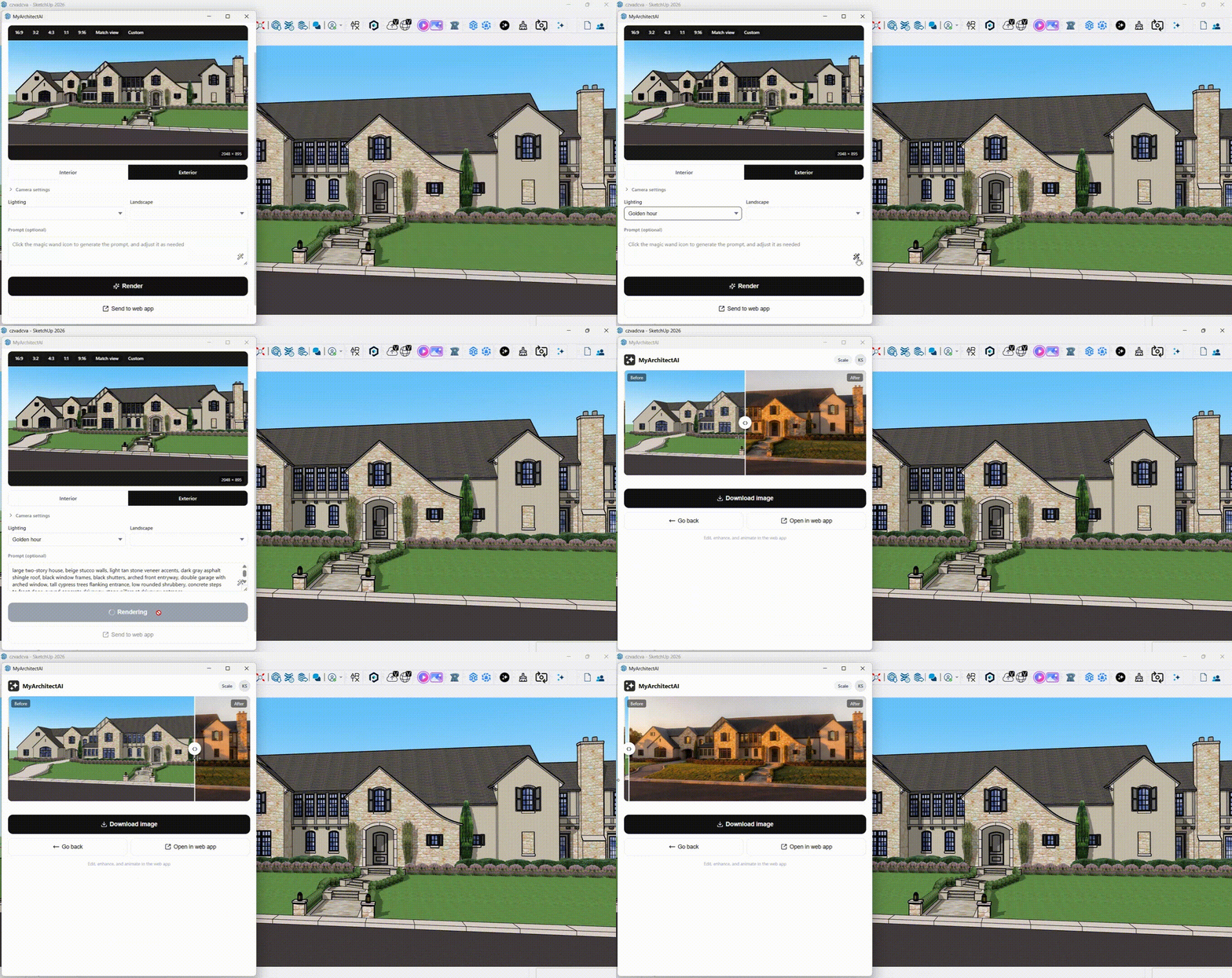
MyArchitectAI plugin - beta testers needed
-
Hey Kacper, Looks slick. Love to move away from the browser too.
-
@Rich-O-Brien glad you like it Rick! It's been one of the most requested features from our users, so I'm excited to finally launch it.
-
Hi,
I use Vray for render, Vray uses proxy meshes for assets. MyArchitectAi rendered them as they are. It should render car shaped meshes as cars and tree shaped meshes as tree i guess.. -
Proxy meshes won't render correctly in our tool as the engine works differntly than physically-based renderers like V-Ray. MyArchitectAI can only see what's visible in your view. If your trees look like gray blobs in SketchUp, they'll look like gray blobs in your render.
So instead, use full 3D models for anything important in your scene, especially furniture, plants, and trees. Alternatively, you can add than at a later step using one of our editing tools (available in the web app at the moment).
-
Ok. Thank you..
-
-
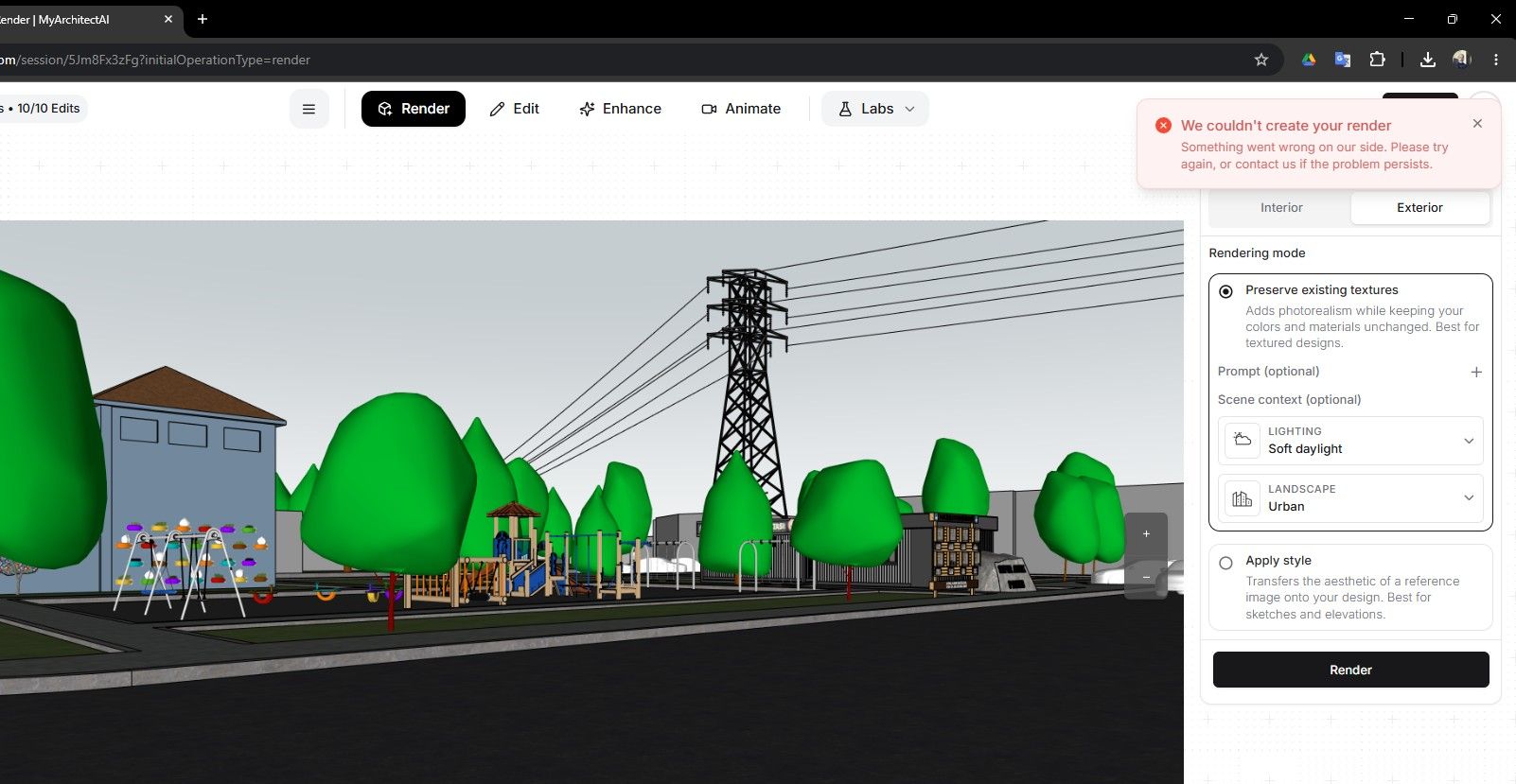
@kenancakir this is usually caused by adblockers, VPNs, Brave browser, or firewalls - are you using any of these?
-
@kacper7 I work for a municipality project office. All computers works on a server.
-
OK, that most likely explains it as these kind of networks very often have strict firewall rules. Please try using a different network and let me know if it helps.
-
Hello,
it's time to use Rayscaper




Hello! It looks like you're interested in this conversation, but you don't have an account yet.
Getting fed up of having to scroll through the same posts each visit? When you register for an account, you'll always come back to exactly where you were before, and choose to be notified of new replies (either via email, or push notification). You'll also be able to save bookmarks and upvote posts to show your appreciation to other community members.
With your input, this post could be even better 💗
Register Login


Advertisement