RayScaper
-
@Mike-Amos you are right dear friend.
-
@majid I think even the use of the textured "cards" looks very nice. It's a good trick for faster render times and protecting SketchUp from becoming very slow. It's also a good test to prove that you don't need the latest high-end hardware to get good visualizations with Rayscaper.
I'm the developer of Rayscaper: https://rayscaper.com/ - Fast and easy rendering for SketchUp.
-
@pixelcruncher
I used a combination of a 3D model and a "face me "component for grass.
I made a very simple component ( a square and a vertical line) then included my grass models inside it. The simple one is on one "tag" or layer and the detailed and face me model are on another "tag" or layer. Then made the "heavy" tag/layer invisible to move between scenes,
This way I can handle grass easily. -
I had the chance to prepare a video on utilizing Rayscaper in product (car) rendering.

Here is the link to it, Happy Rayscapering!:
https://youtu.be/rhct92eJDtc -
I highly recommend @majid 's video if you want to learn more about Rayscaper. Majid has been using Rayscaper since its inception (not long ago
 ) and has extensive experience with other visualization software.
Thanks for producing this video @majid
Cheers,
ThomasI'm the developer of Rayscaper: https://rayscaper.com/ - Fast and easy rendering for SketchUp.
-
@pixelcruncher My pleasure to do that. I guess it works for beginners to get familiar with the interface and materials and those who are specially into product rendering.
-
@pixelcruncher I DMed you, dear Thomas.
-
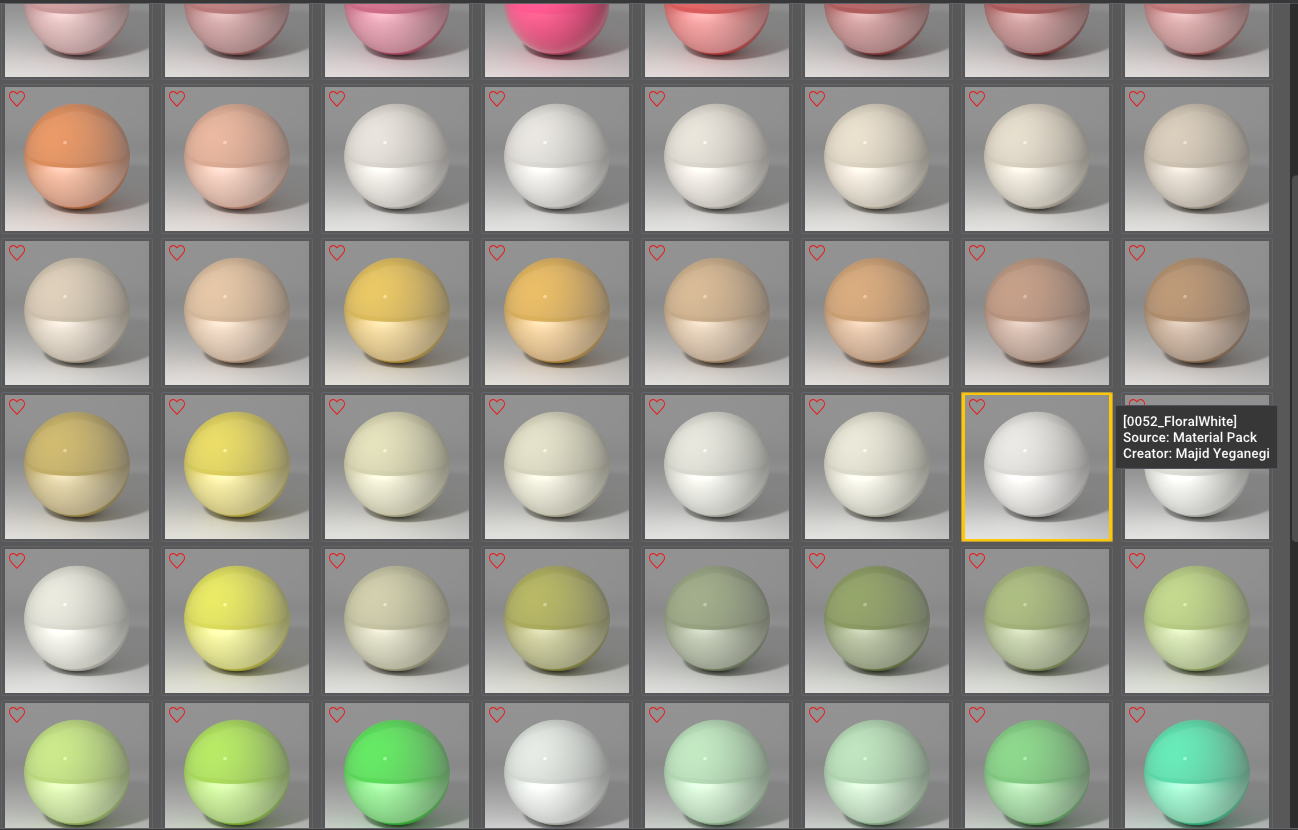
I am preparing a decent library of metallic carpaints. -
I am looking forwards to those when they arrive. Thank you, Sir.
-
Wow, looking awesome!



Hello! It looks like you're interested in this conversation, but you don't have an account yet.
Getting fed up of having to scroll through the same posts each visit? When you register for an account, you'll always come back to exactly where you were before, and choose to be notified of new replies (either via email, or push notification). You'll also be able to save bookmarks and upvote posts to show your appreciation to other community members.
With your input, this post could be even better 💗
Register Login


Advertisement